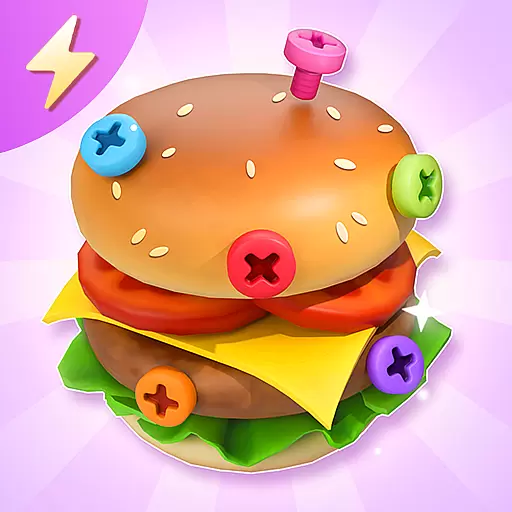
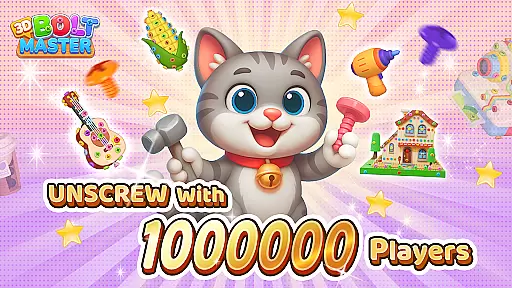
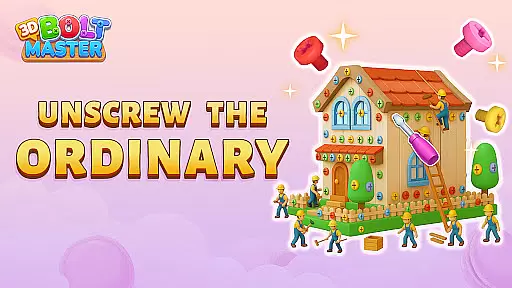
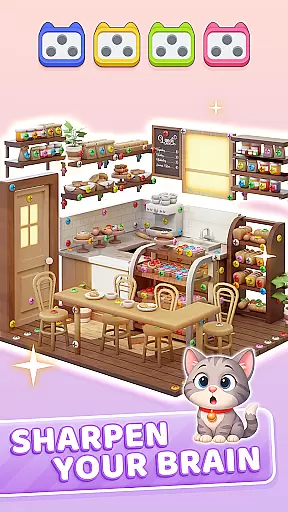
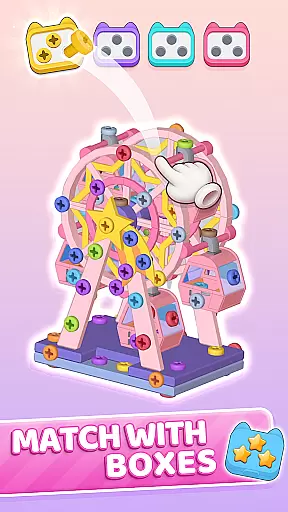
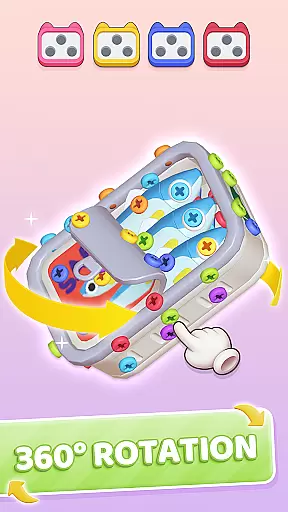
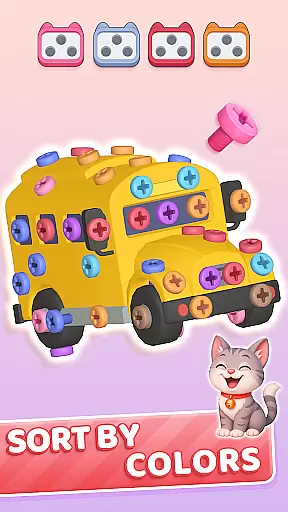
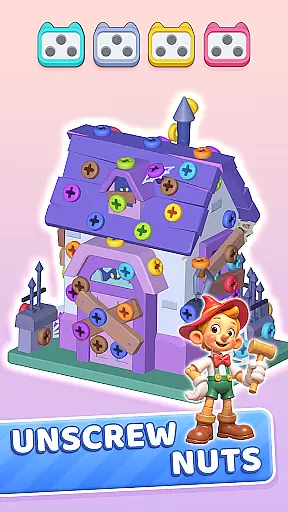
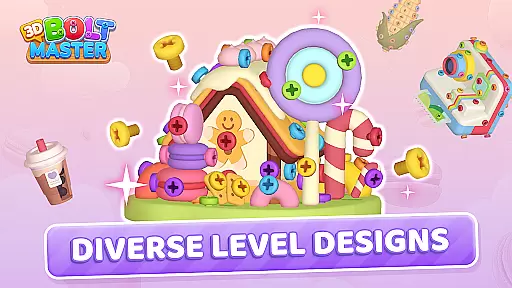
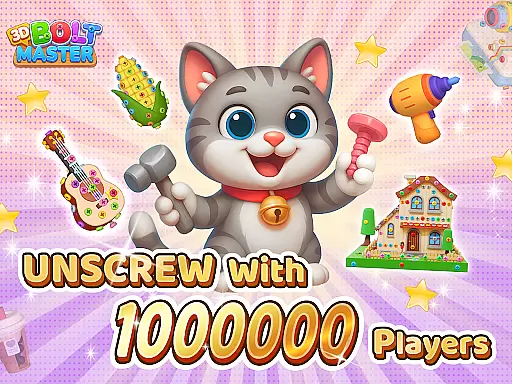
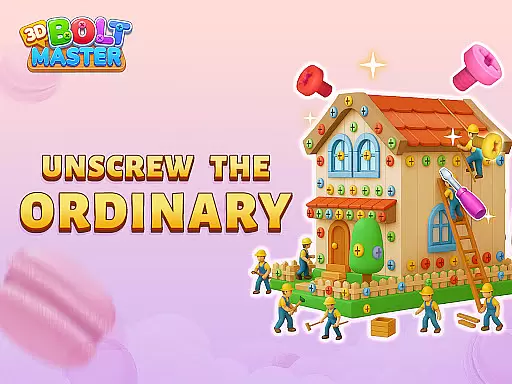
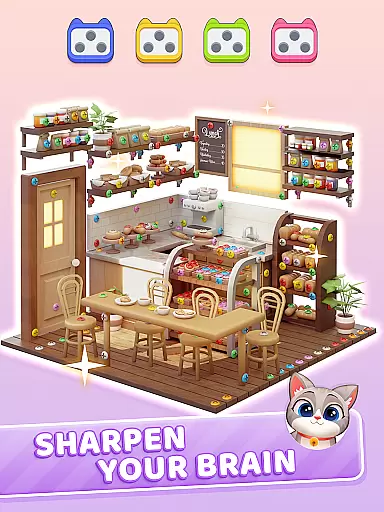
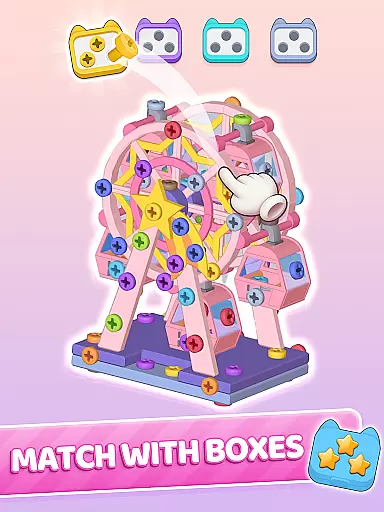
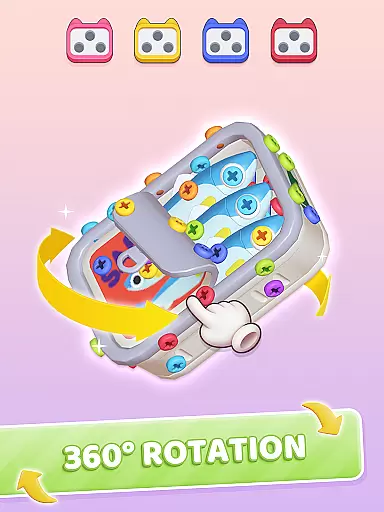
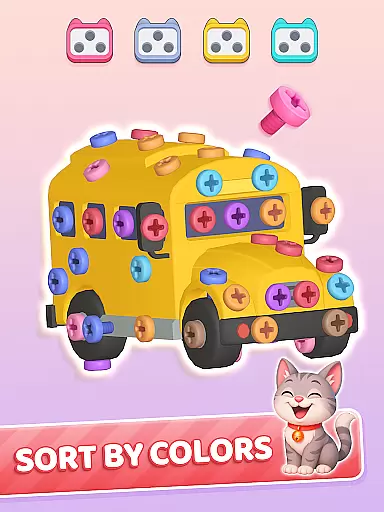
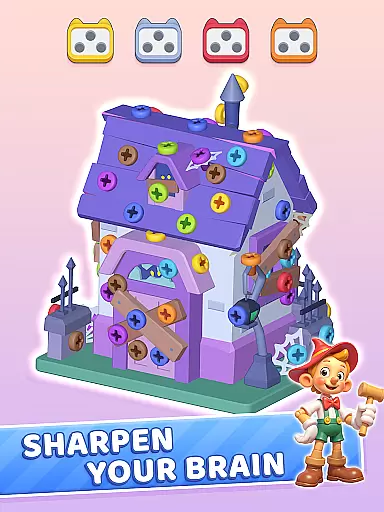
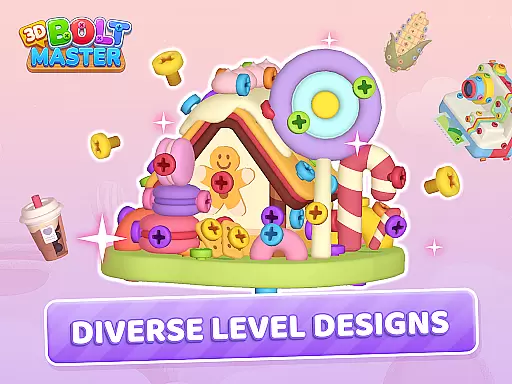
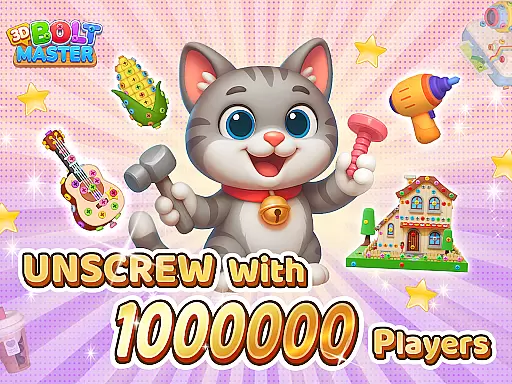
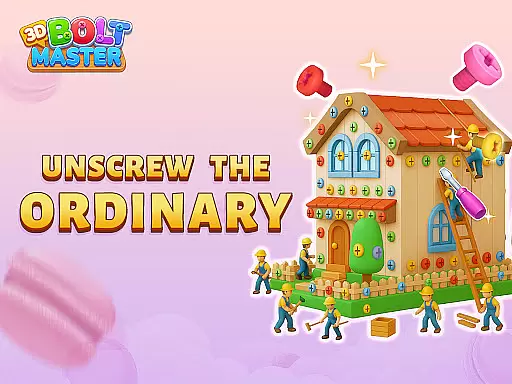
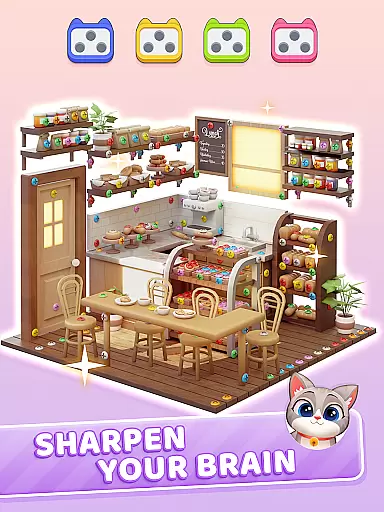
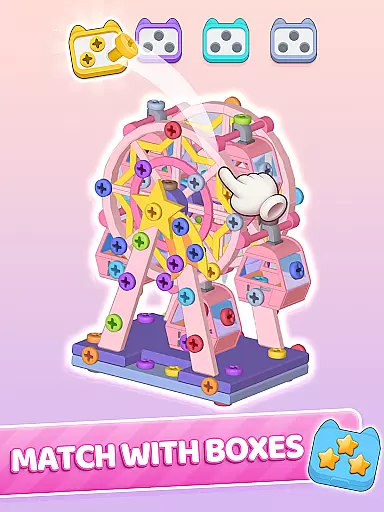
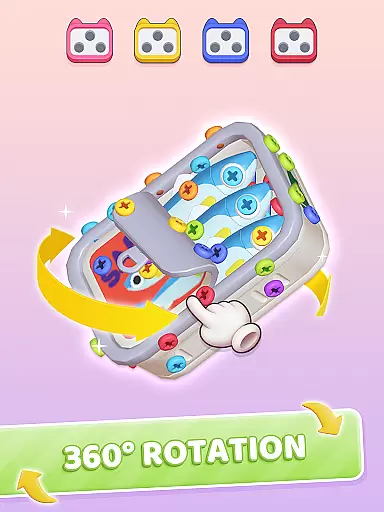
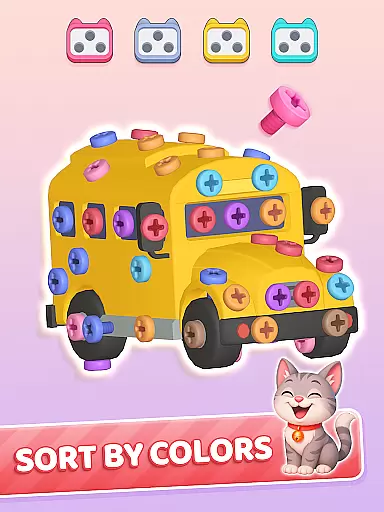
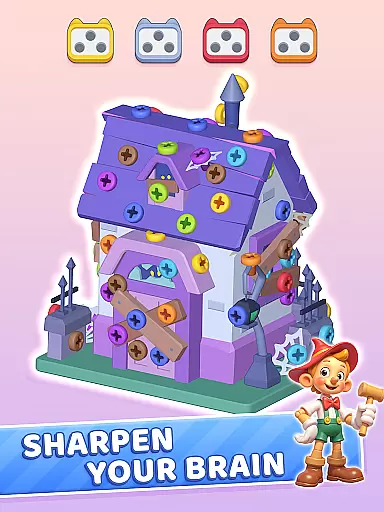
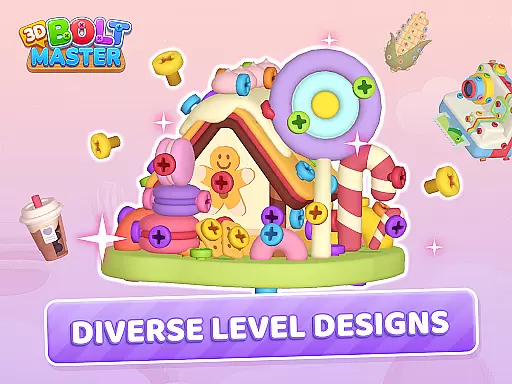
3D Bolt Master™ is a casual puzzle game that combines vibrant colors, satisfying sorting mechanics, and soothing challenges. Designed for players seeking mindful relaxation, the game offers a unique experience where you rotate, unscrew, and sort 3D screws and bolts to solve intricate puzzles. With its calming color palettes and smooth controls, it provides an engaging yet stress-free environment suitable for short breaks or extended play sessions.
The app also features exclusive Black Friday Carnival events, limited-time perks, and daily rewards, making it more than just a puzzle game. Players can enjoy offline access, gentle brain engagement, and special in-game events like the "Black Friday Challenge," which unlock extra gifts and discounts. Whether you're looking to sharpen your focus or simply unwind, 3D Bolt Master™ delivers both entertainment and mental clarity.
One of the standout features of 3D Bolt Master™ is its innovative gameplay mechanics. The game allows players to smoothly rotate 3D screw models, unscrew blocked nuts, and free trapped bolts with precision. Tools such as hammers, drills, and brooms assist in solving color-coded puzzles, creating a satisfying tactile experience. These tools not only enhance gameplay but also add depth to each level's challenge.
Additionally, the app includes accessibility options like a Color Blind Mode, ensuring that all players can enjoy the experience. This mode uses high-contrast palettes and unique patterns (△□○) to differentiate screws easily. Daily and limited-time events, streak bonuses, and exclusive gift packs further enrich the experience, offering players continuous incentives to return and engage with new content regularly.
At the heart of 3D Bolt Master lies a beautifully simple core gameplay mechanic that is easy to grasp yet offers endless hours of engaging fun. The game revolves around sorting and unscrewing vibrant bolts and nuts, providing players with an intuitive and satisfying experience.
The controls are designed for ease of use - players can smoothly rotate 3D screw models, unscrew blocked nuts, and free trapped bolts with precision. This straightforward mechanic makes the game accessible to players of all ages and skill levels, while still offering enough depth to keep seasoned gamers entertained.
What sets this casual game apart is how it combines basic sorting mechanics with increasingly complex puzzles. As players progress, they encounter more challenging arrangements that require strategic thinking and careful planning, creating an engaging experience that evolves with the player's growing skills.
Understanding the modern player's need for flexible entertainment options, 3D Bolt Master offers remarkable session length flexibility that adapts to various lifestyles. Whether you have just a few minutes during a coffee break or want to spend an extended period unwinding, the game adjusts seamlessly to your available time.
The game's structure allows players to complete quick puzzles in short bursts or tackle more complex challenges during longer sessions. This adaptability makes it perfect for both casual gamers who prefer bite-sized entertainment and dedicated players seeking more substantial engagement.
Additionally, the inclusion of daily events and limited-time challenges creates natural stopping points while encouraging regular returns. Players can easily pick up where they left off, making it an ideal companion for busy schedules and varied gaming preferences.
Engaging puzzles
Vibrant visuals
Offline access
Daily rewards
Accessible design
Limited replay value
In-app purchases
Ads between levels
Occasional bugs
Steep difficulty curve
Classical snake game style for Wear OS
 4.00
4.00
Aim-Shoot-Blast: Perfect Shot
4.3
Monster Attack! Hide and run cleverly or unleash your inner angry hunter!
4.20
Build bridges till the winning stage!
4.20
A cozy puzzle city builder for creativity on the go
4.4
Short and sweet incremental mining game!
4.40
A cozy idle farming game, watch tiny guys do tasks around the terrace.
4.20
Puppy rescue meets puzzle escape! Save pups, dodge traps & build a dream shelter
4.50
Miraculous Ladybug is here to dance and play with the talking cat Angela.
4.30
Blast through Match-3 puzzles, collect cute creatures, build your own paradise!
4.90
Be the Coin Master: attack friends & collect coins in this fun adventure game!
4.80
Tricky Puzzle Fun Brain Story is a fresh brain game with everyday scenarios
4.50
Click your way to a fortune in Treasure Chest Clicker!
4.40
Freddi and Luther have arrived at the Founder’s day festival!
4.20
Explore dungeons simple action RPG game Dungeons & Pixel Hero!
4.00
Relive those 8 bit glory days
4.3
Play music with emojis! A colorful and fun piano for all ages.
4.4
A game where you swipe various objects to send them to the desired location
4.5
Classic brain train minigames
4.4


User Reviews