
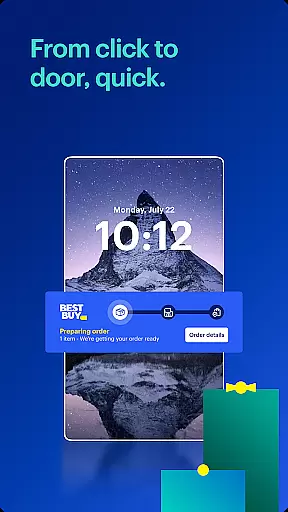

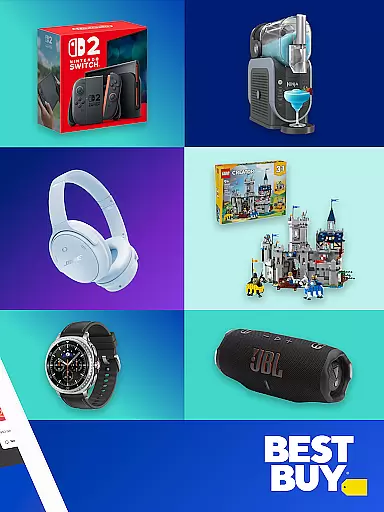
Best Buy is a premier shopping application designed for tech enthusiasts and home improvement seekers alike. The app provides an extensive selection of electronics, appliances, and gadgets with exclusive online deals and a Price Match Guarantee. Users can enjoy seamless shopping experiences through features like warp-speed checkout, curbside pickup, and augmented reality visualization. Whether you're looking for the latest smart TVs, kitchen appliances, or home security systems, Best Buy ensures you find what you need at competitive prices while enjoying perks such as 24/7 access and real-time order tracking.
The app also introduces the Best Buy Marketplace, expanding its offerings with third-party sellers. This includes everything from sports memorabilia to musical instruments, making it a one-stop destination for diverse shopping needs. With dedicated sections for deal finders, sales notifications, and membership benefits, Best Buy enhances both online and in-store shopping experiences. Its integration of technology, convenience, and customer-centric features makes it invaluable for modern shoppers seeking quality products and exceptional service.
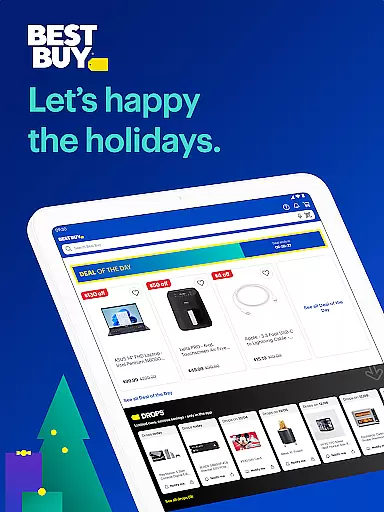
Best Buy stands out with its comprehensive suite of shopping features tailored for tech-savvy consumers. One of its key highlights is the Price Match Guarantee, ensuring users always get the best deal available. The app simplifies product discovery with categories ranging from smart home gadgets to gaming consoles and kitchen appliances. Additionally, the Deal of the Day and membership-exclusive tech deals provide significant savings on top brands, enhancing the value proposition for frequent shoppers.
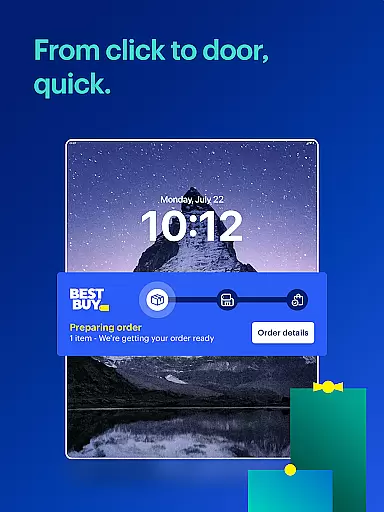
Convenience is prioritized through innovative functionalities like augmented reality (AR), which allows users to visualize products in their space before purchasing. Curbside pickup streamlines the buying process by enabling customers to notify the store of their arrival for quick order retrieval. Real-time order tracking keeps users informed about delivery statuses, while the expanded Best Buy Marketplace offers unique items from third-party sellers. These features collectively create a dynamic, user-friendly platform that caters to diverse consumer needs while maintaining a focus on accessibility and satisfaction.
Best Buy offers an extensive range of products, ensuring that customers can find exactly what they need. From the latest gadgets and electronics to essential home appliances, the app provides a comprehensive selection that caters to diverse consumer preferences.
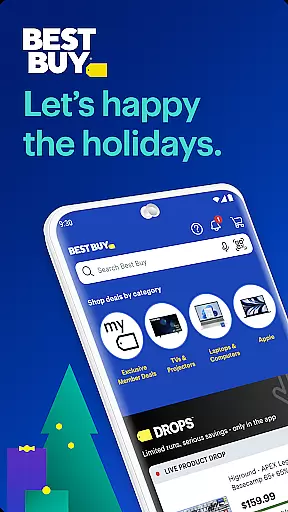
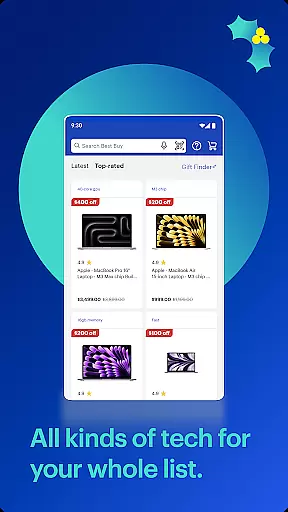
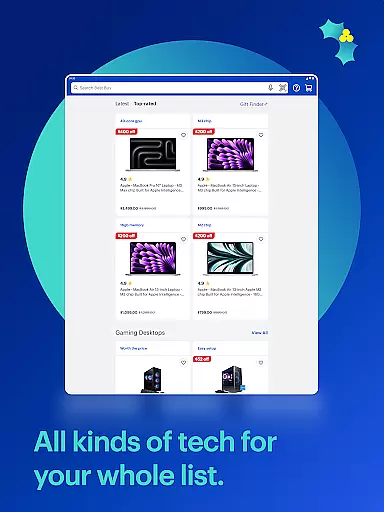
The app's interface is designed for easy navigation through various categories such as smart TVs, gaming consoles, laptops, kitchen appliances, and more. This categorization allows users to quickly locate their desired items without feeling overwhelmed by the vast inventory available.
Moreover, Best Buy enhances user experience with features like ratings and reviews directly in the product listings. Shoppers can make informed decisions based on feedback from other customers, which adds another layer of confidence when making purchases.
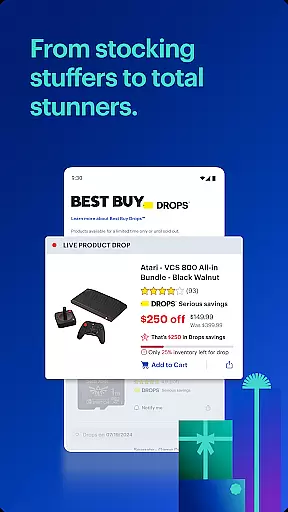
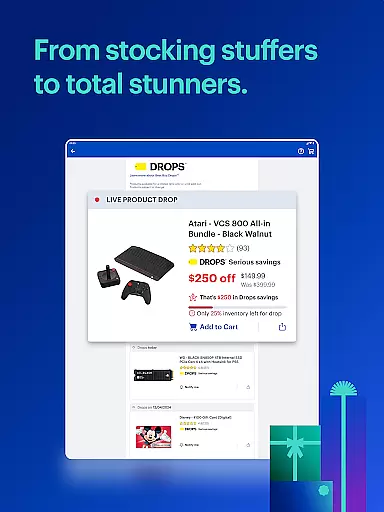
With dedicated sections for deals and sales, users are always aware of the best shopping opportunities. Whether it's seasonal promotions or limited-time offers, the app ensures you never miss out on significant savings across different product lines.
One of Best Buyu2019s standout features is its commitment to pricing transparency and competitiveness. The Price Match Guarantee assures customers that they will receive the best possible price on their purchases, matching any qualified competitor's lower price.
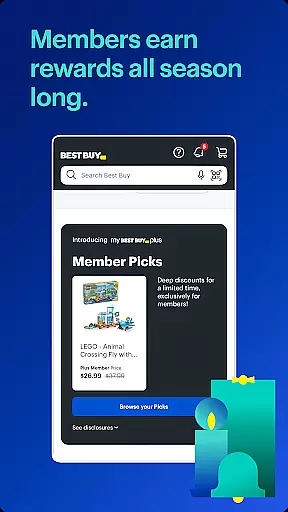
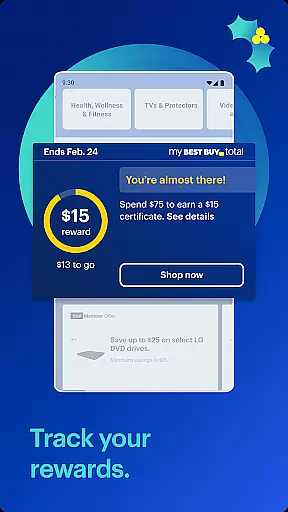
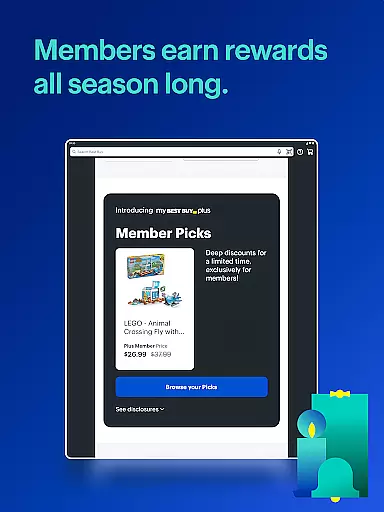
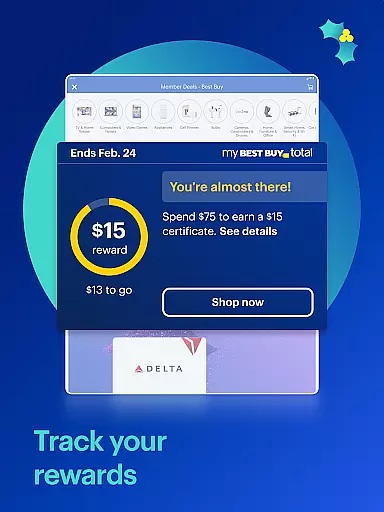
Users benefit from real-time notifications about top sales and exclusive tech deals tailored for My Best Buy Plusu2122 or My Best Buy Totalu2122 members. These alerts ensure shoppers stay updated on the most attractive offers, enhancing their ability to save significantly.
In addition to competitive pricing, the app provides detailed information on costs associated with each purchase, including taxes and delivery fees. This openness helps prevent unexpected charges at checkout, fostering trust between the retailer and its clientele.
Furthermore, frequent promotions such as Deal of the Day highlight substantial savings on popular electronics, encouraging timely purchases while maximizing value for money spent.
User-friendly interface
Wide product selection
Price Match Guarantee
Augmented reality feature
Curbside pickup option
Limited international availability
Membership required for some deals
Occasional app glitches
Heavy on promotions
Complex return policy

Affordable prescription eyeglasses, sunglasses, and more eyewear starting at 7!
 4.60
4.60
With the IKEA app, you can explore, shop for furniture, and check out—simply.
4.70
Shop with ease and save more; whether at home or in store!
3.60
Grooming, Training & Shopping
3.80
TikTok Shop is an integrated e-commerce platform within the TikTok app, allowing users to discover and purchase products directly through short videos and live streams.
4.10
The deals you love & beyond!
4.50
Play store promo codes for apps + Appsfree + app sales + paid app sales
4.40
wholesale stores
4.10
Access free, exclusive savings on the go thanks to Capital One Shopping!
4.70
Shop now, pay later. No credit needed.
4.90
Shop stores, delivery & pickup
4.80
Furniture, Décor & Design Tips
4.80
Shop for apparel: From jeans to dresses, to kids fashion and mens clothing!
4.80
Earn cash back and rewards from games, surveys, receipts and more
4.70
Online Marketplace: Resell vintage clothing, thrift & shop second hand items
4.70
Trendy Athleisure Wear. Affordable Skirts, Leggings, Functional & All Sizes!
4.60
Find the hottest deals before they disappear!
4.60
A world-leading B2B marketplace
4.40
The GameStop app was built to make shopping for gamers even easier.
3.10


User Reviews