
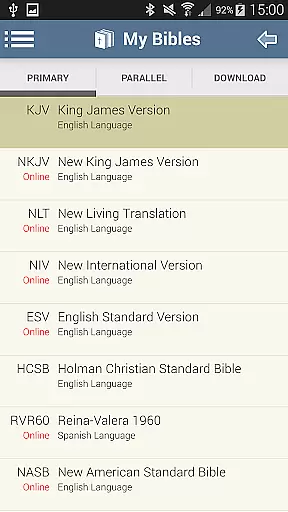
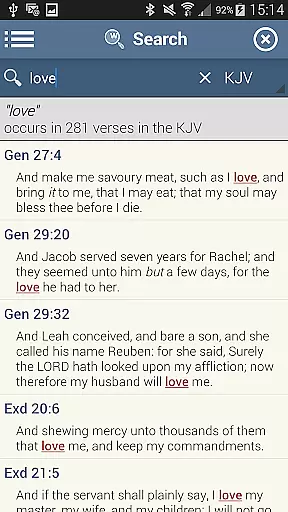
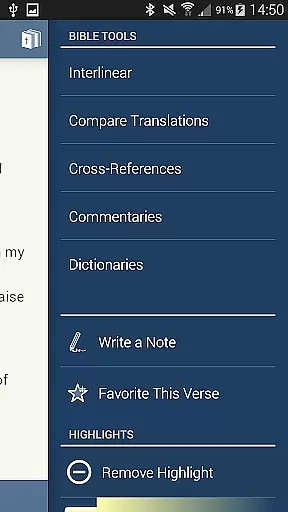
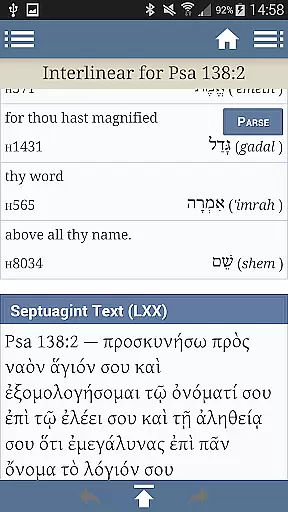
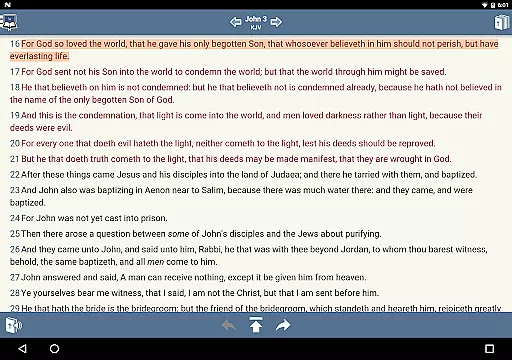
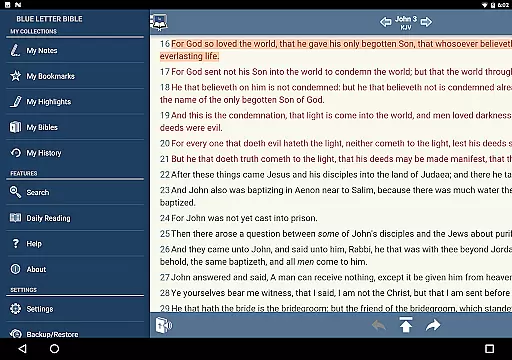
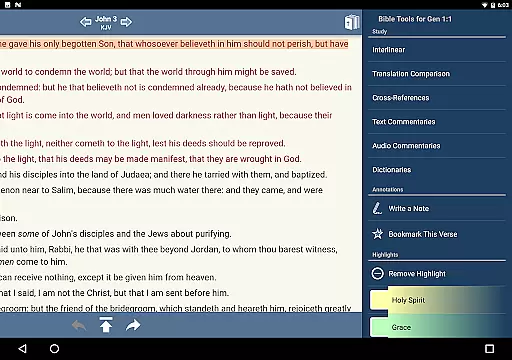
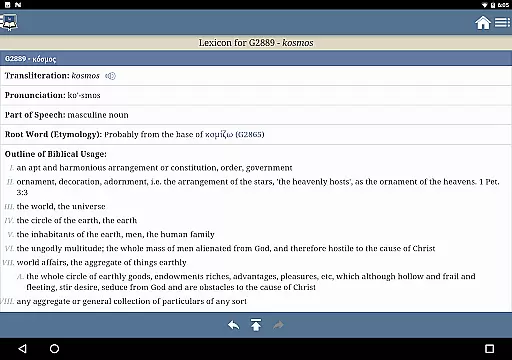
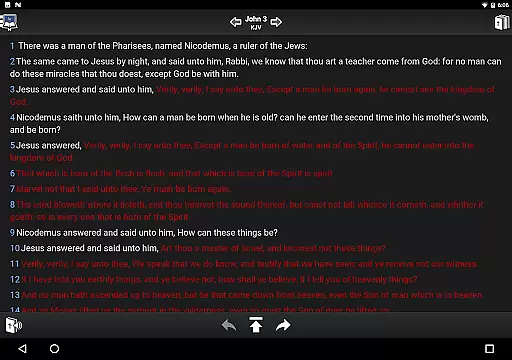
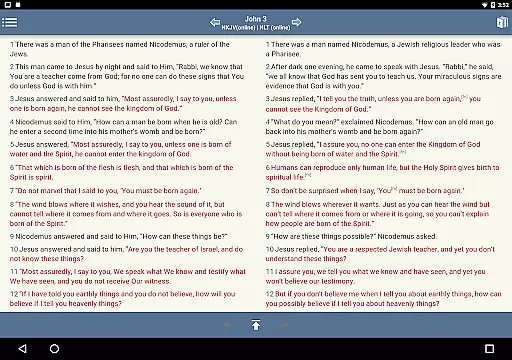
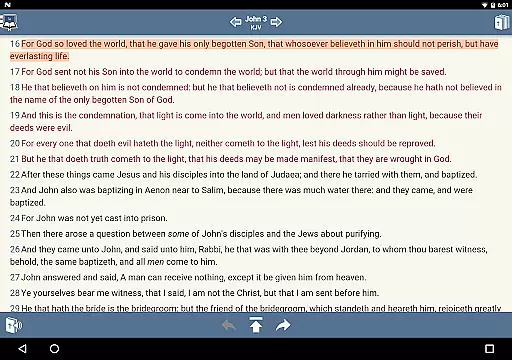
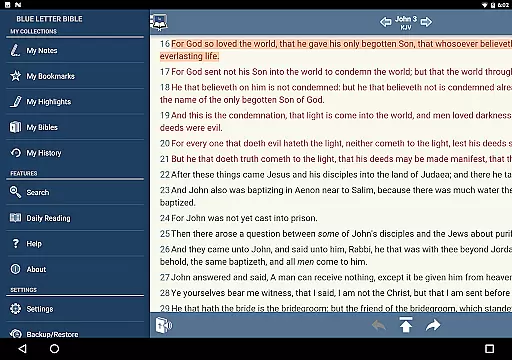
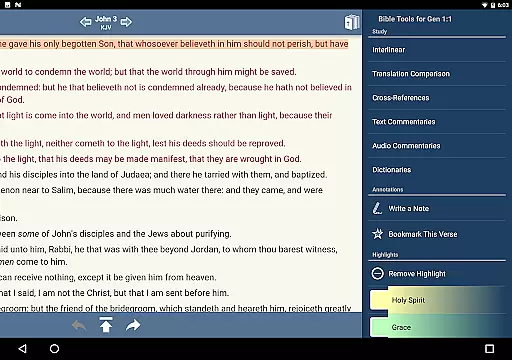
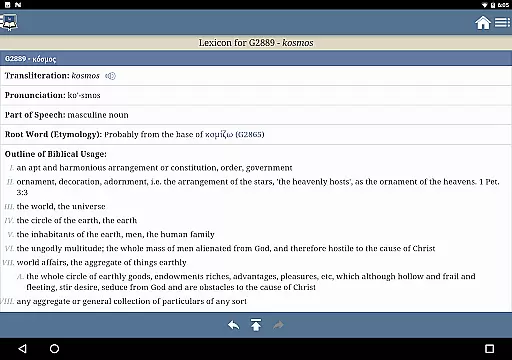
Blue Letter Bible is a comprehensive Bible study app that provides users with access to over 15 Bibles, original language lexicons, dictionaries, encyclopedias, and text commentaries. This powerful tool allows for in-depth exploration of scriptures through features like word study searches and the Treasury of Scripture Knowledge.
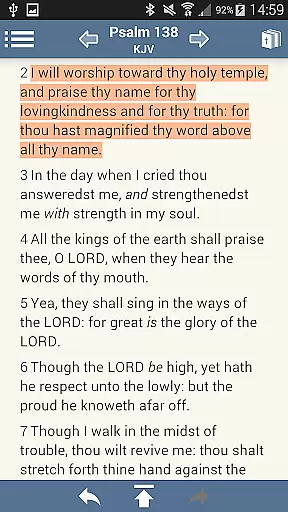
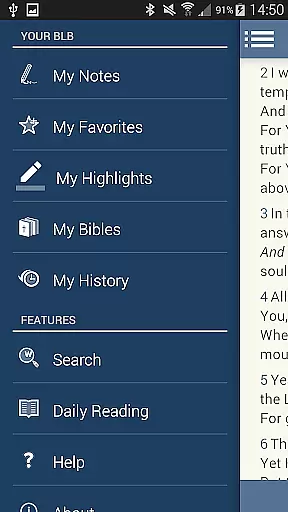
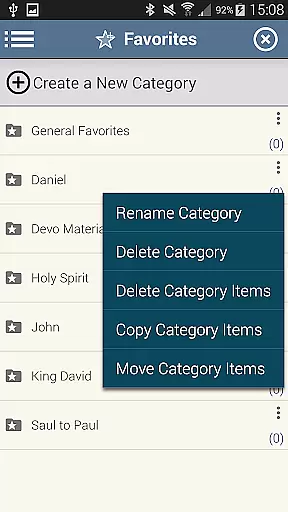
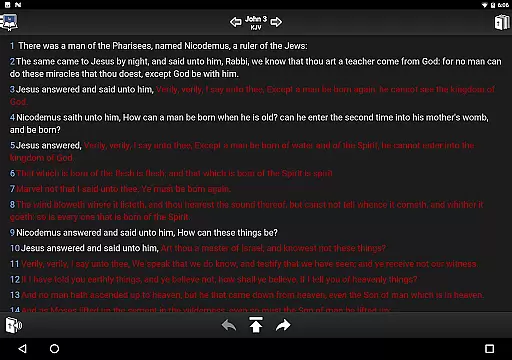
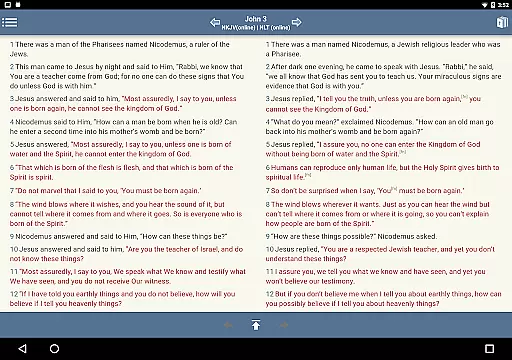
The app offers personalized study options including note-taking, tagging favorite verses, highlighting, and customizable reading settings. Users can adjust font sizes, line heights, and view parallel Bibles side by side. With millions of annual users, Blue Letter Bible supports those who wish to dig deeper into God's Word with extensive resources and intuitive study tools.
Blue Letter Bible stands out with its extensive library of over 8,000 text commentaries from more than 40 authors, offering diverse perspectives on scripture. The app's original language lexicon enables users to study Hebrew and Greek texts, while integrated dictionaries and encyclopedias facilitate comprehensive word studies.
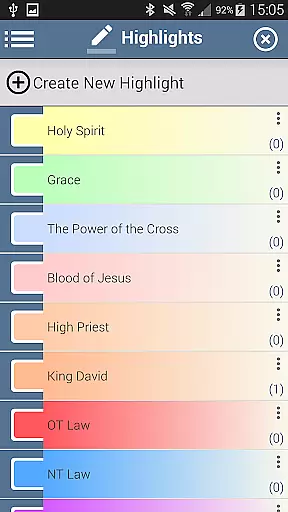
Personalization features include a note-taking tool with organizational notebooks, customizable verse tagging, and unlimited color highlighting options. Reading preferences are highly adjustable, allowing users to show or hide footnotes, verse markers, and words of Christ in red. The app also supports side-by-side Bible viewing for comparative study.
All these features are designed to enhance the user's Bible study experience, making it both deeper and more personal. Whether you're a scholar or a casual reader, Blue Letter Bible provides the tools necessary for an enriched understanding of biblical texts.
Blue Letter Bible offers an extensive collection of over 15 Bibles, making it a comprehensive resource for Bible study. The app provides users with various versions to choose from, ensuring that readers can find the translation that best suits their needs.
In addition to multiple Bible versions, the app includes text commentaries, Hebrew and Greek lexicons, interlinear texts, and dictionaries. These resources are carefully curated and represent works from numerous authoritative authors and scholars, reinforcing the authenticity and reliability of the content provided.
The availability of such a wide array of copyrighted materials signifies the app's commitment to delivering trustworthy and legally obtained e-books. Users can engage with the material confidently, knowing they have access to a vast and legitimate digital library at their fingertips.
User-friendly interface
Extensive study resources
Customizable reading options
Parallel Bible viewing
Comprehensive commentary library
May be complex for beginners
Requires internet connection
Limited offline functionality
Interface design is dated
Occasional performance issues

Bible, Catechism, Study, Saints, Mass Readings, Rosary, Prayer, Bible in a Year
 4.80
4.80
Enjoy your favorite books
3.50
Werewolf novels & romance stories in audiobooks for book lovers! Werewolf storie
4.60
Full text, sheet music, and recordings of the print edition
4.60
King James Bible read offline, AI Priest, Bible Quiz, Guiding Prayers & Plans
4.80
A companion for prayer, with Azan alarm, Quibla direction, and Holy Quran book
4.10
A story reading app: Read stories, novels and books, or write your own.
3.90
World's most comprehensive dictionary app: 13 languages, all online or offline!
4.80
A Comprehensive Restoration of Sacred Scripture
4.50
Holy Bible, a KJIV Bible study, audios & daily verses, talk with God now.
4.80
Enjoy daily devotionals, Bible verses, audio courses, and more.
4.80
Read the KJV Bible with Strong’s offline: reading plans, audio Bibles, and more.
4.70
Discover, track, and share your reading with friends & our community of readers
4.60
The ultimate military vehicle identification (Equipment ID) guide.
4.40
Learn Electricians' Handbook PRO complete guide beginners to advance.
4.40
Daily Bible app: King James Version with verses and audio for studying&prayer
4.40
Knots 360 Pro ( 3D ) shows you animated 192 knots in 3D perspective
4.10
“There was one last piece of cake. My little sister said ‘Me too!’”
4.00
ISAIAH EXPLAINED with Avraham Gileadi Ph.D.
4.00


User Reviews