
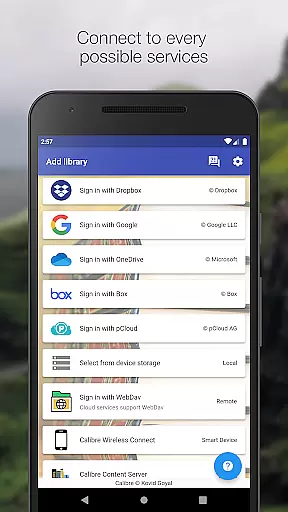
Calibre Sync is a powerful tool designed to seamlessly integrate your Calibre libraries with popular cloud services. The app supports Google Drive, Dropbox, Microsoft OneDrive, Box, pCloud, MEGA, WebDav, Nextcloud, and OwnCloud, making it the most versatile solution for managing your e-books across multiple platforms. With its wireless connectivity feature, users can effortlessly access their libraries without any physical connections, even supporting external storage options and Calibre Content Server.
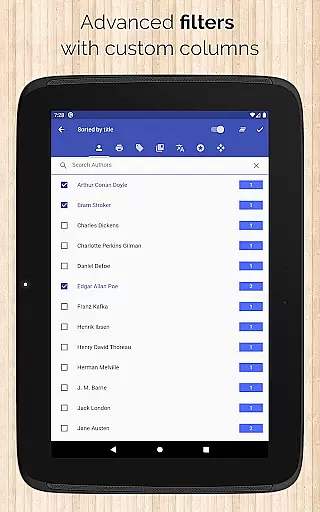
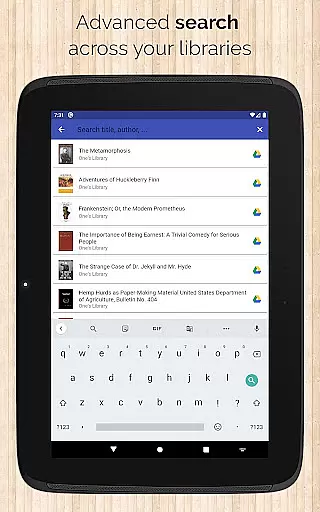
Beyond basic library access, Calibre Sync offers advanced functionalities such as automatic library updates, multiple account management, and various book list layouts including List, Grid, and Carousel views. It also provides detailed library statistics, extensive search capabilities, and customizable filters for sorting books by title, author, ratings, and more. Whether you're looking to browse, sort, search, download, or read books directly on your device, Calibre Sync delivers an exceptional user experience tailored to avid readers and digital librarians alike.
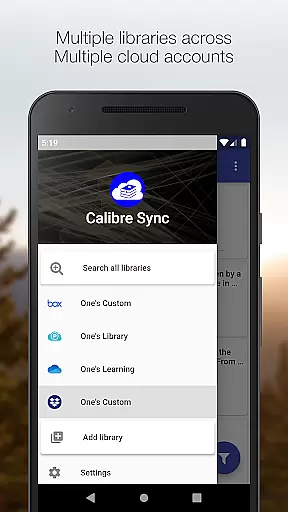
Calibre Sync stands out with its comprehensive set of features that cater to every possible need of managing an extensive e-book collection. One of its key strengths is the ability to handle unlimited Calibre libraries, allowing users to switch between multiple libraries across different accounts with ease. This flexibility ensures that no matter how large or diverse your collection is, you can manage it all from one place.
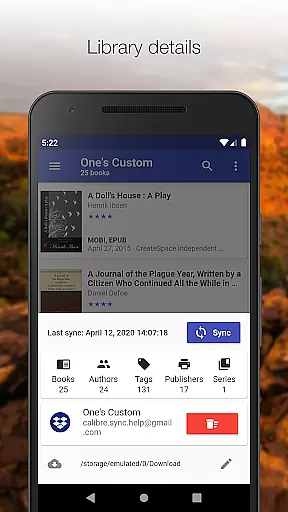
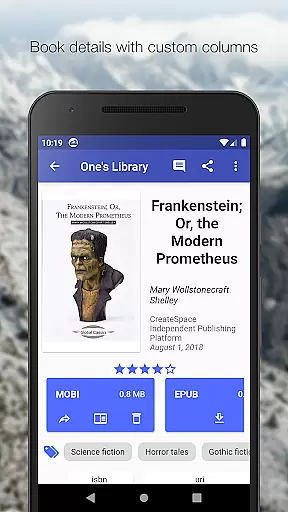
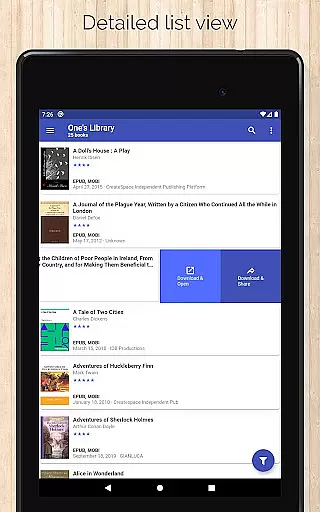
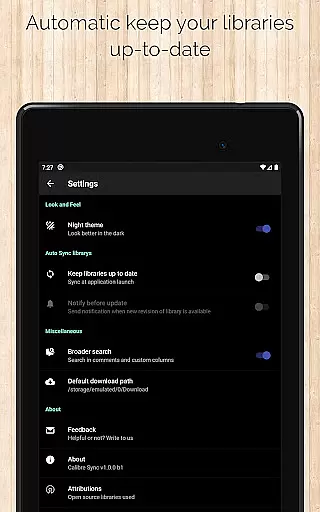
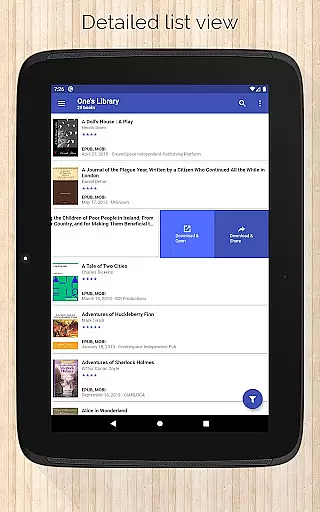
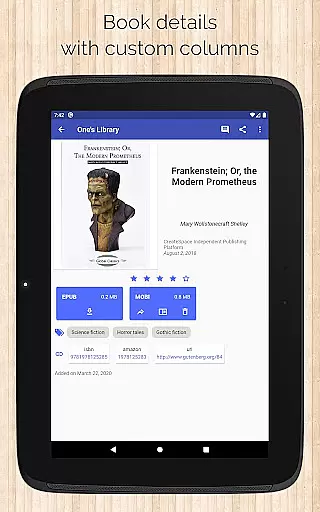
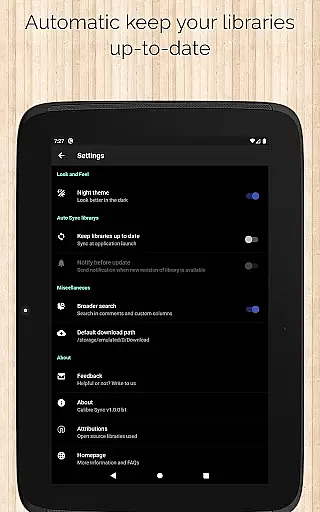
The app's performance is further enhanced by automatic checks and updates when launching, ensuring your libraries are always up-to-date. Users can pull, refresh, or remove libraries directly through the app interface. Additionally, Calibre Sync supports custom columns in book details, quick access to downloads via slideable list views, and zoomable book covers. These features collectively provide a rich, interactive experience that simplifies navigating through vast collections while offering powerful tools like email sharing and integration with third-party reader apps.
Calibre Sync offers an impressive e-book library solution by allowing users to access unlimited Calibre libraries across multiple cloud services. This includes popular platforms like Google Drive, Dropbox, and Microsoft OneDrive, ensuring a vast collection of books is available at your fingertips.
The application guarantees the authenticity of its content by enabling direct synchronization with Calibre libraries, which are known for their strict adherence to copyright laws. Users can be confident that the books they access are legitimate copies, preserving the rights of authors and publishers while providing readers with a wide selection of legal content.
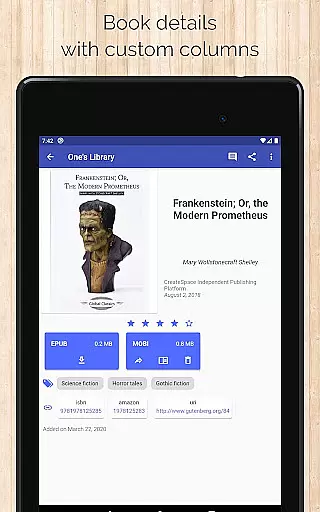
With support for custom columns and detailed book information, including ISBN and links to sources like Amazon and Google Books, Calibre Sync ensures that every book's copyright information is accurate and accessible. This feature not only enhances the user experience but also strengthens the trust between readers and digital library providers.
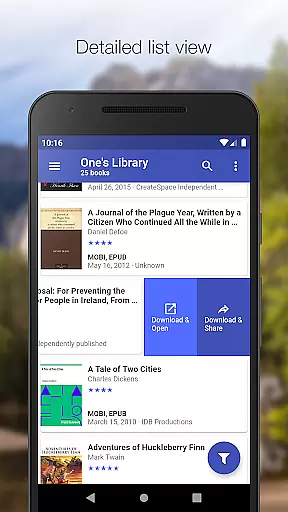
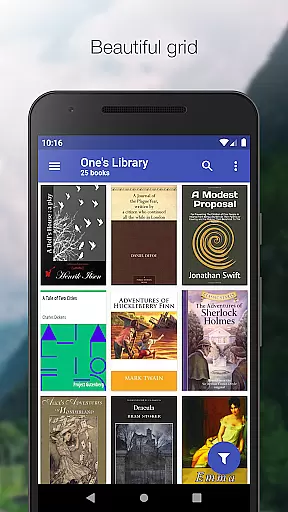
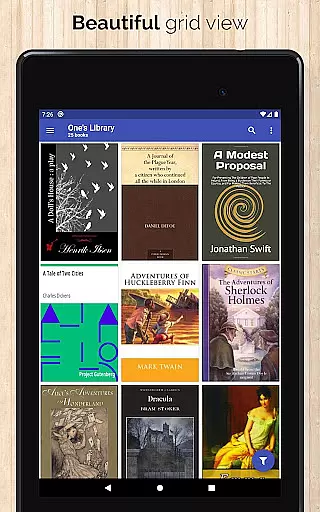
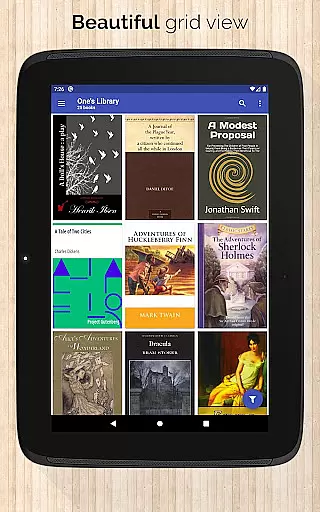
One of Calibre Sync's standout features is its exceptional format compatibility. The app supports various book list layouts such as detailed lists, grids, and carousels, catering to different user preferences and ensuring an optimal reading experience on any device.
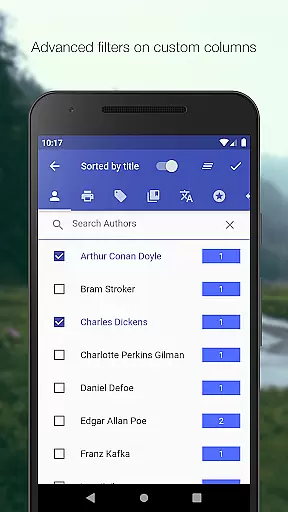
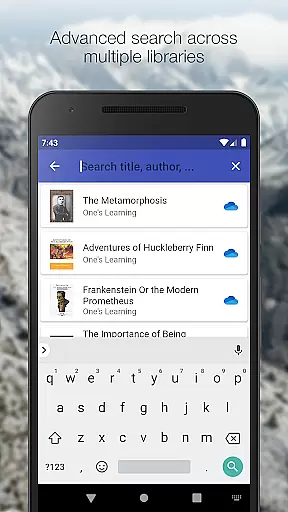
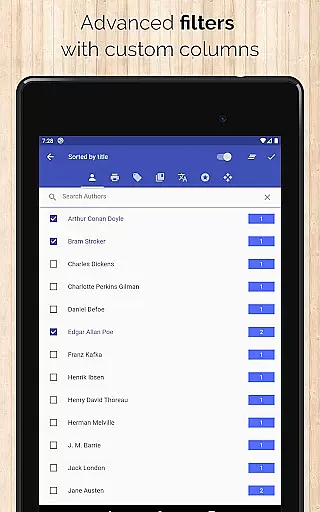
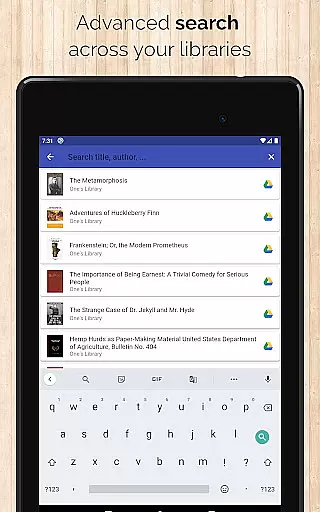
Users can search and filter books by multiple criteria, including title, author, comments, and custom columns. This flexibility in format handling allows for a personalized and efficient book discovery process, making it easy to find and enjoy your favorite titles.
In addition to supporting standard eBook formats, Calibre Sync provides advanced functionalities like zooming book covers and viewing file sizes for each format. These features enhance the overall usability of the app, giving readers the freedom to explore their digital libraries in a way that best suits their needs.
User-friendly interface
Extensive cloud support
Advanced search options
Customizable library views
Automatic library updates
No built-in reader
Limited OneDrive support
Requires storage permission
Case-sensitive file system needed
Potential API restrictions

The Original Tropical Freshwater Aquarium Fish And Plant Care Guide
 4.80
4.80
This is the pro version King James bible Offline that we have
4.70
ISAIAH EXPLAINED with Avraham Gileadi Ph.D.
4.00
"When tweetle beetles fight, it's called a tweetle beetle battle."
4.90
What’s that bird? Just answer 5 questions, snap a photo, or record its song!
4.90
Daily Devotional Widgets & Hourly Verses. Listen to Bible & Watch Holy Stories
4.70
World's most comprehensive dictionary app: 13 languages, all online or offline!
4.80
Calculate, Knowledge, Homework
4.40
A Comprehensive Restoration of Sacred Scripture
4.50
Bible, Catechism, Study, Saints, Mass Readings, Rosary, Prayer, Bible in a Year
4.80
Daily Prayer, personalized Bible Study, AI-guided Insights, and Spiritual Growth
4.80
Discover Stars and Planets: Live Map Shows Current Constellations in Full Detail
4.70
Watch real short episodes in just minutes— addictive, you won't be able to stop!
4.70
"Five Dr. Seuss titles in one omBook!"
4.60
Daily Bible app: King James Version with verses and audio for studying&prayer
4.40
Shop over 13 million new and used books at up to 80% off list price
4.20
Zerobooks Light Novel Reader by GOLDENAGATO
4.20
WebNovel - Read Solo Leveling novel and comic
4.10
“There was one last piece of cake. My little sister said ‘Me too!’”
4.00


User Reviews