
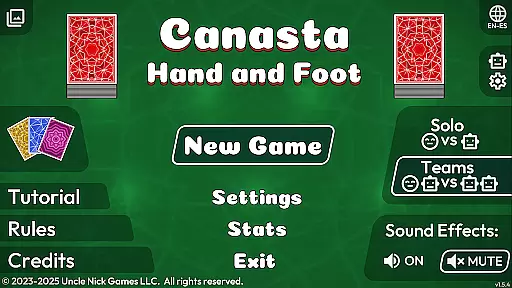
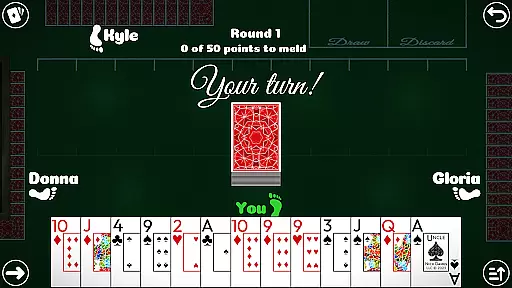
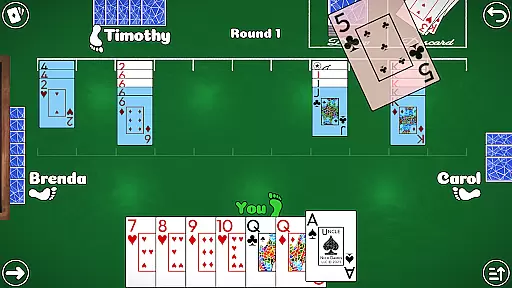

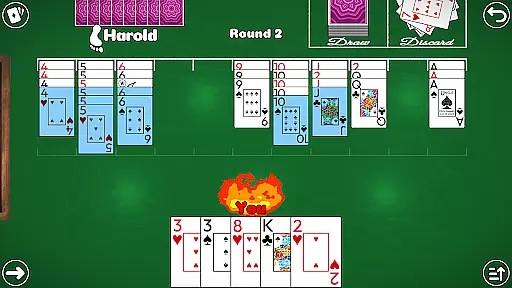
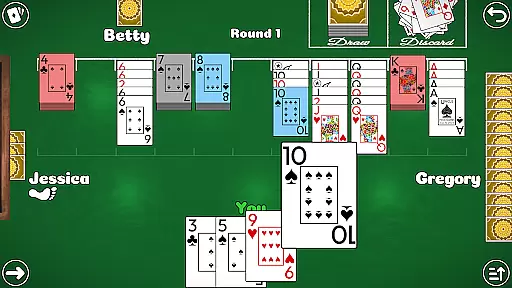
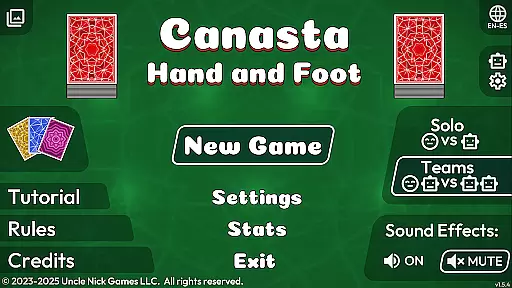
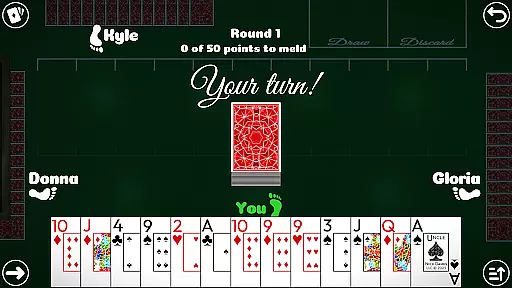
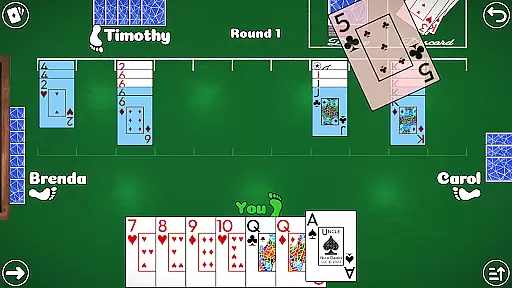
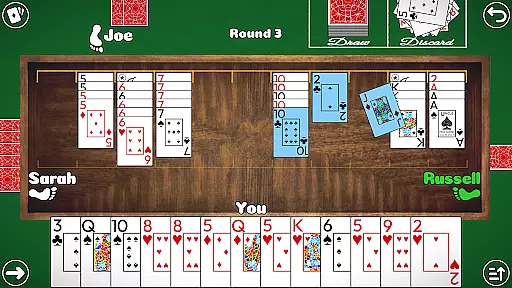
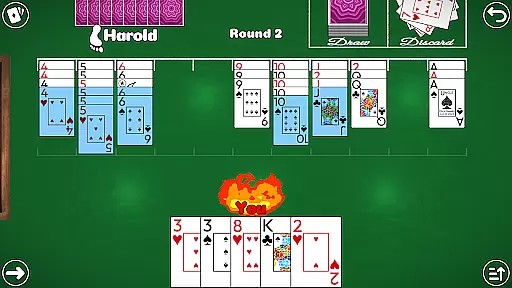
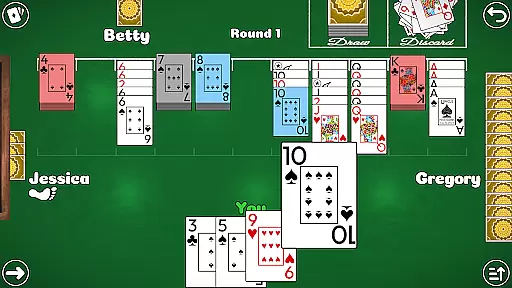
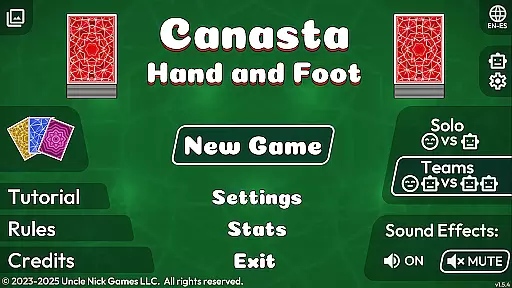
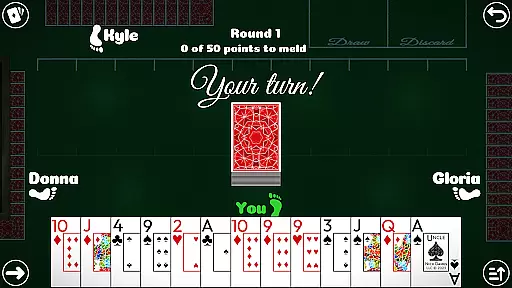
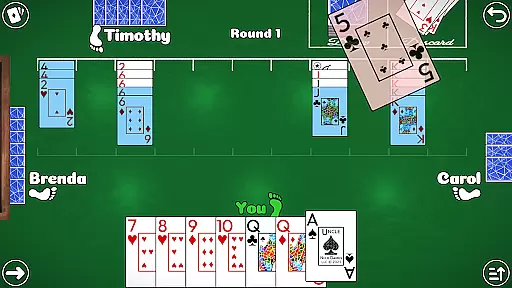
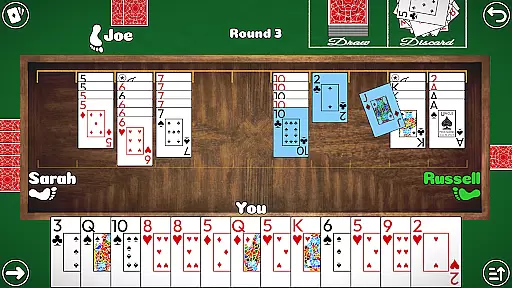
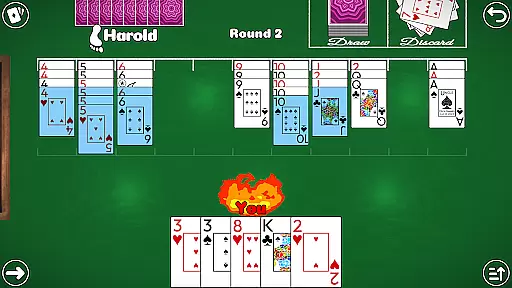
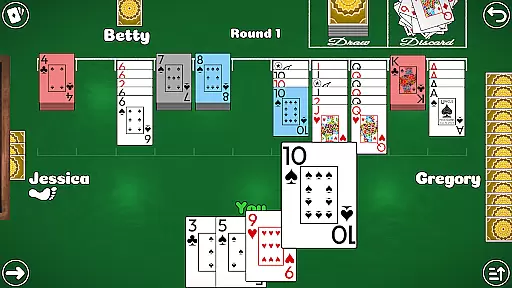
Canasta Hand and Foot is a premium card game app designed for both beginners and experienced players. This offline game offers authentic Canasta gameplay with multiple modes including 2v2 Teams and 1v1 Solo duels. The app provides various rule variations, ensuring strategic depth and replayability.
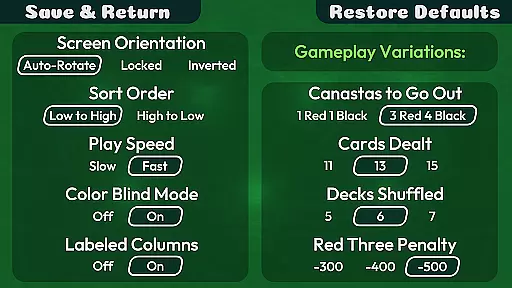
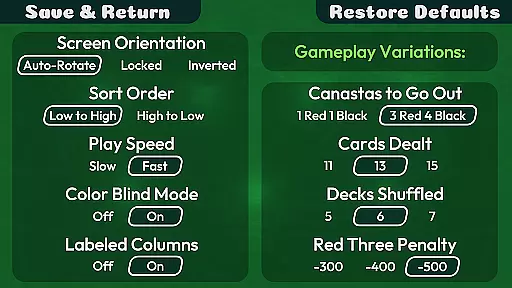
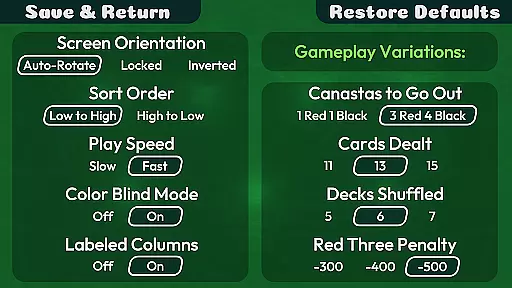
With intuitive touch controls, customizable settings, and accessibility features like color blind mode, the app ensures an enjoyable experience for all users. Whether you're looking to play at your own pace or dive into competitive matches, this app delivers a complete Hand and Foot experience without any interruptions from ads or microtransactions.
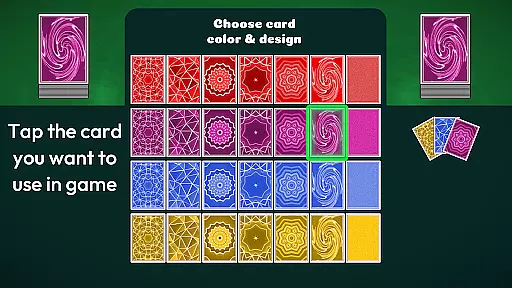
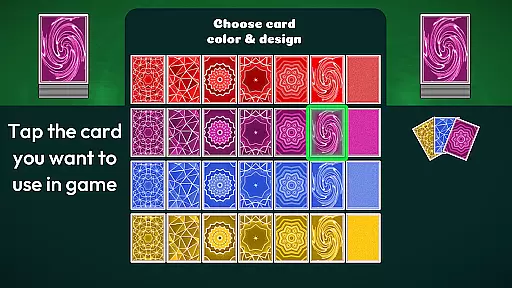
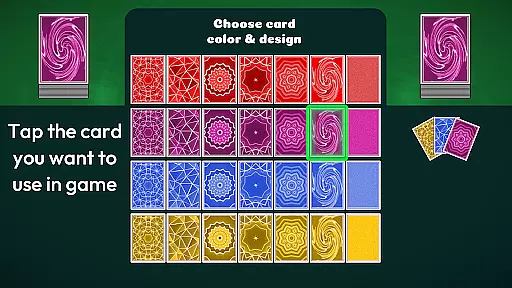
Canasta Hand and Foot stands out with its robust feature set tailored for an optimal user experience. The app includes auto-save functionality, three difficulty levels, and seven unique card back designs in four colors. These options allow players to personalize their gaming sessions while maintaining the authenticity of traditional card play.
Additional highlights include comprehensive statistics tracking, high score notifications, and educational resources such as video tutorials and detailed rules pages. With support for both English and Spanish languages, along with accessibility features like large readable text and adjustable computer-player speeds, this app caters to a diverse audience seeking engaging yet comfortable gameplay.
Random Number Generation (RNG) fairness is crucial in card games like Canasta Hand and Foot to ensure every player has an equal chance of winning. This app guarantees a fair distribution of cards, maintaining the integrity of each match.
The game employs certified algorithms for its RNG, which means that the dealing of cards is completely random and unbiased. Players can trust that their victories are based on skill and strategy rather than manipulated odds.
By providing a level playing field, Canasta Hand and Foot allows users to focus on enjoying the game and honing their abilities without worrying about unfair advantages or tampered outcomes.
In any digital card game, control fluidity and input responsiveness are vital for a seamless user experience. Canasta Hand and Foot excels in delivering smooth interactions with its intuitive touch-screen controls designed for ease of use.
The application ensures low input latency, allowing players to sort cards, make melds, and execute moves with swift precision. The absence of timers means participants can play at their own pace without feeling rushed or hindered by delayed inputs.
This attention to responsive design enhances both casual play sessions and strategic gameplay moments, making every interaction with Canasta Hand and Foot feel natural and effortless.
User-friendly interface
No in-app purchases
Offline functionality
Variety of rule sets
Accessible design
Limited language support
No multiplayer online
Fewer visual themes
Basic AI opponents
Occasional bugs

The classic Solitaire card game, with intuitive game-play and stunning graphics.
 3.10
3.10
Relax, strategize, and enjoy endless card fun with vintage solitaire.
4.70
Play and Master the Fun Classic Card Game Spades. Outsmart Opponents & Enjoy
4.80
Card-based yatzy duels!
4.80
Sit on the Iron Throne
4.60
Always ready: the partnership trick-taking card game with so many rule options!
4.60
Solitaire pro is a premium classic card game that you can enjoy all day.
4.0
A fun and challenging rougelike dungeon card game.
4.4
Classic Solitaire. The most famous card game in the world!
4.50
Classic, Original, Klondike Solitaire Game with Large Cards!
4.90
Card-Based Farkle Fun
4.80
When Poker Meets Solitaire
4.70
Collect sets and runs but don't give away a card your opponent needs!
4.60
Play your cards carefully in this 4 player trick-taking card game!
4.60
Play classic Spider Solitaire & Spiderette! Daily challenges, badges & events!
4.50
Spider Solitaire Pro, classic Spider Solitaire Klondike game,as Freecell,Pyramid
4.20
90 games. Intuitive, simple, beautiful... just great. Try it and you'll love it!
4.20
Defeat the Uberlich in this challenging, deck-building roguelike adventure!
4.20
Fast-paced card brawl in the wacky world of Meteorfall
3.50


User Reviews