

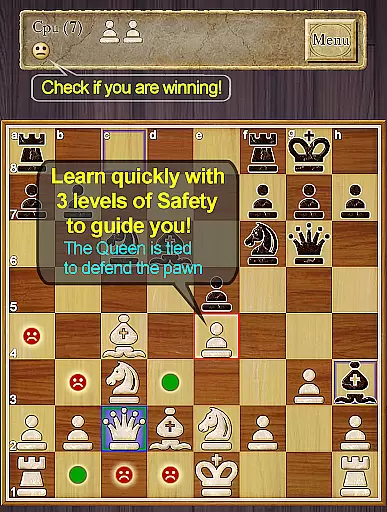
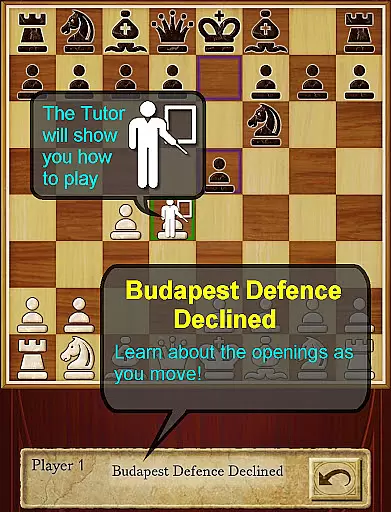
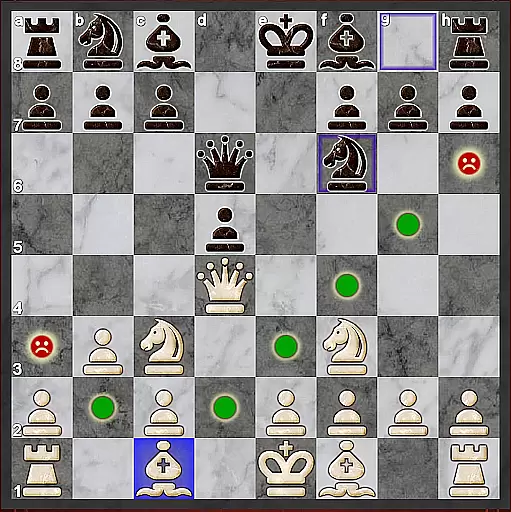
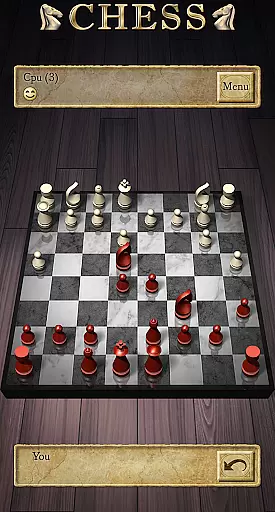
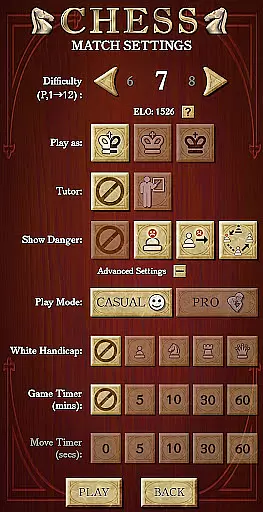
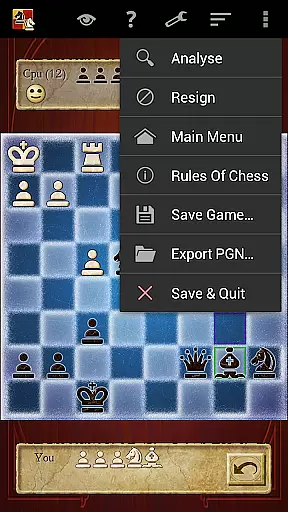


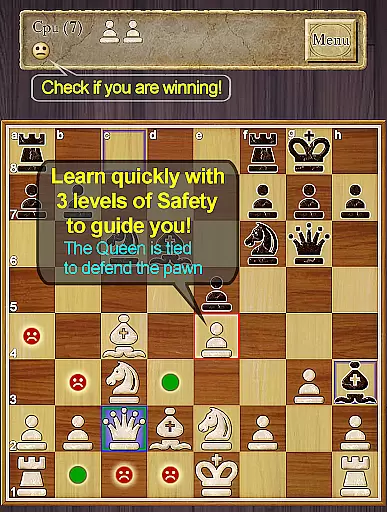
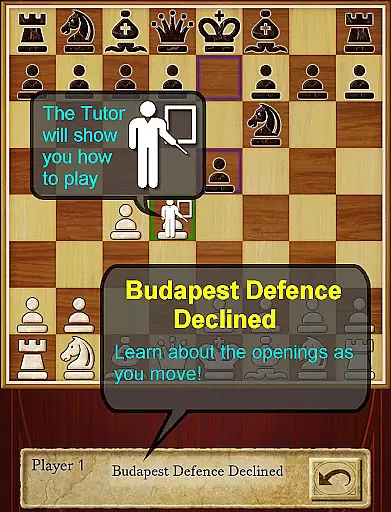
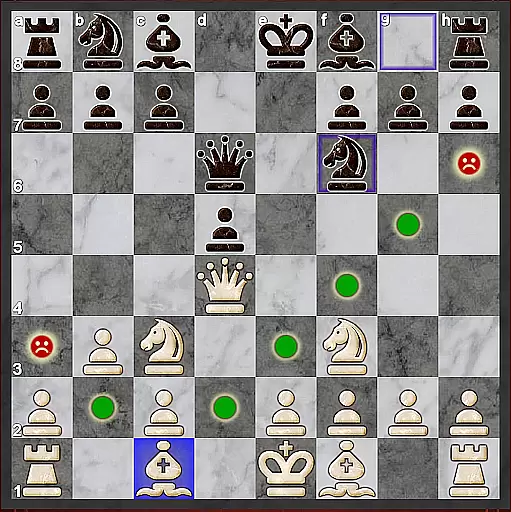
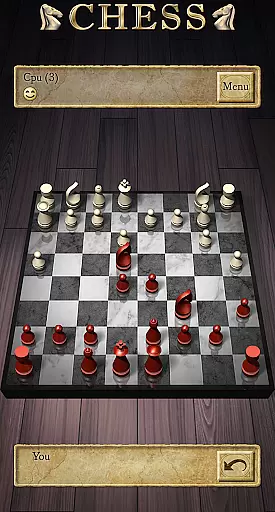
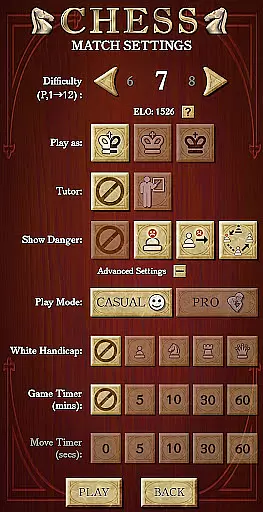


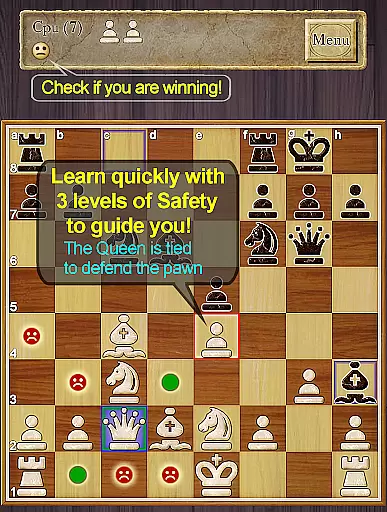
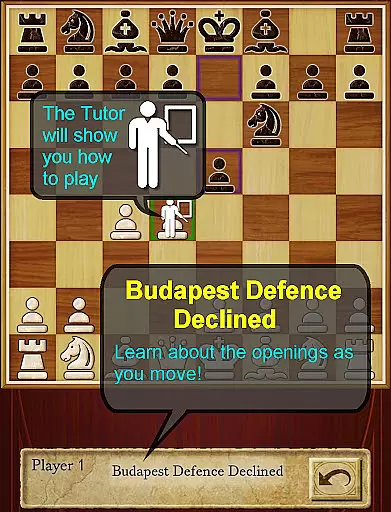
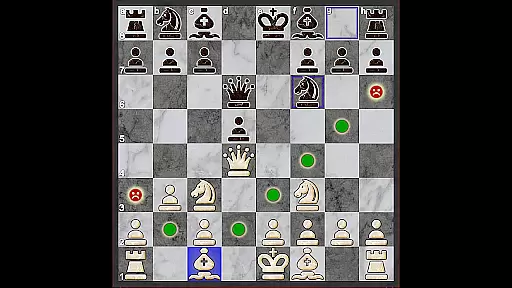
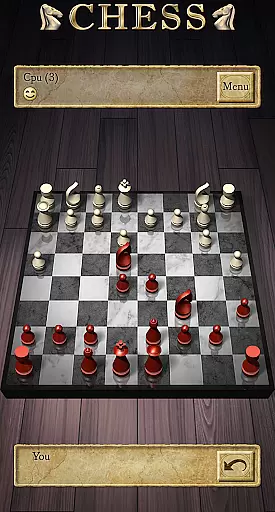
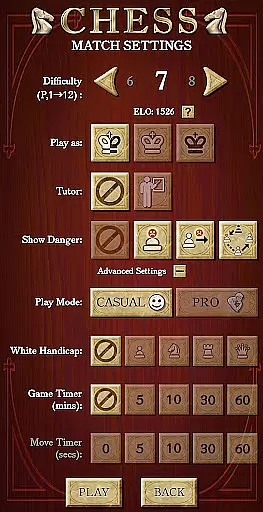
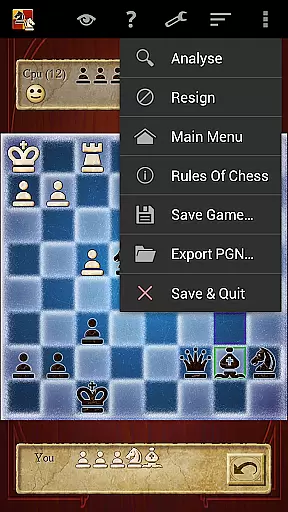

Chess Pro by AI Factory stands as a premier chess application for Android, offering users an intuitive platform to learn and master Chess. Recognized with multiple 'Top Developer' awards and 'Editor's Choice' distinctions, this app is engineered for both beginners and advanced players. Its robust features include a first-class tutor system that aids in developing strategic gameplay while enhancing overall Chess skills. The app provides 12 play levels, from Novice to Master, ensuring adaptive learning curves for all users.
In addition to its educational attributes, Chess Pro incorporates engaging functionalities such as Achievements and Leaderboards through Google Play Games, ELO Ratings based on CPU matches, and a unique Treebeard Chess engine known for its human-like playing style. With support for both casual and pro modes, optional enhanced safety features for pins and ties, and comprehensive indexed help, the app ensures a holistic Chess experience. Whether you're looking to refine your strategies or compete with friends online, Chess Pro delivers a top-tier Chess environment on mobile devices.
Chess Pro boasts an array of sophisticated features designed to enrich the user's Chess journey. A standout component is the Chess Tutor, which recommends potential moves and encourages thoughtful strategy development, helping players avoid common pitfalls. The inclusion of hints and deeper move analysis options further supports skill enhancement. Additionally, the app displays the current Chess opening line, providing context and aiding in understanding classic strategies.
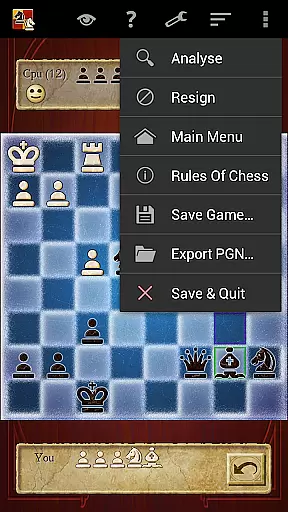
The app also excels in its adaptability and user engagement. With 12 intelligent play levels, it caters to a wide range of expertise, from novices to masters. The 'Show CPU Thinking' option at higher levels offers insight into the AI’s decision-making process. Social and competitive elements are fostered through two-player hot-seat and online modes, alongside Achievements and Leaderboards. Users can review games, export them in PGN format, and choose from various 2D and 3D board designs, ensuring a personalized and visually appealing experience.
Chess Pro by AI Factory ensures the utmost rule authenticity and flexibility, providing players with an experience that closely mirrors real-world chess games. The app strictly adheres to official chess rules, which is crucial for players who wish to learn and play the game correctly.
The application offers a variety of play levels from Novice to Master, using intelligent weakening for lower levels to cater to beginners while still challenging advanced players. This adaptability makes it suitable for users at any skill level, ensuring that everyone can enjoy the game within their capabilities.
Moreover, Chess Pro includes features like Casual and Pro modes, allowing users to start with simpler gameplay and gradually move to more complex scenarios. This approach not only teaches the rules but also helps in understanding the nuances of chess strategy over time.
With options such as 'Show CPU Thinking' and 'Analyse move', players gain insights into the decision-making process behind each move. These features enhance learning by offering a deeper understanding of chess tactics, thus promoting both rule adherence and strategic flexibility.
The AI opponent in Chess Pro represents a significant advancement in mobile chess gaming, utilizing the Treebeard Chess engine known for its unique 'human-like' style. This sophisticated AI provides a challenging and realistic opponent for players, simulating the experience of playing against a human adversary.
One of the standout qualities of the AI is its ability to adjust its skill level according to the player's proficiency. With 12 distinct play levels, the AI can weaken intelligently for novices or intensify its strategies for masters, ensuring a competitive match every time.
In addition to adjustable difficulty, the AI showcases thoughtful analysis through features like 'Show CPU Thinking'. This option allows players to observe the AIu2019s considerations during gameplay, adding transparency to the AI's decision-making process and enhancing the educational aspect of the game.
Furthermore, the inclusion of Achievements and Leaderboards connected to Google Play Games motivates players to improve their skills against the AI. By competing for higher rankings, users are encouraged to refine their strategies continually, making each encounter with the AI opponent a valuable learning opportunity.
Intuitive interface
Comprehensive tutor system
Variety of play levels
Engaging social features
Human-like AI engine
No offline multiplayer
Limited custom themes
Advanced features locked
Occasional AI predictability
Heavy on resources

The city of London has hired you to redesign their Underground lines!
 4.0
4.0
Build your perfect make-believe city in the beloved family-friendly board game!
4.70
Train your brain with classic backgammon and become the lord of this board game!
4.30
An atmospheric companion app to enhance the Escape the Dark Castle board game.
4.50
Become the best merchant in Istanbul!
4.60
Pop Color – A Relaxing Zen Color Game
4.90
The Offline Version of Sudoku classic puzzle game without advertisements.
4.80
The iconic train game arrives on mobile! Play against AI or online multiplayer.
4.50
Dice, strategy, and luck!
4.80
Enjoy Classic Domino: Master each tile and play offline board games!
4.90
Legendary board game classic from award-winning designer Vlaada Chvátil
4.70
The deck-building board game adventure !
4.70
Coloring Book is the #1 paint by number game with tons of free zen coloring.
4.60
Handcrafted Sudoku puzzles by the most popular Sudoku channel!
4.50
Challenge your mind in the ultimate mathematical strategy game!
4.20
Meet adorable cats and sew the coziest quilts.
3.90
VENUS - the biggest DLC for Concorida has just been released!
3.80
Lords of Waterdeep is a strategy board game, set in the D&D world of Waterdeep.
3.80
Strike sparks hard, but don't get charred!
3.00


User Reviews