
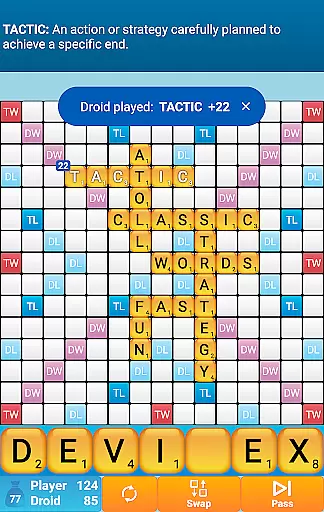
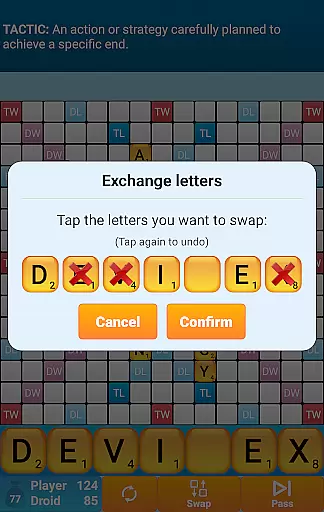
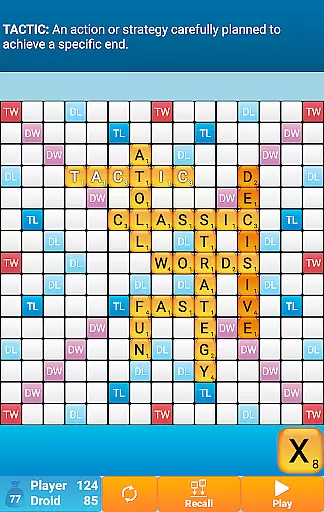
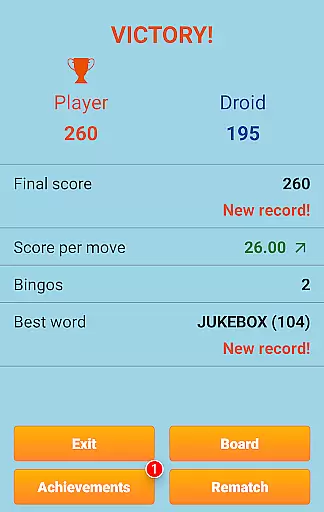
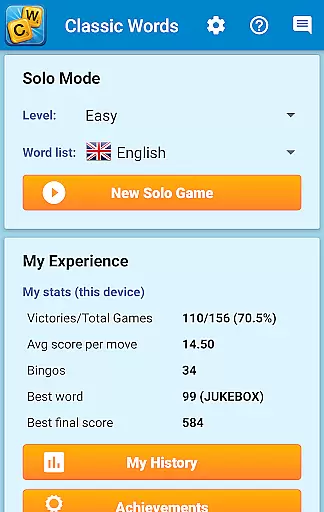
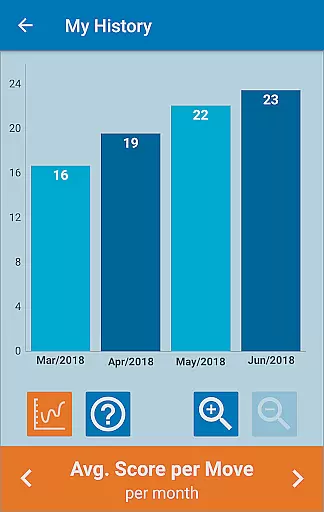
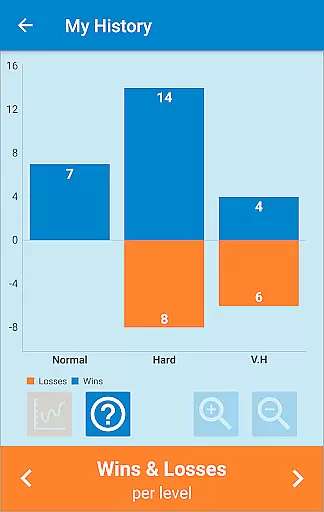
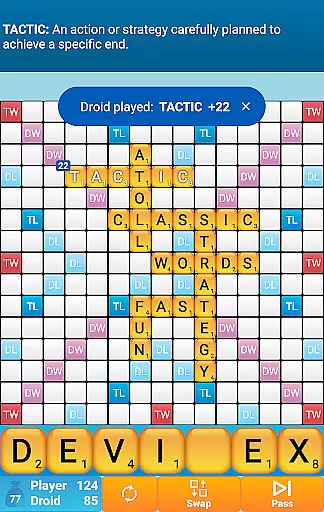
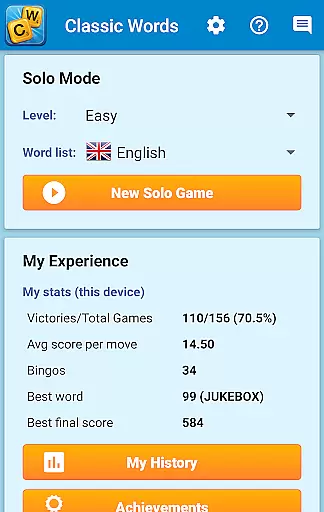
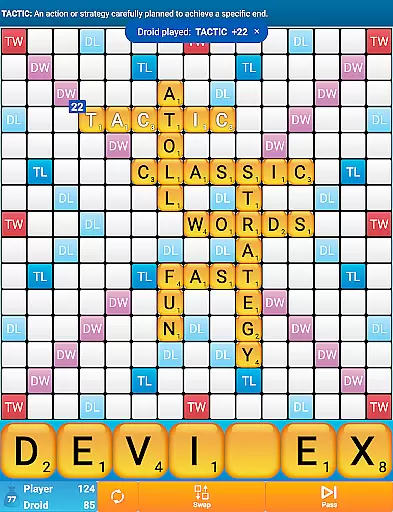
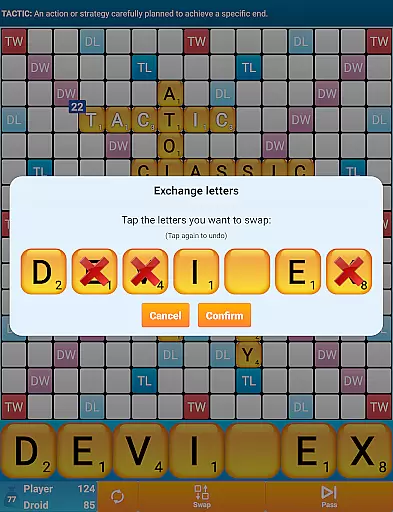
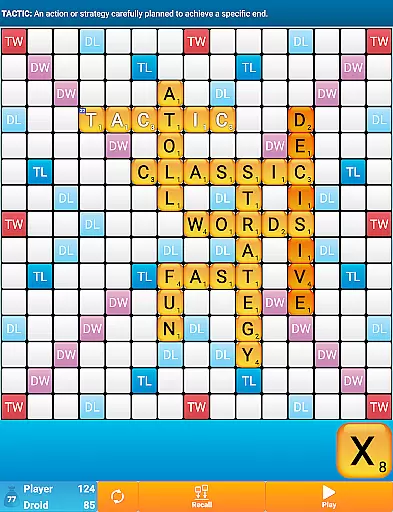
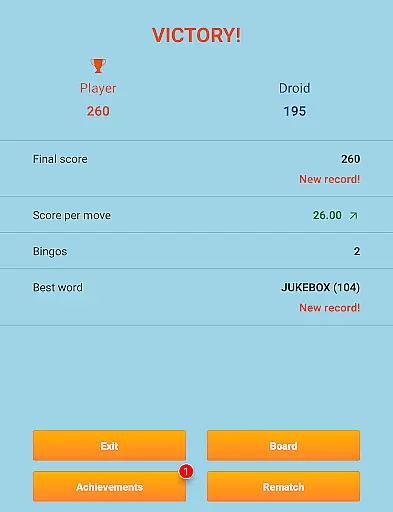
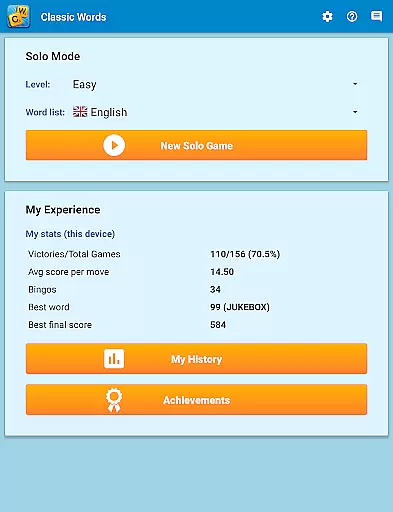
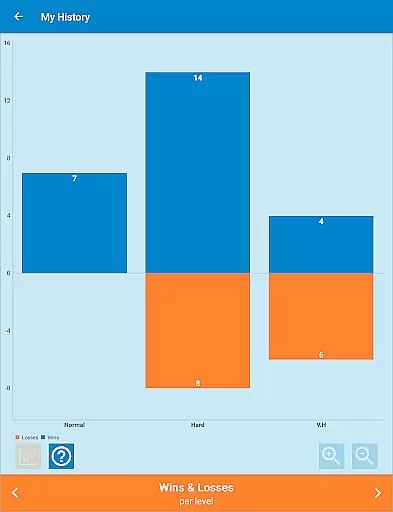
Classic Words Plus is a premium word game designed for solo play against your smartphone or tablet. This crossword-style board game offers an ad-free experience, making it perfect for players seeking uninterrupted gameplay. With 6 difficulty levels and support for multiple languages including English, Spanish, French, Italian, German, Dutch, and Polish, the app caters to both beginners and advanced players.
The game stands out with its unique features like the Teacher mode and Pass-and-Play functionality for two-player offline matches. Players can enrich their vocabulary through built-in word definitions while competing against the smart AI opponent. The app uses quality word lists such as the NASPA Word List 2020 for English, ensuring authentic and challenging matches. Classic Words Plus provides instant fun without the frustration of waiting for opponents' moves or encountering cheaters.
Classic Words Plus boasts several distinctive features that enhance the word gaming experience. The app's smart AI opponent comes with 6 skill levels, from beginner to expert, providing varied challenges for different player types. Its unique Teacher mode helps users learn new words by displaying definitions when swiping across played words.
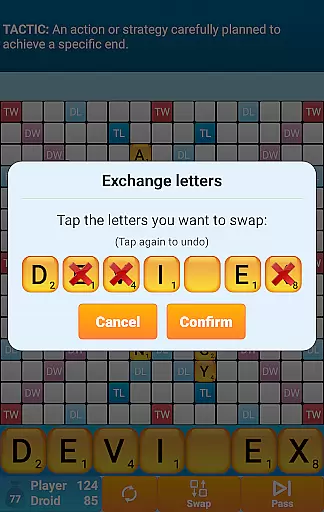
The game supports multiple languages with specialized dictionaries for each, including official tournament lists for German and French. Unlike online multiplayer games, this app guarantees fair play through its randomized letter selection and equal-information AI system. Additional features include offline play capability, support for playing Bingos with bonus points, and strategic elements like Double and Triple Letter/Word squares, creating an engaging and educational experience for word game enthusiasts.
Clue quality and clarity are essential in word games as they guide players to form valid words. Classic Words Plus ensures this by offering clear, unambiguous clues through its built-in word definitions.
The game supports multiple languages, including English, Spanish, French, Italian, German, Dutch, and Polish, each with specialized dictionaries. This feature enriches players' vocabulary while maintaining clarity in the clues provided.
Players can easily access word definitions by simply swiping on the word. This functionality not only aids in understanding but also enhances learning, making the gameplay both educational and enjoyable.
With six difficulty levels, the game caters to beginners and experts alike, ensuring that clues remain challenging yet comprehensible. This balance keeps players engaged and continuously improving their language skills.
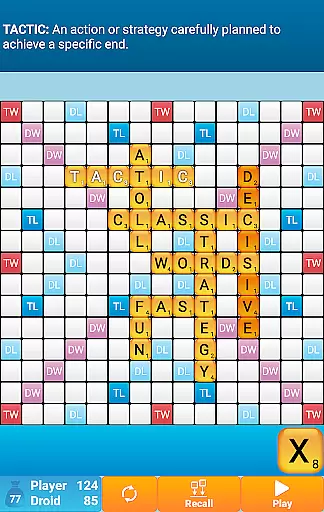
Puzzle variety in Classic Words Plus is demonstrated through its diverse gameplay options and features. The game offers a rich experience with its board-based, crossword-style play, supporting solo mode against the computer or pass-and-play for two players.
Classic Words Plus stands out with its support for multiple languages and word lists, such as the NASPA Word List 2020 for English. This diversity ensures that players have varied challenges and extensive linguistic possibilities.
The inclusion of six skill levels allows players to choose their preferred challenge intensity. Whether you're a novice or an expert, the game adapts to your level, providing a customized puzzle experience.
Additionally, the scoring system, featuring Double Letter, Double Word, Triple Letter, and Triple Word squares, adds another layer of strategy and variety. Players must think creatively to maximize their scores, keeping the gameplay fresh and engaging.
Ad-free gameplay
Smart AI opponent
Multiple language support
Offline pass-and-play
Built-in word definitions
No online multiplayer
Limited social features
Paid version only
Complex for beginners
Old-school graphics

Guess the imposter in this addictive party word game
 4.60
4.60
Word search puzzle game for brain training
4.70
Find words from the same topic, group them by association, win the word puzzle!
4.50
Link related words, train your brain, and relax with calming word puzzles!
4.90
Looking for inspiration? Enjoy offline Bible word games and unlock daily verses.
4.80
Word search for watch. You can already wear your word search always at wrist!
3.30
Scramble Words Puzzle Game
4.0
A collection of engaging word and logic games with puzzles for all skill levels
4.80
Daily logic and word puzzles: Sudoku, Bonza, Jigsaw, Keysmash & more.
4.60
Word search games, anagram, crossword & logic puzzle! Brain training and relax!
4.90
Visit the wonders of the world while you connect letters to create great words!
4.90
Solve crossword puzzles challenge your brain and expand your vocabulary
4.90
Crossword puzzles for all ages- easy to hard games. All offline!
4.80
Unleash your inner codebreaker! Solve challenging cryptograms & word puzzles.
4.70
Crossword & Trivia Game for Christian
4.60
Play this fun word connect game to calm and train your brain.
4.60
Play heads up with family and friends in an amazing charades and guessing game!
4.30
Follow 25 rules and use your wits to escape from the horrifying school.
4.0
Who is the Imposter? The ultimate group game for 3 to 30 players!
4.0


User Reviews