
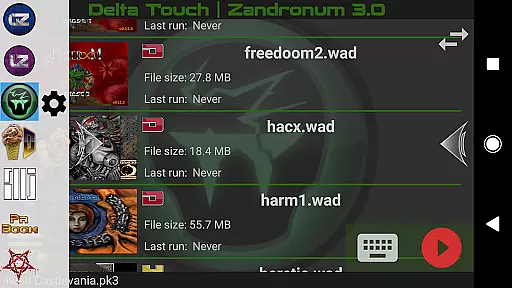
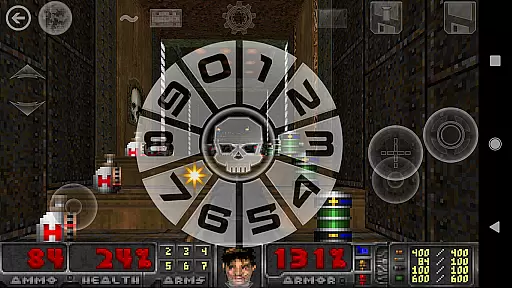
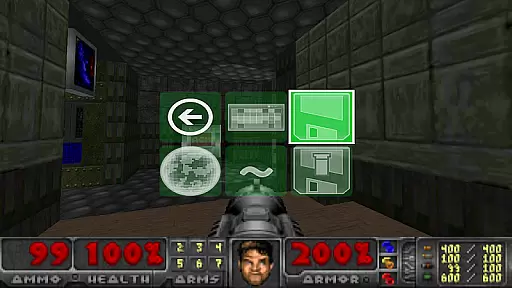
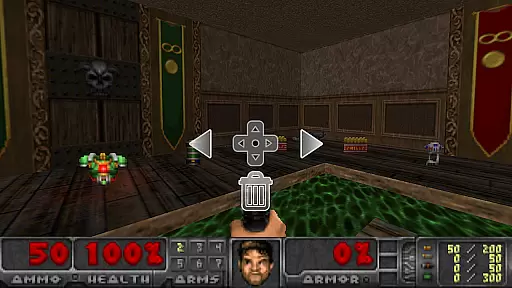
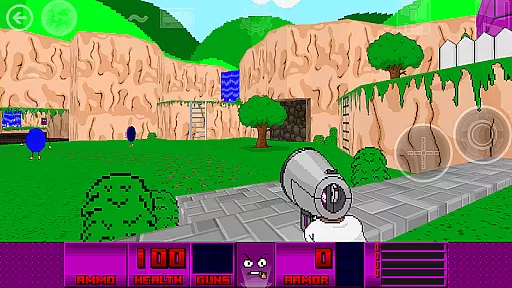
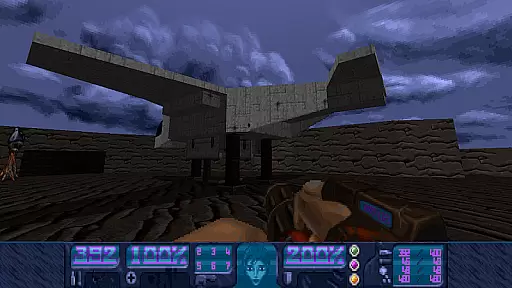
Delta Touch brings ten of the best Doom engine source ports to Android, offering an unparalleled retro gaming experience. The app includes popular ports like GZDoom, Zandronum, Chocolate Doom, and more, supporting a wide range of Doom-based games including Doom, Hexen, Heretic, and Strife. With full touch screen controls and gamepad support, this app caters to both casual and hardcore gamers.
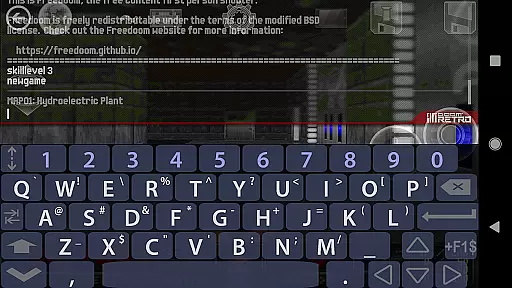
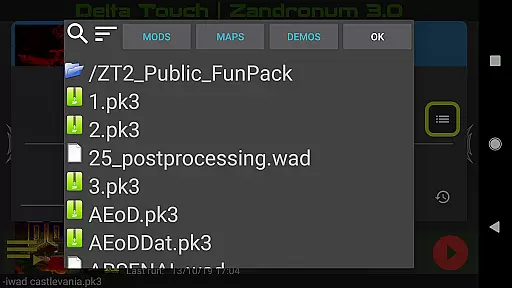
The application stands out with its highly customizable touch screen interface, built-in keyboard for cheats, and console commands. It also features a custom UI for easy selection of wads and mods, 18 custom buttons for GZDoom mods, and various rendering modes. Whether you're looking to relive classic Doom levels or explore thousands of community-made mods, Delta Touch provides the tools necessary to enhance your gameplay.
Designed for high-end Android devices, Delta Touch supports complex mods such as Brutal Doom while offering features like gyro aim assist and multiplayer capabilities. FreeDoom data is included, allowing immediate play, though users must supply their own Doom wad files for original gameplay. This makes Delta Touch not just a nostalgic trip down memory lane but a comprehensive platform for Doom enthusiasts.
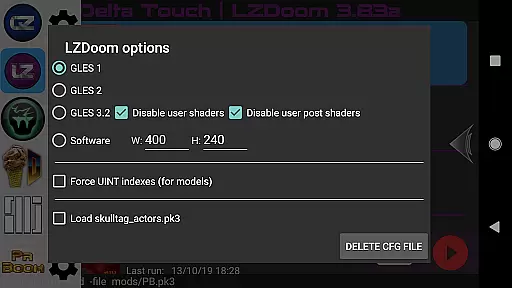
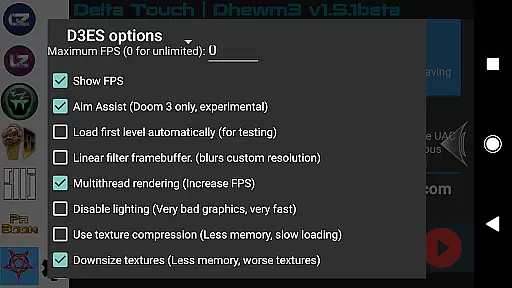
Delta Touch boasts an impressive array of features designed to maximize user experience. One of its standout characteristics is the inclusion of ten different Doom engine source ports, each with unique capabilities. For instance, GZDoom offers multiple versions, ensuring compatibility with various mods and levels, while Dhewm3 brings Doom 3 to mobile with optimizations for performance.
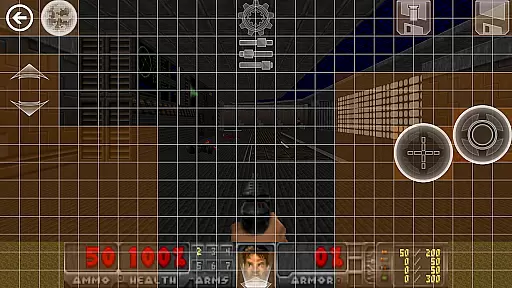
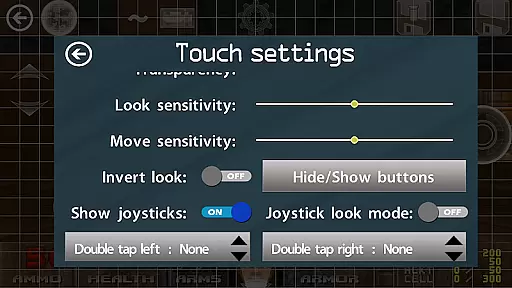
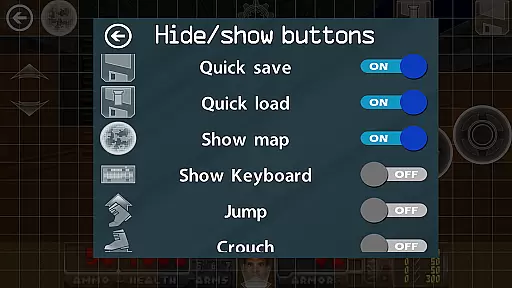
The app's customization options are extensive, featuring highly adaptable touch screen controls, save/load layouts, and fully navigable UI via gamepad. These features ensure that players can tailor their experience to suit individual preferences. Additionally, Delta Touch supports thousands of community-made mods and levels, extending the game's longevity and replay value.
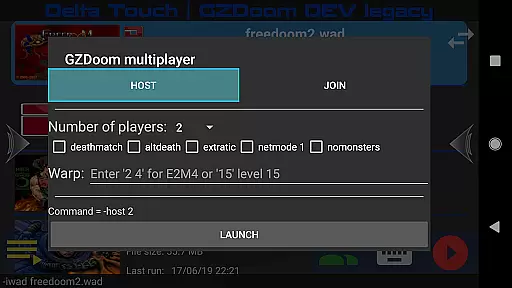
Another remarkable feature is the app's support for multiplayer modes in GZDoom and Chocolate Doom, alongside mouse and keyboard functionality for Android 8 and above. With these capabilities, Delta Touch not only recreates the classic Doom experience but enhances it with modern conveniences, making it a must-have for any action gaming aficionado.
Control responsiveness and latency are crucial factors in action games like Delta Touch. The app offers highly customizable touch screen controls, allowing players to adjust the interface according to their preferences and playstyle.
The inclusion of full game-pad support ensures that users can enjoy a seamless experience whether they prefer touch controls or physical controllers. This flexibility significantly reduces input delay, providing an optimal level of responsiveness.
Additionally, features such as gyro aim assist enhance precision during gameplay by leveraging the device's gyroscope for more accurate targeting. These elements combined create an immersive gaming environment where actions translate instantly on-screen.
Combat feedback tightness refers to how well the game communicates player actions through visual and audio cues. Delta Touch excels in this area with its advanced rendering modes and support for thousands of community-made mods and levels.
Players can access a wide variety of custom content, ensuring that combat scenarios remain fresh and engaging. The built-in keyboard allows users to execute cheats and console commands, adding another layer of interactivity.
Furthermore, the app supports multiple Doom engine versions, each offering unique combat mechanics and effects. This diversity enhances the overall feedback loop, making every encounter feel distinct and rewarding.
Extensive mod support
Customizable controls
Multiplayer options
High-quality rendering
FreeDoom included
Needs high-end device
No BFG edition support
Complex setup required
Large storage needs
Limited customer support
NEOGEO's masterpiece game is now available in the app!
 4.10
4.10
Command your army, crush the enemy, and reclaim the nation!
4.30
Craft, build, and survive in a zombie-infested open world!
3.40
NEOGEO's masterpiece game is now available in the app!
3.90
Play all 6 Star Wars™ episodes with over 120 characters in fun LEGO style!
3.30
Step into cooking Games make tower burger and enjoy burger runner games for all
4.40
Online & offline multiplayer FPS shooting game. Play PvP live with your friends!
4.60
Grand criminal online open-world RP action game! Drive cars and commit crimes!
4.40
Childhood nightmares should remain in the past.
4.60
Gaze upon the horrors that dwell beyond the Wall of Insanity.
4.90
A roguelike hack'n'slash game
4.70
Agent Shooter FPS action shooter with sniper & cover missions.
4.70
Keep an eye on the animatronics and you'll make it thru the night... probably.
4.70
Take a katana in your ninja hands to fight foes! Stylish ninja stickman game
4.60
A Legendary Action RPG With Ninja Shadow Legends Fighting Style Offline Games!
4.40
A classic console-feeling action game
4.40
Race around the world!
4.30
Secret of Mana—the landmark action RPG first released for SNES in 1993!
3.60
Welcome to the 1980s.
3.50


User Reviews