
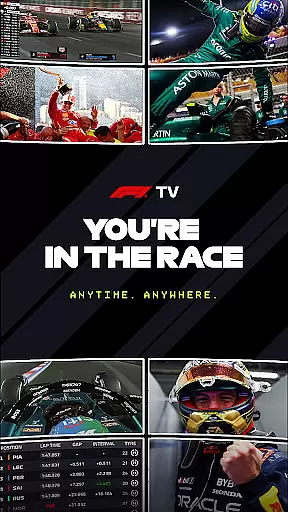
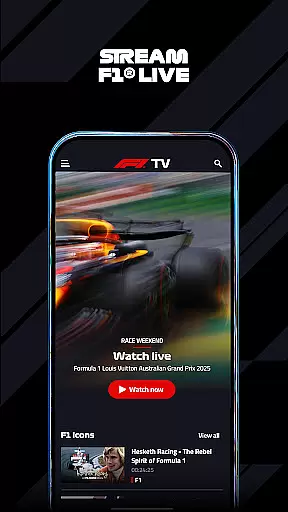
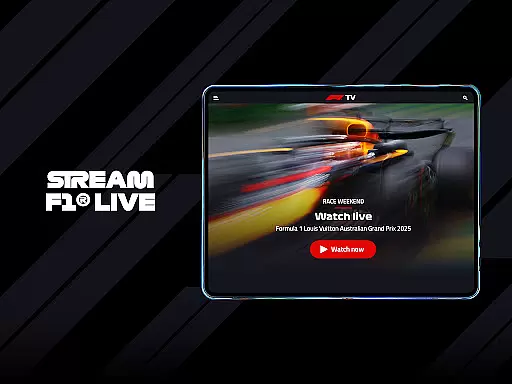
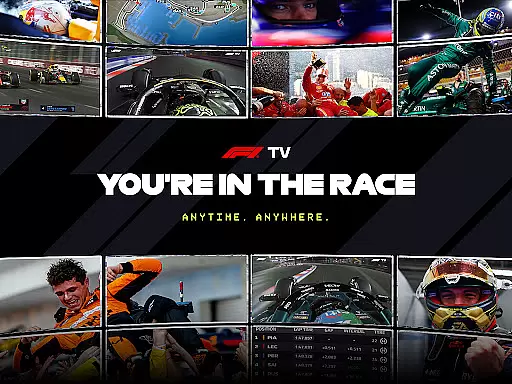
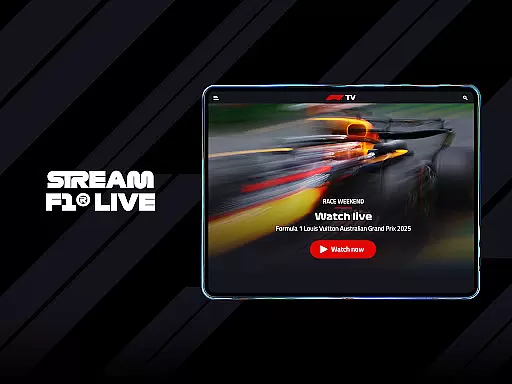
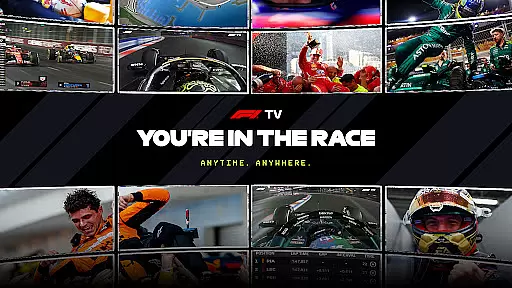
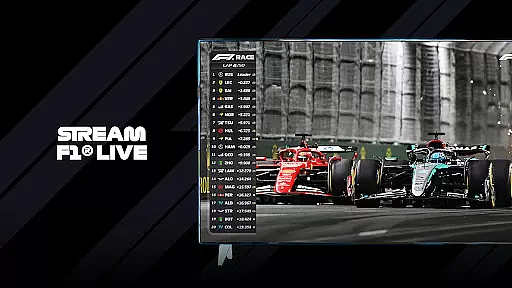
F1 TV is a premier sports streaming application designed for Formula 1 enthusiasts who demand comprehensive race coverage and immersive viewing experiences. The app provides uninterrupted access to every race and session without advertisements, ensuring that fans never miss a moment of the action. Available on multiple devices, users can enjoy both live broadcasts and on-demand replays, making it an essential tool for any F1 fan.
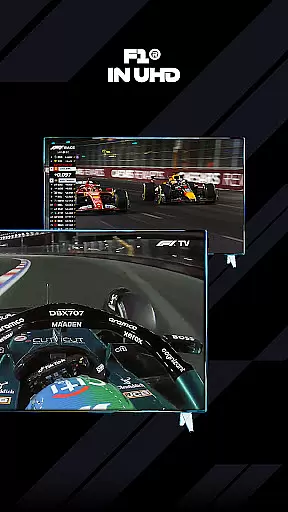
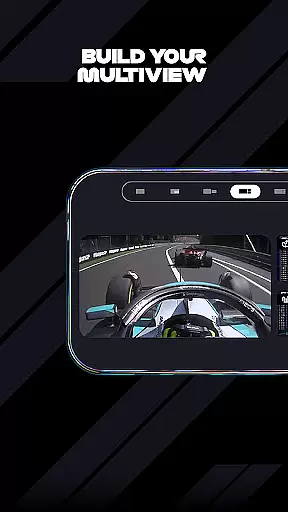
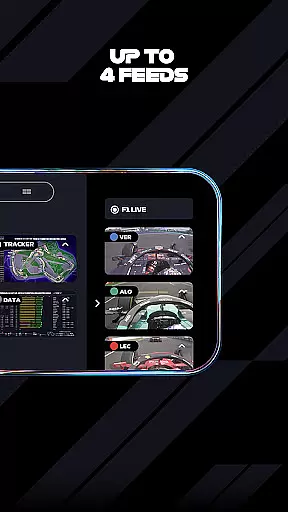
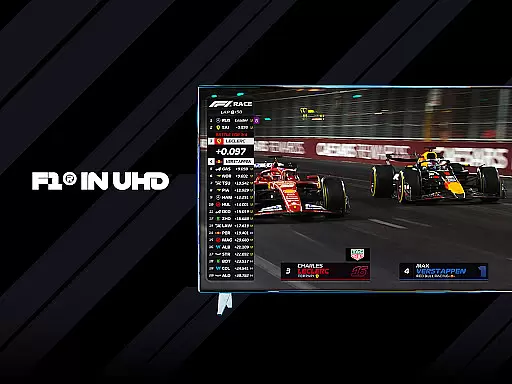
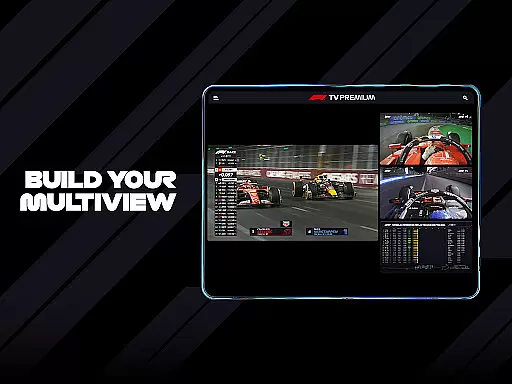
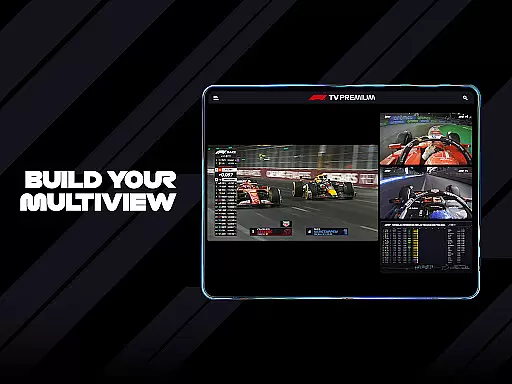
One standout feature is F1 TV Premium, which offers advanced functionalities such as Multi View, allowing users to create custom multi-feed views during races. This service also supports 4K UHD/HDR streaming on large screens and simultaneous streaming across up to six devices. Whether you're looking to follow live timing or dive into exclusive content, F1 TV caters to diverse preferences by offering various subscription tiers tailored to different levels of engagement.
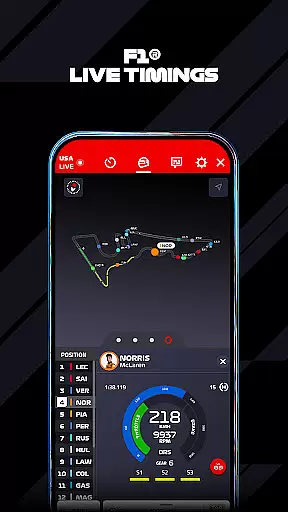
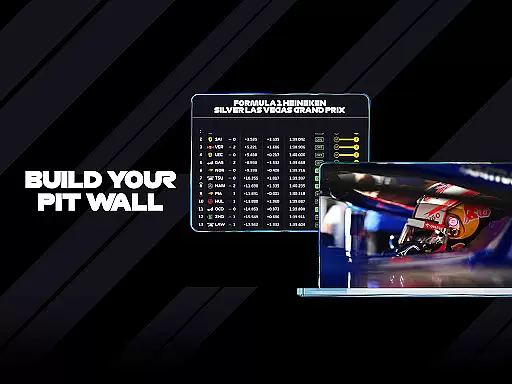
The app's versatility extends beyond just watching races; it includes detailed race data, live telemetry, and team radio feeds. These features provide strategic insights typically reserved for team principals and strategists. With its rich array of options, F1 TV transforms how fans interact with their favorite sport, bringing them closer to the heart of Formula 1 racing than ever before.
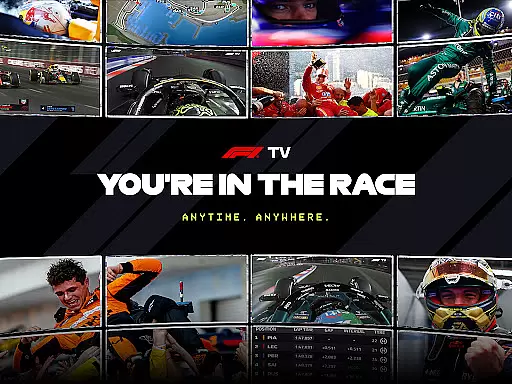
F1 TV stands out in the sports category due to its extensive range of features tailored specifically for motorsport aficionados. At its core, the app delivers high-quality streams of all Formula 1 sessions, including practice, qualifying, and races, completely ad-free. This ensures an uninterrupted viewing experience that captures every thrilling moment on the track.
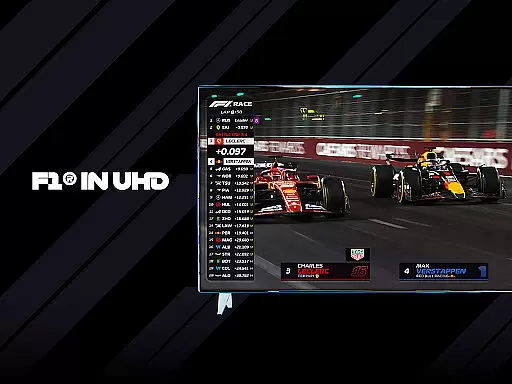
A significant highlight is the introduction of F1 TV Premium, which elevates user interaction through innovative tools like Multi View. This feature allows subscribers to customize their viewing experience by selecting multiple camera angles and data streams simultaneously. Additionally, the support for 4K UHD/HDR enhances visual clarity, providing stunning detail especially noticeable on larger displays. Furthermore, the ability to stream on up to six devices at once makes it ideal for households where multiple members wish to follow different aspects of the event concurrently.
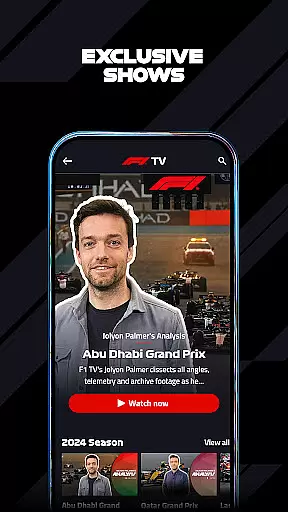
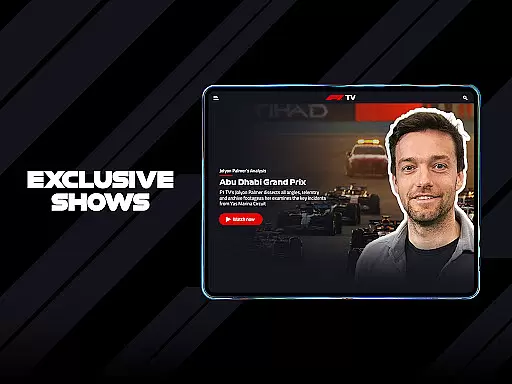
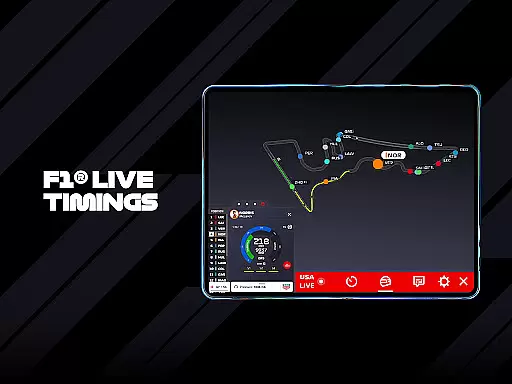
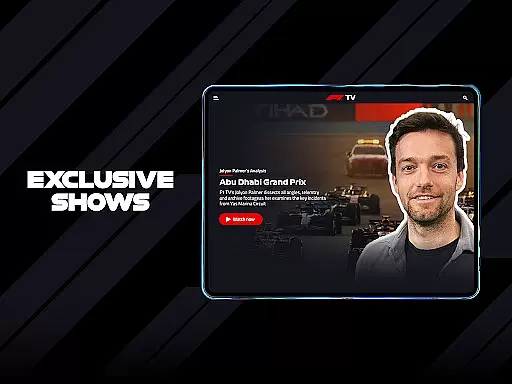
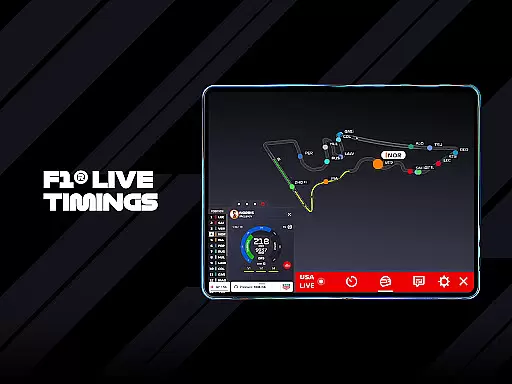
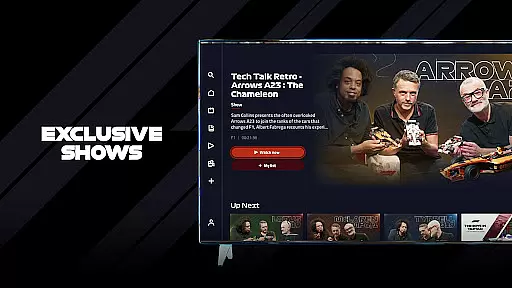
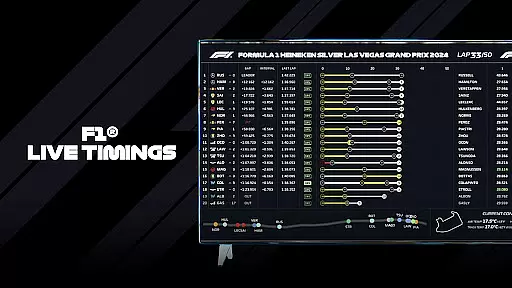
Beyond live streaming, F1 TV offers invaluable resources such as live timing and telemetry data, giving viewers insight into car performance and driver strategies in real time. Exclusive shows, documentaries, and archival footage enrich the overall package, catering to those interested in deeper historical contexts or behind-the-scenes stories. By combining cutting-edge technology with rich content libraries, F1 TV sets a new standard for sports entertainment applications.
F1 TV offers an unparalleled level of realism for sports enthusiasts, particularly in how it streams live sessions with precision and clarity. The app provides users with access to live race data, ensuring that every moment is captured just as it happens on the track.
Through features like Multi View, fans can customize their viewing experience by choosing different camera angles and feeds. This ability to tailor content enhances the perception of realism, making users feel as if they are part of the race itself. Additionally, options such as 4K UHD/HDR streaming further elevate the authenticity of visual presentation.
The value for users lies in experiencing races exactly as officials and teams see them. With real-time telemetry, onboard cameras, and team radio communications, subscribers gain insights typically reserved for professionals within the sport. These elements combine to deliver a highly realistic portrayal of Formula 1 racing.
A key aspect of F1 TV's appeal is its intuitive control scheme, which allows users to easily navigate through various features without any hassle. Whether switching between multiple views or accessing specific race details, the interface has been designed with user convenience in mind.
For instance, viewers can effortlessly switch between live streams, timing screens, and additional content like documentaries or archived races. Such seamless transitions ensure that users remain engaged without being distracted by complicated navigation paths. Moreover, support for up to six simultaneous device connections simplifies family or group viewing experiences.
This straightforward approach not only enhances usability but also ensures that even those new to the platform can quickly adapt. By prioritizing ease-of-use alongside advanced functionalities, F1 TV successfully caters to both casual watchers and hardcore fans alike.
User-friendly interface
Ad-free streaming
Multi-device compatibility
Exclusive content library
Real-time race data
Premium tier costs higher
Limited device support
Occasional connectivity issues
No offline mode available
Complex navigation for beginners

Social casino meets sportsbook - more than a bet app for social sports betting!
 4.60
4.60
Trick cliff dive backflips, stunts & doubles! Unparalleled real physics!
4.50
The King of Retro Soccer!
3.60
Play one of most famous lawn games in America called foot bag toss family games!
4.30
The ultimate Golf game! Compete in 6 player real-time multiplayer golf battles!
4.70
Play T20 Cricket World Cup 2025. Real matches, offline & tournament mode!
4.3
Be a wrestling Superstar
4.40
Realistic PvP Multiplayer Dart game blending sports games and simulation fun!
4.50
Let's play catch and throwing game!
4.60
Online app with multiple arenas! Live PvP multiplayer grand slam sports league.
4.60
Coach a franchise of NFL PA licensed pro football players to gridiron glory
4.60
Master the arrow art in archer duels
4.50
Sports app that presents matches' details from the most important championships.
4.50
Out of the Park Baseball Go is a strategy & sports gaming fan’s dream come true.
4.40
Realistic golf, real courses
4.10
Golfing in an Endless Desert
4.10
Pixel Cup Soccer is a retro-style arcade game, just the fun part of soccer!
4.00
Relive the second baseball game in the Backyard Sports franchise!
4.00
Build your football city, train your team— no ads, no in-app purchases!
4.1


User Reviews