
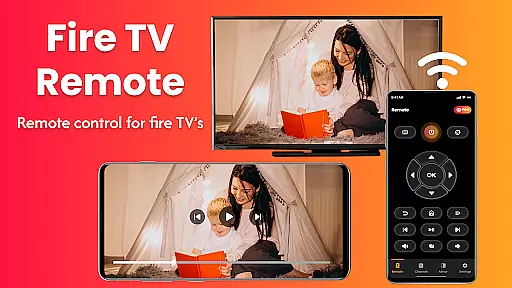
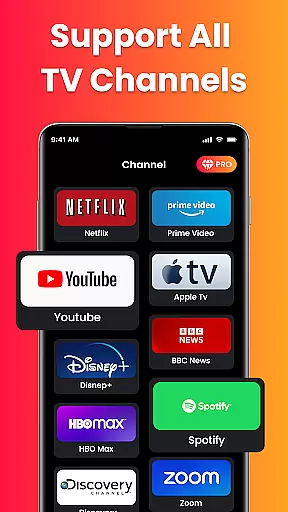
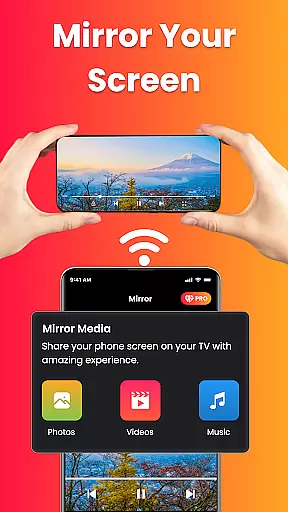
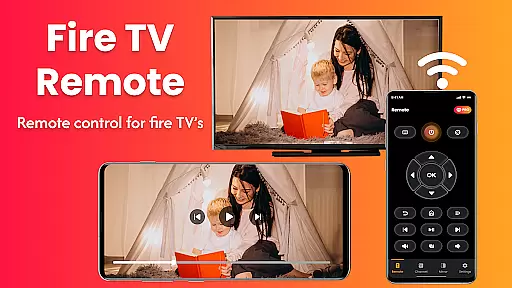
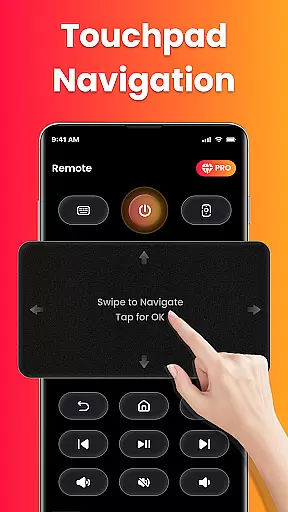
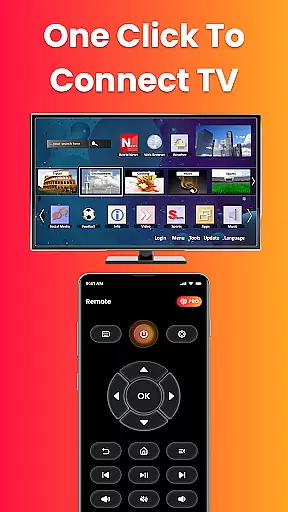
Fire Remote TV Control is a dedicated application that transforms your Android phone into a comprehensive remote control for Fire TV and Fire Stick devices. This app offers complete navigation, playback controls, volume management, and screen mirroring capabilities without the need for pairing codes or complex setups. Designed exclusively for Fire TV users, it ensures fast and reliable performance while providing an intuitive interface for seamless interaction with your streaming device.
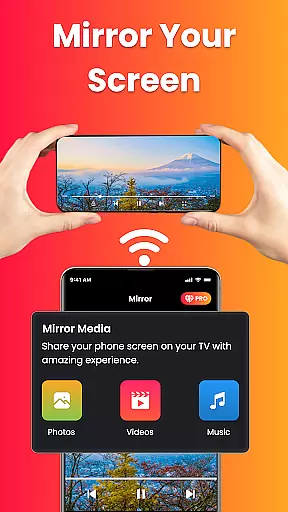
The app's standout feature is its ability to mirror your phone's screen directly to your Fire TV with just one tap. Whether you're sharing photos, streaming videos, or presenting work content, this functionality makes it easy to display everything on the big screen. Additionally, Fire Remote TV Control supports all versions of Fire TV Sticks, Fire TV Cube, and Fire TV Edition smart TVs, making it versatile for various home entertainment setups.
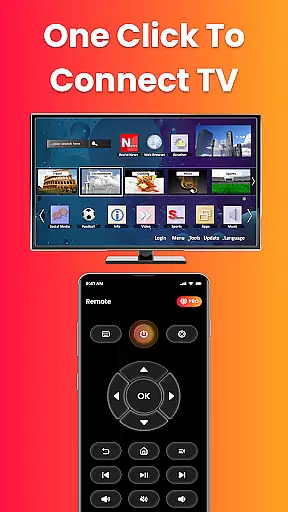
For those who have misplaced their physical remote or simply desire more efficient control over their Fire TV experience, this app provides instant connectivity over Wi-Fi and includes essential functions like play, pause, rewind, fast forward, and an on-screen keyboard for quick searches. Its lightweight design ensures minimal battery usage while delivering maximum utility in managing your Fire TV ecosystem effortlessly.
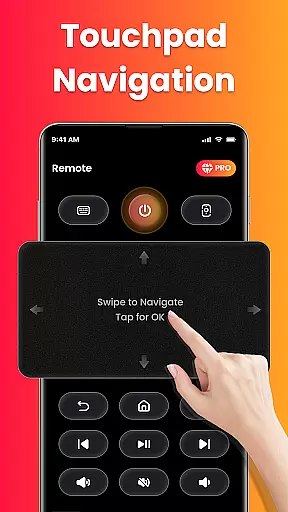
Fire Remote TV Control stands out due to its rich set of features tailored specifically for Fire TV users. One of the primary functionalities is full remote control, which allows users to navigate menus using directional pads and touch controls, manage volume settings, mute/unmute options, and even power controls where supported. These features collectively ensure that users can operate their Fire TV devices seamlessly from their smartphones.
In addition to basic remote functions, the app also excels in media playback controls such as play, pause, rewind, fast forward, and stop video playback. The inclusion of an on-screen keyboard facilitates quick typing and searching within apps, enhancing user convenience significantly. Furthermore, the screen mirroring feature enables users to cast their phone’s screen directly onto their Fire TV with minimal effort—a capability not commonly found in generic remote applications.
Another notable aspect is the app's optimization for the Fire TV ecosystem, ensuring compatibility with various models including Fire TV Stick (all versions), Fire TV Stick 4K / 4K Max, Fire TV Cube, and Fire TV Edition smart TVs by brands like Toshiba and Insignia. This focused compatibility guarantees a smooth user experience without unnecessary bloat, maintaining speed and reliability throughout usage.
In the context of smart home management, ensuring the authenticity and reliability of connected devices is crucial. Fire Remote TV Control excels in this area by offering a seamless connection experience specifically tailored for Fire TV and Fire Stick devices.
The app verifies compatibility with various Fire TV models including Fire TV Stick (all versions), Fire TV Stick 4K / 4K Max, Fire TV Cube, and Fire TV Edition smart TVs. This verification process ensures users that their specific Fire TV device will work reliably with the app's remote and screen mirroring features.
By maintaining strict compatibility standards and providing clear information about supported devices, the app delivers trustworthy performance. Users can confidently rely on Fire Remote TV Control to manage their Fire TV ecosystem without worrying about connectivity issues or unsupported features.
This commitment to authenticity extends to regular updates that keep pace with new Fire TV models, ensuring long-term usability and consistent performance across all supported devices.
Effective home management in the digital age requires intuitive tools that simplify device control and enhance user convenience. Fire Remote TV Control achieves this through its comprehensive feature set designed specifically for Fire TV users.
The app provides complete navigation controls including directional pad functionality, volume management, playback controls, and an on-screen keyboard for quick searches. These features are implemented with precision, allowing users to effortlessly manage their Fire TV experience from their mobile device.
One of the standout home management features is the integrated screen mirroring capability. This allows users to cast their phone's screen to their Fire TV with a single tap, enabling versatile use cases such as displaying photos, streaming mobile videos, and presenting work content on the big screen.
Additionally, the app's instant Wi-Fi connection feature eliminates setup hassles, while its lightweight design ensures efficient battery usage. These thoughtful implementations demonstrate how Fire Remote TV Control enhances smart home management through practical, user-focused solutions.
User-friendly interface
Instant Wi-Fi connection
Comprehensive remote functions
Efficient screen mirroring
Lightweight and battery-efficient
Limited to Fire TV ecosystem
No Chromecast support
Third-party app risks
Occasional connectivity issues
Basic UI design

For all of your Airthings devices
 4.30
4.30
Use Home by ShowingTime to easily manage showings, tours, feedback and more
3.60
Unlock AI-based barcode scanning and support the development of Grocy Android
4.1
Tailored Care Guides For Houseplants, Indoor Plants, Garden Plants & Flowers.
4.60
Design house plans in 2D & 3D, style furniture, and preview renovation layouts
3.70
IP camera view and playback, for your WiFi cam or home security cctv system.
3.70
Night Owl Protect helps you secure, protect, and connect your world!
4.60
Your guide to apartments & rental homes. Find your next place to rent with AG.
4.60
Find the perfect paint color with advanced tools to explore and visualize color.
3.80
View houses and apartments for rent, updated daily.
4.80
MLS-powered real estate app to find homes for sale & apartments for rent
4.70
Map-based search app for apartments and homes for rent.
4.60
Resident Center, powered by Buildium, is designed with simplicity in mind.
4.50
Make Renting Easy
4.40
3D House Design and AI Room Planner - from floor plans to full interior design.
4.40
Book your local plumber 24/7, track your service order & get exclusive coupons
4.00
Draw house plans, floor plans 3d & house design with house plan drawing 3d app
3.60
Draw your floor plan smartly. Make house design blueprint with home planner app
3.60
Universal TV Remote for TV, control all Smart TVs with your mobile phone.
4.0


User Reviews