
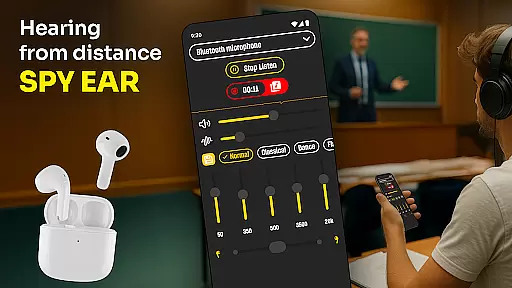
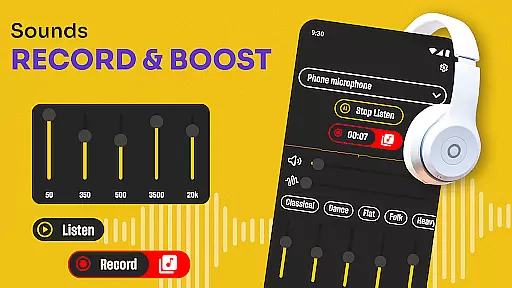
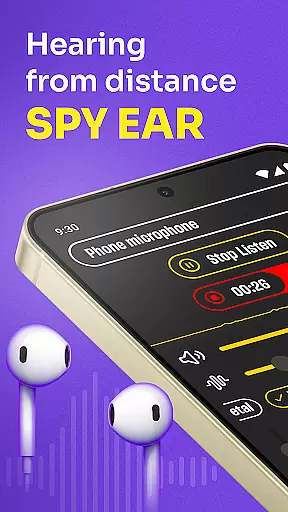
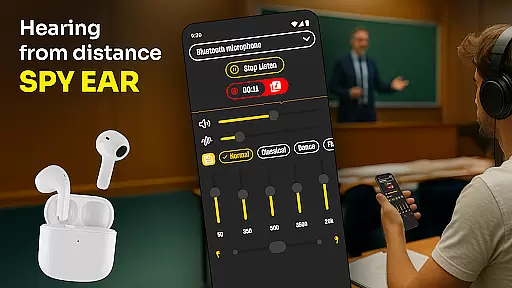
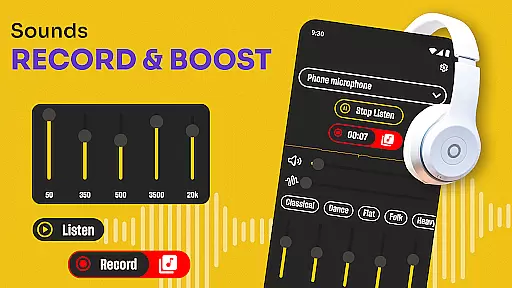
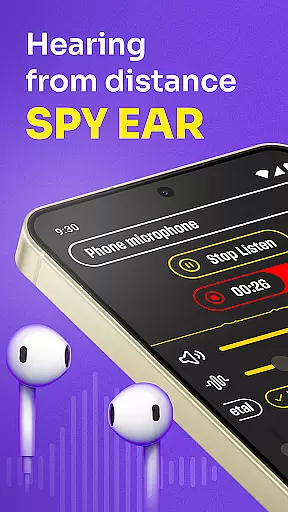
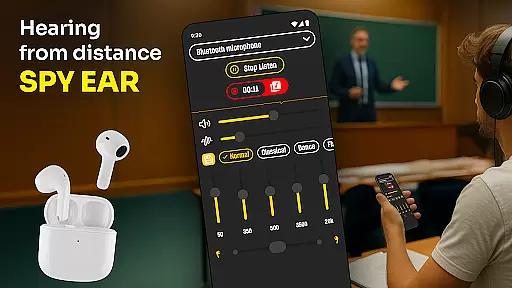
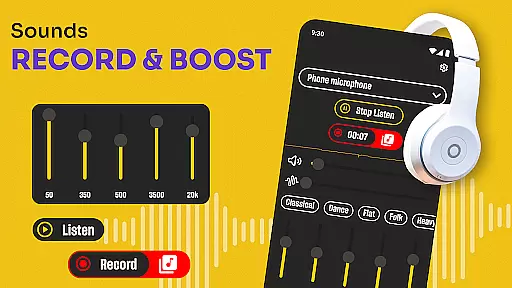
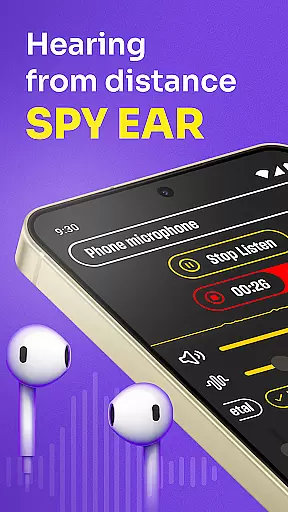
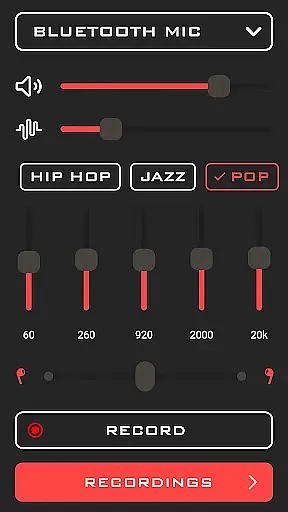
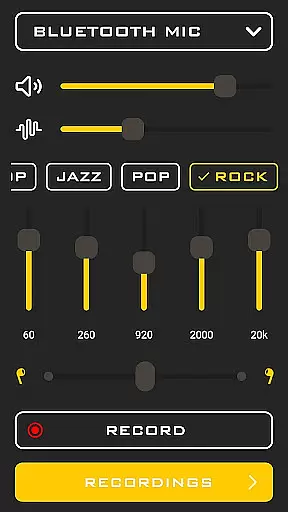
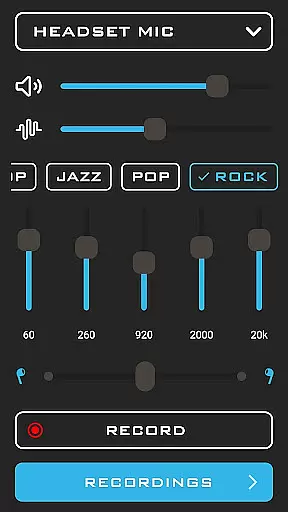
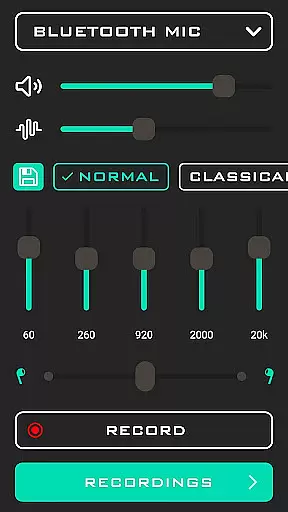
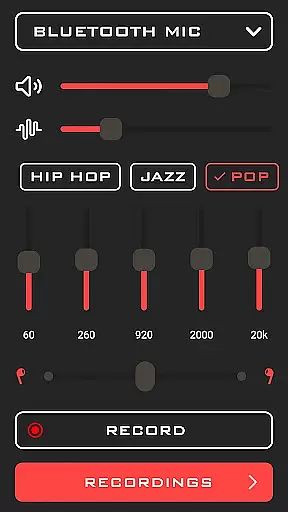
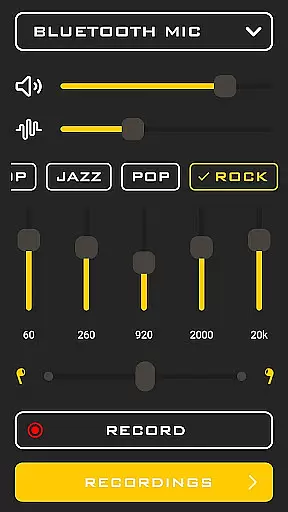
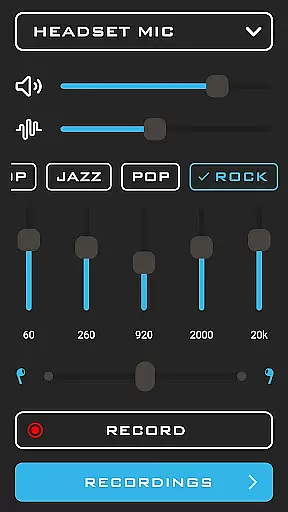
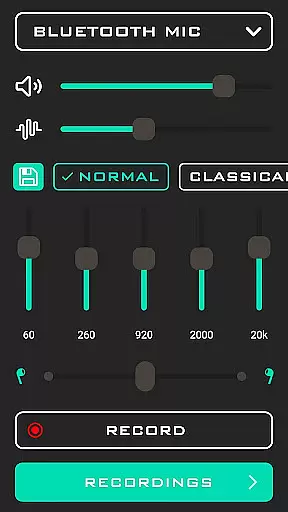
Hearing from Distance is a revolutionary mobile application designed to enhance auditory experiences by transforming your smartphone into a powerful listening device. This app is particularly beneficial for individuals with mild to moderate hearing impairments, offering them an accessible and portable solution to amplify sounds in various environments.
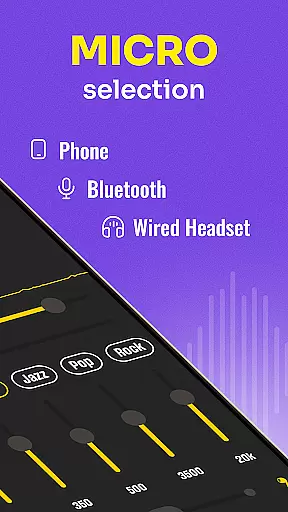
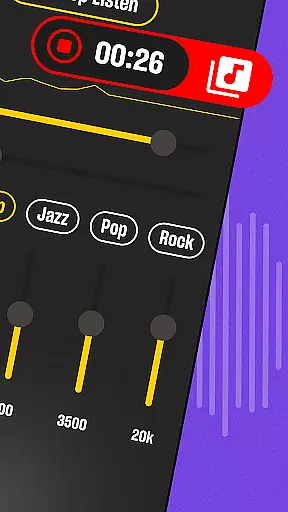
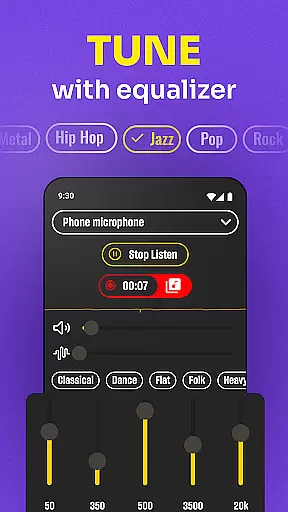
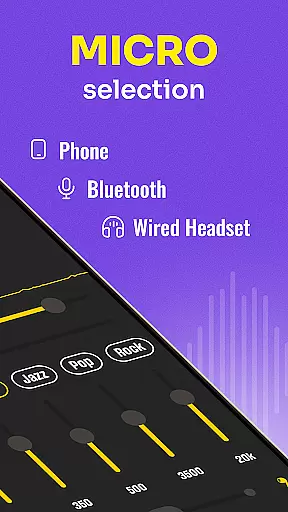
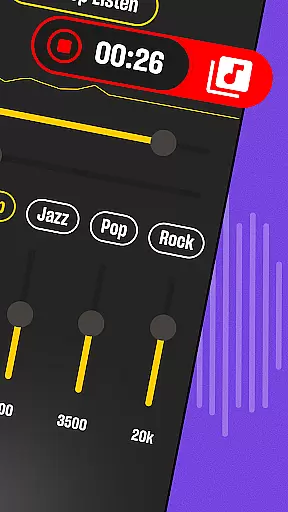
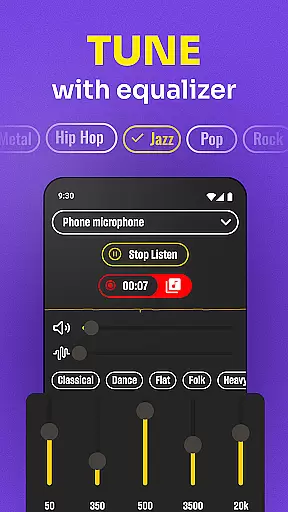
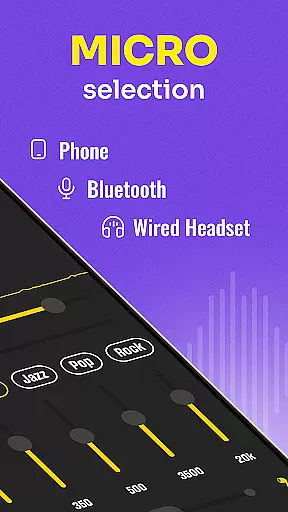
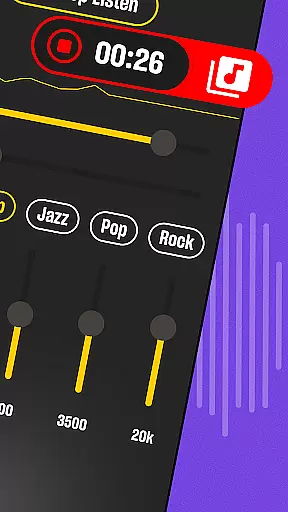
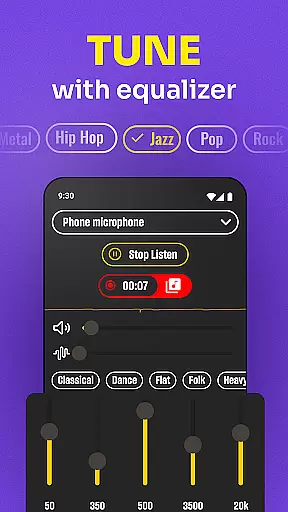
The core functionality of Hearing from Distance lies in its ability to stream distant sounds directly to Bluetooth headphones or earbuds. It provides users with the flexibility to switch between their phone's microphone or a connected headset mic, ensuring optimal sound capture. Additionally, the app features a recording function that allows users to save important audio moments such as meetings, lectures, and interviews for later playback.
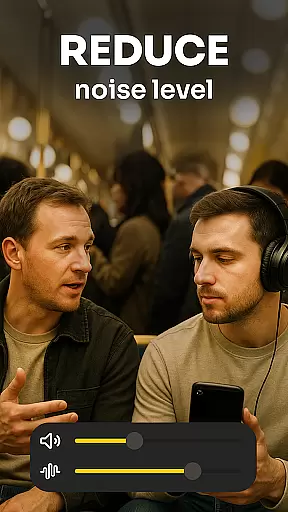
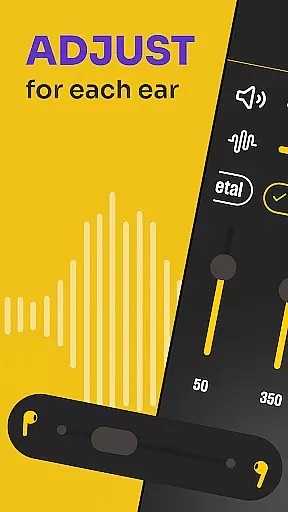
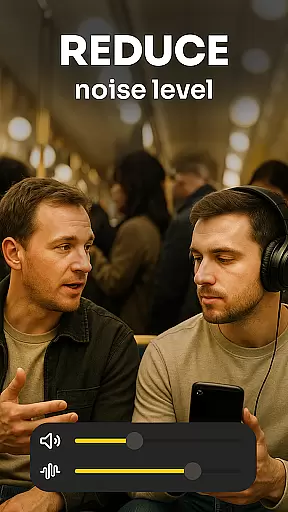
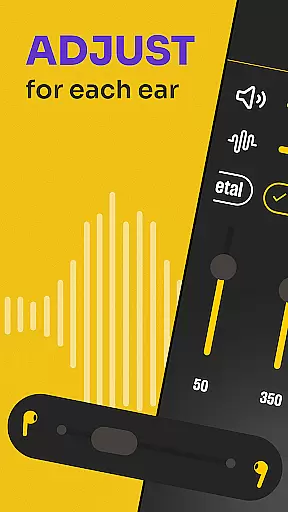
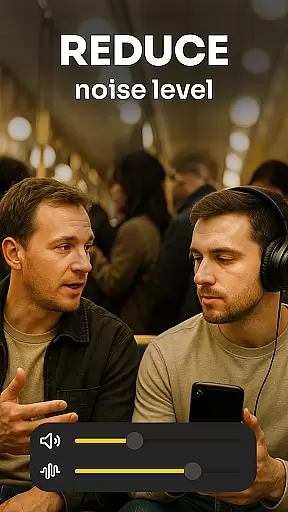
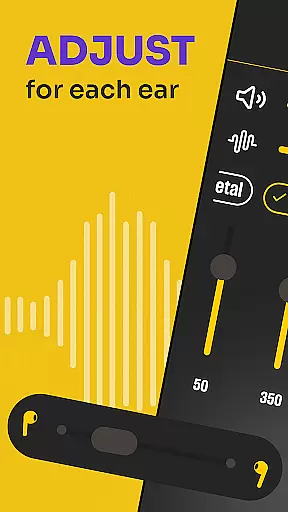
Whether you're attending a lecture, participating in a meeting, or simply trying to follow a conversation in a noisy environment, Hearing from Distance ensures you don't miss any critical details. By filtering out background noise and adjusting sound levels dynamically, it delivers clear and crisp audio tailored to individual needs.
Hearing from Distance offers a comprehensive suite of features designed to improve auditory clarity and accessibility. One of its standout capabilities is the Ear Spy mode, which specializes in picking up whispers and distant conversations, making it invaluable in scenarios where subtle sounds need amplification.
The app includes a built-in recorder, enabling users to document and archive spoken content without missing a beat. This feature is particularly useful for professionals like journalists and students who require accurate records of discussions and lectures. Moreover, the Sound Amplifier function discreetly boosts volume levels, allowing users to engage in conversations without drawing attention to their hearing assistance.
Another remarkable aspect of Hearing from Distance is its ability to filter out background noise effectively. Whether you're in a crowded restaurant or a bustling lecture hall, the app ensures that voices come through clearly. The real-time adjustment of sound levels guarantees that users remain engaged in every conversation, regardless of environmental acoustics.
In the realm of medical applications, content credibility is paramount. Hearing from Distance ensures that all its features are grounded in reliable audio technology and sound amplification principles. The app's design focuses on providing users with a dependable tool for enhancing auditory experiences without compromising accuracy.
The application incorporates expert-reviewed methodologies to amplify sounds effectively. By leveraging advanced algorithms, it filters out background noise and hones in on important audio cues. This approach not only improves hearing but also aligns with professional standards used in audiology, ensuring users receive a quality listening experience.
Users benefit from this rigorous attention to detail as they can trust the app to deliver clear and precise sound enhancement. Whether attending lectures or engaging in conversations, individuals with mild to moderate hearing loss can rely on Hearing from Distance to provide an authentic representation of the audio environment.
This commitment to expert validation and technological precision makes Hearing from Distance a valuable asset for those seeking to improve their auditory capabilities. With its robust feature set, the app stands out as a credible solution in the medical category, offering peace of mind alongside practical benefits.
While primarily a sound amplification tool, Hearing from Distance also offers functionalities akin to teleconsultation services by enabling remote auditory support. The app allows users to record important auditory sessions such as meetings or lectures, which can later be reviewed or shared with healthcare professionals for further analysis.
The ability to stream distant sounds directly to Bluetooth headphones enhances the quality of these 'auditory consultations.' Users can switch between different microphone sources, ensuring optimal sound capture regardless of their environment. This flexibility mirrors the adaptability required in professional teleconsultations, where clarity and detail are crucial.
Furthermore, the app's capacity to filter background noise and adjust sound levels dynamically contributes to a high-quality listening experience. These features ensure that every word is captured with precision, much like how teleconsultations strive to deliver clear and accurate information exchange between patients and doctors.
By incorporating these sophisticated tools, Hearing from Distance provides an enhanced level of auditory engagement that parallels the expectations of modern teleconsultation services. Users can confidently rely on the app to deliver detailed and trustworthy sound reproduction, making it an essential aid for both personal and professional auditory needs.
User-friendly interface
Effective noise filtering
Real-time sound adjustment
Supports Bluetooth devices
Includes recording feature
Requires Bluetooth connectivity
May drain battery quickly
Limited without earbuds
No offline functionality
Premium features locked

Behavioral Health Portal
 4.70
4.70
We’ve made it easy for Oscar members to get care on the go.
4.30
Amplify surrounding sounds, conversations, TV or lectures for louder hearing.
4.70
Download the PulsePoint app and use your CPR skills to save a life!
4.60
A rapid reference for prehospital providers caring for pediatric patients.
4.1
Good for You. Great for Life.
4.00
Assess and treat left neglect more effectively in stroke and brain injury rehab.
4.30
The doctor will see you now
4.70
Donating plasma just got easier with the BioLife Plasma Services mobile app.
3.90
Pelvic Floor Muscle Exercises
4.80
Manage your prescriptions anytime, anywhere with the Publix Pharmacy mobile app.
4.80
Remote, medical-grade heart care at your fingertips
4.70
Coaches you through labour using hypnobirthing techniques & tracks contractions
4.70
Molina Members: My Molina. Manage your health anytime, anywhere!
4.30
One app to unlock your health
4.30
An easy way to earn money donating plasma. Book a visit, sit back, and get paid.
3.80
Conveniently receive lab results, schedule lab appointment and pay your bills
3.70
MHealth is the mobile version of MEDITECH’s Patient and Consumer Health Portal.
3.10
X-Vein: Advanced vein detection for medical practice
3.10


User Reviews