
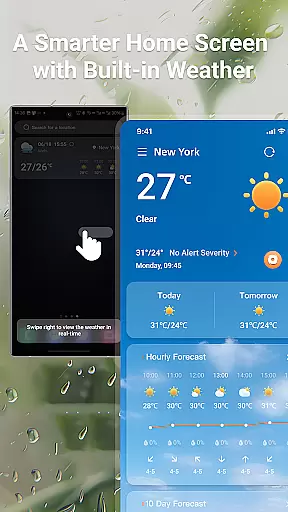
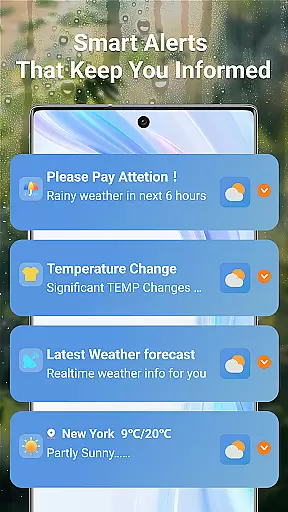
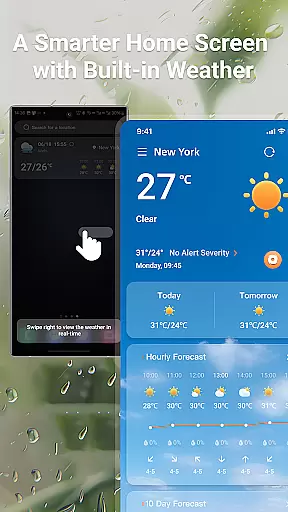
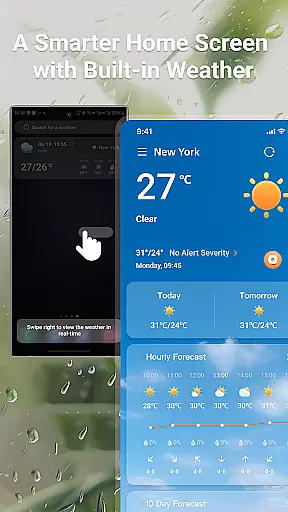
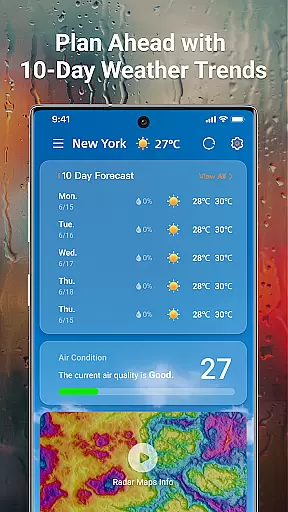
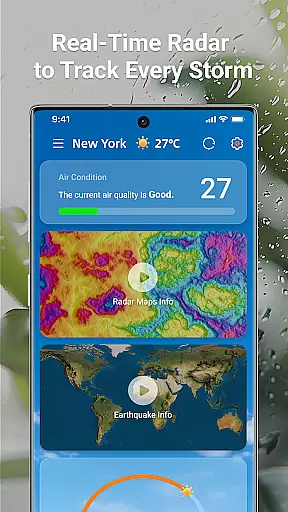
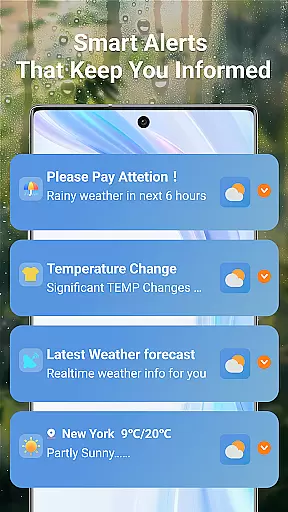
LaunchWeather is a comprehensive weather application that provides real-time weather updates directly from your home screen. With its intuitive design, the app eliminates unnecessary steps by offering instant access to current and upcoming weather conditions. Users can benefit from live radar tracking, complete weather forecasts, and smart weather alerts.
The app stands out with features like interactive radar maps, hourly updates, 10-day trend forecasts, and severe weather notifications. Whether you need precise local data or global coverage, LaunchWeather delivers accurate metrics including temperature, humidity, UV index, and air quality. Its multi-language support ensures accessibility for users worldwide, making it an essential tool for staying prepared in any weather condition.
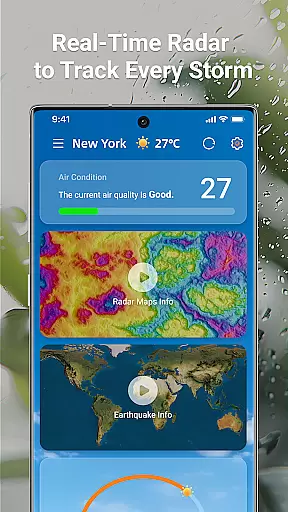
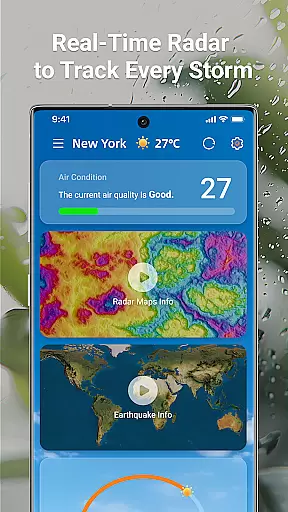
LaunchWeather offers an array of advanced features designed to keep users informed and prepared. The live radar tracking provides interactive maps that display rain, snow, and storm paths, allowing users to monitor weather changes as they occur. This feature also supports zooming and moving the map for location-specific details.
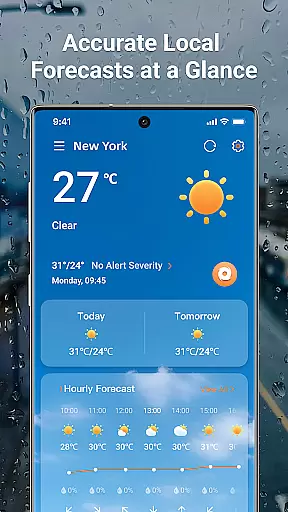
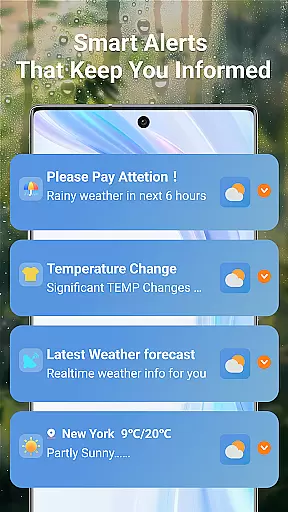
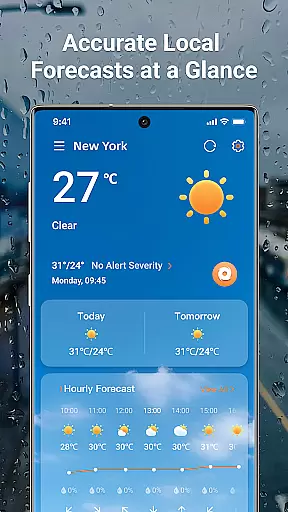
In addition to live tracking, the app provides complete weather forecasts with hourly updates and extended 10-day trends. Users have quick access to key metrics such as temperature, realfeel, humidity, UV index, and air quality without needing to open multiple apps. Smart weather alerts notify users of sudden changes, ensuring safety during travel and outdoor activities.
LaunchWeather's global coverage and multi-language support make it versatile for international use. Reliable data sources power the app's insights and breaking alerts, offering a seamless experience for users regardless of location. These robust features collectively enhance user preparedness and convenience.
Forecast accuracy and data credibility are crucial for any weather application, as they ensure users receive reliable information to plan their daily activities. LaunchWeather excels in this area by sourcing its data from trusted meteorological organizations, ensuring the forecasts you receive are not only timely but also highly dependable.
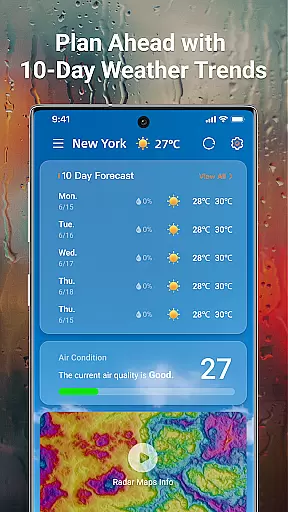
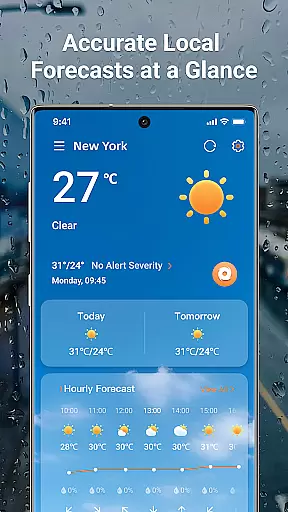
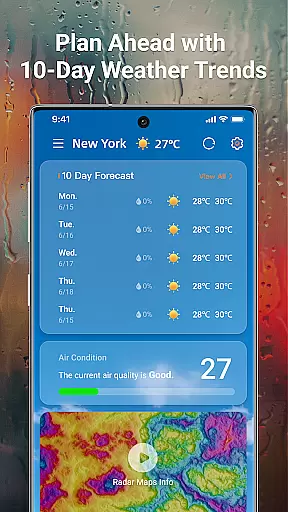
The app provides hourly updates and a 10-day trend forecast, allowing users to make informed decisions based on precise weather predictions. Key metrics such as temperature, realfeel, humidity, UV index, and air quality are presented clearly, making it easy for users to understand current and upcoming weather conditions.
With real-time updates and live radar tracking, LaunchWeather ensures that users are always aware of sudden weather changes. This feature is particularly beneficial for those who work outdoors or have plans that depend heavily on weather stability, providing them with peace of mind and confidence in their scheduling.
Temporal and spatial forecast range refers to an application's ability to provide accurate weather predictions across different times and locations. LaunchWeather stands out by offering global coverage with multi-language support, ensuring that no matter where you are, you can access precise local and international forecasts effortlessly.
Users benefit from interactive radar maps that display rain, snow, and storm paths, allowing them to zoom and move the map for location-specific details. This level of detail is essential for travelers and professionals who need to stay informed about weather patterns in various regions.
In addition to geographical flexibility, LaunchWeather delivers temporal precision through its hourly updates and extended 10-day forecasts. Whether planning a weekend getaway or managing logistics for a business, having access to both immediate and long-term weather trends empowers users to prepare effectively and respond promptly to changing conditions.
Real-time updates
Interactive radar maps
Smart weather alerts
Multi-language support
Global coverage
Requires constant internet
Notifications may overwhelm
Limited free features
Occasional inaccuracies
Heavy on battery

Personal Weather Station PRO - Meteo monitor to check your WU info and charts.
 4.20
4.20
NOAA radar, weather forecasts, hurricane tracking & customizable alerts.
4.50
Live Alabama weather from James Spann—forecasts, radar, alerts, Spanncams.
4.70
The reliable and trusted global air quality, wildfire, pollen, PM2.5 forecast
4.70
Road weather, live radar, wind, snow, and conditions along your driving route.
4.70
The moon phases app for tracking the lunar calendar, blue moon and full moon.
4.80
Digital Weather Watch Face for Wear OS 5+
4.1
Accurate, beautiful weather with landscapes depicting weather, sky, season.
4.50
Magnetic Compass meets smart tech: Get directions and weather alerts seamlessly
3.30
A professional, comprehensive and accurate weather forecast app
4.90
Ultimate Lunar Calendar for 2021!
4.80
Live local weather updates: various widgets & radar maps & hourly forecast.
4.70
Thermometer shows indoor and outdoor temperature
4.70
Super-res, real-time weather radar. Be prepared for extreme weather.
4.50
Your Trusted Weather Companion
4.40
14-day & 24-hour Forecast | Real-time Alert | Accurate & Fast
4.40
Precision Weather, Right at Your Fingertips
4.40
Advanced weather toolkit, providing detailed weather information for any season!
3.50
Most precise & accurate compass app give true North South East West directions.
3.00


User Reviews