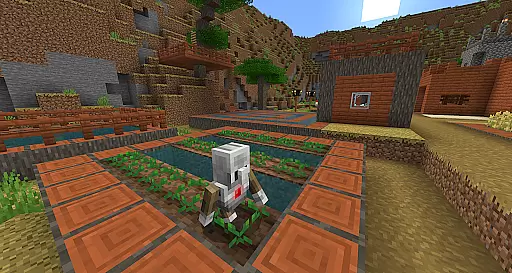
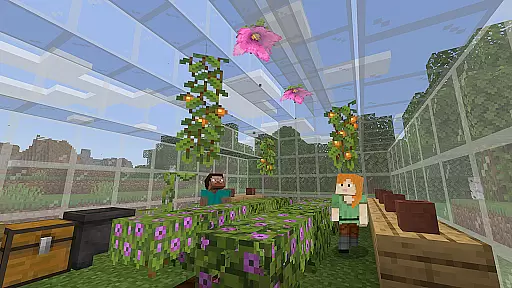
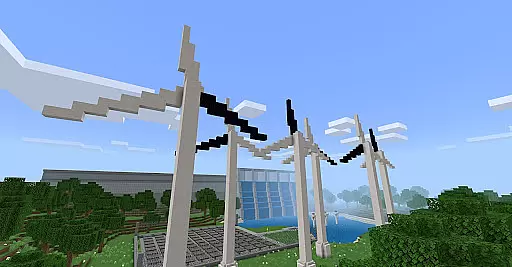
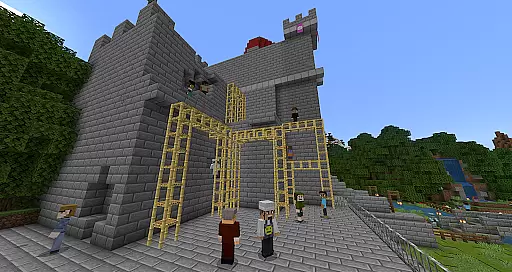
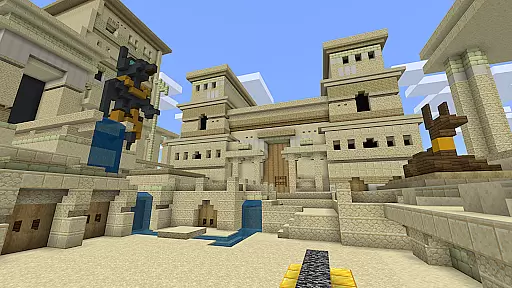
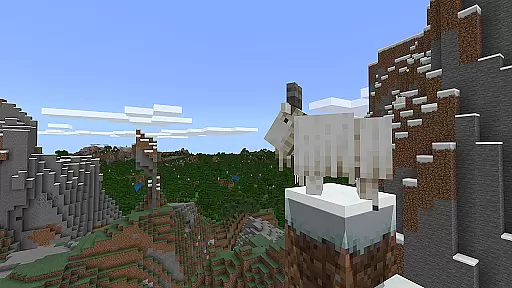
Minecraft Education is a game-based learning platform designed to inspire creative and inclusive education through interactive play. This educational tool allows students and educators to explore blocky worlds that provide innovative ways to approach any subject or challenge. From reading and math to history and coding, the app offers standardized curriculum content tailored for diverse learners. The platform also supports open-ended creative projects, making it adaptable to various teaching styles and student needs.
With features like multiplayer collaboration, integrated coding tools, and partnerships with organizations such as NASA and BBC Earth, Minecraft Education fosters essential skills like problem-solving, teamwork, and digital citizenship. It equips students with critical thinking abilities while sparking interest in STEM fields. Additionally, its compatibility with Microsoft Teams and Flipgrid ensures seamless classroom integration, making it an ideal choice for modern educational environments.
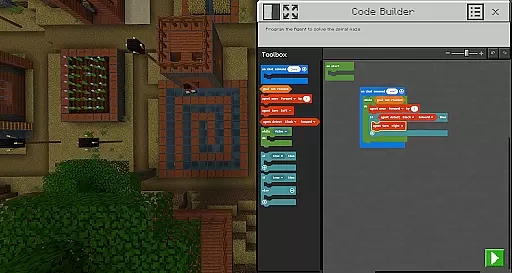
Minecraft Education stands out with its versatile and immersive features designed to enhance learning experiences. One of its core strengths is the multiplayer mode, which enables real-time collaboration across platforms, devices, and hybrid learning environments. This feature promotes teamwork and communication among students, regardless of their physical location. Another highlight is Code Builder, which supports block-based coding, JavaScript, and Python, helping students develop programming skills through intuitive interfaces and in-game execution.
The inclusion of Immersive Reader further enhances accessibility by assisting users in reading and translating text within the game. Tools like the Camera and Book & Quill allow learners to document and export their in-game creations, fostering creativity and project-based learning. Additionally, the platform's integration with Microsoft Teams and Flipgrid provides educators with robust assessment tools and classroom management capabilities. These features collectively create a dynamic, engaging, and future-ready learning environment.
Minecraft Education stands out in the realm of educational tools by offering meticulously crafted content that aligns with academic standards. The platform collaborates with reputable organizations such as BBC Earth, NASA, and the Nobel Peace Center to create immersive learning experiences.
Each lesson and activity within Minecraft Education is designed not only to engage students through interactive gameplay but also to ensure the information presented is both accurate and authoritative. This commitment to quality provides educators with confidence when integrating these resources into their curriculum.
The inclusion of standardized curricula covering subjects like reading, math, history, and coding ensures that learners receive comprehensive instruction tailored to diverse learning styles. By merging entertainment with education, Minecraft Education successfully bridges the gap between traditional teaching methods and modern digital engagement strategies.
One of the core strengths of Minecraft Education lies in its ability to offer personalized learning paths for students. With hundreds of ready-to-teach lessons, creative challenges, and open-world environments, educators can tailor the experience to meet individual student needs effectively.
The platform supports various learning modalities, ensuring that whether a student thrives through structured lessons or exploratory play, they will find meaningful opportunities for growth. Features like Immersive Reader further enhance personalization by assisting with text readability and translation.
Moreover, Minecraft Education's integration with Microsoft Teams and Flipgrid allows teachers to monitor progress closely and adjust instruction accordingly. This flexibility empowers educators to foster an inclusive classroom environment where every learner can achieve success at their own pace.
Engaging gameplay
STEM-focused lessons
Multiplayer collaboration
Coding practice
Accessible design
Subscription required
Complex setup
Limited offline use
High system requirements
Steep learning curve

An aviator’s preparation, study and test tool for FAA Knowledge Exams.
 3.90
3.90
Dinosaurs coloring book game. Drawing and painting dinos.
4.50
Deal Craps (Practice Craps Payouts)
3.80
An interactive enhancement of the Sesame Street classic.
4.50
Prepare for the BCBA / BCaBA exam. Study ABA with the ABA Wizard app.
4.60
Master note reading with StaffWars….
4.00
Stack the Countries makes learning world geography fun!
4.50
Snap a dog photo to identify its breed instantly. Fast, accurate and easy to use
3.40
Reading for kids has never been easier. Learn phonics, letter tracing & more!
4.70
Learning the ancient Viking language made simple
4.70
Stargazing Guide App. Stars and constellations map. Solar system planets finder.
4.60
Turn scrolling hours into improving your knowledge, communication, intelligence
4.50
Practice Casino Roulette Payouts for Table Game Dealers and Croupiers
4.40
School Communication
4.30
A magical world of fun, building, and learning with Mickey Mouse and more!
4.20
Hasbro's Classic Board Game - Make Cavity Sam better or get the buzzer!
3.50
Bebefinn and Baby Shark educational, animated videos & games for kids
3.40
Master the NRP with 700+ questions, rationales, and updated NREMT scenarios.
3.00
Pickleball guide complete with illustrated Pickleball drills and helpful info
4.5


User Reviews