
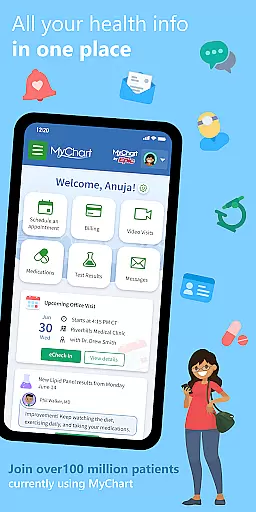
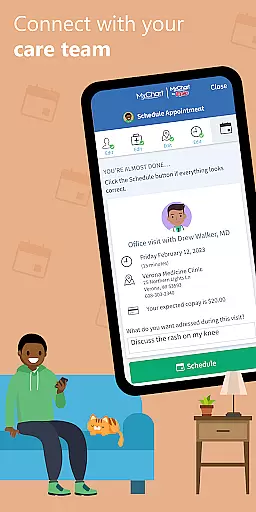
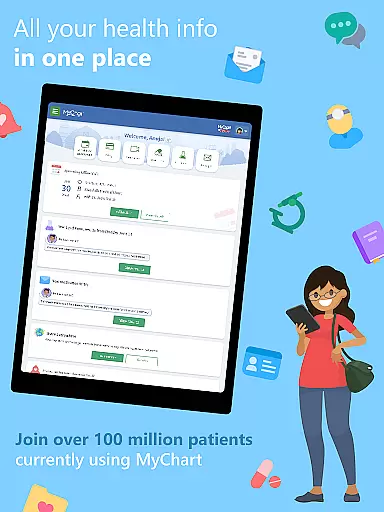
MyChart is a comprehensive medical application designed to provide users with instant access to their health records and facilitate efficient healthcare management. The app enables users to communicate directly with their care team, review important medical information such as test results and medication history, and even integrate data from personal devices through Google Fit. With features like After Visit Summary and clinical notes, MyChart ensures that users have a complete overview of their healthcare interactions.
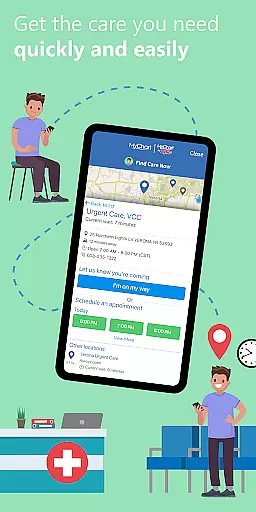
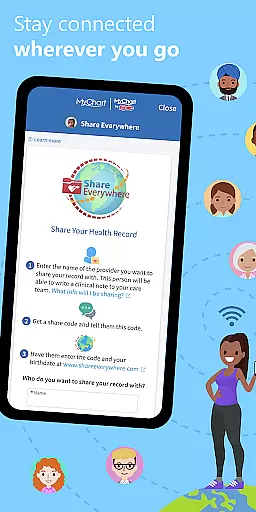
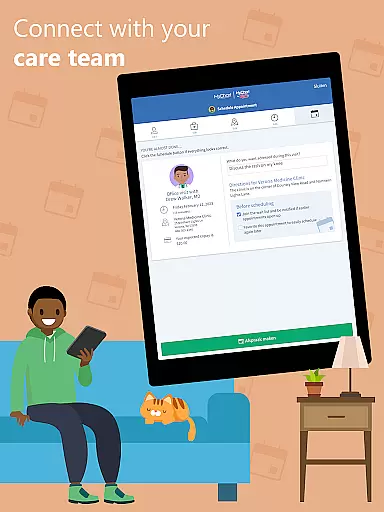
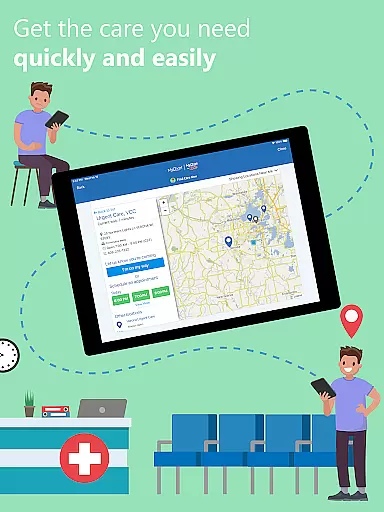
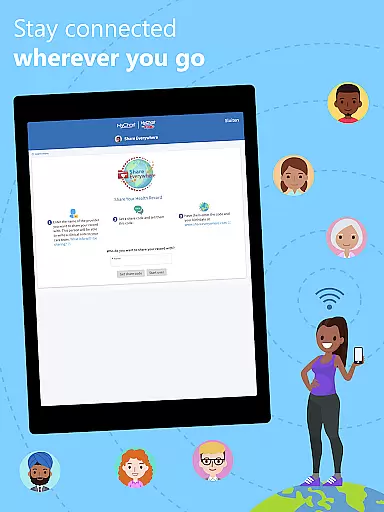
In addition to accessing medical records, the app allows users to schedule appointments for both in-person and video consultations, obtain cost estimates for medical services, and manage billing. The secure sharing functionality extends the app's utility by enabling users to share their medical information with other authorized individuals. MyChart also supports account linking across multiple healthcare providers, creating a unified health record. This makes it an invaluable tool for managing personal and family healthcare needs conveniently from a mobile device.
MyChart stands out with its diverse feature set tailored to modern healthcare needs. One of its key strengths is the ability to consolidate health information from various sources into a single platform. Users can link accounts from different healthcare organizations, ensuring all their medical data is accessible in one place. The integration with Google Fit demonstrates the app's commitment to leveraging technology for better health monitoring by syncing data from wearables and other personal health devices.
The app also offers practical tools for appointment management, including scheduling and reminders for upcoming visits. Its notification system keeps users informed about new developments in their medical records or upcoming appointments. Furthermore, the inclusion of telehealth options through video visits highlights MyChart's adaptability to current healthcare trends. Security features like fingerprint authentication and passcode login ensure that sensitive health information remains protected while maintaining user convenience.
In the realm of digital health management, the credibility of medical content is paramount. MyChart excels in this area by providing users with verified health information directly from their healthcare providers. This ensures that every piece of data, from test results to medication lists, is not only accurate but also endorsed by medical professionals.
The app allows patients to review their immunization history, After Visit Summaries, and clinical notes shared by their physicians. By integrating with healthcare systems, MyChart ensures that all health records are up-to-date and reflect the latest consultations and treatments. This level of detail and verification offers peace of mind for users relying on this information for personal or family care.
Furthermore, MyChart's ability to consolidate health information from multiple sources into a single view enhances its reliability. Users can connect various healthcare organization accounts, ensuring comprehensive oversight of their medical history. This aggregation of verified data underscores MyChartu2019s commitment to delivering credible and expert-reviewed medical content.
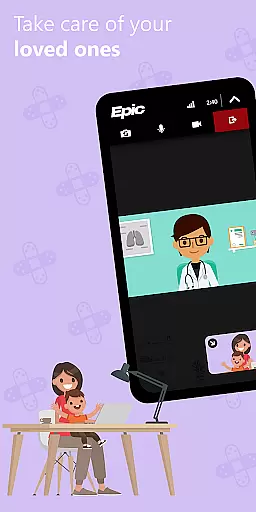
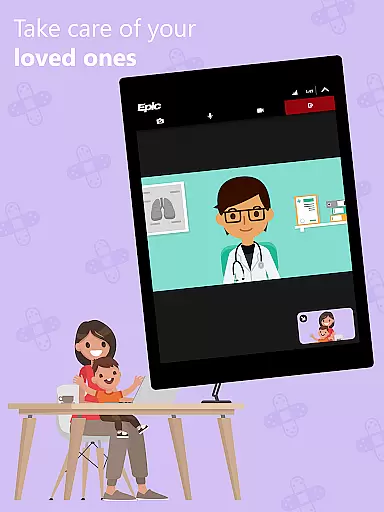
Teleconsultations have become an essential aspect of modern healthcare, and MyChart positions itself as a robust platform for these virtual interactions. The app facilitates video visits, allowing patients to consult with their healthcare providers from the comfort of their homes. This feature is particularly beneficial for follow-up appointments, prescription renewals, or discussing non-emergency concerns without the need for physical travel.
MyChart ensures high-quality teleconsultations through seamless integration with healthcare systems. Users can schedule and manage these virtual appointments within the app, receiving timely reminders and instructions for connecting online. The convenience extends to sharing visit summaries and clinical notes post-consultation, maintaining continuity of care.
Additionally, the app supports secure communication channels between patients and their care teams. Whether it's asking questions about symptoms or clarifying treatment plans, MyChart provides reliable tools for ongoing dialogue. This focus on quality and accessibility makes teleconsultations via MyChart a valuable asset for both routine and specialized medical needs.
User-friendly interface
Comprehensive health tracking
Secure data sharing
Integrated payment system
Multi-provider support
Limited by provider capabilities
Requires account setup
Dependent on organization's software
Potential notification delays
Variable feature availability

A fantastic 3d reference that includes over 300 structures and a quiz function.
 3.00
3.00
A comprehensive medical disease app.
5.00
We’ve made it easy for Oscar members to get care on the go.
4.30
3rd trimester? Counting Kicks is what moms should do-It’s important & easy too!
4.30
Master AEMT with 1,400+ study items, TEIs, practice tests, and scoring.
4.10
Care Simplified by MyChart
3.40
Your donation experience just got smoother; Donor Hub is your go-to place.
4.70
X-Vein: Advanced vein detection for medical practice
3.10
Tap & save. Coupons that fit in your pocket. Find low prices on prescriptions.
4.80
CPR Timer for High Performance AHA BLS / ACLS
5.00
Manage your prescriptions anytime, anywhere with the Publix Pharmacy mobile app.
4.80
Boost reading, writing, speaking and listening with a scientifically proven app.
4.70
Health Care at Your Fingertips
4.60
Blue Cross and Blue Shield of Texas member information
4.60
Anthem/Wellpoint and other health insurance plans
4.60
Internal medicine literature at your fingertips.
4.50
Secure video appointments
4.50
Update medical records, view upcoming appointments, message your provider & more
3.80
ECG modules improve rhythm ID. ACLS is a simulator for cardiac arrest scenarios.
4.1


User Reviews