
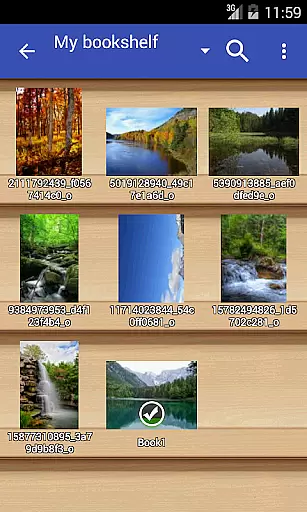
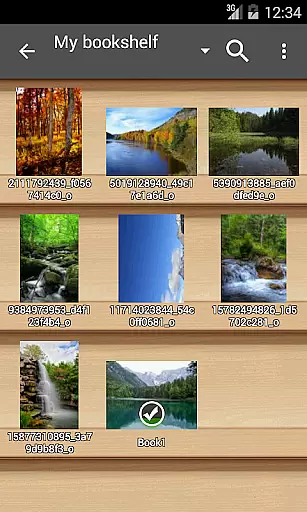
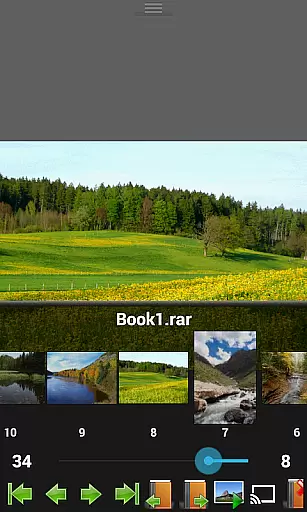
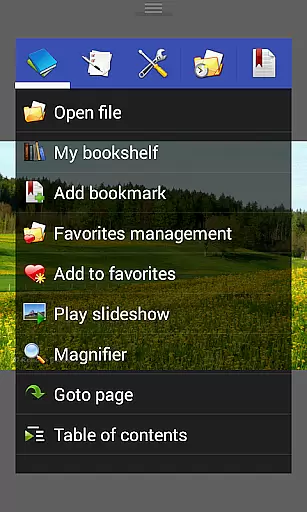
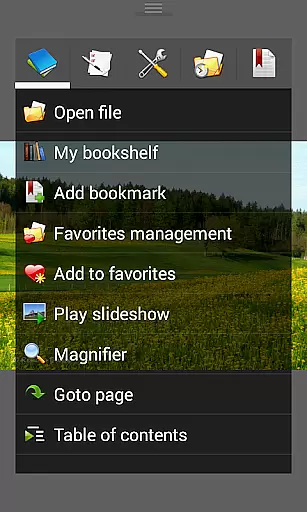
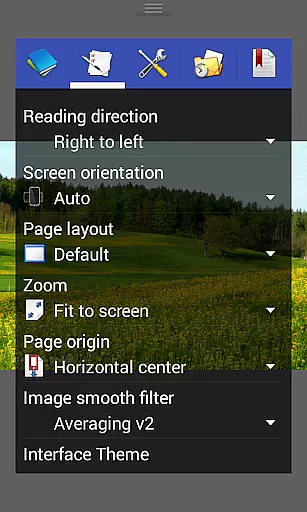
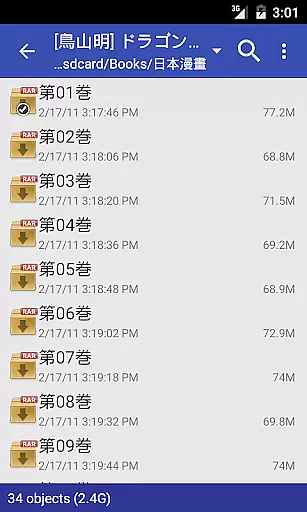
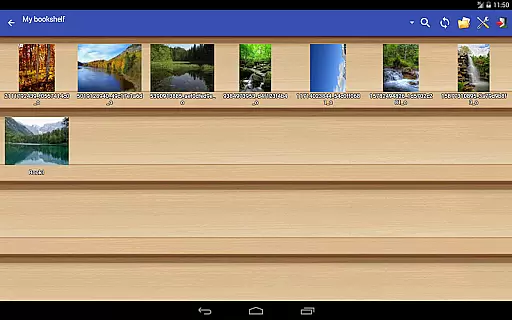
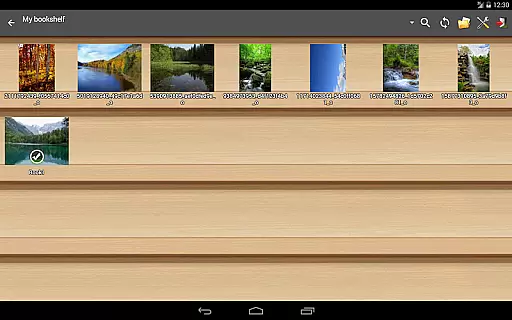
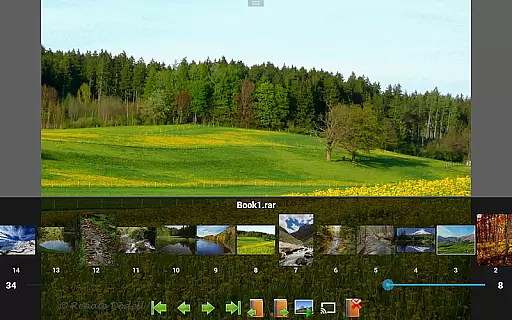
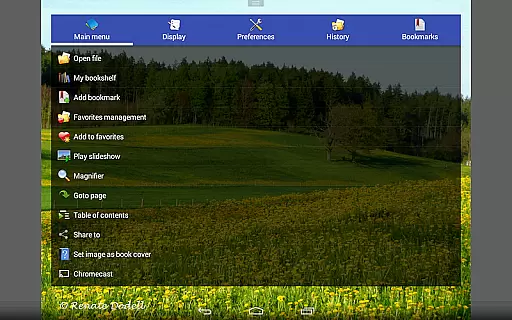
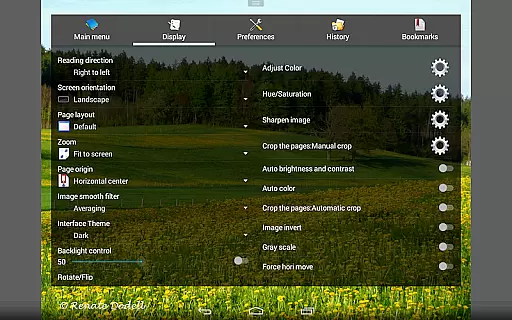
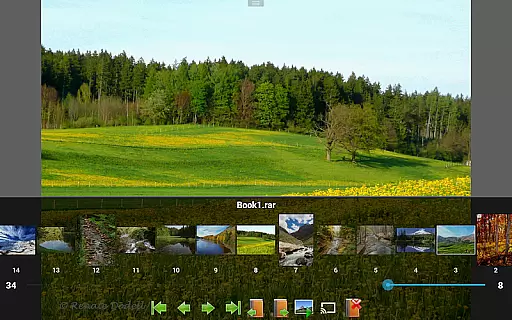
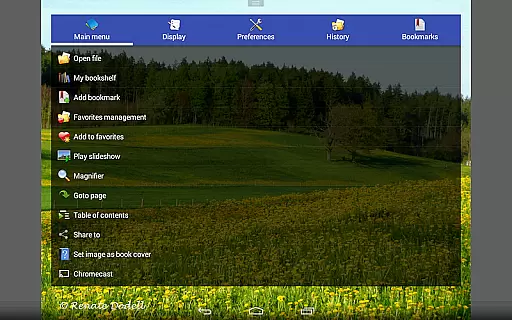
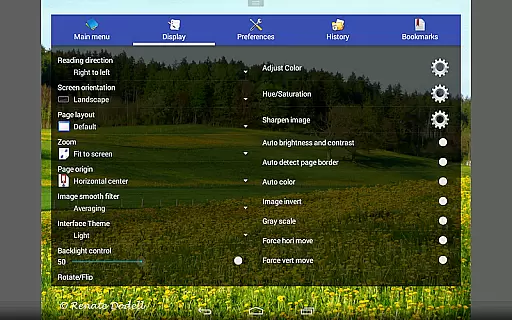
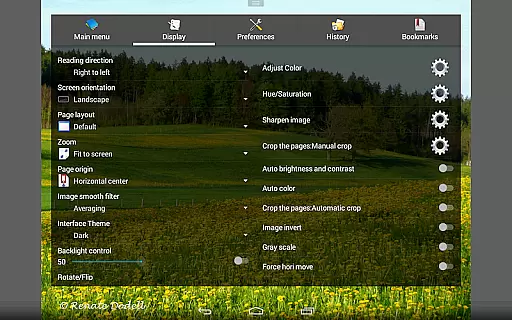
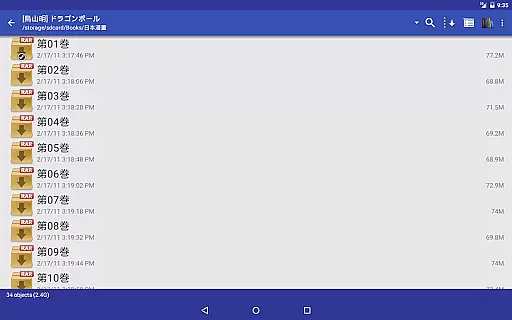
Perfect Viewer is a versatile and fast image, comic, and ebook viewer designed for seamless reading experiences. The app supports multiple file formats including EPUB, PDF, CBZ/ZIP, CBR/RAR, and more, making it ideal for digital comic enthusiasts and avid readers alike. With advanced page layout options such as auto single/dual pages and adaptive screen orientation, users can customize their reading experience to suit their preferences.
In addition to its robust format support, Perfect Viewer offers unique features like 4-color black-and-white image enhancement (for donated users) and smooth filters such as Lanczos3. Its integration with cloud services like Google Drive and Dropbox ensures easy access to your library from anywhere. Whether you're reading comics or managing ebooks, this app provides an intuitive interface and powerful tools that enhance both productivity and enjoyment.
Perfect Viewer stands out with its comprehensive feature set tailored for comic and ebook lovers. One of its key strengths is the ability to handle various file formats, including EPUB, PDF, and archive files like CBZ and CBR. This flexibility allows users to consolidate their entire library within a single app. Additionally, the inclusion of vertical and horizontal scroll modes caters to different reading styles, while pinch-to-zoom and fling gestures ensure smooth navigation through pages.
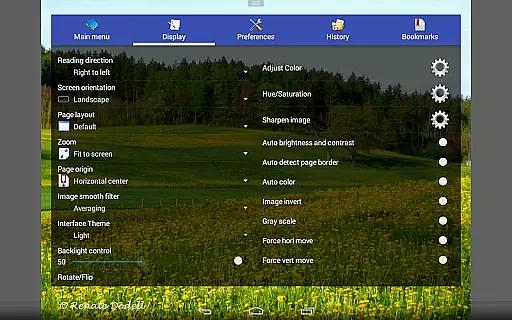
The app also excels in customization, offering five view modes—Full Size, Fit Screen, Fit Width, Fit Height, and Fixed Size—to optimize how content is displayed on any device. Advanced functionalities like brightness adjustment, gamma correction, and automatic white border cutting further refine the visual clarity of images. For users seeking convenience, Perfect Viewer integrates seamlessly with network file sharing protocols (CIFS/SAMBA) and supports Chromecast, enabling effortless streaming of content to larger screens.
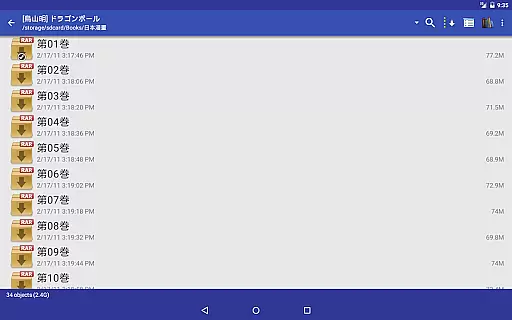
Perfect Viewer offers an extensive and versatile comic library that supports multiple file formats, making it a comprehensive tool for comic enthusiasts. The application is designed to handle various comic file types such as CBZ/ZIP, CBR/RAR, 7Z/CB7, LZH, and CBT/TAR, ensuring that users can access their favorite comics regardless of format.
In addition to traditional comic files, Perfect Viewer also supports ebook formats like EPUB, HTML, and TXT, as well as common image formats including JPEG, PNG, GIF, BMP, WebP, and TIFF. This wide-ranging support allows users to consolidate their reading material in one place, streamlining their reading experience.
For users seeking even more content options, Perfect Viewer enables access to files from cloud services such as Google Drive, Dropbox, and OneDrive through the installation of a source plugin. This feature not only expands the library size but also enhances accessibility, allowing readers to enjoy their collections anytime, anywhere.
Perfect Viewer places a strong emphasis on content authenticity and proper licensing, ensuring users have legitimate access to their reading materials. While the app itself does not provide content, its compatibility with legally purchased or properly licensed files means that users can manage and view their collections with peace of mind.
The requirement to install additional plugins for certain functionalities, such as PDF support or network file sharing, underscores the app's commitment to modular and lawful content access. These plugins serve as a gateway to additional features while maintaining a clear distinction between the core app and supplementary functions.
Furthermore, Perfect Viewer's support for DRM-protected ebooks highlights its dedication to honoring digital rights management. By accommodating these protections, the app ensures that users can enjoy their legally acquired content without compromising on functionality or convenience.
Fast and responsive performance
Wide range of supported formats
Customizable viewing modes
Cloud service integration
Advanced image enhancement tools
Premium features require donation
Complex settings may overwhelm beginners
Limited free plugin availability
Occasional ads in the free version
High storage usage for cached files

Dive into creative online comics, short video, graphic novels and web novels!
 4.60
4.60
Joke book collection with the funniest dad jokes and riddles for you to enjoy!
4.60
Pocket Toons: Free Webtoons, Comics, & Manga - New Chapter Drops Everyday
4.30
Read officially manga titles from Japan including Attack on Titan
3.80
Dive into the App for Premium Comics, Webtoons and Manga!
4.80
Arabic manga reader
4.00
Toomics is a premium comic service with every genre for all readers to enjoy!
4.00
Experience the largest selection of DC comics anywhere with DC UNIVERSE INFINITE
3.40
Official from Japan
4.80
Read and track manga across the web with ease
4.90
See the newest comic book releases and manage your comic collection or pull list
4.70
Read your favorite mangas for free
4.50
매일 매일 새로운 네이버 웹툰
4.50
The largest manga, comics, and manhwa community with millions of fans!
4.50
The most popular comic book reader.
4.40
Read Manga, Comics & Manhwa of Romance, Action, Fantasy, Drama, BL and more!
4.40
Instantly create comic-style art with AI.
3.90
Anime TV App: Watch all anime online,anime tv subtitles online with big anime tv
3.80
The best app for digital comics - Welcome to Lezhin!
3.10


User Reviews