
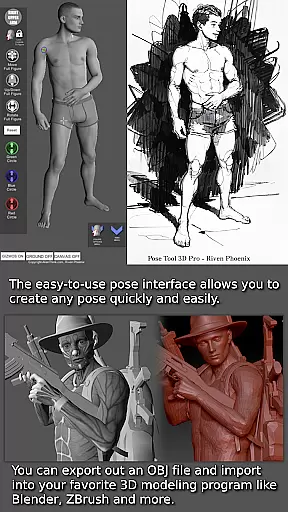
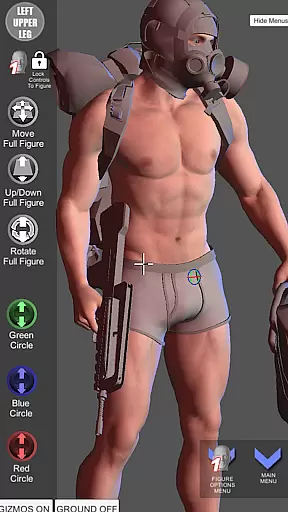

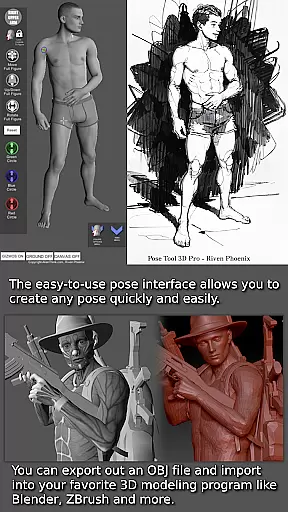
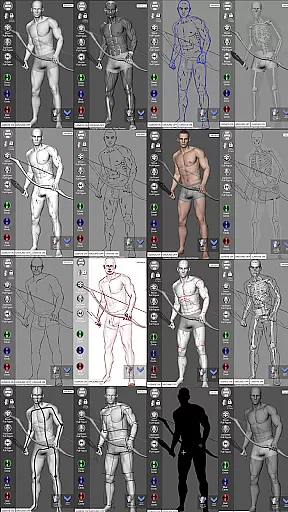
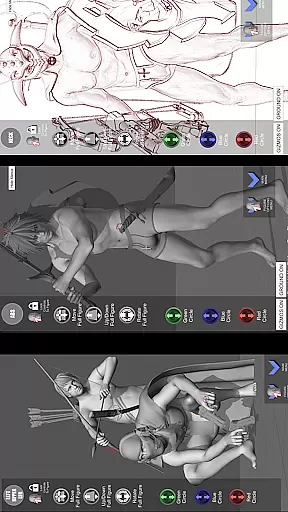
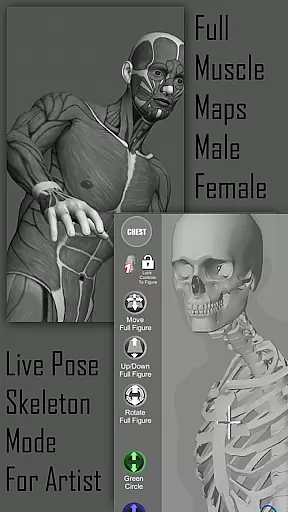
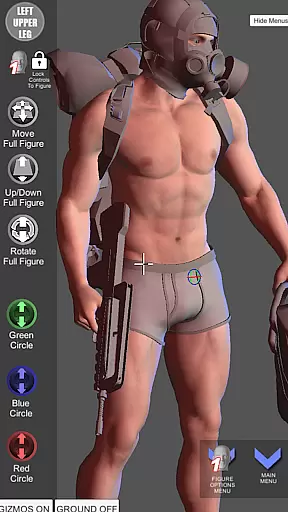


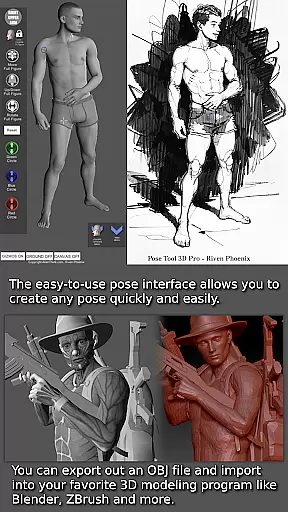
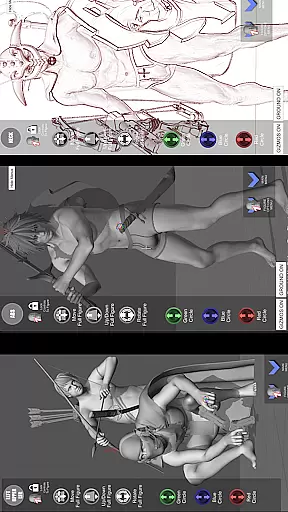
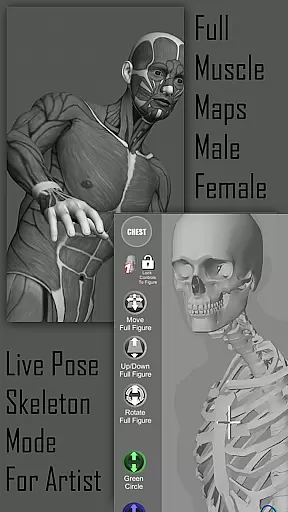
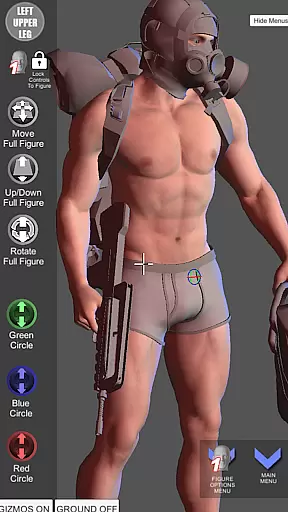
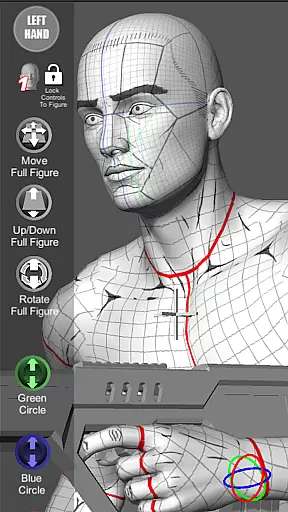

Pose Tool 3D is a revolutionary posing application designed for artists across various fields including illustration, comic books, manga, and animation. This app provides users with an easy-to-use interface to create any pose quickly, featuring both male and female figures without constraints, allowing for realistic and extreme poses. The app supports dynamic compositions through its extensive features such as muscle maps, multiple drawing modes, and the ability to attach objects and weapons to figures.
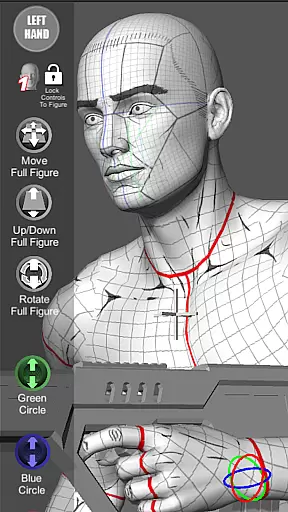
With Pose Tool 3D, artists can visualize the human figure in different drawing modes, switch between 2D and 3D perspectives, and utilize muscle maps to understand anatomy better. The app also includes touch controls for intuitive navigation and manipulation of figures, making it possible to set up dramatic shots swiftly. Whether you are a beginner or a professional artist, this tool offers everything needed to enhance your artistic skills and bring your characters to life.
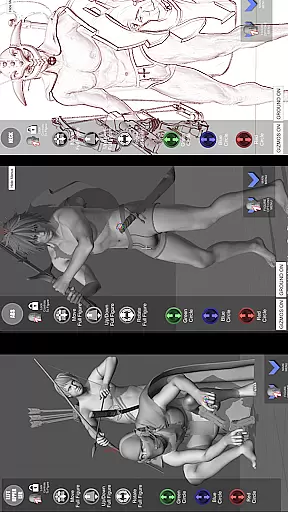
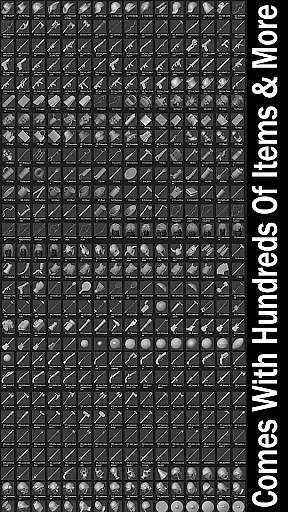
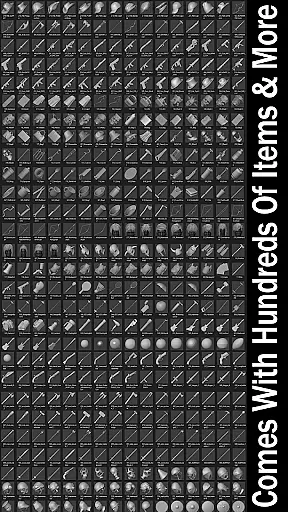
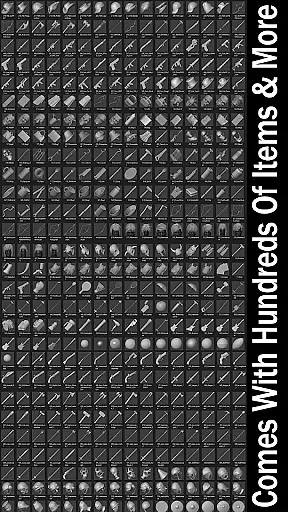
The Pose Tool 3D app stands out with its powerful posing capabilities and extensive customization options. Users can manipulate various body parts of both male and female figures, including head, neck, shoulders, arms, chest, abs, hips, legs, and feet. The app's inventory system contains hundreds of items and weapons that can be attached to figures, enhancing the depth and detail of compositions.
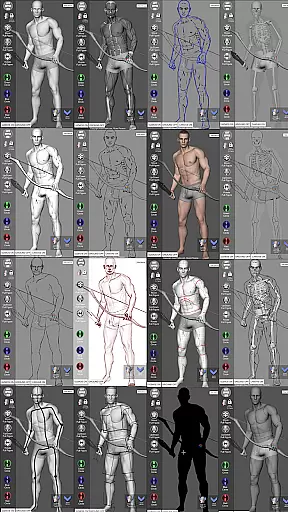
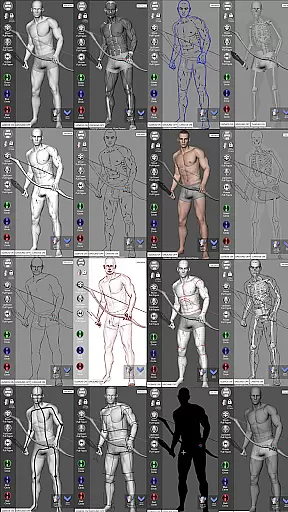
Additional features include multiple drawing modes such as Mannequin Mode, Black Mode, Pencil Sketch Mode, Comic Sketch Mode, and more. These modes allow artists to experiment with different styles and techniques. The inclusion of muscle maps and a 3-point lighting system further aids in creating realistic poses and scenes. With functionalities like Easy Pose Buttons, Save and Load Current Pose, Perspective Grids, and Camera FOV adjustments, Pose Tool 3D ensures a comprehensive and flexible user experience tailored to the needs of modern artists.
Pose Tool 3D offers an extensive and versatile library tailored for comic creators. With over a dozen unique figure models, including various body types for both male and female characters, artists have a rich selection to choose from.
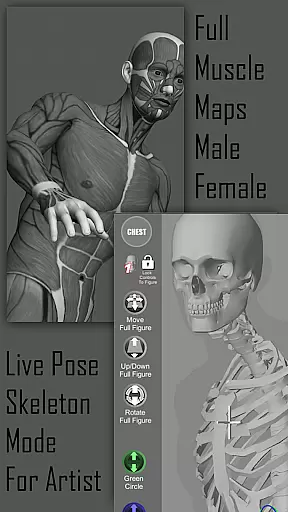
The app provides specialized modes such as Pencil Sketch, Comic Sketch, and Skeleton Mode, enhancing the creative process. These features allow users to experiment with different artistic styles directly within the app.
Additionally, the inclusion of hundreds of inventory items and weapons adds depth to character designs. This vast array of customization options ensures that artists can create detailed and diverse compositions.
Whether crafting simple illustrations or complex comic scenes, Pose Tool 3D's comprehensive library supports a wide range of artistic needs, making it an invaluable resource for comic artistry.
When using reference models and tools for comic creation, ensuring content authenticity is crucial. Pose Tool 3D stands out by providing officially recognized and licensed content, giving artists peace of mind.
The app includes muscle maps and mannequin modes designed by professional artists, ensuring anatomical accuracy. These authenticated resources help maintain high standards in artwork creation.
Moreover, all included items and figures are crafted under expert supervision, guaranteeing credible and legitimate use. Artists can rely on these verified tools to produce professional-grade work without legal concerns.
By prioritizing content authenticity and proper licensing, Pose Tool 3D empowers artists to focus on their creativity while adhering to industry standards.
User-friendly interface
Extensive customization options
Realistic muscle maps
Variety of drawing modes
Hundreds of attachable items
May have a steep learning curve
Some features might feel overwhelming
Limited free resources
Occasional performance issues
Subscription fees for full access

Your key to unlocking manga and webtoons on the go
 3.50
3.50
Webtoons, comics, web novels, and e-books are all here! RIDI, my own space to enjoy stories
4.30
The ultimate app for comic lovers
4.50
Comic Scanner - Book Value - Identify and sell your comic collection with AI.
3.80
The anime tv for fans Sud and Dub
4.20
Arabic manga reader
4.00
Read comics & manga
4.70
Kodansha official Manga app
4.30
Crunchyroll Manga—unlimited, uninterrupted reading with offline access & more!
4.50
TMOLector is an app to read all kinds of manga and stories!
4.50
Read your favorite mangas for free
4.50
Comic Book Identifier Value - Scan comics & prices. Your comic book price guide!
4.50
The largest manga, comics, and manhwa community with millions of fans!
4.50
Discover manga stories & stream anime series with unlimited entertainment access
4.40
Daily updates & FREE chapters
4.00
Toomics is a premium comic service with every genre for all readers to enjoy!
4.00
from HipComic: Value Your Comic Book Collection with Just the Snap of a Photo.
3.80
Get the latest manga chapters daily, released simultaneously with Japan.
3.10
Goat sound simulator. This app makes for fun.
4.1


User Reviews