

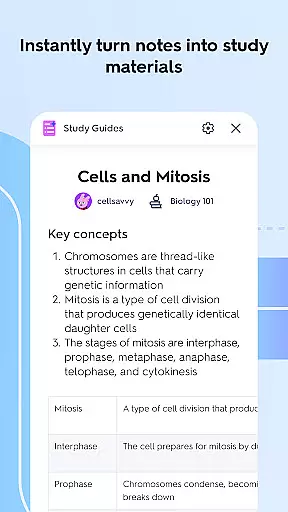


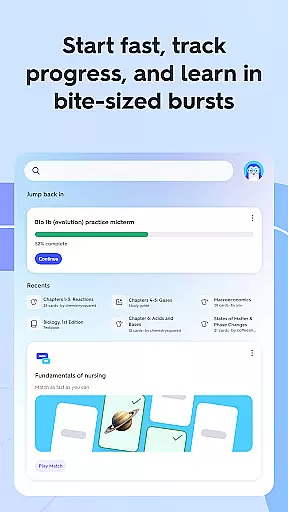
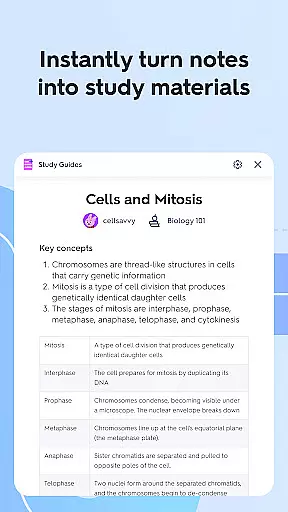
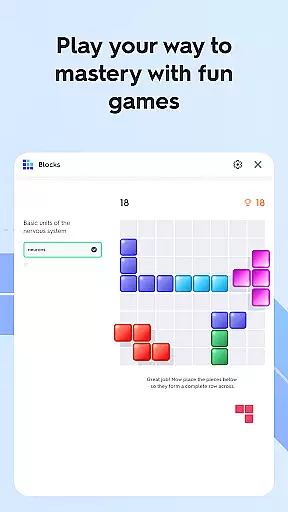


Quizlet is an innovative educational app designed to help students study smarter, not harder. The app's core functionality revolves around adaptive learning tools that create personalized study experiences. Through AI-powered features, Quizlet transforms traditional study materials like notes and flashcards into interactive practice tests and quizzes.
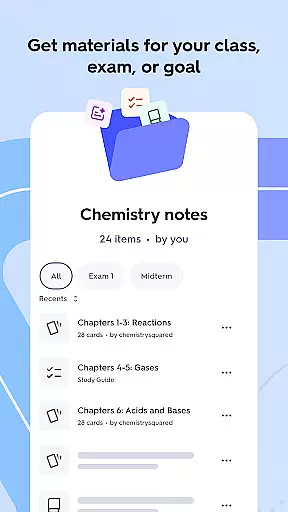
One of Quizlet's standout features is its intelligent recommendation system. The app analyzes your coursework, academic level, and popular study trends among similar students to suggest optimal study paths. This creates a customized learning journey that evolves with your progress. Whether you're preparing for exams or need homework assistance in challenging subjects like Calculus and Chemistry, Quizlet provides expert-authored solutions and step-by-step guidance.
The app particularly excels in collaborative learning environments. Students can work together by sharing study decks, identifying collective strengths and weaknesses, and accelerating learning through group activities. This makes Quizlet especially valuable for language acquisition, vocabulary building, and standardized test preparation.
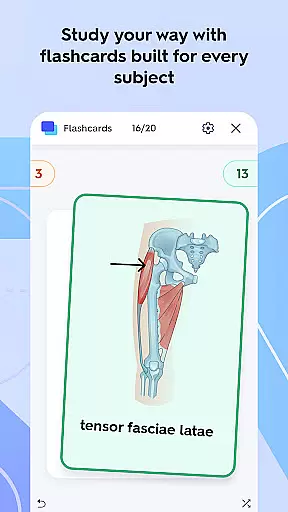
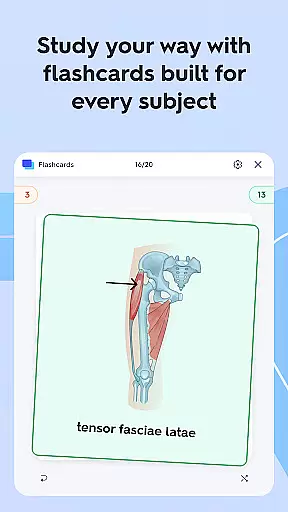
Quizlet offers an impressive array of features that cater to diverse learning styles. The app's AI capabilities stand out, allowing users to automatically generate flashcard decks from existing study materials or create them manually. These flashcards are highly customizable - users can categorize them into 'Know' and 'Still Learning' piles, track progress, and access them offline for studying on-the-go.
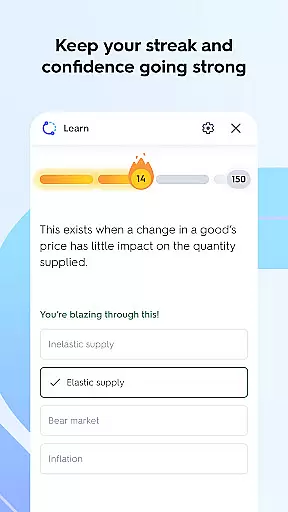
The testing functionality provides multiple ways to reinforce knowledge. Users can convert any flashcard set into various question formats including multiple choice, true/false, and written response questions. What makes this feature exceptional is its adaptive nature - the app intelligently adjusts question difficulty based on user performance, ensuring optimal learning progression.
For exam preparation, Quizlet offers realistic practice tests that simulate actual test conditions. These tests are fully customizable, allowing students to adjust question types and quantity. The app also supports collaborative learning through shared decks and group study features, while maintaining seamless synchronization across devices, enabling uninterrupted study sessions regardless of which device is used.
When it comes to educational resources, the accuracy and authority of content are paramount. Quizlet ensures that all its study materials are expert-reviewed and aligned with current educational standards. This guarantees that students are learning from verified and up-to-date information.
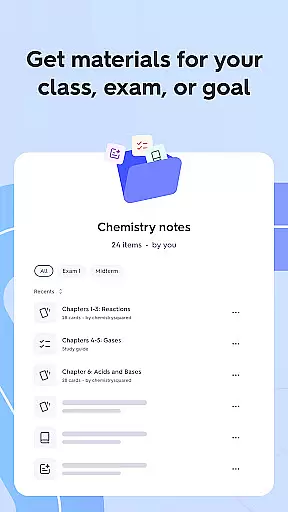
The app's AI-generated flashcards and practice tests are designed based on authentic course materials and textbooks. This approach maintains consistency between what students learn in class and the study aids provided by Quizlet. The result is a reliable learning experience that reinforces classroom education.
Quizlet also offers step-by-step solutions to complex homework problems, particularly in challenging subjects like Calculus and Chemistry. These solutions are crafted by subject matter experts, ensuring that students receive accurate explanations and methods for problem-solving. This feature not only helps with immediate homework needs but also builds a strong foundation for understanding complex concepts.
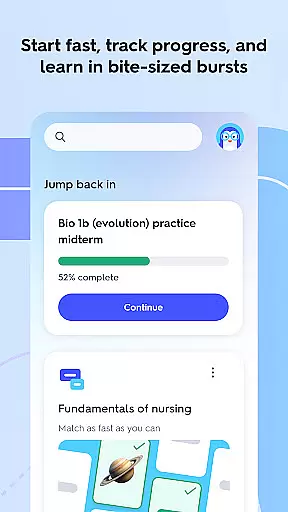
Every student has unique learning needs and preferences. Quizlet addresses this by creating personalized learning paths tailored to individual study patterns and goals. The app's intelligent algorithms analyze user behavior and performance to recommend specific study materials and practice exercises.
Through its adaptive learning system, Quizlet adjusts the difficulty and type of questions based on the student's progress. This ensures that learners are consistently challenged at the right level, promoting effective knowledge retention and skill development. The system also identifies areas that need more attention, helping students focus their efforts where it matters most.
Additionally, Quizlet's collaborative features enable students to work together, sharing customized decks and insights. This social learning aspect enhances the personalization by incorporating peer support and diverse perspectives into each learner's journey. By combining individual study metrics with community-driven content, Quizlet delivers a truly adaptive educational experience.
User-friendly interface
AI-powered study tools
Offline functionality
Adaptive learning system
Collaborative features
Premium subscription required
Limited free features
Region restrictions apply
Occasional AI errors
Device compatibility issues

Childcare Management App: Daily sheets, sign in-out, billing and learning tools
 4.70
4.70
A 2024 digital study guide for the Expert Infantryman and Expert Soldier's Badge
4.3
Bebefinn and Baby Shark educational, animated videos & games for kids
3.40
Break Language Barriers with AI—Learn Language Anytime, Anywhere!
4.00
Experience the sky, planet earth and the solar system like never before
4.90
Hasbro's Classic Board Game - Make Cavity Sam better or get the buzzer!
3.50
Learn to make peaceful contact with extraterrestrial civilizations
4.10
Snap a dog photo to identify its breed instantly. Fast, accurate and easy to use
3.40
Reading for kids has never been easier. Learn phonics, letter tracing & more!
4.70
Universe simulator: Find & explore planets system, outer space, astronomy events
4.60
The Only Official DVSA Theory Test Kit App
4.50
Welcome to the Speak Navajo Language Application - Volume 1
4.50
The Fighter Verses Bible memory system helps you memorize God's Word.
4.50
Study for your 608 certification.
4.50
Astronomy app ? Discover the universe scope, explore solar system model in 3D.
4.20
Master note reading with StaffWars….
4.00
An aviator’s preparation, study and test tool for FAA Knowledge Exams.
4.00
Quiz App to help case managers studying for CCMC Certification, 200+ Questions
3.40
Enrich the experience of your visit to the Pantheon with our audiotour.
1.60


User Reviews