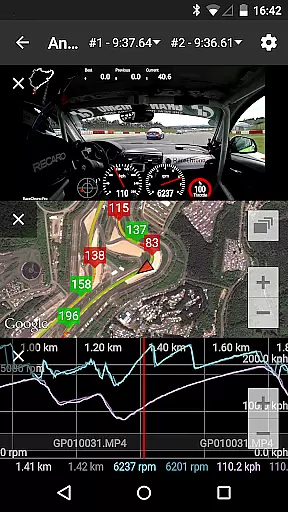
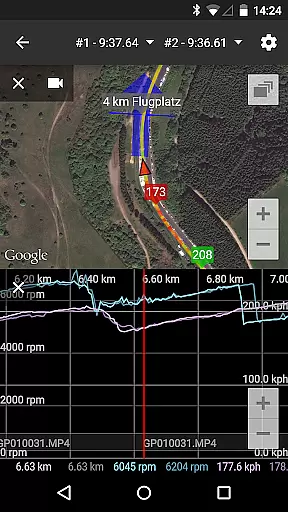
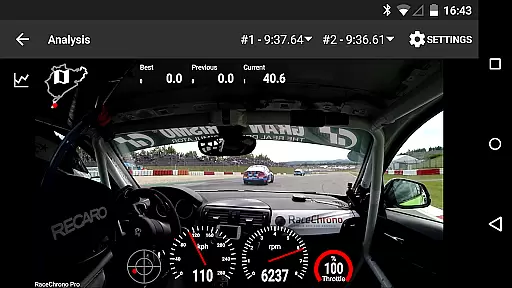
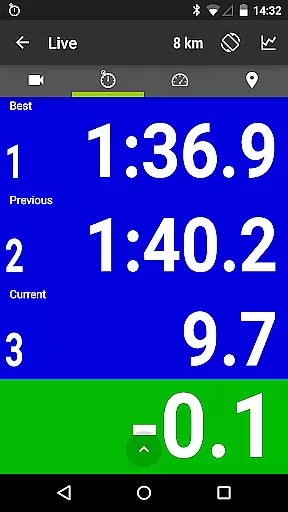
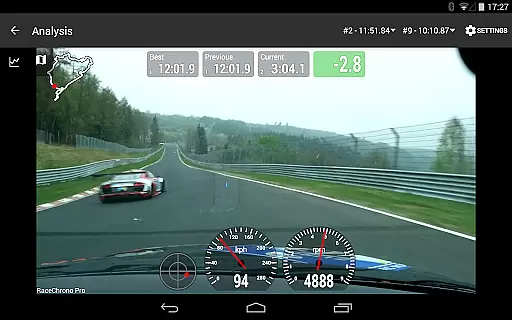
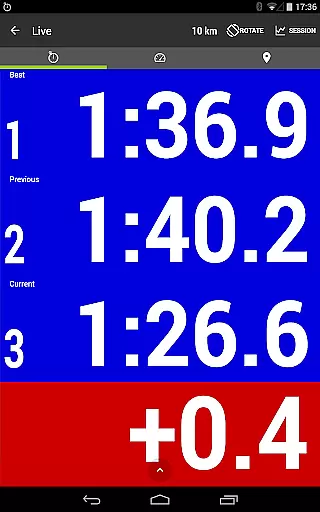
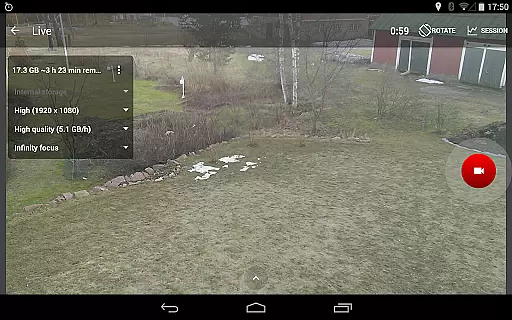
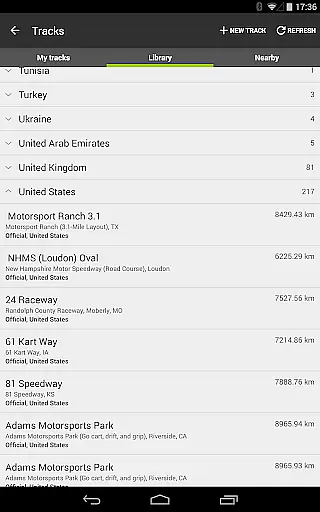
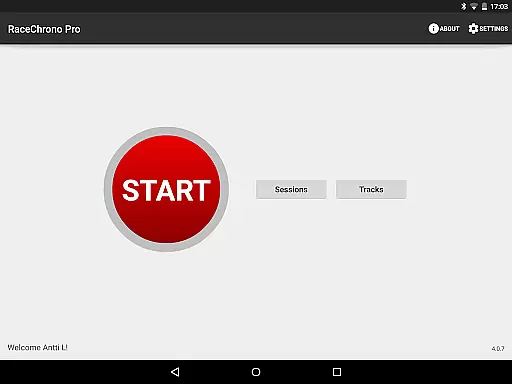
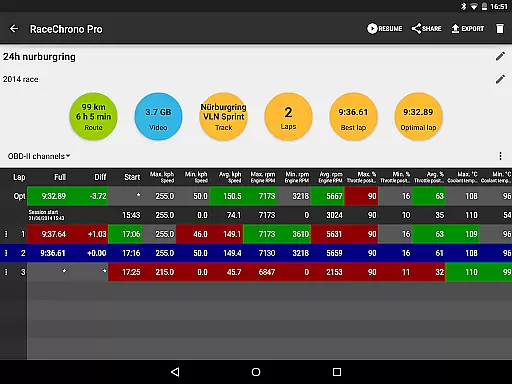
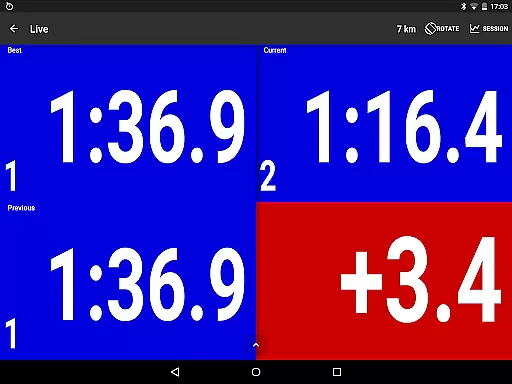
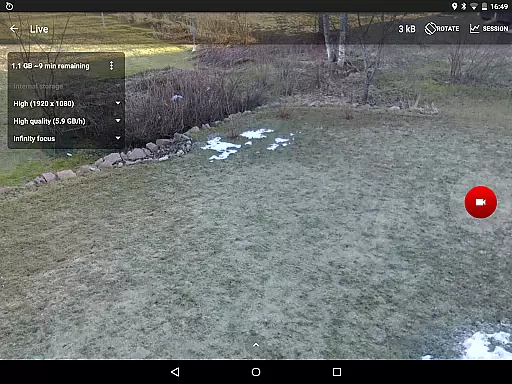
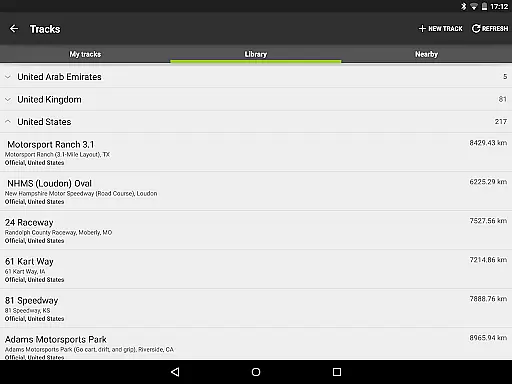
RaceChrono Pro is a premier motorsports application designed to elevate your racing experience through advanced lap timing, data logging, and comprehensive analysis tools. This app serves as an all-in-one replacement for traditional lap timers and data loggers, offering specialized features tailored for motorsport enthusiasts. With over 2600 pre-made race tracks in its library, custom track creation, and video recording capabilities with data overlays, RaceChrono Pro caters to a wide range of motorsport activities including motorbikes, go-karts, and cars.
One of the standout features of RaceChrono Pro is its ability to seamlessly integrate with external hardware such as GPS receivers and OBD-II readers, providing users with precise data collection and analysis. Whether you're a professional racer or a hobbyist, this app provides the tools necessary to improve performance on the track. The app's predictive lap timing, time delta graphs, and synchronized data analysis make it an invaluable asset for anyone serious about motorsports.
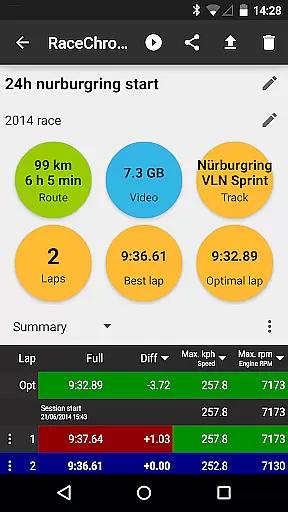
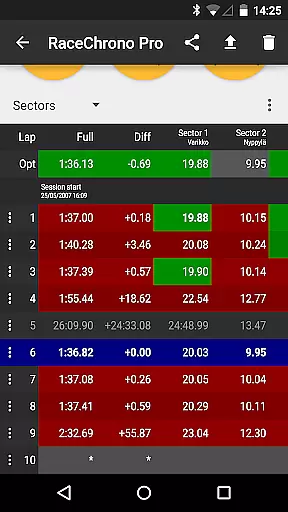
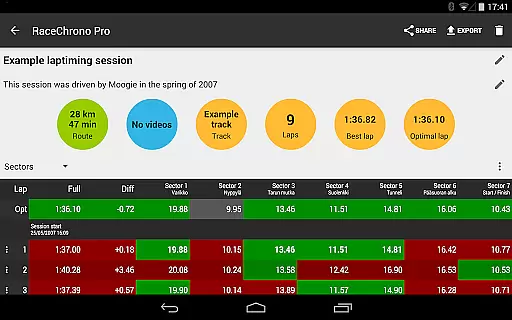
RaceChrono Pro boasts an impressive array of features that cater specifically to the needs of motorsport enthusiasts. At its core, the app offers advanced lap timing functionalities complete with sector times and optimal lap calculations. This allows racers to fine-tune their performance by analyzing detailed metrics from each session. Additionally, the track library includes over 2600 pre-made race tracks, ensuring that users can easily find and utilize tracks relevant to their racing events.
The app's data analysis capabilities are further enhanced by its support for external hardware. Users can connect various GPS receivers and OBD-II readers to gather precise vehicle data. Moreover, RaceChrono Pro supports Bluetooth LE heart rate monitors, making it suitable for endurance racers who need to monitor their physical condition. The inclusion of hardware-accelerated video export with configurable data overlays adds another layer of professionalism to the user's post-race analysis, allowing them to create high-quality videos for review or sharing.
RaceChrono Pro sets a new standard for realism in motorsports applications by providing highly accurate lap timing and data logging features. The app's ability to record precise lap times, sector splits, and optimal laps ensures that users receive professional-grade performance tracking.
What makes this app stand out is its compatibility with external GPS receivers and OBD-II readers. By supporting devices like RaceBox Mini and Qstarz, the app delivers pinpoint location accuracy and real-time vehicle data. This level of precision allows drivers to analyze their performance with confidence, knowing that the metrics reflect true on-track conditions.
The inclusion of predictive lap timing and time delta graphs further enhances the user experience. These features provide immediate feedback on driving performance, enabling users to make real-time adjustments and improve their lap times consistently. For motorsport enthusiasts, this means a more immersive and effective training tool.
Ultimately, RaceChrono Pro's commitment to physics accuracy and gameplay realism offers tangible benefits. Drivers can trust the data they receive, whether they're amateur racers or professional instructors, leading to better decision-making and enhanced performance on the track.
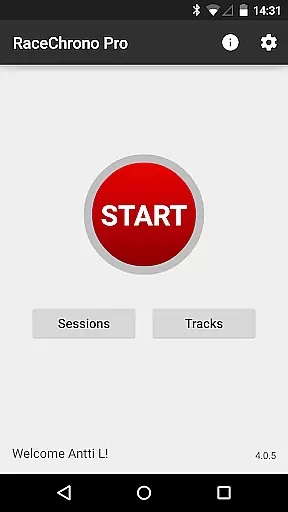
RaceChrono Pro excels in delivering an intuitive control scheme that caters to both novice and experienced users. The app's interface is designed to ensure that even those unfamiliar with advanced motorsport tools can easily navigate and utilize its comprehensive features.
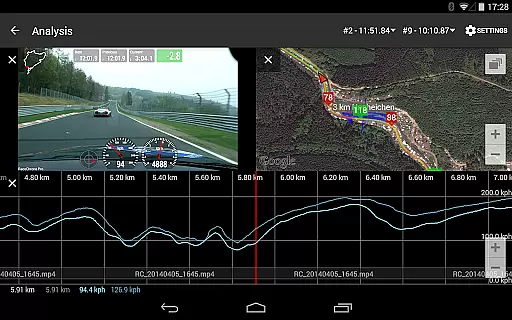
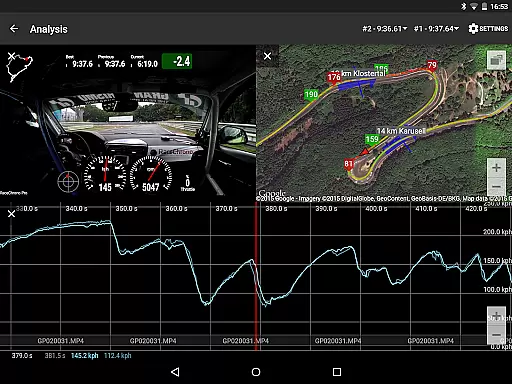
One of the standout aspects is the smoothly scrolling data analysis screen. Users can effortlessly synchronize various data views such as graphs, maps, and videos, creating a seamless experience when reviewing performance metrics. This synchronization simplifies complex data interpretation, making it accessible to all users regardless of technical expertise.
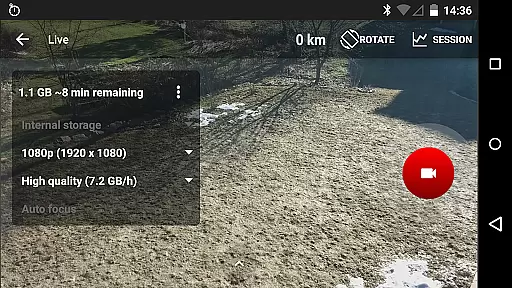
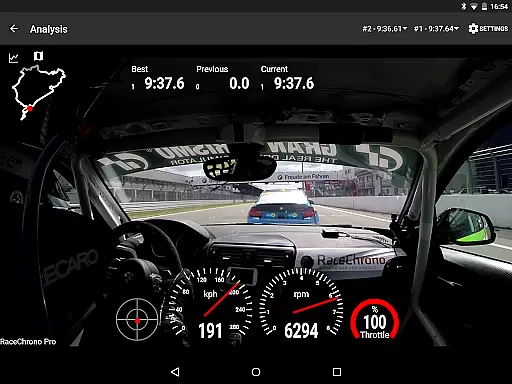
In addition, the app supports multiple camera recording and picture-in-picture video export, which streamlines the process of capturing and analyzing race footage. With hardware-accelerated video export and configurable data overlays, users can create professional-quality videos without needing extensive editing skills.
By combining an intuitive design with powerful functionality, RaceChrono Pro ensures that users can focus on what matters most u2013 improving their driving skills. The straightforward control scheme empowers users to harness the full potential of the app, enhancing both their enjoyment and effectiveness in motorsport activities.
Comprehensive data logging
Extensive track library
Professional video export
External hardware support
User-friendly interface
Premium price point
Steep learning curve
Limited free features
High system requirements
Occasional bugs

Soccer mini games! Play career mode: Score & be the next soccer superstar!
 4.70
4.70
Realistic golf, real courses
4.10
NBA-licensed Streetball Game
4.70
Real boxing game with PvP fights, tournaments & epic knockouts
4.60
Challenging 1vs1 online matches! Strike, score, and be a soccer champion!
4.40
Basketball Team Management Sim Coach a custom team and dunk your way to glory!
4.70
Build a soccer club from scratch and see if you can conquer the World!
4.50
Create your Ultimate NBA Team and experience realistic 2K Gameplay on Mobile!
4.70
The NFHS Network delivers high school sporting events from across the country.
2.10
Kick into action! Score goals & climb 100+ levels to become a soccer super star!
4.70
Online app with multiple arenas! Live PvP multiplayer grand slam sports league.
4.60
Very fun billiards game.
4.60
Trick cliff dive backflips, stunts & doubles! Unparalleled real physics!
4.50
Ice Fishing Derby - It's the fun of ice fishing without the frostbite
4.40
Play one of most famous lawn games in America called foot bag toss family games!
4.30
Rediscover the joy of the original Backyard Baseball 1997
3.70
The Hudl app helps coaches and athletes win using video.
3.70
Space City Home Network subscribers can now stream their favorite local teams.
3.60
Pro Freestyle Football
3.20


User Reviews