
ReadEra is a versatile eBook reader app that supports an extensive range of formats including PDF, EPUB, Microsoft Word, Kindle, DJVU, FB2, TXT, ODT, and CHM. This free application allows users to read books offline without any advertisements or in-app purchases. Its comprehensive format support makes it an all-in-one solution for readers who consume content in various digital forms.
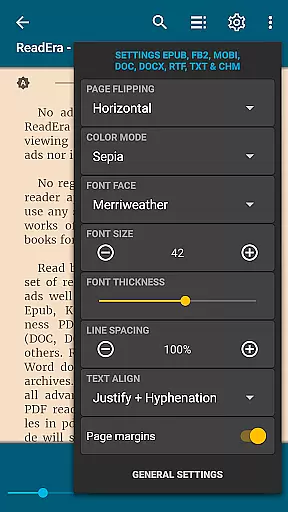
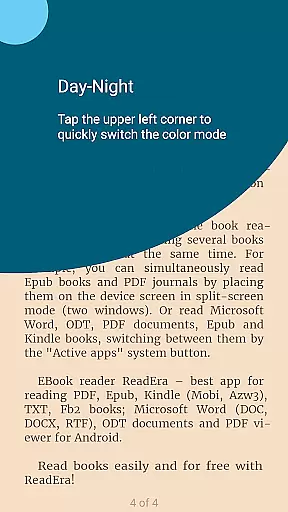
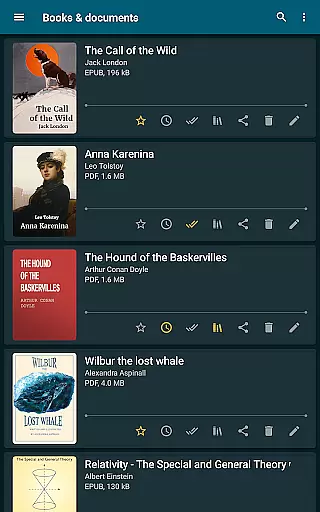
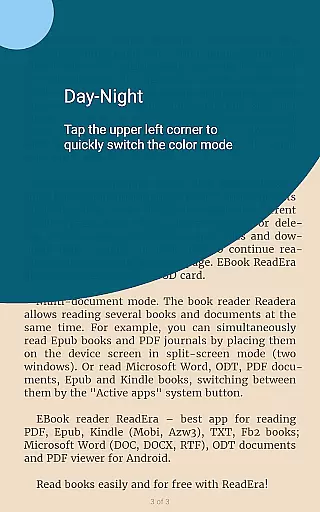
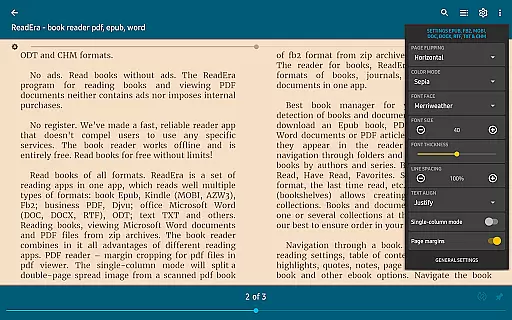
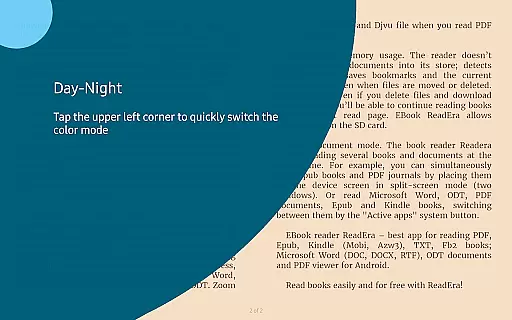
The app offers advanced features such as automatic book detection, easy navigation through folders, and grouping books by authors and series. It also includes reading settings like day and night modes, customizable fonts, and adjustable page margins. With its multi-document mode, users can read several books simultaneously, making it ideal for students and professionals alike.
Whether you're reading academic papers, novels, or business documents, ReadEra provides a seamless experience with its intuitive interface and powerful tools. The app's ability to handle large files and complex formats ensures that users can focus on their content without technical hindrances.
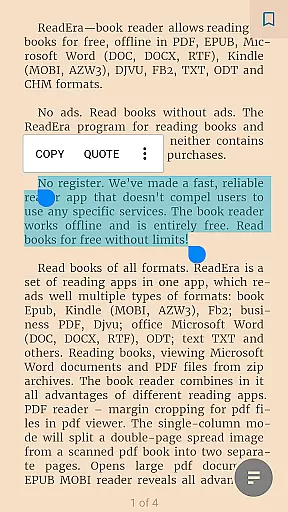
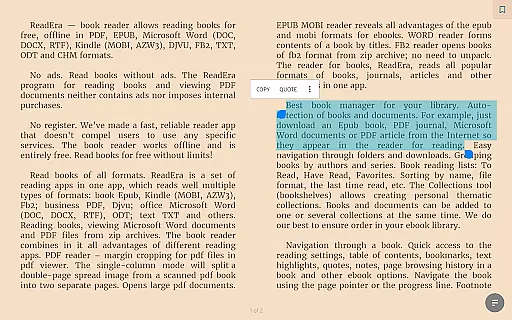
ReadEra stands out with its robust feature set tailored for avid readers and professionals. One of its key features is the support for multiple document formats, which eliminates the need for separate apps for different file types. The app's PDF reader includes margin cropping and single-column modes, enhancing readability for scanned documents.
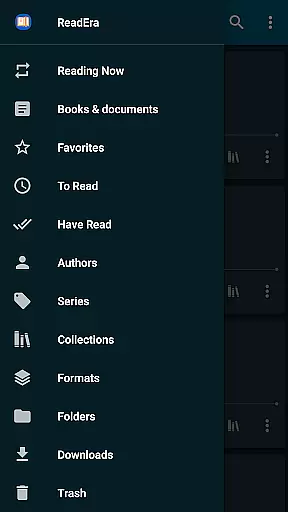
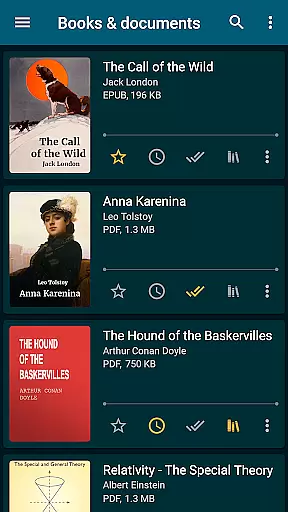
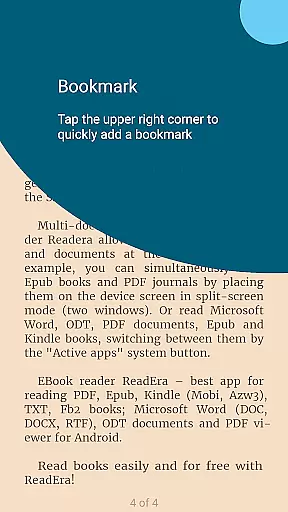
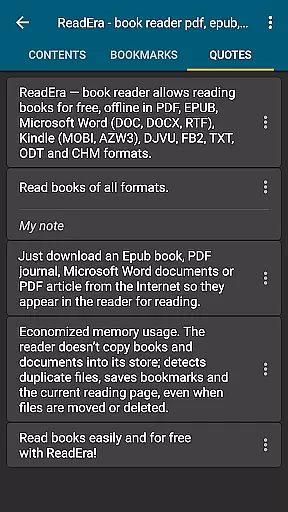
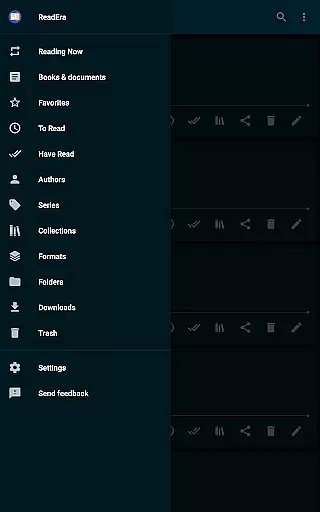
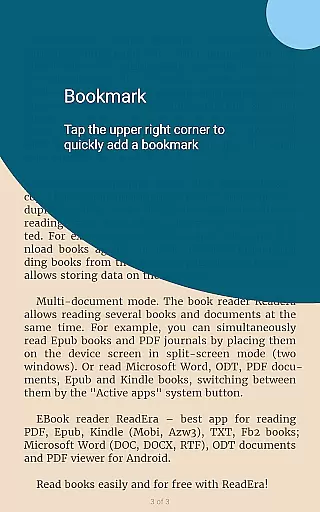
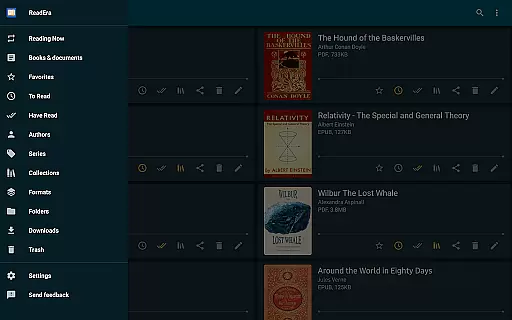
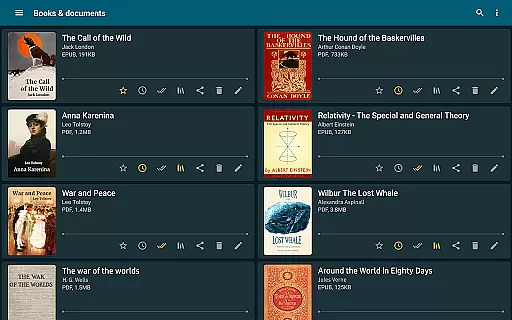
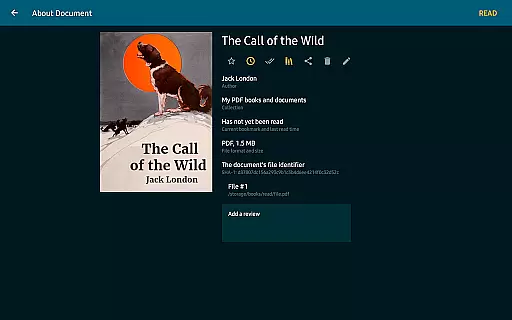
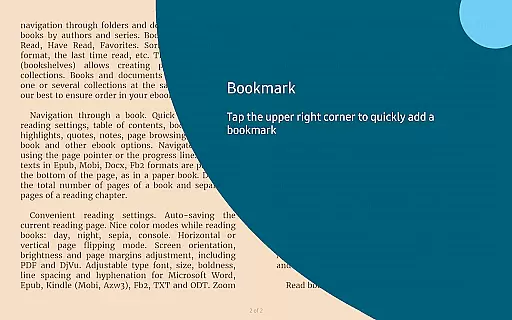
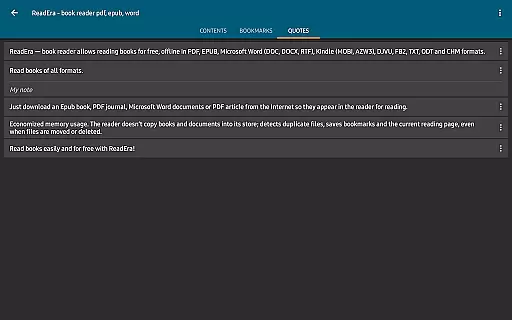
Another notable feature is the advanced book management system. ReadEra automatically detects books and documents, organizes them into collections, and even remembers reading progress if files are moved or deleted. This ensures a clutter-free library and uninterrupted reading sessions.
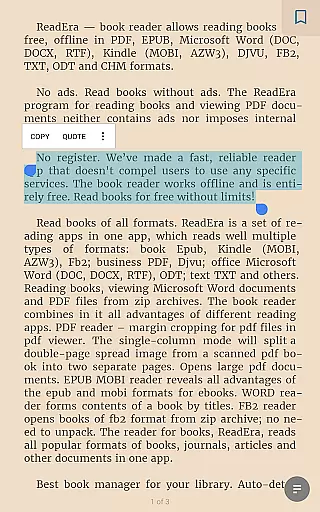
Customization options abound in ReadEra, allowing users to tailor their reading experience. From color modes to font adjustments, the app caters to individual preferences. Additionally, the multi-document mode enables users to view different files side-by-side, making it a powerful tool for research and multitasking.
ReadEra offers an extensive e-book library that supports multiple formats including PDF, EPUB, Microsoft Word, Kindle, DJVU, FB2, TXT, ODT, and CHM. This wide-ranging compatibility ensures users can access a vast collection of books and documents without restrictions.
The application guarantees copyright authenticity by allowing users to import their legally acquired files. It does not host or distribute any content directly, ensuring all materials are genuine and legally compliant.
With its ability to read files from zip archives without unpacking, ReadEra simplifies the process of managing large collections. Users can easily organize and access their entire library within a single app.
This comprehensive format support and commitment to copyright compliance make ReadEra a reliable choice for avid readers who value both quantity and quality in their digital libraries.
One of ReadEra's standout features is its exceptional format compatibility. The app supports an impressive array of document types including PDF, EPUB, Microsoft Word (DOC, DOCX, RTF), Kindle (MOBI, AZW3), DJVU, FB2, TXT, ODT, and CHM formats.
This versatility allows users to view various document types without needing multiple specialized apps. Whether it's business PDFs, academic papers, or leisure reading materials, ReadEra handles them all with equal proficiency.
The app includes advanced features for specific formats like margin cropping for PDFs and single-column modes for scanned documents. These tools enhance readability across different file types, providing a seamless experience regardless of document origin.
By combining broad format support with specialized viewing options, ReadEra establishes itself as a comprehensive solution for diverse document management needs.
User-friendly interface
Extensive format support
Offline functionality
No ads or in-app purchases
Advanced customization options
Limited cloud integration
No built-in store for new books
Occasional performance issues
Complex settings for beginners
Interface may feel outdated

A guide for the Court of Atonement spiritual healing process.
 4.5
4.5
Mirror Bible - eye-opening paraphrase translation of the NT by Francois du Toit
4.30
Universal Zoom, learn about sizes & distances of the universe and microcosmos
4.80
The dynamic dictionary/reference app for piano chords and scales!
4.80
KJV Bible works offline with Audio, Hebrew & Greek lexicon (concordance) & more!
4.20
Research your family history to explore ancestors and search for your heritage
4.50
King James Bible read offline, AI Priest, Bible Quiz, Guiding Prayers & Plans
4.80
Read the Quran in Arabic alongside its translation, with color coded Tajweed.
4.50
Identify birds of North America by call or picture | Bird Identification
4.20
What’s that bird? Just answer 5 questions, snap a photo, or record its song!
4.90
The Bible Audio Guide
4.80
Audiobook player with cross-device progress sync, playlists, and widget support.
4.80
Contains the 365 daily readings and everything other thing needed for catholics
4.70
"Five Dr. Seuss titles in one omBook!"
4.60
Full text, sheet music, and recordings of the print edition
4.60
Bilingual dictionary with English translations of Modern Standard Arabic words.
4.30
ISAIAH EXPLAINED with Avraham Gileadi Ph.D.
4.00
Read Trending Romance Stories
4.00
Novels, audiobooks, ebooks & fanfiction. Read anytime, anywhere!
3.40


User Reviews