


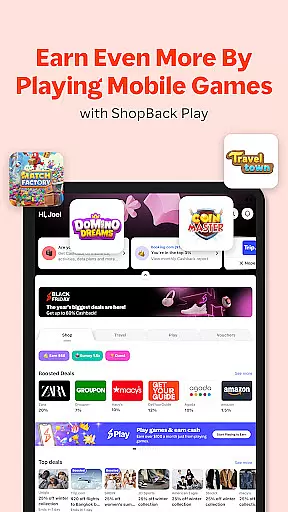

ShopBack is a leading shopping rewards application that enables users to earn Cashback on their purchases from over 3,500 partner stores globally. The app serves as a one-stop solution for smart shoppers looking to maximize savings through exclusive deals, coupon codes, and loyalty programs. Available in multiple markets including Singapore, Australia, and the United States, ShopBack offers a seamless shopping experience across various categories.
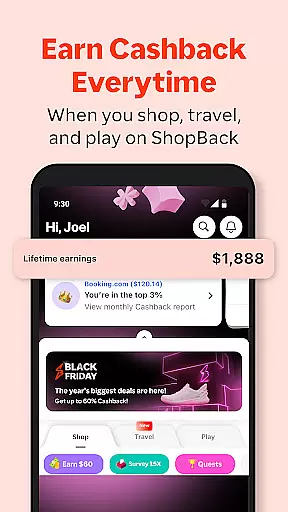
The platform stands out with its unique Cashback system, where users receive a percentage of their spending back when they shop via the app. This innovative approach not only helps shoppers save money but also provides an additional income stream. With features like the browser extension for Chrome, users can effortlessly find the best deals while shopping online. The app's user-friendly interface and secure payment options make it an essential tool for modern shoppers seeking convenience and value.
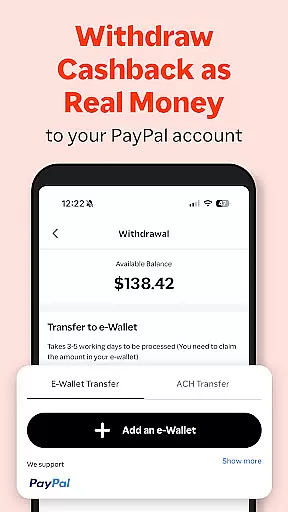
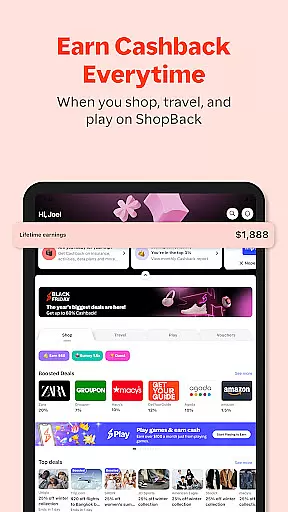
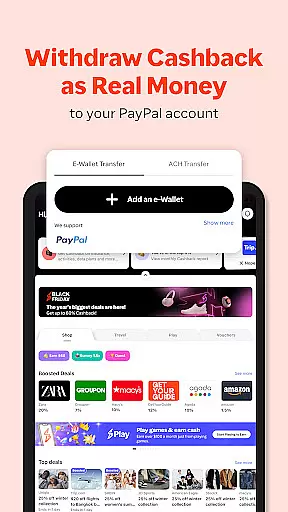
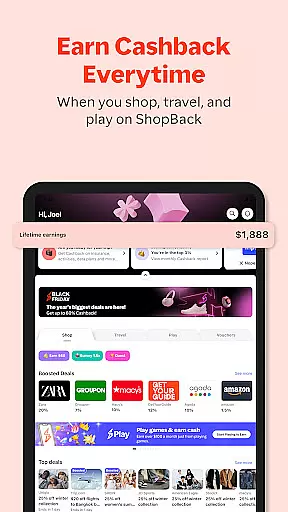
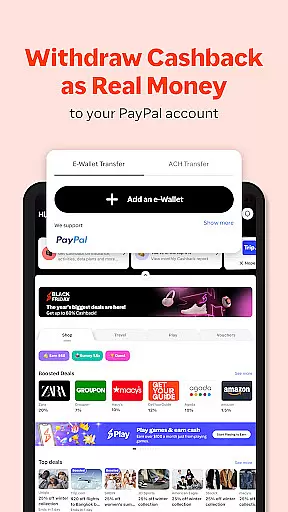
ShopBack offers a comprehensive suite of features designed to enhance the shopping experience. At its core, the app provides a robust Cashback system that works across thousands of partner stores worldwide. Users can easily browse through different categories, apply coupon codes, and track their Cashback earnings in real-time. The app also supports multiple withdrawal methods including PayPal and direct bank transfers, making it convenient for users to access their earnings.
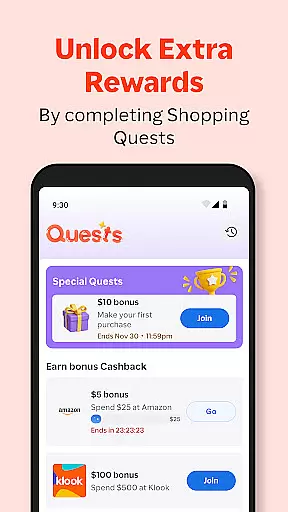
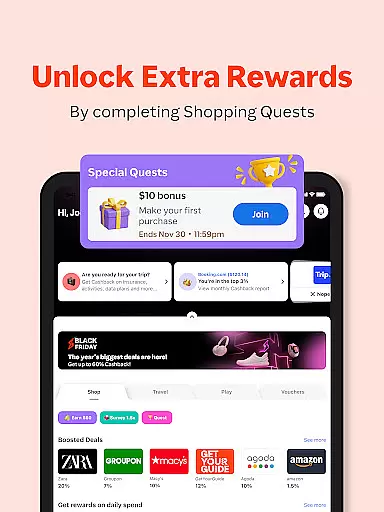
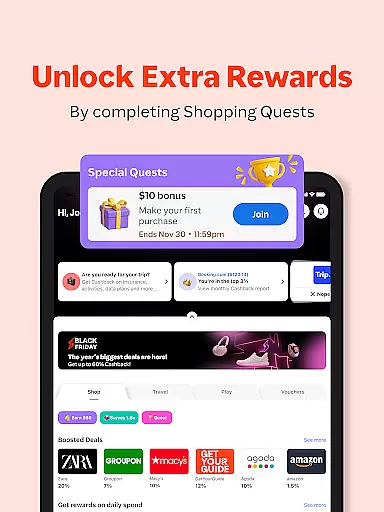
One of the standout features is the ShopBack browser extension, which automatically finds and applies the best Cashback offers while users shop online. Additionally, the app includes limited-time shopping quests that allow users to earn bonus Cashback by completing specific tasks. For select markets, ShopBack Pay enables users to earn extra Cashback at over 4,700 physical and online outlets. These innovative features, combined with a simple and intuitive user interface, create a powerful shopping companion that maximizes savings and rewards.
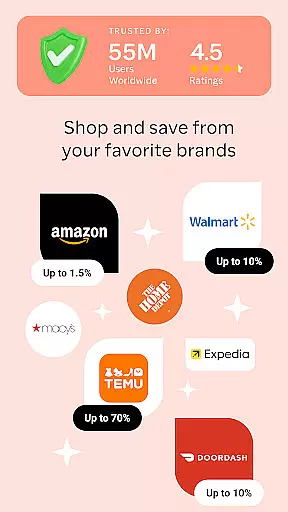
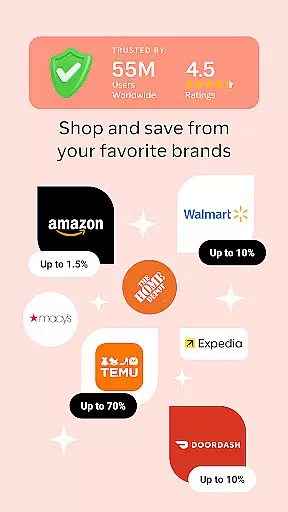
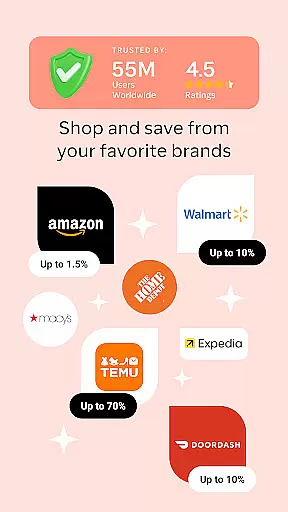
ShopBack offers an extensive selection of over 3,500 stores globally, providing users with a diverse range of shopping options. This vast network ensures that shoppers can find products across multiple categories, from fashion to electronics, tailored to their preferences and needs.
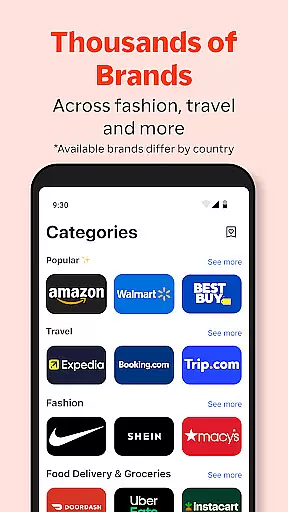
The app's interface is designed for easy navigation, allowing users to browse through well-organized categories. Each category is populated with various stores, making it simple for users to locate specific items or explore new offerings. The clear categorization enhances the overall shopping experience by saving time and effort.
Moreover, ShopBack provides additional tools like coupon codes, loyalty programs, and credit card miles. These features not only increase savings but also add layers of customization to the shopping journey. Users can stack these benefits, maximizing their rewards while enjoying a seamless shopping process.
In summary, ShopBack's comprehensive product variety and thoughtful categorization empower users to shop smarter. By aggregating numerous stores into accessible categories, the platform simplifies online shopping, ensuring users can quickly find and purchase what they need while earning cashback rewards.
One of ShopBack's core strengths is its commitment to pricing transparency and competitiveness. The platform allows users to compare prices across different stores easily. This feature ensures that shoppers are aware of the best deals available, helping them make informed purchasing decisions without hidden costs or surprises.
Additionally, ShopBack integrates various promotional tools such as coupon codes and limited-time shopping quests. These elements further enhance pricing competitiveness by offering users opportunities to earn bonus cashback or discounts. Such initiatives not only drive user engagement but also provide tangible financial benefits.
For users in select markets, ShopBack Pay adds another layer of value. By using this payment method at over 4,700 outlets, both online and offline, shoppers can enjoy extra cashback. This flexibility underscores ShopBack's dedication to delivering competitive pricing structures that adapt to different shopping environments.
Ultimately, ShopBack's focus on transparent and competitive pricing empowers consumers. It builds trust by clearly displaying potential savings and rewards, ensuring users feel confident and satisfied with their purchases. This approach solidifies ShopBack's position as a reliable shopping companion in the digital marketplace.
User-friendly interface
Wide range of partner stores
Secure payment options
Real-time Cashback tracking
Multiple withdrawal methods
Limited offline functionality
Market-specific features
Occasional tracking issues
Withdrawal processing time
Regional availability constraints

Join a community of millions of members buying and selling second-hand items.
 3.90
3.90
Scan receipts, earn gift cards & fetch rewards with the Receipt Pal scanner app.
4.00
TikTok Shop is an integrated e-commerce platform within the TikTok app, allowing users to discover and purchase products directly through short videos and live streams.
4.10
Cash back on everything you need! Join now to start earning cash back!
4.60
Harbor Freight Coupons - Generators, Air Compressors, Tool Storage, and More.
4.70
Create wishlists and share with family. Claim gifts for any occasion!
4.80
Lowe’s Knows Home Improvement
4.70
A world-leading B2B marketplace
4.40
Save money. Live in style!
3.80
ALDI is your home for low prices on high-quality groceries and products.
4.70
With the IKEA app, you can explore, shop for furniture, and check out—simply.
4.70
Offering great hardware products.
4.70
Shop stores, delivery & pickup
4.70
Online Marketplace: Resell vintage clothing, thrift & shop second hand items
4.70
Life’s easier in the eBay app—buy and sell millions of items on the go.
4.60
NCPMobile is the easy and intuitive way to scan and transmit your purchases!
4.50
Grooming, Training & Shopping
3.80
We constantly evaluate our app so you can have the best experience possible.
3.60
Create Wishes & Get Inspired
3.20


User Reviews