
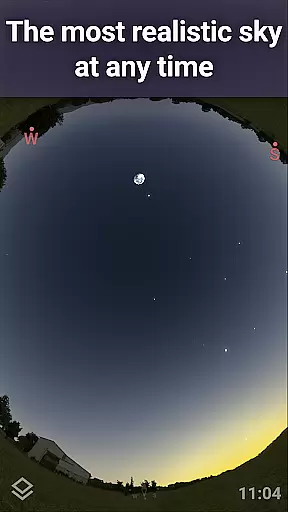
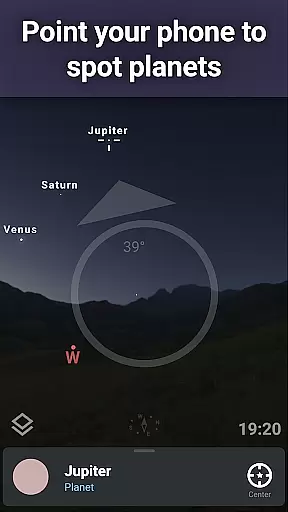
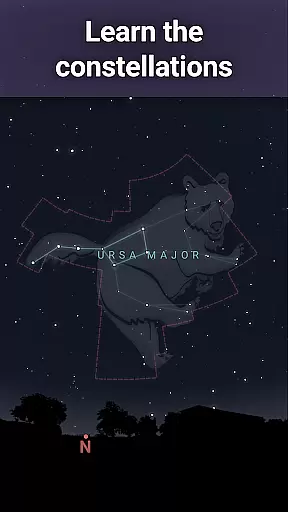
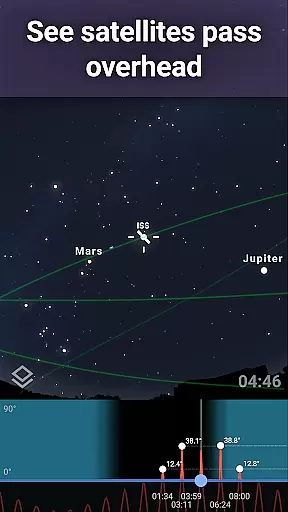
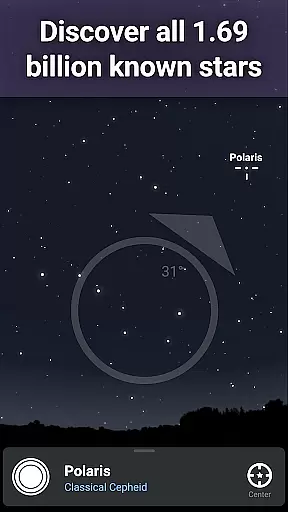
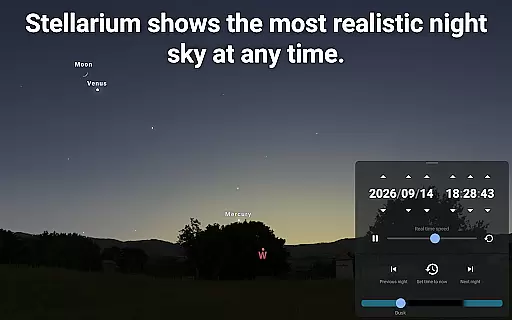
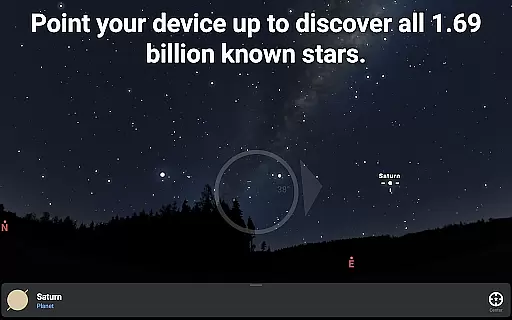
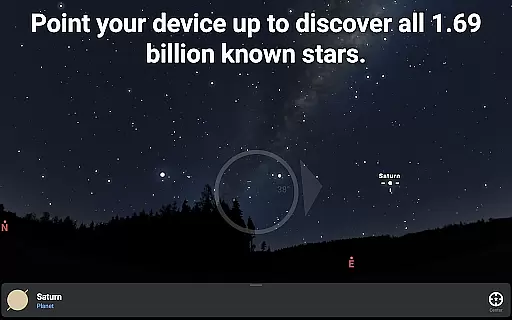
Stellarium Plus is an advanced planetarium app that offers a realistic simulation of the night sky. With its ability to display stars, planets, constellations, and deep-sky objects in real-time, it serves as an invaluable tool for both amateur stargazers and professional astronomers. The app's extensive database includes over 1.69 billion stars, making it one of the most comprehensive mobile planetariums available.
This educational application stands out with features such as accurate celestial tracking, landscape and atmospheric rendering, and support for telescope control. Whether you're exploring the skies from your backyard or preparing for an astronomical observation session, Stellarium Plus provides all the necessary tools to enhance your experience.
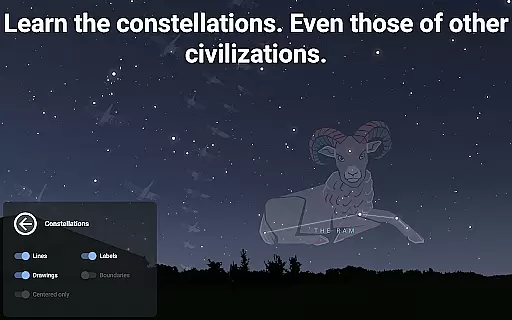
Users can simulate the sky from any location on Earth, at any given time, which makes it perfect for planning star-gazing sessions or learning about different cultures' interpretations of the constellations. Its intuitive interface ensures that users of all ages can easily navigate through the cosmos.
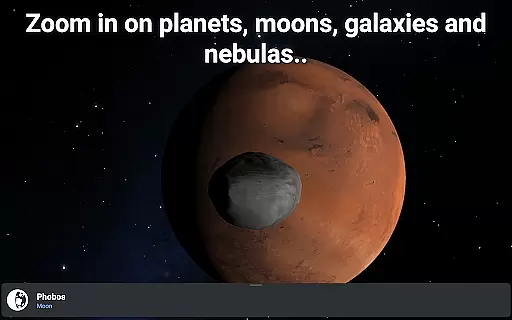
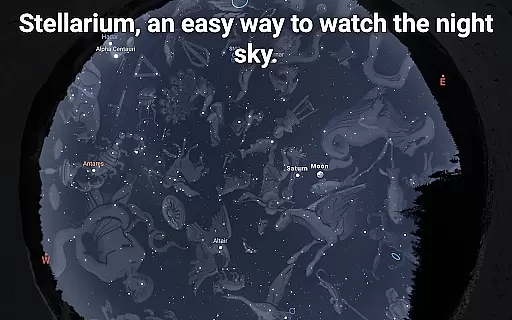
Stellarium Plus boasts a rich set of features designed to enrich the astronomy learning experience. One of its key capabilities is the accurate simulation of the night sky, showing celestial bodies for any date, time, and location. This feature allows users to explore not only what's visible but also distant galaxies and nebulae beyond the naked eye's reach.
The app includes advanced observing tools for controlling telescopes via Bluetooth or Wi-Fi, supporting protocols like NexStar, SynScan, or LX200. Additionally, it offers a massive collection of sky objects, including stars up to magnitude 22, all known planets, and thousands of asteroids and comets. These features make it ideal for detailed study and research.
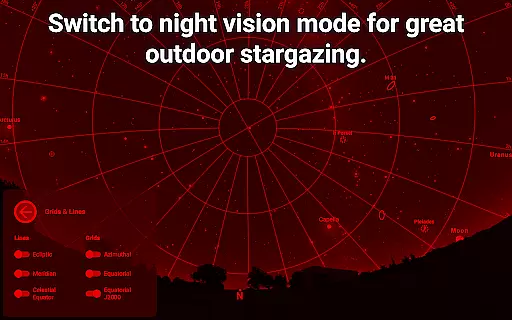
Another highlight is the app's offline functionality, allowing users to access a reduced dataset of 2 million stars and deep-sky objects without an internet connection. The red night mode preserves night vision, while the 3D rendering of solar system planets adds an immersive touch to virtual explorations.
Stellarium Plus offers an unparalleled level of content accuracy and authority in its astronomical data. The app draws from extensive and reliable sources, such as the Gaia DR2 catalog, which includes over 1.69 billion stars.
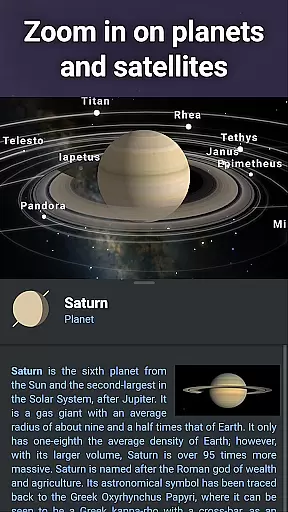
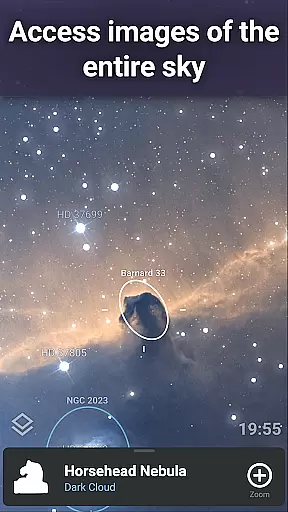
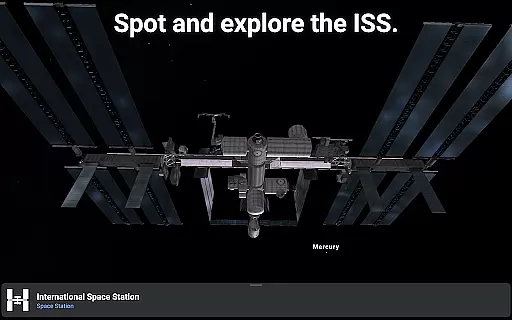
In addition to stars, it provides detailed information on all known planets, natural satellites, comets, and a plethora of minor solar system objects. This meticulous attention to detail extends to deep sky objects, offering users a combined catalog of more than 2 million nebulas and galaxies.
The representation of celestial bodies within Stellarium Plus is not only vast but precise, ensuring that users have access to an accurate simulation of the night sky from any location on Earth. This precision makes it an invaluable tool for both amateur stargazers and professional astronomers.
By providing such authoritative content, Stellarium Plus empowers learners and educators alike to explore the cosmos with confidence, knowing they are working with some of the most accurate data available in mobile applications today.
While Stellarium Plus - Star Map may not offer traditional personalized learning paths like adaptive quizzes or tailored lessons, it provides customizable features that cater to individual learning styles. Users can select from many sky cultures, discovering how different civilizations perceived constellations.
This planetarium app allows self-directed exploration through an intuitive interface where learners of all ages can simulate the sky at any date, time, and location. Such freedom encourages users to pursue their unique interests within astronomyu2014from tracking artificial satellites to simulating atmospheric conditions.
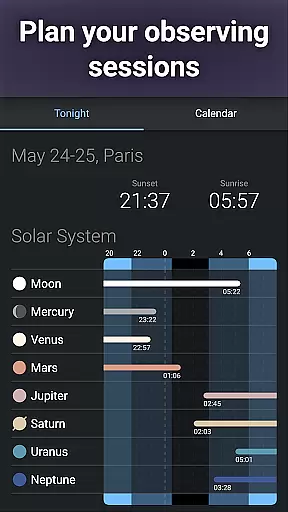
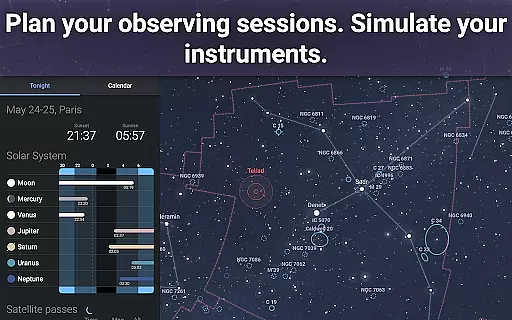
Advanced observing features support those who wish to delve deeper into their studies by preparing observing sessions and controlling telescopes. These sophisticated tools allow users to follow a learning path that aligns with their personal growth in astronomy knowledge and practical skills.
By combining rich educational content with user-driven exploration capabilities, Stellarium Plus effectively supports personalized journeys through the cosmos, accommodating various levels of expertise and curiosity.
User-friendly interface
Extensive celestial database
Realistic sky simulation
Advanced telescope control
Offline usability
Requires significant storage space
Complex for beginners
Some features need additional hardware
Premium price point
Occasional performance lags

scanner body part for fun Prank friends realistic scan effects
 3.00
3.00
Study the questions most likely to be asked during the Oral & Practical Exams.
2.80
THE MOST COMPREHENSIVE JUMPMASTER STUDY RESOURCE AVAILABLE.
3.40
Practice Casino Roulette Payouts for Table Game Dealers and Croupiers
4.40
Pass your FAA written with flying colors - Study Buddy can help.
4.30
Study for your 608 certification.
4.50
Enrich the experience of your visit to the Pantheon with our audiotour.
1.60
The "Go To" app for Airmen studying for promotion to SSgt and TSgt
4.30
Learn to pass DMV permit tests. Driver license practice test 2025.
4.60
Experience the sky, planet earth and the solar system like never before
4.90
Engage in learning science and math with the award-winning PhET simulations!
4.70
2026 DVSA Driving Theory Test revision with Hazard Perception + Highway Code
4.60
The Only Official DVSA Theory Test Kit App
4.50
School Communication
4.30
Build math skills in: addition, subtraction, multiplication and division.
4.10
Learn to make peaceful contact with extraterrestrial civilizations
4.10
Watch and Play Elmo's World!
4.00
An aviator’s preparation, study and test tool for FAA Knowledge Exams.
4.00
Make your own game and world. Draw and animate characters
3.70


User Reviews