
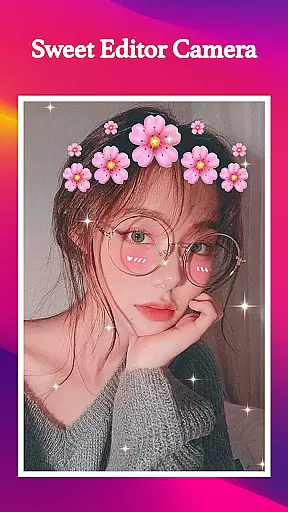
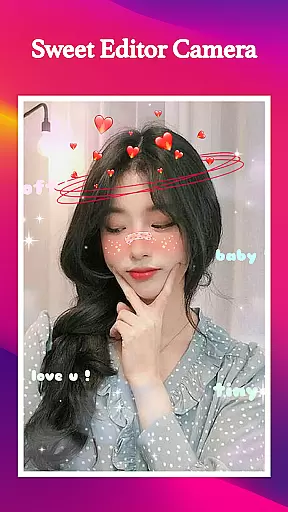
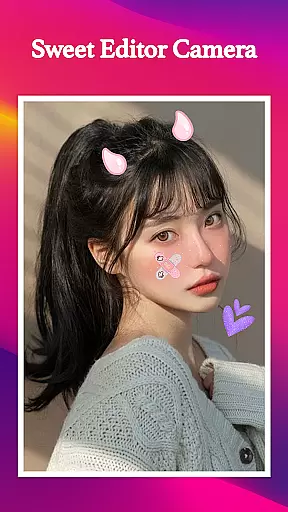
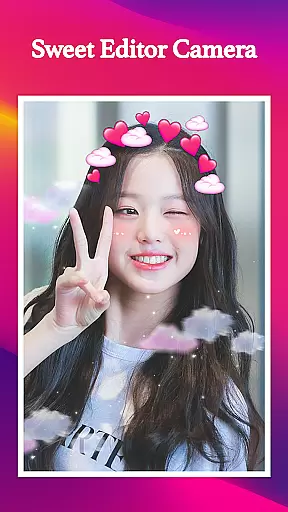
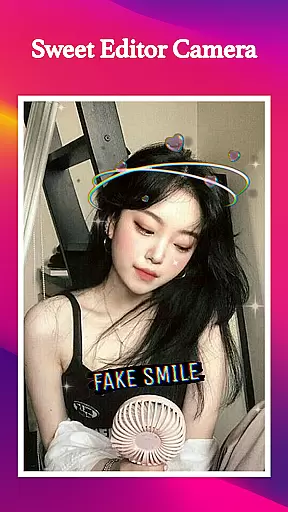
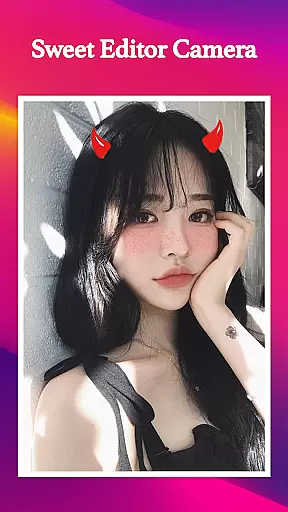
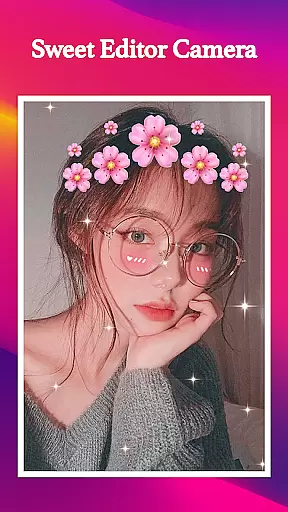
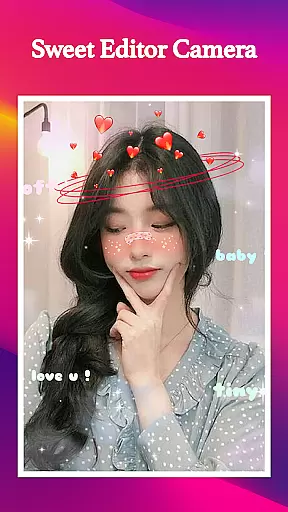
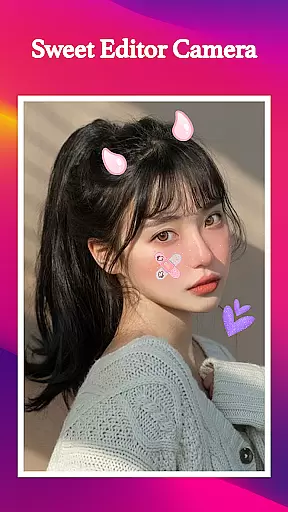
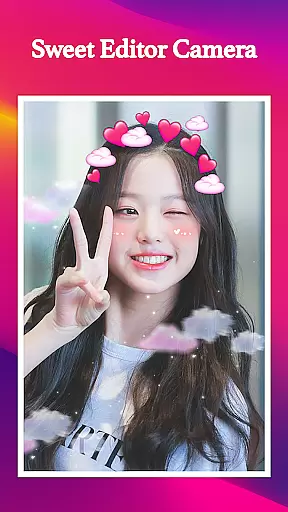
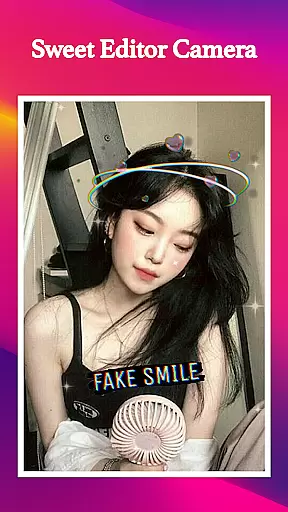
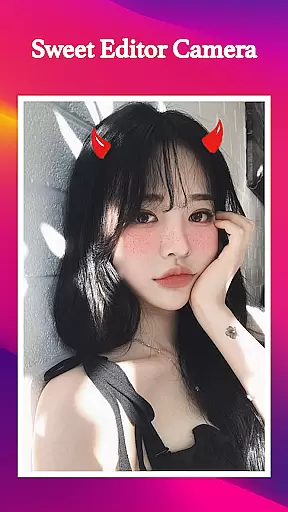
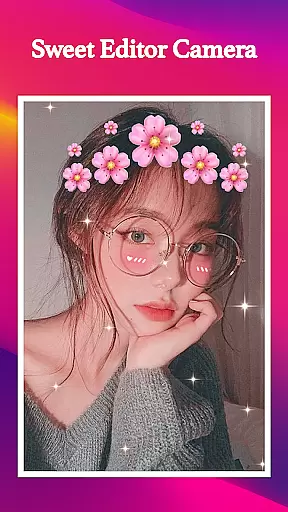
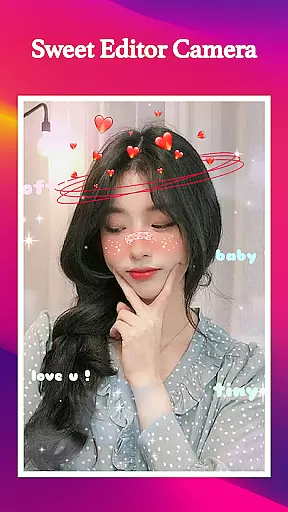
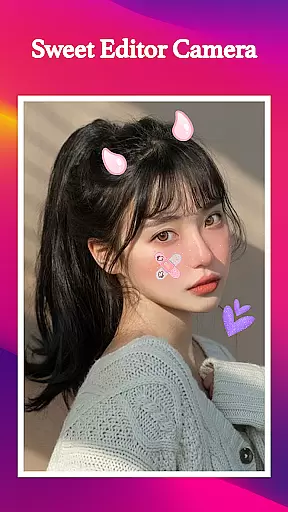
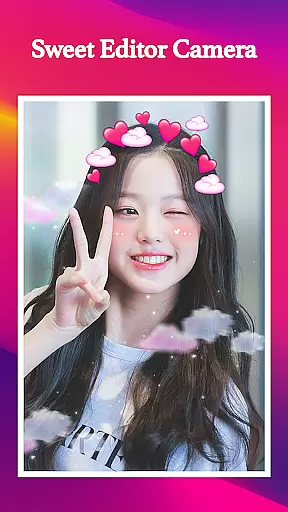
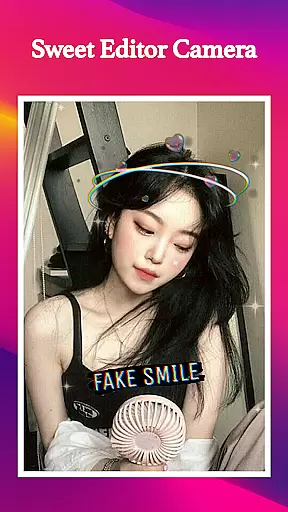
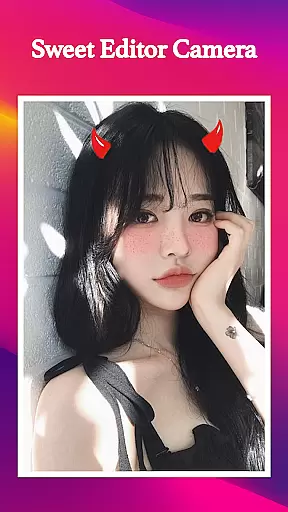
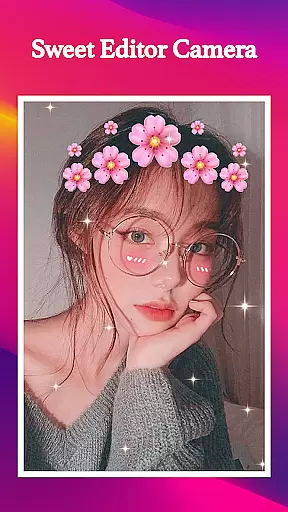
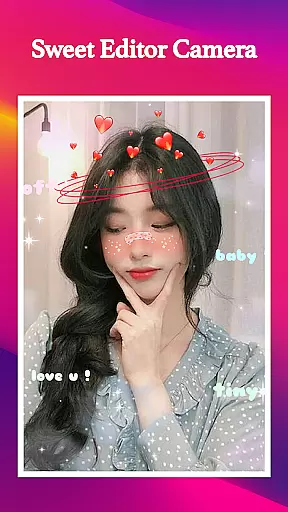
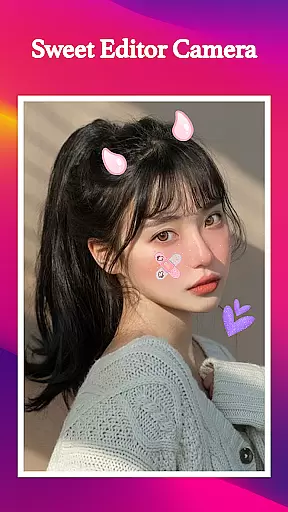
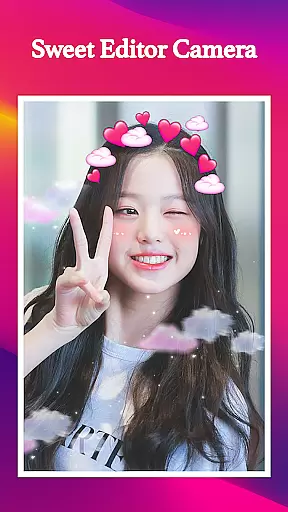
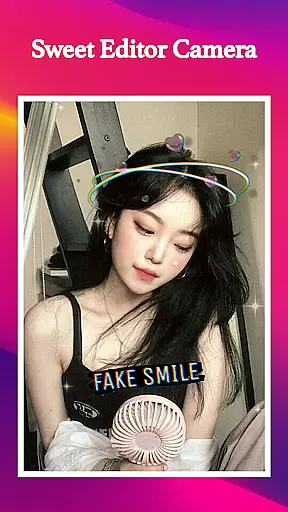
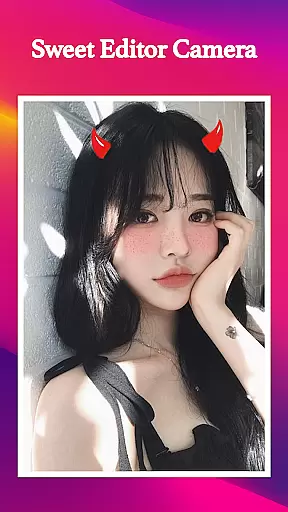
Sweet Editor Camera Lite is a feature-rich beauty camera app designed to enhance your selfie game. This powerful application offers advanced photo editing tools that allow users to create flawless and creative selfies with ease. The app provides an extensive selection of cute filters, smart beauty enhancers, and playful stickers that transform ordinary photos into extraordinary works of art.
What sets Sweet Editor Camera Lite apart is its comprehensive set of professional-grade features. Users can enjoy complete control over their photo editing process with adjustable brightness, contrast, and saturation settings. The built-in hair color changer offers vibrant shades for those seeking a fresh new look. With its intuitive interface and offline functionality, this app makes high-quality photo editing accessible to everyone.
This versatile beauty camera is perfect for social media enthusiasts who want to elevate their online presence. Whether you're aiming for a natural look or experimenting with fun effects, Sweet Editor Camera Lite delivers professional results without requiring an internet connection. Its quick sharing options make it easy to distribute your enhanced photos across various social media platforms instantly.
Sweet Editor Camera Lite boasts an impressive array of features that cater to diverse photo editing needs. The app's collection of innumerable cute filters spans various styles, making it suitable for any occasion. These filters range from subtle enhancements to dramatic transformations, allowing users to express their unique personalities through their photos.
The smart beauty tools represent another cornerstone of this app's functionality. Users can benefit from sophisticated skin smoothing algorithms, precise teeth whitening capabilities, and advanced face retouching options. The app also includes an entertaining selection of adorable stickers, such as animal ears and funny faces, adding an extra layer of creativity to your photos.
Professional-grade editing tools provide users with precise control over their final images. The app enables detailed adjustments to brightness, contrast, and saturation levels, ensuring optimal photo quality. Additionally, the innovative hair color changer feature offers a virtual makeover experience with super vibrant shades. All these features are packaged in a user-friendly interface that ensures smooth operation even during crucial photo moments.
When it comes to beauty applications, having a comprehensive product database is essential for delivering value to users. Sweet Editor Camera Lite offers an extensive collection of filters, stickers, and editing tools that cater to diverse user needs. The app includes numerous cute filters suitable for any occasion, ensuring users can always find the perfect look.
The application's database extends beyond basic filters. It features advanced beauty tools such as skin smoothing, teeth whitening, and face retouching options. These tools are meticulously designed to enhance natural beauty while maintaining authenticity. Additionally, the hair color changer provides vibrant shades, allowing users to experiment with fresh new looks effortlessly.
What sets this app apart is its commitment to detail and variety. Users can access adorable stickers like dog ears and cat faces, adding playful elements to their photos. The powerful editing suite enables adjustments to brightness, contrast, and saturation, giving users complete control over their final image. This depth in the product database ensures that every user can achieve their desired aesthetic.
Personalization is at the heart of Sweet Editor Camera Lite, offering users tailored experiences that match their unique preferences. The app employs intelligent algorithms to recommend filters and effects based on individual usage patterns. This personalized approach ensures that users receive suggestions that genuinely enhance their photo-taking experience.
Beyond simple recommendations, the app allows for detailed customization. Users can fine-tune various aspects of their images using professional-grade editing tools. Whether adjusting facial features or experimenting with different hair colors, the app provides precise controls that deliver accurate results. This level of personalization precision empowers users to express their creativity fully.
The app's personalization capabilities extend to its quick share options, which adapt to users' preferred social media platforms. By learning from user behavior, Sweet Editor Camera Lite optimizes sharing settings for convenience and speed. This attention to personalized detail demonstrates the app's dedication to providing a seamless and enjoyable user experience.
User-friendly interface
Offline functionality
Versatile filter options
Advanced beauty tools
Quick sharing options
Limited free features
Occasional ads
High storage usage
Premium upgrade cost
Learning curve for beginners

Enjoy convenience wherever you are with the Tune Up, The Manly Salon app.
 3.20
3.20
Make beautiful Hairstyles for girls with your own hands in little bit of time
4.00
Transform your sweet selfies with Selfie Beauty Camera Filters And Effects!
4.60
Use your phone as a makeup mirror, shaving mirror. Magnifying mirror with light!
4.80
Hair style app, Face shape finder, Face shape, Hair style, Face shape detector
4.30
HD Camera, Selfie Camera, Camera filters, is a fully featured 4K camera
4.60
This barber game allows you to create and design hair styles on diverse people
3.80
The ultimate beauty membership
4.70
Monthly Perfume Subscription
4.70
Beauty Camera & Selfie Camera snap Beauty selfie with filter, makeup, stickers
4.80
Mirror app that shows your image with photo editor, zoom and light!
4.70
Professional HD Camera App: Capture Bright HD Selfie & Record Stunning Moments
4.40
Crown Heart Emoji Photo Editor has given you the chance to look cute girl
4.40
Download Today
4.40
All-in-one solution for independent beauty pros to manage & grow their business
4.30
Snap stunning selfies with AI from the Sweet Beauty Camera editor
4.10
Try On Style with AI: Virtual Dressing Room & Personal Fashion Stylist App
4.00
Never run out of your go-to beauty & get 5% off with auto-replenish deliveries!
4.00
Design your nails, manicure and pedicure with nail paint art and nail idea app
3.90


User Reviews