
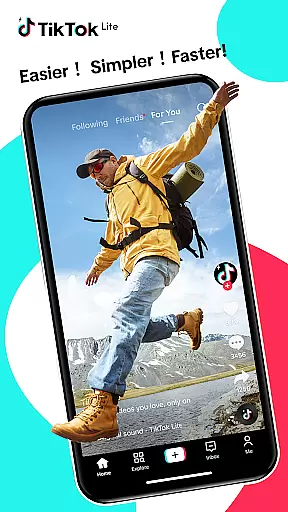

TikTok Lite is a lightweight social media application tailored for users with low-end devices or limited connectivity. This compact version retains TikTok's core functionalities while optimizing performance under challenging conditions. With a file size of just 18MB, it ensures smooth operation even on devices with minimal storage and low RAM.
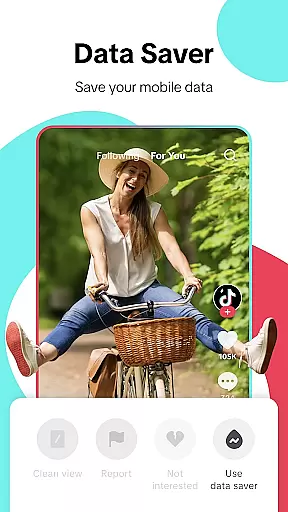
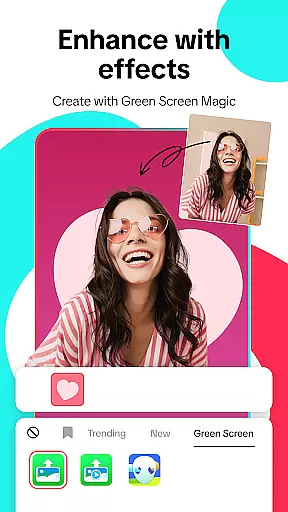
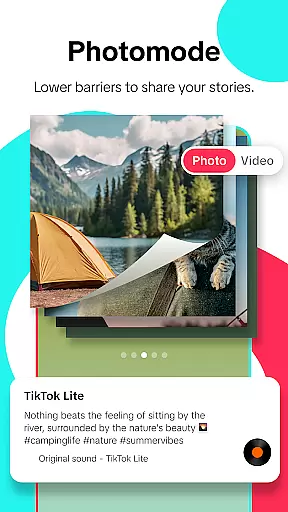
The app allows users to create, edit, and share short-form videos enriched with music, filters, and effects. Its standout features include a Data Saver mode that reduces mobile data usage by up to 20%, an Offline Mode for cached video playback, and advanced editing tools such as green screen effects and voiceovers. Additionally, TikTok Lite supports cross-platform sharing, enabling users to post their creations directly to platforms like Instagram, Facebook, and WhatsApp.
Designed for global accessibility, TikTok Lite connects users to a vibrant community of creators and viewers. Whether you're a casual viewer or an aspiring content creator, this app provides all necessary tools to engage with trends, express creativity, and interact with friends seamlessly.
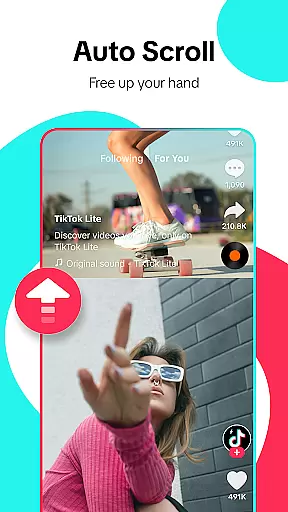
TikTok Lite stands out through its innovative combination of performance optimization and creative tools. The app's lightweight design ensures fast loading times and smooth navigation, making it ideal for users with slower internet connections or older devices. Features like Auto Scroll and Clean View Mode enhance user experience by providing uninterrupted video streams and unobstructed views.
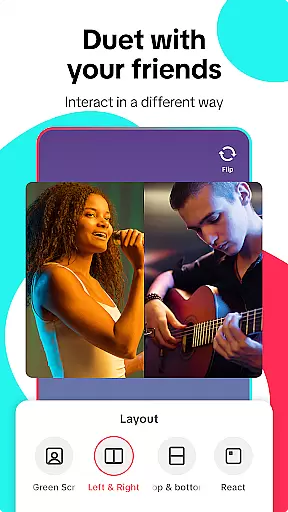
For content creators, TikTok Lite offers robust editing capabilities. Users can record videos up to three minutes long or upload clips from their gallery. Advanced tools such as music integration, filters, and duet functionality allow for professional-grade edits without requiring high-end hardware. Privacy controls give users full authority over who can view, comment, or download their videos.
Another key highlight is its seamless integration with other social media platforms. Through one-tap sharing options, users can distribute their TikTok Lite creations across multiple networks, amplifying reach and engagement. The app also fosters interaction via features like emoji-based commenting and direct messaging, ensuring a dynamic and engaging social environment.
User profile customization is a crucial aspect of any social platform, allowing users to express their individuality and establish their digital identity. TikTok Lite offers a range of options for personalizing user profiles, from selecting profile pictures to writing bios that reflect personal interests and styles.
The app ensures authenticity verification through various means, such as linking social media accounts and phone number verification. This helps maintain a trustworthy environment where users can confidently connect with others.
By providing these features, TikTok Lite not only enhances the user experience but also fosters a sense of community and belonging among its users. The ability to customize and verify profiles leads to more meaningful interactions and engagement within the app.
Ultimately, these customization and verification features contribute to building a vibrant and authentic global video community, empowering users to share their creativity and stories with confidence.
Connection discovery is an essential feature in social apps, enabling users to find and connect with friends, family, and like-minded individuals. TikTok Lite excels in this area by offering robust tools for discovering new connections and expanding one's social network.
The app allows users to easily connect with friends from other social media platforms, such as YouTube, Instagram, and Facebook. This cross-platform integration simplifies the process of finding and adding friends, making it more accessible for users to grow their networks.
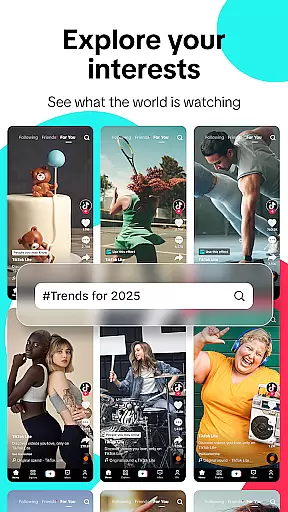
Additionally, TikTok Lite employs smart algorithms to recommend potential connections based on shared interests, interactions, and viewing habits. These recommendations enhance the user experience by introducing users to content creators and peers they might not have discovered otherwise.
By prioritizing connection discovery, TikTok Lite strengthens its position as a leading social platform, fostering a dynamic and engaging environment where users can continuously expand their social circles and engage with diverse content.
User-friendly interface
Lightweight design
Offline viewing mode
Cross-platform sharing
Data-saving technology
Limited advanced features
Fewer customization options
Restricted video length
No 4K video support
Ads may interrupt usage

Video call and chat, live stream and making friends around the world!
 4.60
4.60
Dive into diverse fandoms. Connect, create, reblog.
3.90
Meet Strangers Online, Live Video Chat & Make Random Video Calls on Joi!
4.30
Social calendar for friends to make plans, group chat, share events & schedules
4.60
Discover an open-minded dating experience when you download today
4.10
Sell unwanted items and buy preloved stuff in your local community.
4.10
Dating & make friend to chat, meet, flirt, and make real connections!
4.60
Message and video call your family and friends!
2.60
Join your friends and discover videos you love, only on TikTok
4.10
Match, chat & date with singles nearby. The dating app to find true love
4.50
Connection Beyond Content
4.50
Live Chat & Match! Explore Real-Time Dating and Make Friends!
4.40
Watch 24/7 live stream, and make real friends nearby
4.30
FREE calling and texting (SMS texts + MMS) in US & Canada with FREE phone number
4.30
Dating for singles. Meet lonely people nearby online. Find your match here!
4.20
A warm, simple dating app for adults seeking real connection.
4.20
The world's leading social networking app for gay, bi, trans, and queer people.
4.10
The video chat to meet people in the blink of an eye!
3.90
Find your next obsession.
3.50


User Reviews