
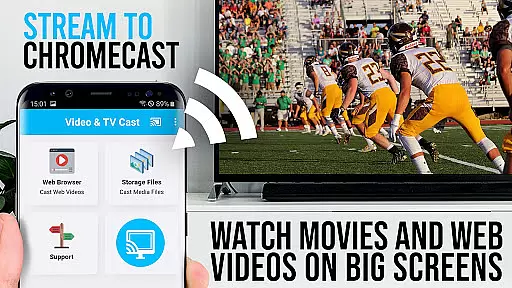
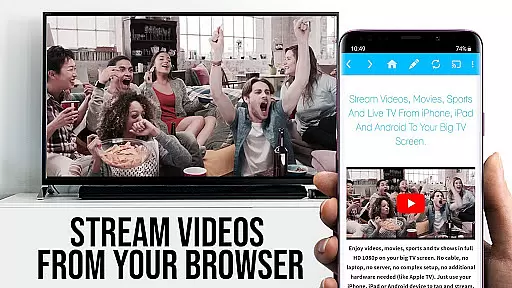
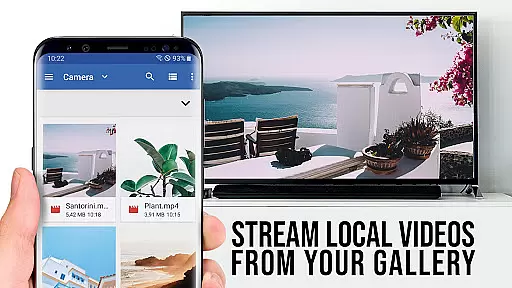
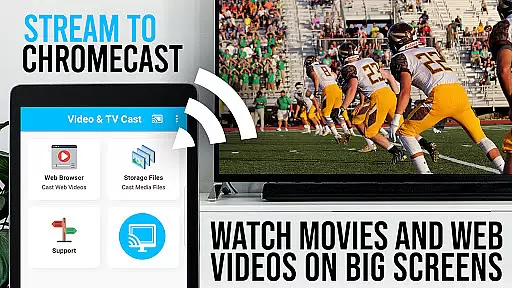
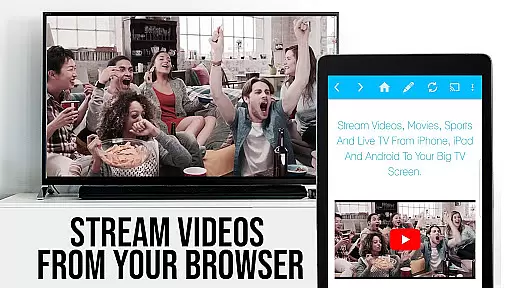
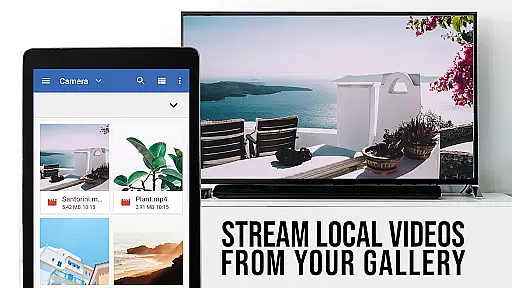
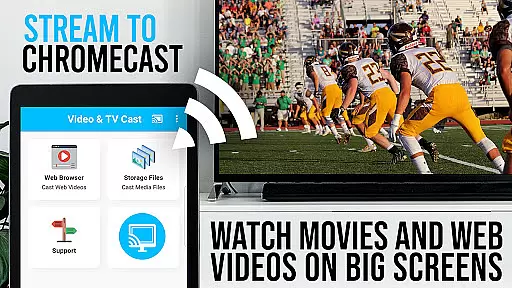
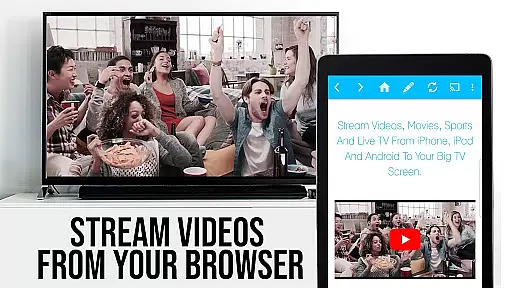
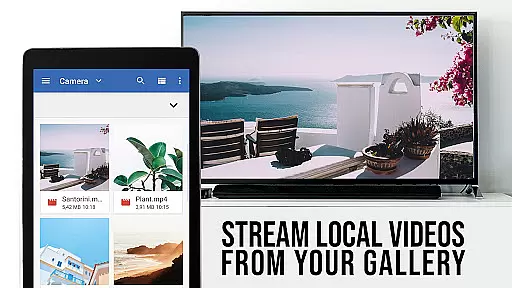
TV Cast Pro for Chromecast is the premier browser app designed specifically for streaming video content to Chromecast-enabled devices. With over 10 million users across Android and iOS platforms, this application allows you to cast web videos, online movies, IPTV, livestreams, and live TV shows directly to your television. Supporting formats such as MP4, M3U8, HLS livestreams, and Full HD, it ensures a seamless viewing experience on the big screen.
The PRO edition offers all premium features unlocked, providing advanced functionalities beyond the basic free version. Compatible exclusively with Chromecast devices from Google and other Google Cast or Android TV-powered gadgets, it simplifies media streaming by allowing users to browse the web and cast any video with ease. Just a tap sends the video to your TV, making it an essential tool for enjoying web content on a larger display.
TV Cast Pro stands out with its specialized features tailored for an enhanced casting experience. The Remote Playbar provides advanced video control, including scrubbing, forward, rewind, play, pause, and stop functions, all synced across Android and iOS devices running the app. This feature alone revolutionizes how users interact with streamed content.
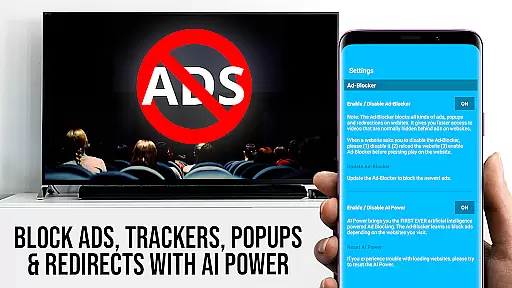
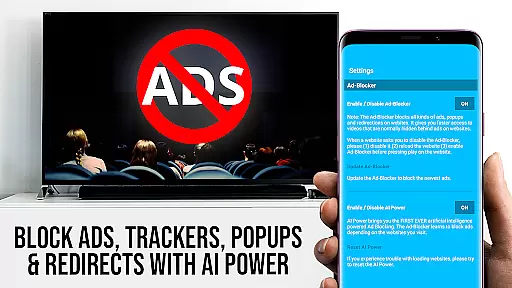
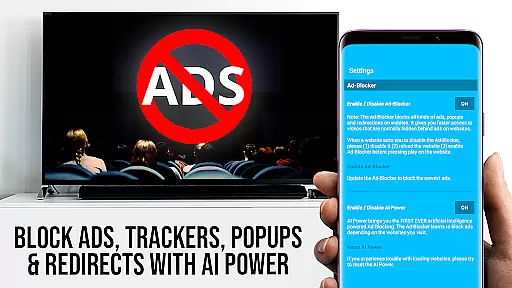
In addition, the built-in Ad-Blocker ensures an uninterrupted viewing experience by blocking ads and popups on most websites. Users can also manage bookmarks efficiently, switch to Desktop Mode to access desktop versions of websites, and customize their homepage. These capabilities collectively offer a versatile and user-friendly interface that maximizes both convenience and entertainment value.
Security is another cornerstone of TV Cast Pro, requiring minimal permissions and safeguarding user data. Unlike other apps, it refrains from accessing identity data, accounts, device ID, phone status, GPS location, or contacts, ensuring privacy and safety while using the app.
TV Cast Pro for Chromecast excels in offering a wide variety of content, ensuring users have access to an extensive range of web videos, online movies, IPTV, livestreams, and live TV shows. This diversity caters to different tastes and preferences, making it a versatile tool for entertainment.
The app supports multiple video formats including Mp4, m3u8, HLS livestreams, and videos over HTTPS, with Full HD support enhancing the viewing experience. By allowing direct streaming from websites, it ensures that users can enjoy fresh and updated content without compatibility issues.
Moreover, the inclusion of PRO features such as the Ad-Blocker and Bookmarks adds another layer of convenience. Users can manage their favorite content more efficiently while enjoying an uninterrupted viewing experience free from ads and popups.
This focus on content variety and freshness not only enriches user engagement but also positions TV Cast Pro as a comprehensive solution for those looking to maximize their Chromecast's potential.
User engagement duration and retention are critical metrics for any entertainment app, and TV Cast Pro for Chromecast addresses these effectively. By providing seamless navigation and easy casting options, the app encourages longer usage sessions, keeping users engaged with their preferred content.
The Remote Playbar feature allows advanced video control, including scrubbing, forward, rewind, play, pause, and stop functions. These controls are synced across all Android and iOS devices running Video & TV Cast, offering a consistent and intuitive user interface that enhances the overall user experience.
Additionally, the Desktop Mode and ability to change the homepage provide personalized settings that cater to individual preferences. Such customization options contribute significantly to user satisfaction and encourage continued use of the app over time.
By focusing on these aspects, TV Cast Pro ensures high user retention rates, as users find value in its robust functionality and adaptability to their unique viewing habits.
User-friendly interface
Advanced video controls
Effective ad-blocking
Customizable homepage
Desktop mode option
No support for DRM videos
Limited to Chromecast devices
Device mirroring not available
Occasional connectivity issues
Refunds only within 24 hours

Binge-worthy short dramas on DramaRush—engaging stories that fit your day.
 3.90
3.90
Heroclix search units with multi filter , team builder, collection manager.
4.40
Journey to the world’s oldest rainforest and meet its Indigenous Custodians.
4.0
Stream videos to VIDAA & VEWD TVs from Hisense, Sharp, Skyworth, Vestel & TiVo
3.00
Watch everything you want.
2.90
The JBL Portable app works with JBL portable Bluetooth speakers.
4.60
Wodfix Air aggregates popular online content for you.
4.80
Earn big rewards like PayPal & Amazon gift cards by playing games you love!
4.30
Scary prank camera & on face app: Shoot videos, selfies with spiders & scorpions
4.60
Exclusive creator communities
4.70
Tarot & Oracle Card Readings
4.50
Series,Películas y Telenovelas
4.50
Come and watch short dramas, reels with diverse genres!
4.40
Best of icon for christmas
4.30
Experience the video editing experience brought by our intuitive interface
4.10
Browse popular images and videos from Reddit on Android TV!
3.90
Real ghost box scanner with echo, reverb, EMF, & multi-stream channels.
3.80
Your choice of 350+ networks plus movies and full TV series on-demand.
3.70
The classic game of rock, paper, scissors
4.5


User Reviews