
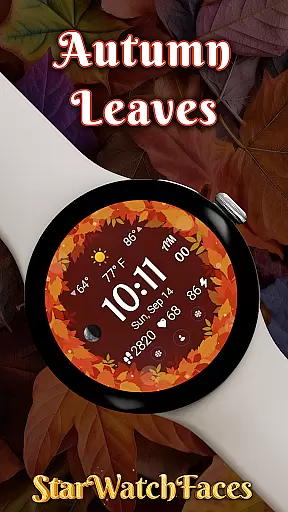

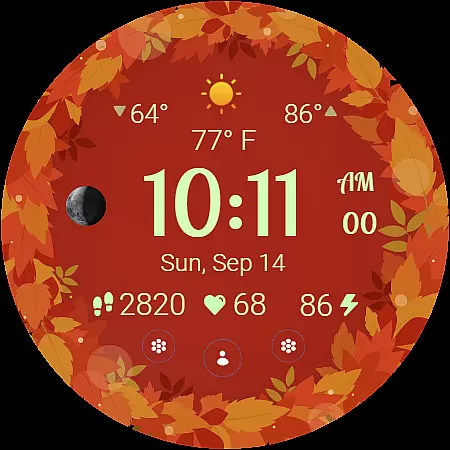
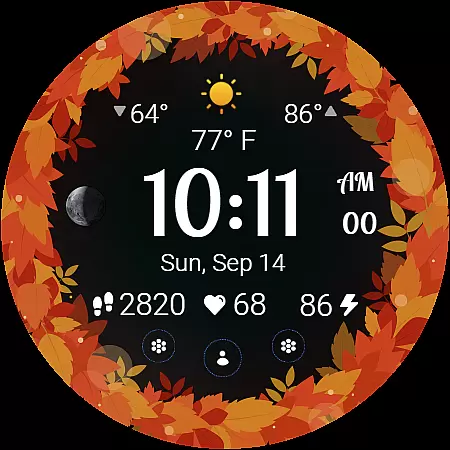
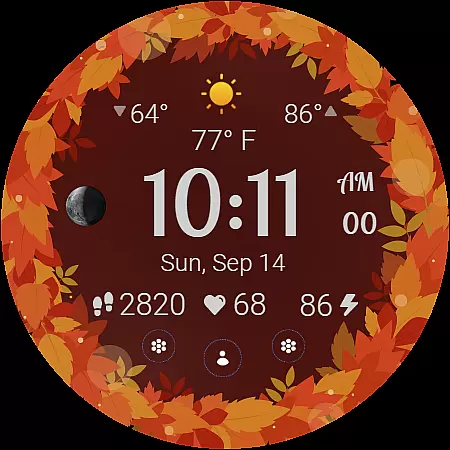
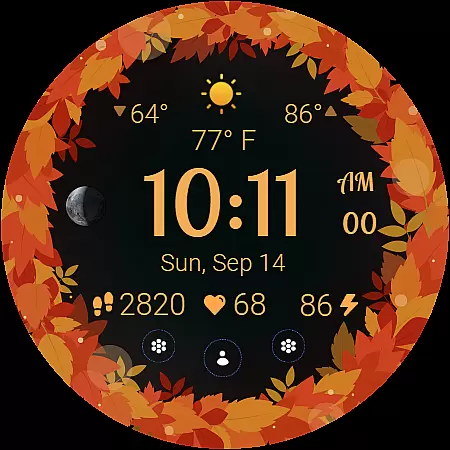
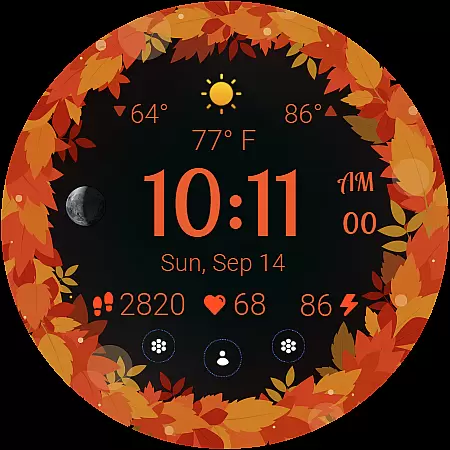
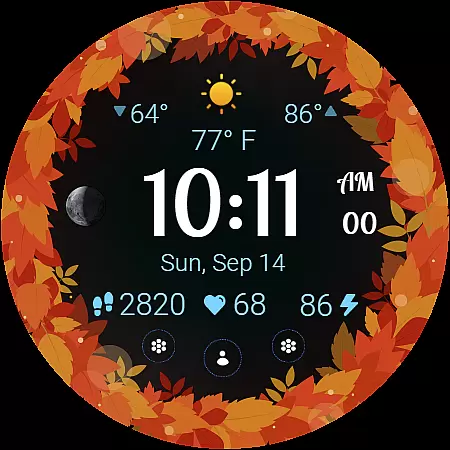
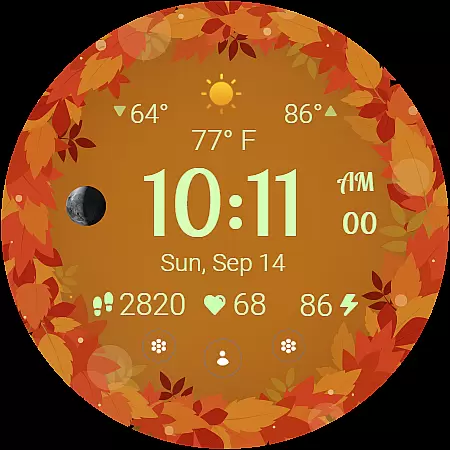
Autumn Leaves Watch Face brings the vibrant colors of fall to your smartwatch, offering both style and functionality. Designed for Wear OS, this watch face combines nature-inspired aesthetics with practical features like weather updates, moon phase tracking, and health monitoring.
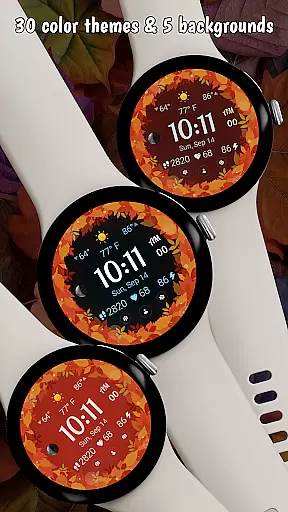
The app provides 30 customizable color themes and 5 background options, allowing users to personalize their experience. With animated transitions, an always-on display mode, and localized date support, it creates an immersive seasonal experience while maintaining usability.
Ideal for those who appreciate thematic design, Autumn Leaves is perfect for daily wear, especially during the autumn season. Its balance of beauty and utility makes it a standout choice among lifestyle apps.
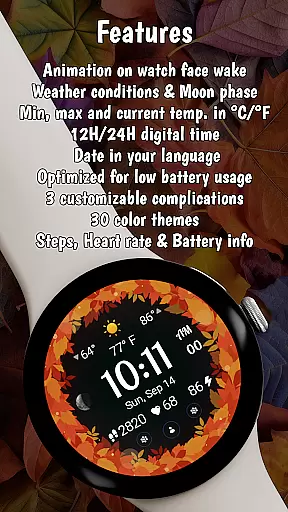
Autumn Leaves offers a rich set of features that cater to both aesthetic and functional needs. The watch face displays critical information such as weather conditions, temperature ranges, and moon phases, all within a visually appealing design.
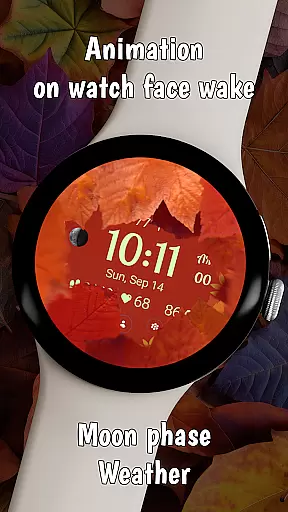
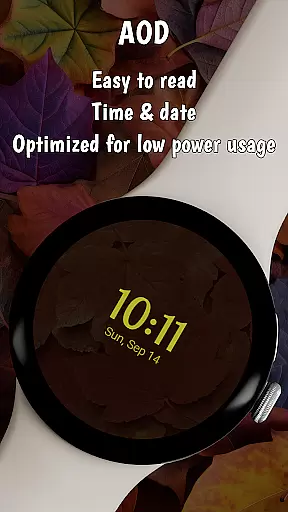
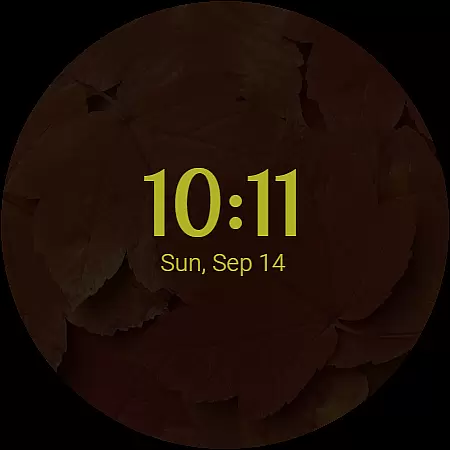
One of its key innovations is the unique animation where leaves retract smoothly when the watch wakes up, revealing the active display. Additionally, the always-on display (AOD) mode ensures power efficiency while maintaining a cozy autumn vibe even in ambient mode.
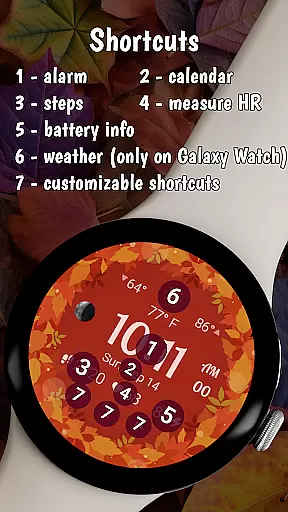
Users can customize shortcuts, choose between 12h or 24h clock formats, and track fitness metrics like heart rate and steps. These thoughtful additions make Autumn Leaves not just a stylish accessory but also a practical tool for everyday use.
The Autumn Leaves Watch Face offers extensive lifestyle category coverage by integrating essential daily features into a stunning seasonal design. This Wear OS watch face goes beyond mere aesthetics, providing users with crucial information such as moon phases, weather updates, and health metrics.
With 30 color themes and 5 background options, the app allows for deep personalization that matches the user's style while maintaining functional displays. The inclusion of heart rate monitoring, step tracking, and battery information ensures that users can maintain their fitness routines and device health without compromising on design.
The watch face also supports practical everyday needs through its always-on display feature, localized date presentation, and three customizable shortcuts for quick access to frequently used apps. These features create a comprehensive lifestyle companion that adapts to various user preferences and requirements.
Autumn Leaves Watch Face demonstrates strong content authenticity by delivering exactly what it promises - a beautiful autumn-themed interface combined with smart functionality. Each feature, from the moon phase tracker to the weather information display, is accurately represented and functions as described.
The application's credibility is further enhanced by its compatibility with Galaxy Watches running Wear OS 5 or newer, ensuring optimal performance on supported devices. Users can trust that the displayed health metrics, weather conditions, and other information are reliable and up-to-date.
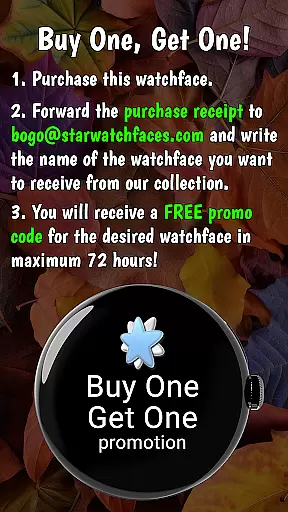
Additionally, the developer's commitment to quality is shown through their BOGO promotion and clear instructions for customization and support. The availability of a companion app for further exploration of watch faces adds another layer of authenticity to the overall offering, establishing confidence in both the product and the brand behind it.
Stylish autumn theme
Customizable features
Battery efficient
Health tracking
Animated transitions
Limited compatibility
Paid features
Complex setup
Weather dependency
High price

Digital watch face design. Modern looking, hi-res & battery friendly.
 4.00
4.00
Daily lessons from A Course in Miracles with scheduled reminders
4.80
Duo Watch Face (animated)
4.2
Paranormal EVP, Ghost Box, Spirit box, ITC, Haunted, Spirit communication device
3.70
Unique Dual Colors with 6 Custom Complications for Wear OS watches!
3.40
Earn money & gift cards when you take surveys, play games, scan receipts & more.
4.50
The cutest Autumn watchface featuring the adorable Mr. Squirrel
4.1
Remotely monitor the time and temperature of food cooking on your grill.
4.60
Control your Tapo smart devices from anywhere.
4.60
Discover the "To Be a Christian" App: Your Guide to Deepening Faith!
5.00
Get the news, events and savings that matter to you with AARP Now.
4.80
Simple, stylish & fresh watch face. Customize colors, gradients & complications.
4.70
Premium floor cleaning robots
4.50
Discover your Nationality, Family Origin, and Ancestry from one selfie
4.50
Unique informative Dial with Live Moon Phase at a glance!
3.60
Cute animated Thanksgiving watchface for your WearOS smartwatch
4.3
Big bold hybrid watch face with 30 colors, 5 fonts & 5 complications.
4.1
Customize your Wear OS watch with festive Christmas figures and colors!
4.0
Celebrate the holidays with Advent Calendar: daily surprises and festive fun!
4.0


User Reviews