
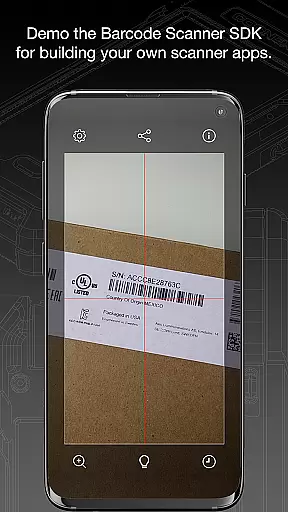
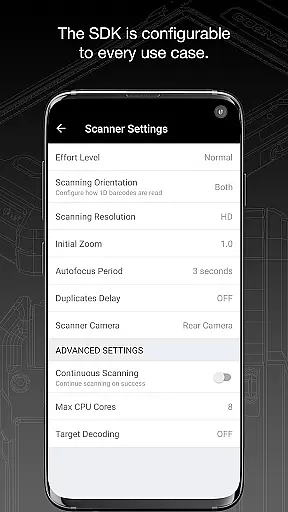
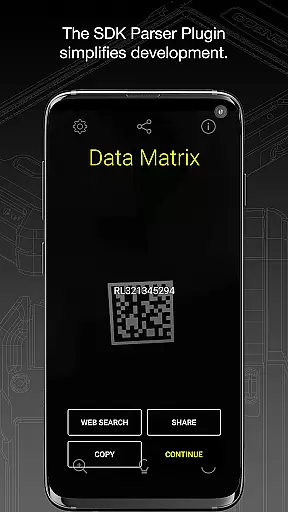
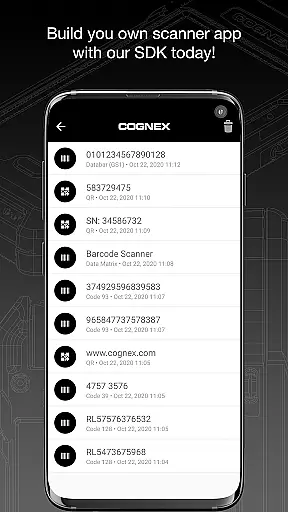
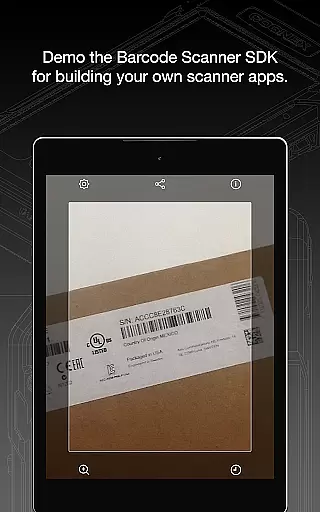
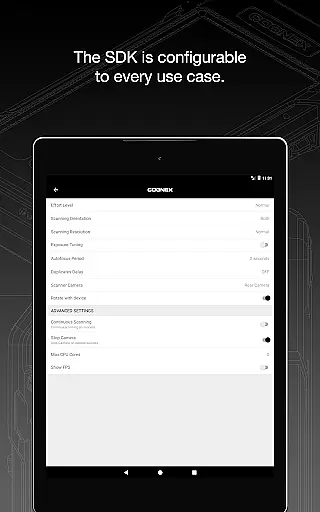
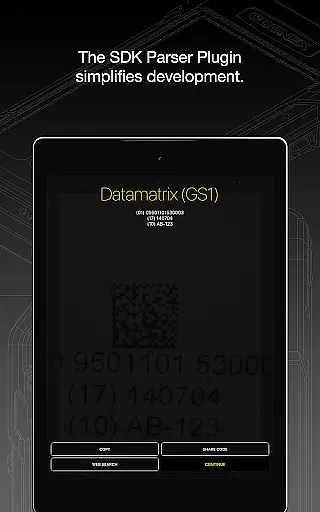
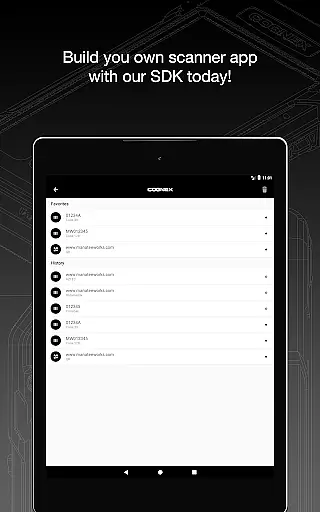
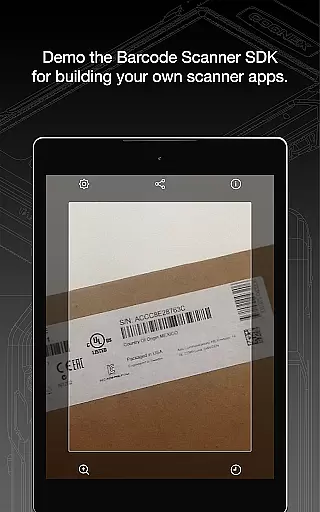
Barcode Scanner is a versatile tool designed to simplify the process of scanning various types of barcodes. With support for over 30 different barcode formats, including QR, UPC, GS1, Data Matrix, PDF417, DotCode, and many others, this app caters to both personal and professional needs. Whether you're managing inventory, processing orders, or simply curious about product details, Barcode Scanner delivers accurate results quickly.
The application's strength lies in its comprehensive coverage of major barcode symbologies. It reads everything from Aztec Code to TELEPEN, making it an indispensable utility for businesses dealing with diverse barcode standards. Additionally, the app includes specialized parsers that make decoding industry-standard formatted barcodes easier than ever before.
For users seeking efficiency and reliability in barcode scanning, this app offers a seamless experience across multiple platforms. Its ability to handle complex barcode types like AAMVA (US and Canadian Driver’s Licenses), GS1, IUID, and Structured Carrier Messages ensures that professionals in logistics, retail, and manufacturing can streamline their operations effectively.
Barcode Scanner stands out due to its extensive feature set tailored for diverse scanning requirements. One of its key attributes is the support for a wide array of barcode symbologies, ensuring compatibility with virtually any barcode format used globally. This includes popular standards such as Aztec Code, Codabar, Code 11, Code 25 variants, Code 39, Code 93, Code 128, Data Matrix, DotCode, EAN, ISBN, GS1 DataBar, MaxiCode, MSI Plessey, PDF417, Micro PDF417, Postal Codes, QR Code, and UPC.
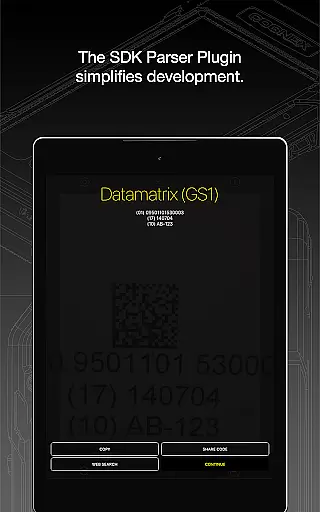
Beyond basic scanning capabilities, the app incorporates advanced parsing technologies. These enable users to effortlessly decode industry-specific barcode formats like AAMVA for driver’s licenses, GS1 for supply chain management, IUID for asset tracking, and Structured Carrier Messages embedded within MaxiCode symbols. Such features are particularly beneficial for sectors requiring precise data extraction and processing.
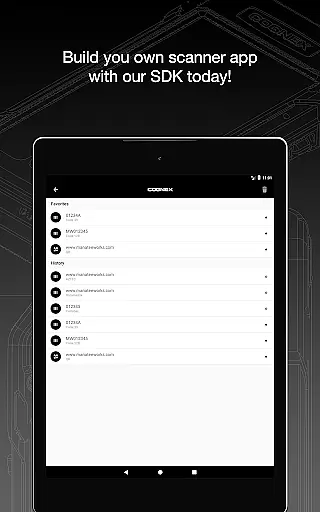
Another notable aspect is the app's user-friendly interface, which simplifies navigation and operation even for those new to barcode technology. The combination of robust functionality and ease of use makes Barcode Scanner an essential tool for anyone involved in activities where quick and accurate barcode reading is crucial.
When evaluating a barcode scanning application, functionality completeness and coverage are crucial factors. Barcode Scanner by Cognex offers an extensive range of capabilities that ensure users can scan and interpret over 30 different types of barcodes, including but not limited to QR, UPC, GS1, Data Matrix, PDF417, DotCode, and many others.
The app's comprehensive support for all major barcode symbologies such as Aztec Code, Codabar, Code 11, various forms of Code 25 and Code 39, Code 93, Code 128, and more, makes it an indispensable tool for businesses and individuals alike. Its ability to decode industry-standard formatted barcodes with powerful parsers further enhances its utility.
Users benefit from the app's wide-ranging compatibility and robust performance, which streamline workflows and improve efficiency. Whether it's for inventory management, asset tracking, or point-of-sale operations, this app provides reliable and accurate scanning that meets diverse needs.
Usability and operational smoothness are key to ensuring a seamless user experience in any application. Barcode Scanner excels in providing an intuitive interface that allows users to quickly and easily scan barcodes without unnecessary complexity or delays.
The app is designed to offer real-time feedback and quick processing times, making it suitable for high-speed environments where time is of the essence. Its straightforward operation reduces the learning curve for new users while maintaining efficiency for experienced operators.
Additionally, the app's stability and consistent performance contribute to a frustration-free experience. Users can rely on Barcode Scanner to function smoothly across multiple devices and operating conditions, ensuring dependable service whether in retail, logistics, or manufacturing settings.
Wide barcode support
Advanced parsing tools
User-friendly interface
Fast scanning speed
Reliable performance
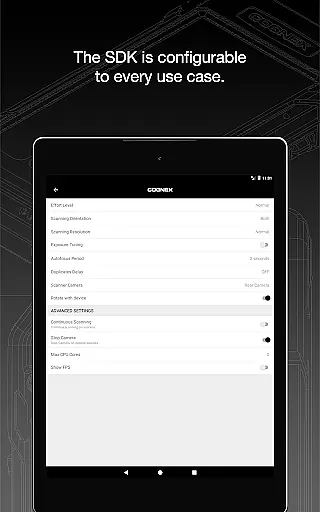
Limited customization
No offline mode
Occasional bugs
Ads in free version
Requires internet

Tune your game graphics with our GFX optimizer for optimal gaming experience
 4.50
4.50
The Free Catholic Latin American Bible in complete Spanish
4.60
Identify securely online
3.10
With Endoscope Camera Connector you can connect your phone with endoscope cam
3.70
An essential GFX utility developed for specific FPS mobile games
4.50
charging your phone by other phone easly
4.00
Connect and Find your smart tag via our app.our app is compatible with smarttag.
3.30
Demo version of the mcpro24fps manual video camera. Try and buy a full version!
4.00
An impressive collection of tools, characters, weapons, skins and more!
4.30
Study Bible King James Version: the correct way to learn the Bible with audio
4.80
Demo for Key Attestation feature of the Android system.
4.80
Android secret code for smart phone, mobile codes, with secret codes app
4.20
Do you want to drive easy ? do you wanna full mirror link Mobile with your car
4.10
Mirror link car connector to share your screen with car dashboard
3.80
Mobile Connect To TV - HDMI USB & WiFi Screen Mirroring
3.70
Collection of Maps and Mods for Dmod
3.30
DamonSx2 is the open Source LGPL Emulator
3.20
Collection of high-quality, trendy skins and outfits!
4.0
Enjoy hours of entertainment with our Roblox mobile games app
4.3


User Reviews