
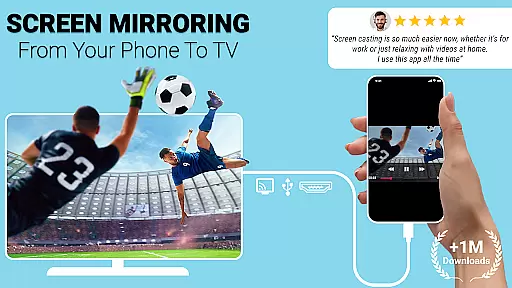
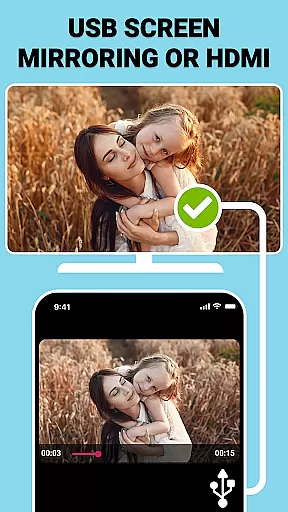
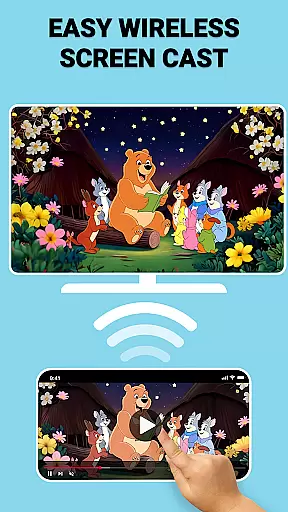
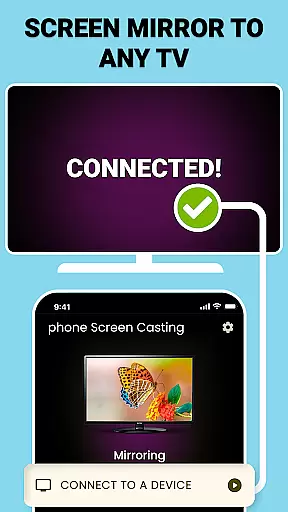
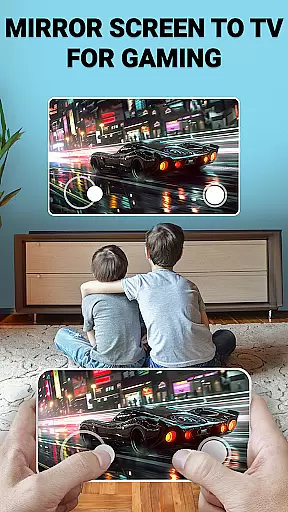
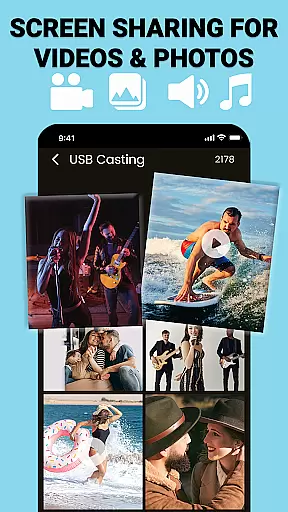
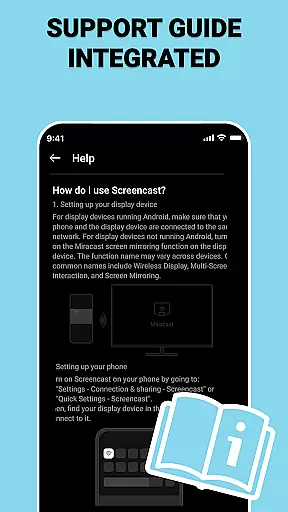
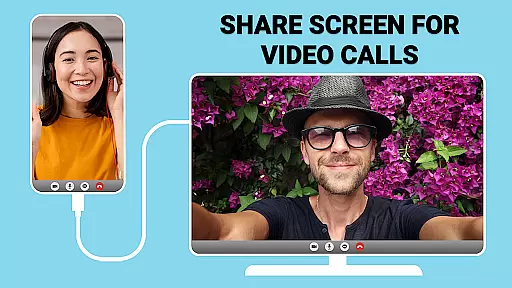
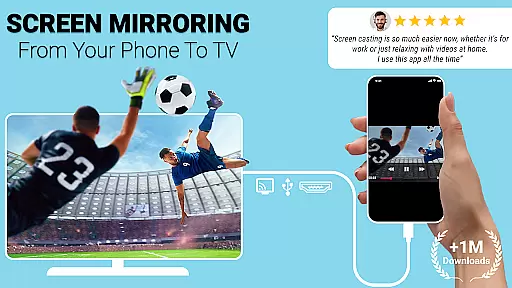
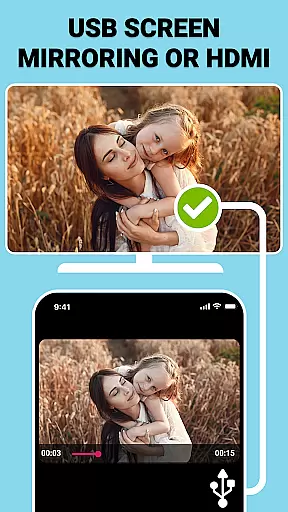
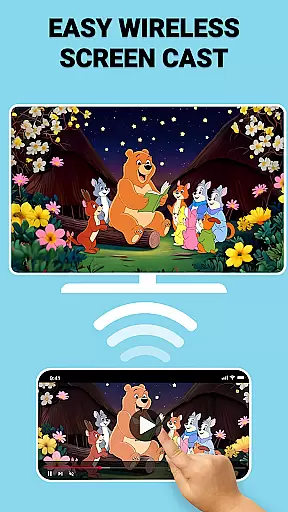
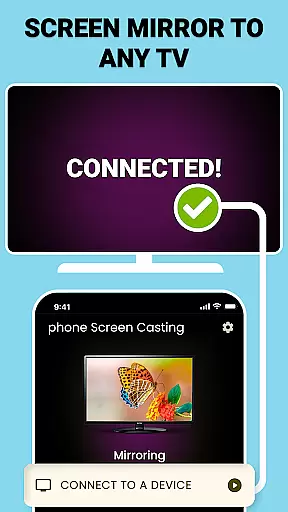
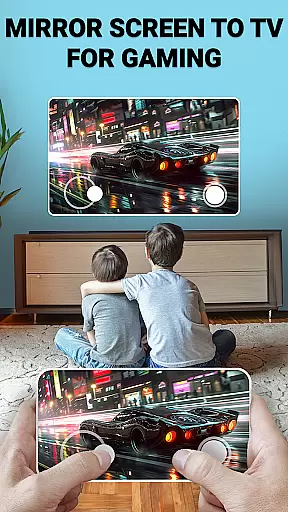
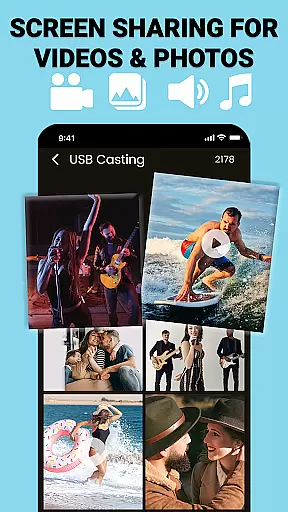
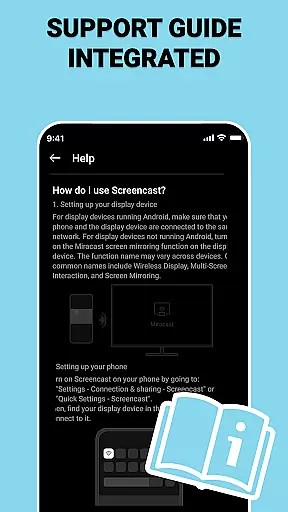
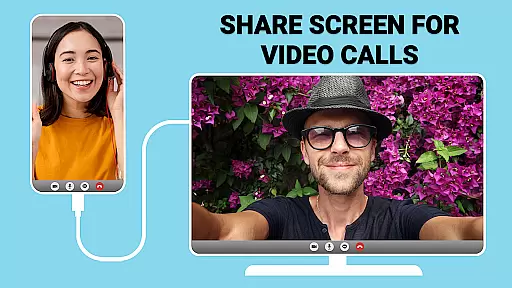
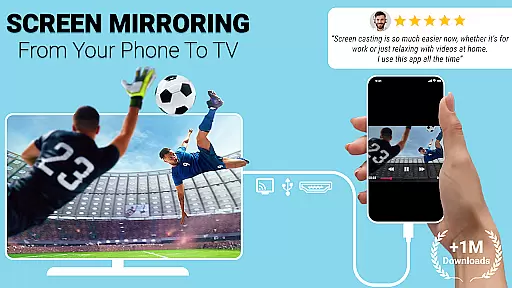
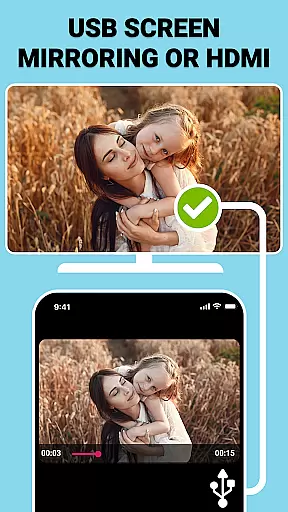
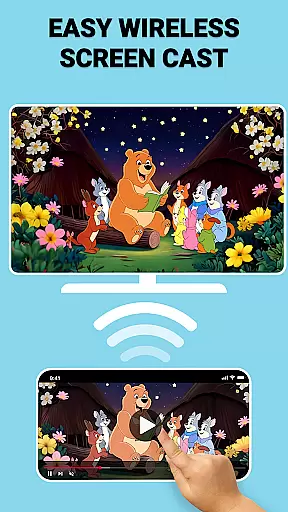
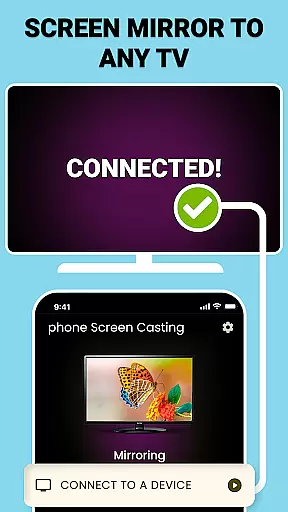
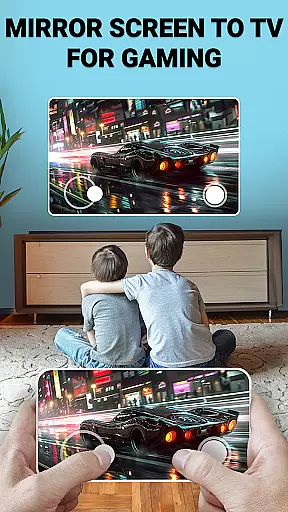
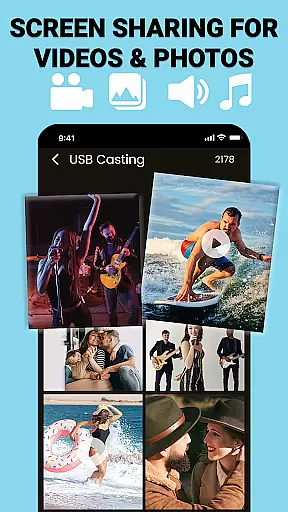
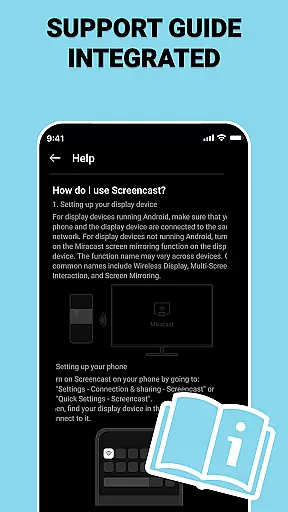
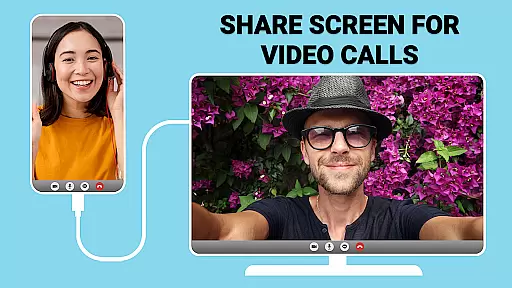
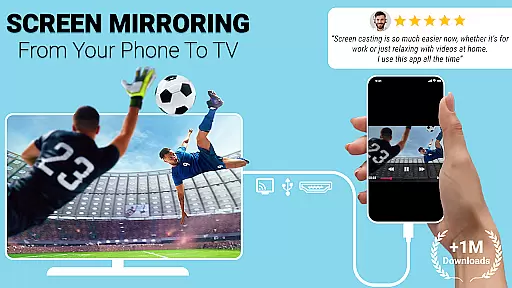
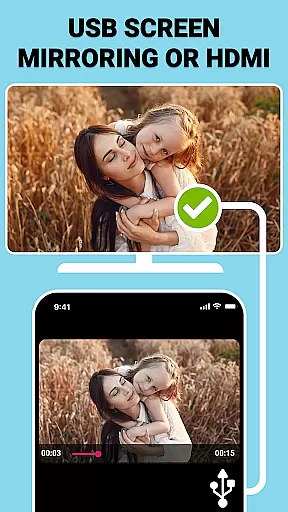
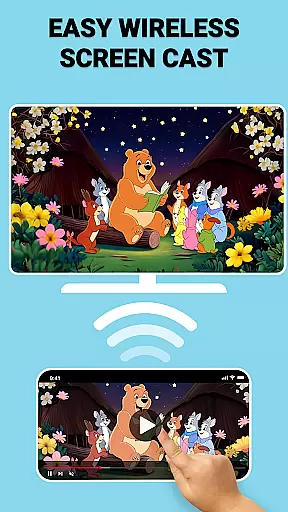
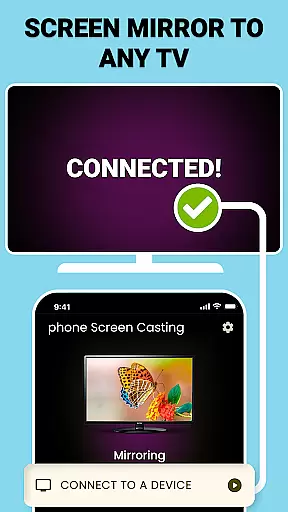
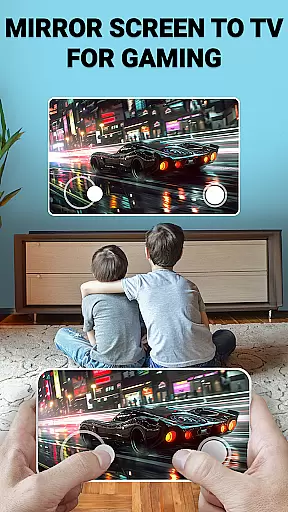
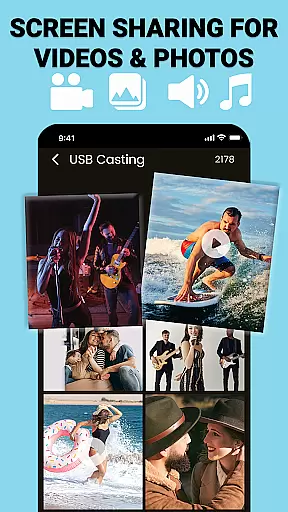
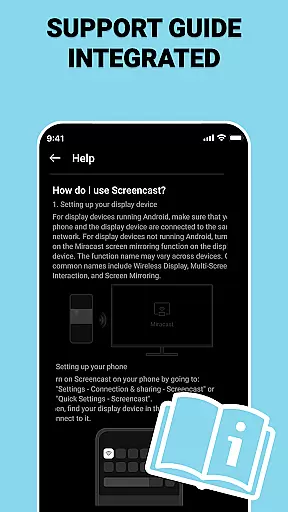
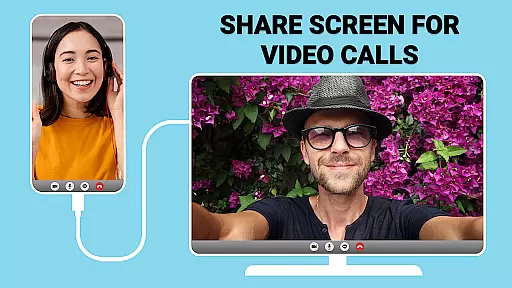
USB Screen Cast is a versatile screen mirroring application designed to connect your mobile device to a TV effortlessly. The app offers both wireless and wired connectivity options, allowing users to cast their phone screens to the TV using either WiFi or a USB connection. This ensures smooth and reliable performance for various screen sharing needs, whether for entertainment or professional presentations.
The application's core functionality lies in its ability to provide seamless screen mirroring with minimal setup. Users can enjoy high-quality display output when streaming movies, showcasing photos, or delivering presentations. With features like USB Screen Sharer and wireless casting, it adapts to different user preferences and environments, making it an ideal choice for enhancing productivity during meetings or turning any gathering into a cinematic experience.
For those who need stable connections without lag, especially in critical scenarios like work presentations, the USB Screen Cast app proves invaluable. Its customizable casting options allow users to adjust resolution settings, ensuring optimal viewing experiences on larger screens. Whether at home or in professional settings, this app transforms how users interact with their TVs by providing a simple yet powerful solution for screen sharing.
USB Screen Cast stands out due to its rich feature set tailored for diverse screen sharing requirements. One of its main highlights is the dual-mode connectivity, offering both wireless screen casting via WiFi and stable USB screen mirroring through a TV USB connector. This flexibility ensures that users can choose the most suitable method based on their current environment and needs.
The wireless screen casting feature provides a clutter-free experience, eliminating the need for additional cables while maintaining high-quality transmission. On the other hand, the USB screen mirroring option guarantees a stable connection, crucial for scenarios where WiFi signals might be weak or unreliable. Both methods support high-resolution outputs, ensuring crystal-clear quality whether you're streaming videos or sharing detailed presentations.
Additional functionalities include customizable casting settings, allowing users to optimize resolution and display preferences. The app also supports instant screen sharing of photos, videos, and documents, making it highly versatile for both personal entertainment and professional use. These comprehensive features collectively enhance user experience by providing reliable, high-quality, and adaptable screen mirroring solutions.
Functionality completeness refers to the app's ability to deliver all promised features without limitations. USB Connector Cast Phone to TV excels in this area by offering both wireless and wired screen casting options, ensuring users can connect their devices seamlessly regardless of network conditions.
The app supports a wide range of connectivity methods, including WiFi for wireless casting and USB connections for stable, lag-free performance. This dual functionality ensures that users have the flexibility to choose the best option for their specific needs, whether they are streaming media or delivering professional presentations.
Additionally, the app provides customizable settings, allowing users to adjust resolution and optimize display preferences. This attention to detail enhances user experience by catering to individual preferences and device capabilities, making it a versatile tool for both personal and professional use.
Usability is a critical factor in determining how easily users can operate an application. USB Connector Cast Phone to TV stands out with its intuitive interface and straightforward setup process, enabling users to cast their screens to a TV effortlessly.
Operational smoothness is evident in the app's seamless performance. Whether using wireless casting via WiFi or opting for a more stable connection through a USB connector, the app maintains high-quality mirroring without interruptions. This reliability ensures that users can enjoy uninterrupted entertainment or conduct important meetings without technical hiccups.
Furthermore, the app includes helpful features like automatic device detection and clear instructions for connecting devices. These elements contribute to a hassle-free user experience, empowering even non-technical users to take full advantage of the app's capabilities with minimal effort.
User-friendly interface
Stable connection quality
Versatile connectivity options
High-resolution support
Customizable settings
Limited device compatibility
Occasional connection issues
Requires manual setup
No automatic resolution adjustment
Premium features locked behind paywall

Identify securely online
 3.10
3.10
You can remote control and play much easier.
4.10
Connect and Find your smart tag via our app.our app is compatible with smarttag.
3.30
Mirror Link Car Display to share your screen with car dashboard wirelessly
4.5
Al QURAN-القرأن الكريم app to read Quran offline just like an actual Quran book
4.30
Game booster GFX may reduce interruptions and improve gaming experience.
4.50
Manage apps & elevate your gaming experience with Game Launcher: Gaming Hub app.
4.30
Phone Software Update Quick Checker helps you to keep your phone apps up to date
4.50
Expo is a free & open source platform to build apps using JavaScript and React.
4.70
Explore The Holy Quran Majeed for Muslim. Listen to MP3 Quran & Al Quran Kareem.
4.80
The Free Catholic Latin American Bible in complete Spanish
4.60
An essential GFX utility developed for specific FPS mobile games
4.50
Wireless reverse charging using phone now is possible
4.30
An impressive collection of tools, characters, weapons, skins and more!
4.30
Demo version of the mcpro24fps manual video camera. Try and buy a full version!
4.00
Sad ringtones full of feeling, sad music ringtones
3.90
Looking to connect your phone to your car screen? Mirror Link is the solution.
3.20
A great tool help you to format Micro SD memory Card
3.10
Enjoy hours of entertainment with our Roblox mobile games app
4.1


User Reviews