
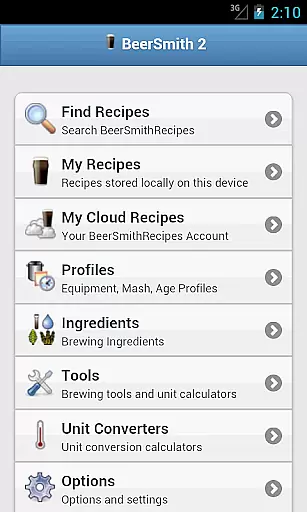
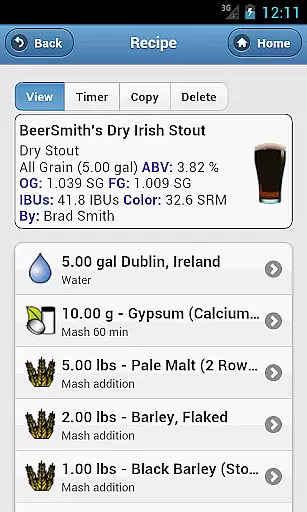
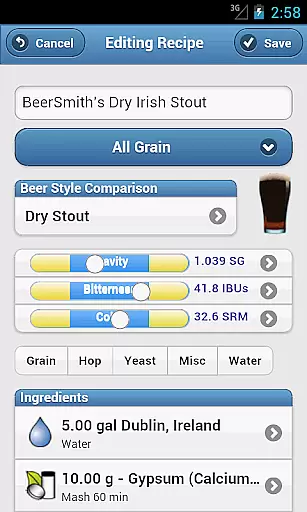
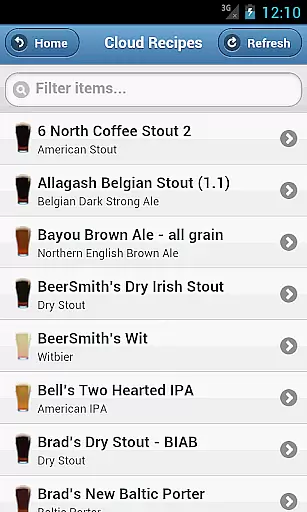
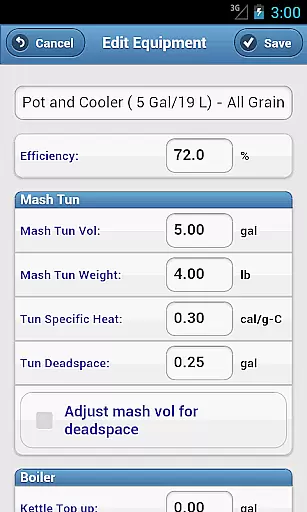
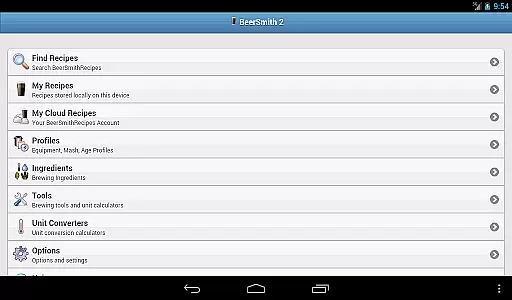
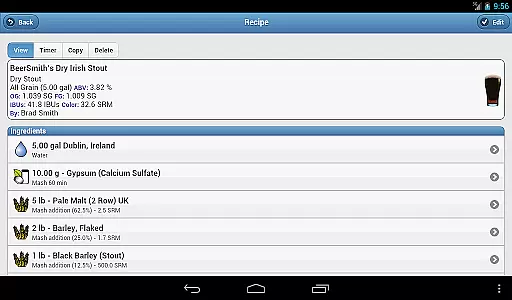
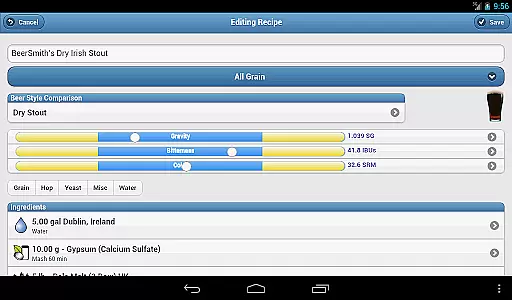
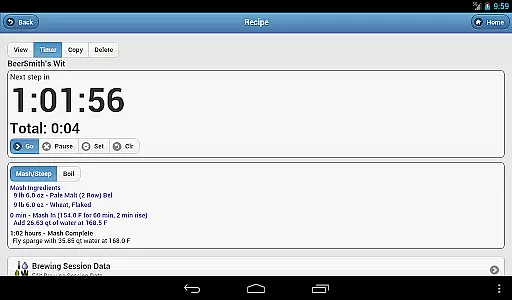
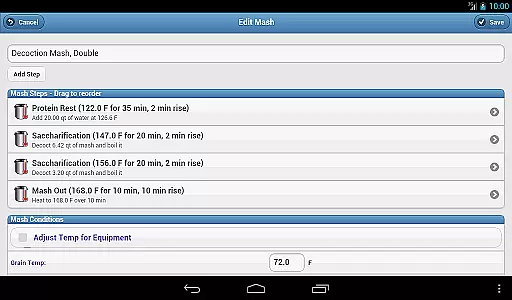
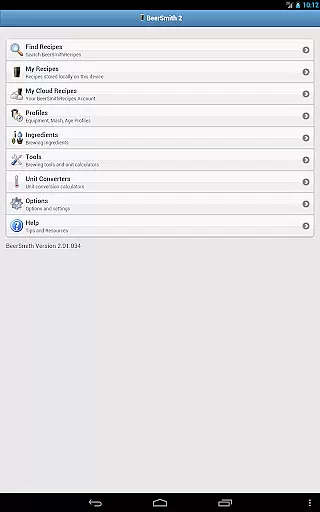
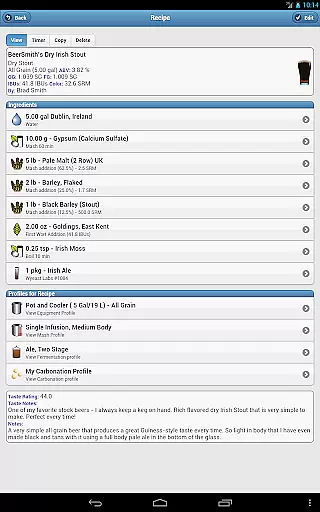
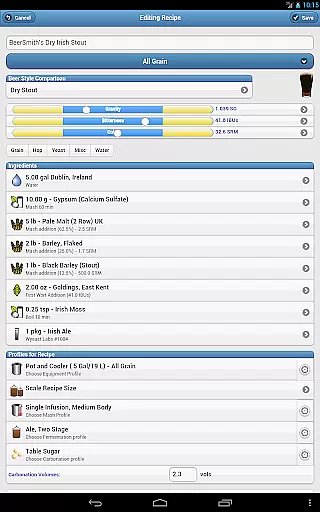
BeerSmith 3 Mobile Homebrewing is a comprehensive brewing application designed for homebrew enthusiasts who want to create and manage beer, mead, wine, and cider recipes on the go. The app offers an extensive suite of tools including recipe design, ingredient editing, and brew session management. With seamless integration with desktop BeerSmith software and cloud services, users can easily sync and share their creations across devices. Whether you're adjusting water chemistry or setting up a brew day timer, this app provides step-by-step guidance and calculators to ensure precision in your brewing process.
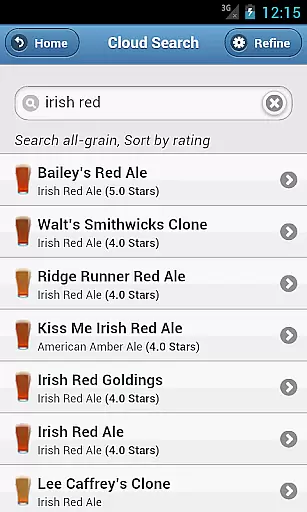
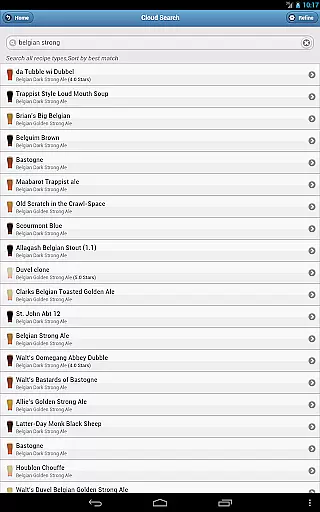
The app's standout feature is its tight integration with the BeerSmithRecipes service, giving users instant access to thousands of recipes. This makes it an invaluable tool for both novice brewers looking for inspiration and experienced brewers aiming to refine their craft. By combining powerful design capabilities with easy sharing options, BeerSmith 3 Mobile Homebrewing empowers users to brew their best beverages anytime, anywhere.
BeerSmith 3 Mobile Homebrewing boasts an impressive array of features tailored for homebrewing aficionados. One of its key highlights is the support for various beverage types including beer, mead, wine, and cider, allowing users to explore different brewing styles. The app includes advanced tools such as water adjustment, mash pH estimation, and a variety of brewing calculators that assist in perfecting recipes. Users can fully edit recipes and brew session data, providing unparalleled control over every aspect of the brewing process.
In addition to robust editing capabilities, the app offers practical functionalities like a brew day timer with notifications, unit converters, and a full beer style guide for reference. These features are complemented by seamless integration with the desktop version of BeerSmith via a cloud folder, ensuring that any recipe saved on one device is accessible on another. This interconnected ecosystem not only enhances productivity but also fosters creativity among brewers who rely on precise measurements and easy access to a vast repository of recipes.
BeerSmith 3 Mobile Homebrewing offers extensive coverage of the homebrewing lifestyle category, providing users with a comprehensive toolset for creating beer, mead, wine, and cider recipes.
The app includes features such as water adjustment, mash pH estimation, and updated ingredient databases, which cater to both novice and experienced brewers.
With full editing capabilities for recipes and brew session data, users can customize their brewing process down to the finest detail, ensuring that their homebrews are crafted exactly to their preferences.
This level of detail and control makes BeerSmith 3 Mobile an invaluable companion for anyone passionate about the art and science of homebrewing.
The content within BeerSmith 3 Mobile Homebrewing is curated with authenticity and expert credibility in mind, offering users reliable information on crafting quality beverages.
Its tight integration with the desktop version and cloud services ensures that all data remains consistent and up-to-date across devices, reinforcing the trustworthiness of recipe formulations.
Additionally, access to thousands of vetted recipes through the BeerSmithRecipes search function provides a rich resource for inspiration and learning.
Expertise is further demonstrated through advanced calculators and unit converters, empowering users with precise measurements and calculations essential for successful brewing.
User-friendly interface
Extensive recipe database
Seamless cross-device sync
Comprehensive brewing tools
Active community support
Subscription fees apply
Steep learning curve
Limited free features
Occasional sync issues
High system requirements

Discover how to help puppies stay calm around noise with this helpful app.
 4.4
4.4
Pay your rent, submit work orders and much more with the RentCafe Resident App.
4.70
Duo Watch Face (animated)
4.5
BILT interactive 3D instructions help you get the job done right
3.50
Spiritus Ghost Box is an Audio and Visual ITC tool for paranormal research.
4.00
Good magnifier app to see tiny things bigger and more clearly!
4.80
Smart & Healthy Living
4.60
Discover your Nationality, Family Origin, and Ancestry from one selfie
4.50
Simple, stylish & fresh watch face. Customize colors, gradients & complications.
4.70
Vehicle ownership simplified. Get the myChevrolet® app today.
4.60
Earn money & gift cards when you take surveys, play games, scan receipts & more.
4.50
Paranormal Spirit Bell Trigger Device
4.30
Use your device sensors to detect energy and convert it into spoken words.
4.10
SmartHQ: Your Connected Home Command Center
4.10
Digital watch face design. Modern looking, hi-res & battery friendly.
4.00
Do you want to communicate with spirits?
3.80
Unique informative Dial with Live Moon Phase at a glance!
3.60
Falling Fruit is a massive collaborative map of food in our cities.
3.20
Celebrate the holidays with Advent Calendar: daily surprises and festive fun!
4.0


User Reviews