
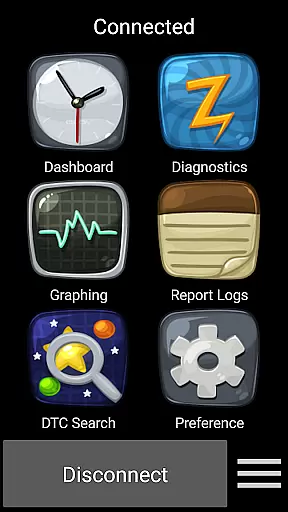
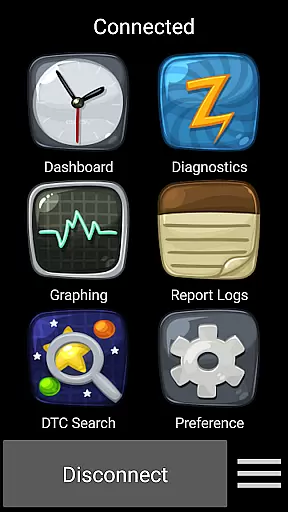
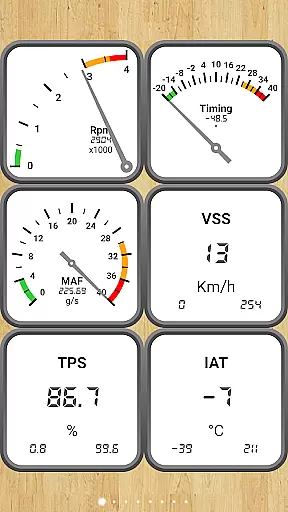
Car Gauge Pro is a comprehensive OBD2 diagnostic tool designed for all OBD2 compliant vehicles, offering both generic and enhanced diagnostic data. This app stands out with specialized support for Ford and Nissan vehicles, providing professional-level functionalities similar to factory scan tools. Users can access detailed vehicle data through the 16 Pin OBD2 connector using compatible Bluetooth adapters like Elm 327 or STN devices.
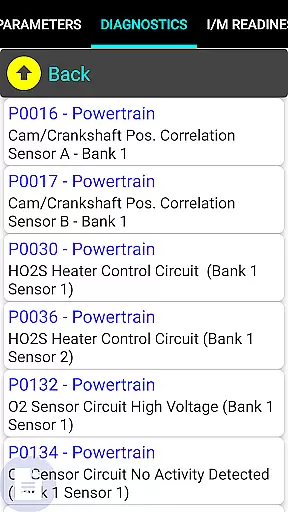
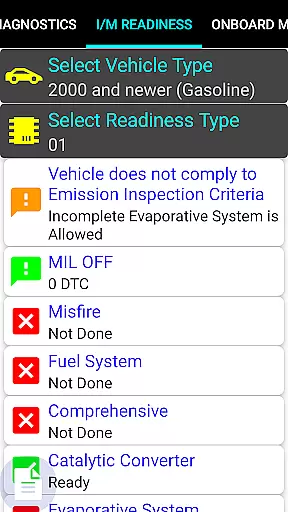
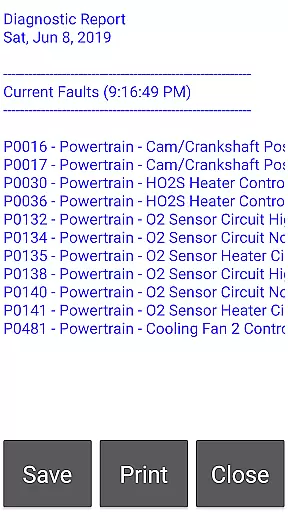
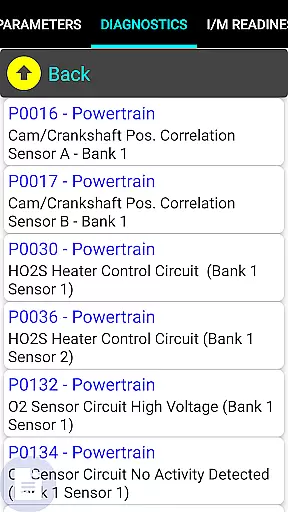
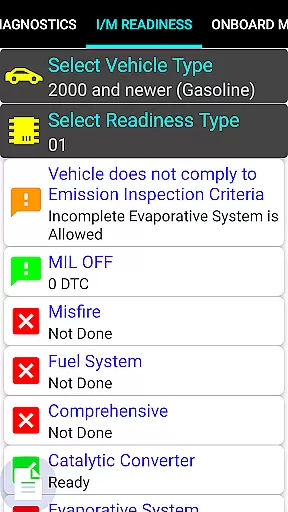
The application's core strength lies in its extensive diagnostic capabilities. It allows users to check engine lights, view readiness statuses for smog inspections, test sensor functionality, and analyze Mode 5/6 emission results. With support for multiple protocols including ISO, PWM, CAN, and KWP2000, this app serves as an essential tool for automotive enthusiasts and professionals alike.
Ideal for mechanics and car owners who require detailed insights into their vehicle's performance, Car Gauge Pro transforms any compatible smartphone into a powerful diagnostic device. The app's ability to provide real-time data and advanced testing options makes it an invaluable tool for maintaining optimal vehicle health and performance.
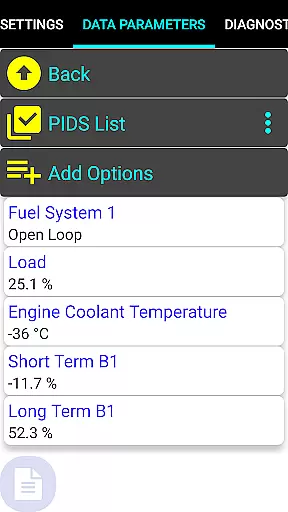
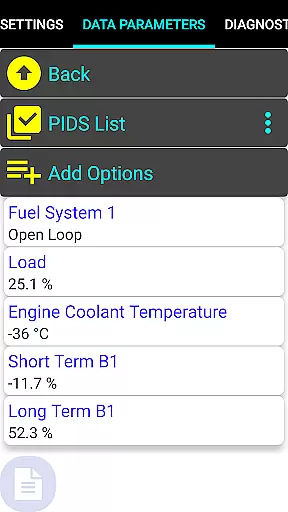
Car Gauge Pro offers an impressive array of features that cater to both basic and advanced vehicle diagnostics. The app supports all standard OBD2 functions across ten different modes, including Data Parameters, Freeze Frame Data, Fault Checking and Clearing, and various Emission Test Results. These comprehensive diagnostic tools enable users to perform thorough vehicle analysis and maintenance checks.
What sets this application apart are its enhanced functions for specific manufacturers. Ford owners (1996-2013 models) can access over 2200 PIDS with Self Test capabilities, while Nissan users (2001-2007 models) benefit from 634 PIDS including Active Test features. The app also provides specialized support for GM, Toyota, and KIA vehicles with varying degrees of enhanced data availability. These manufacturer-specific features replicate professional-grade scan tools.
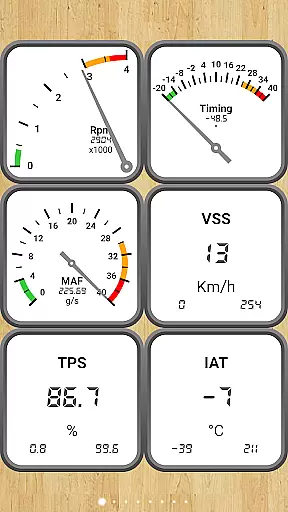
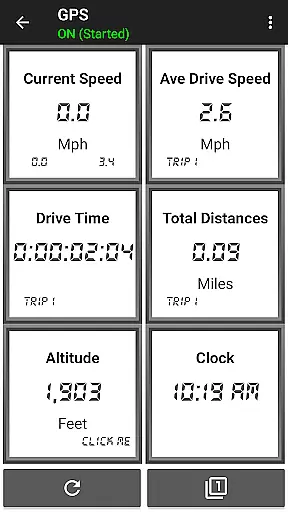
The application's interface presents diagnostic information through customizable dashboards, making complex data easily understandable. While primarily focused on communication and diagnostic functions, the app maintains user-friendly features such as fault code clearing and real-time parameter monitoring. However, users should note that some enhanced functions may not support all models within the specified ranges.
Real-time messaging speed and reliability are crucial for effective communication, especially in automotive diagnostic applications like Car Gauge Pro. This app ensures that data transmission between the vehicle's onboard diagnostics system and your mobile device is both rapid and dependable.
Car Gauge Pro utilizes advanced Bluetooth technology through Elm 327 or STN adapters to facilitate seamless communication. The app processes a vast array of OBD2 functions, delivering real-time updates on vehicle parameters, fault codes, and sensor statuses without noticeable delays.
For users, this means they can trust the immediacy of alerts and the accuracy of diagnostic information provided by the app. Whether it's monitoring live data streams or receiving instant notifications about check engine lights, reliable messaging enhances user experience and vehicle maintenance efficiency.
The robustness of Car Gauge Prou2019s communication capabilities ensures that even when performing complex tasks such as Mode 6 Emission On-board Tests or adjusting ignition timing in Nissan vehicles, the feedback is prompt and precise, allowing for timely interventions and informed decisions.
Media sharing support in Car Gauge Pro extends beyond traditional text-based communications by enabling the transfer of rich diagnostic data and visual dashboards. This feature allows users to share comprehensive vehicle health reports, graphical displays, and detailed fault analyses with mechanics or car enthusiasts easily.
With its extensive compatibility across various OBD2 compliant vehicles, Car Gauge Pro supports the export and sharing of enhanced diagnostic data specific to brands like Ford, Nissan, GM, Toyota, and KIA. Users can generate detailed diagnostic files and share them via email, cloud services, or direct transfer methods supported by their devices.
This functionality not only aids professional mechanics in understanding vehicle issues remotely but also empowers car owners to participate actively in maintenance discussions. By sharing media-rich diagnostic results, users ensure that all parties have a clear picture of the vehicle's status, leading to more accurate troubleshooting and repair recommendations.
Moreover, media sharing enhances collaborative efforts among car communities, where enthusiasts exchange insights and solutions based on shared diagnostic findings, fostering an environment of collective knowledge and expertise.
User-friendly interface
Comprehensive diagnostic tools
Real-time data monitoring
Wide vehicle compatibility
Professional-grade features
Requires separate hardware
Limited device compatibility
Complex for beginners
Some features model-restricted
Additional adapter costs

Manage your data, talk & text - affordable phone plans & data usage made simple
 4.30
4.30
We’re taking the yada yada out of wireless—now we’ve taken it out of your app.
4.70
SMS Messenger ensures that communication become effortless and accessible.
3.80
Adblock & VPN Browser: Blocks banners, pop-ups and video ads, fast downloader!
4.60
Our Black Friday sale is here. Unlock special discounts on Proton Mail now.
4.30
Messages is Private SMS Messenger 2023 with text message, instant messaging.
4.00
Watchgram for Telegram: Experience seamless Telegram messaging on your watch
1.80
An app dedicated solely to marriage, not dating, and supported by a rigorous verification mechanism to ensure seriousness.
4.5
Enhance browsing with AI-powered features and Copilot.
4.70
Connect and browse the internet with a fast VPN proxy server and IP blocker.
4.50
Caller ID App! Add names & photos to unknown calls & Call Recording
4.40
Smart and simple anti-wiring application - IMSI-catchers catcher
4.40
Get through your inbox faster with the mail app designed to simplify your life.
4.40
A web browser that respects your privacy.
4.30
Measure BHP, Torque & 0-60 Clear car OBD faults View engine data in Google Earth
4.00
Telegram is a messaging app with a focus on speed and security.
4.00
This app enables the phone to receive and send FT8 traffic!
3.80
Official NDI app: turn your phone into a professional live-streaming IP camera.
3.20
Manage Phone Calls, call history, and contacts easily with Phone Pro.
4.5


User Reviews