
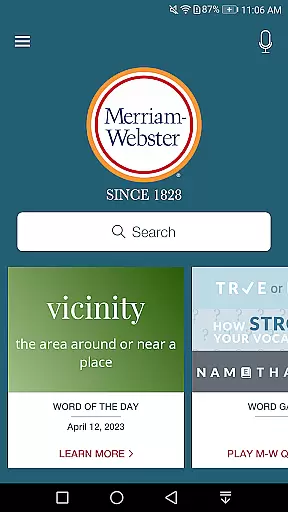
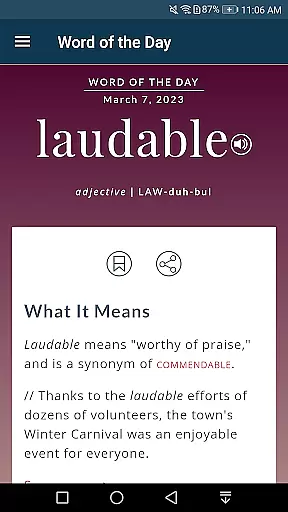
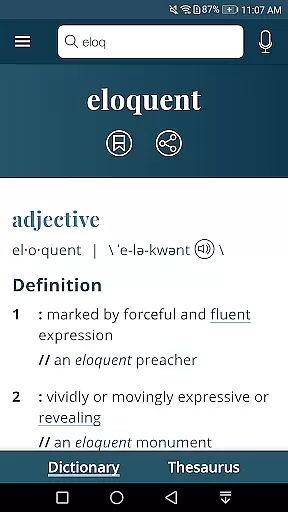
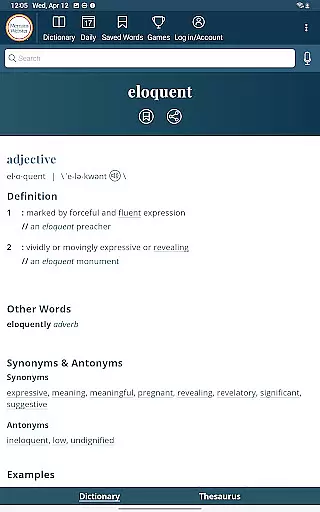
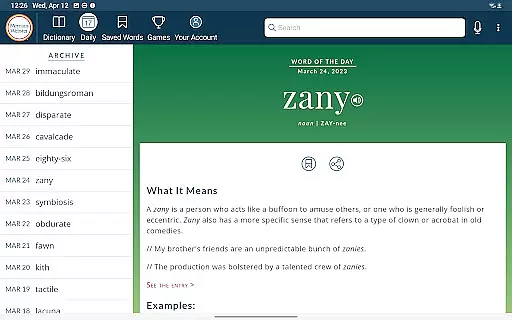
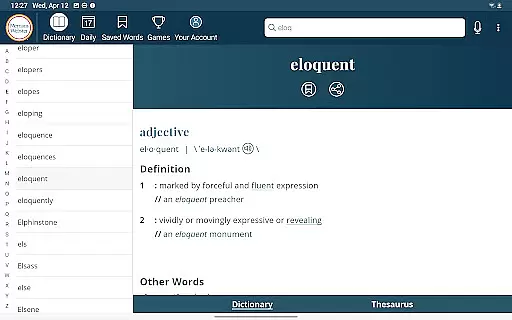
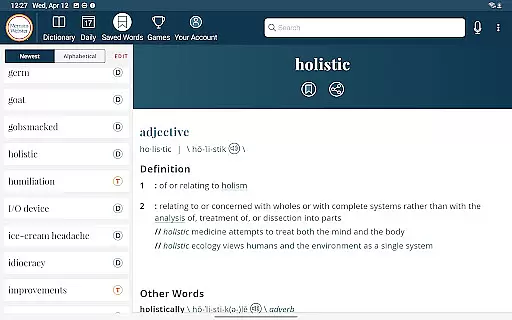
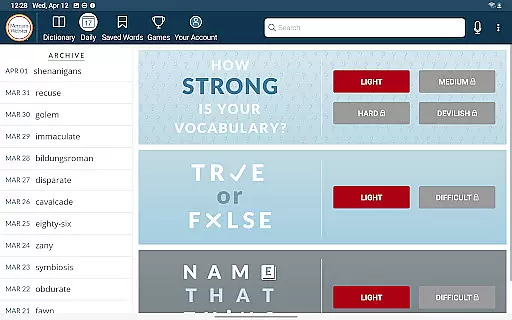
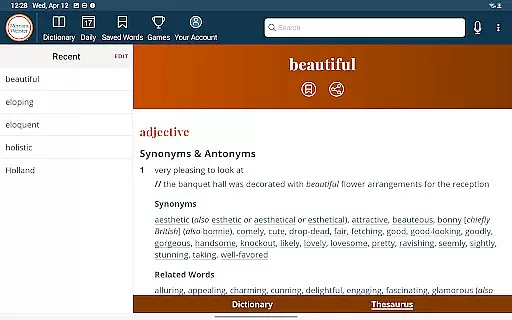
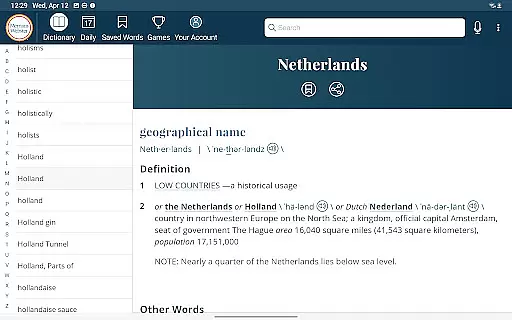
Dictionary is a premier Android app for English language reference, education, and vocabulary building. It offers continuously updated content with the newest words and meanings, making it an essential tool for both learners and word enthusiasts. The app provides complete offline access to definitions and synonyms, ensuring users can reference key information anytime, anywhere.
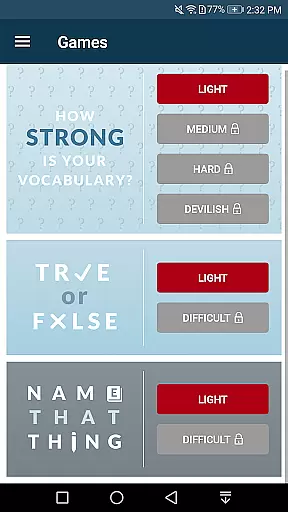
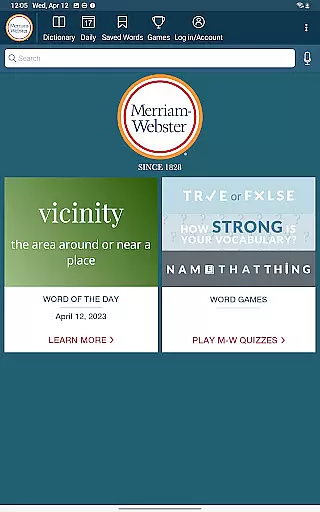
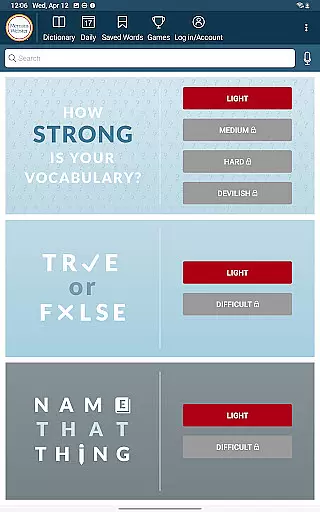
In addition to its core dictionary features, Dictionary includes engaging word games and vocabulary-building quizzes. These interactive elements make learning new words enjoyable while helping users expand their lexicon. With integrated tools like voice search, audio pronunciations by real English speakers, and example sentences, this app ensures a comprehensive understanding of each word's usage and pronunciation.
Whether you're studying English as a second language or looking to enhance your vocabulary, Dictionary serves as a reliable companion. Its premium features, such as graphical illustrations and favorite word syncing across devices, add significant value for dedicated users seeking an enriched learning experience.
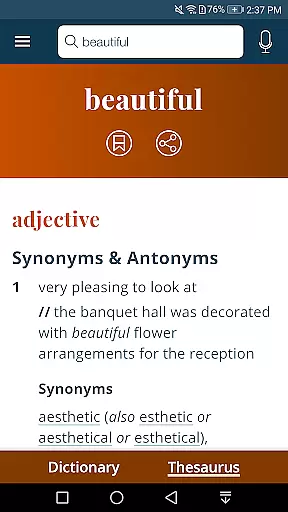
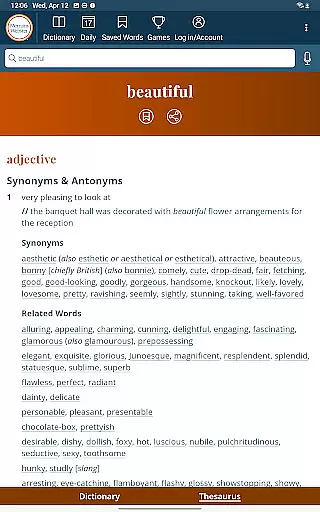
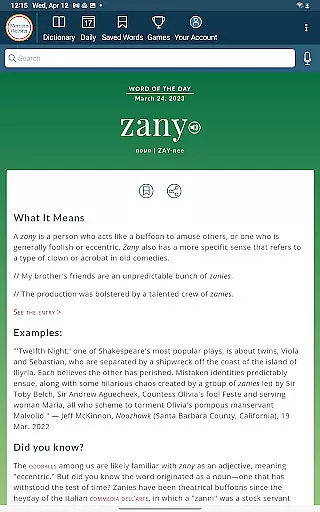
Dictionary stands out with its robust set of features designed to support effective language learning. One notable aspect is its integrated thesaurus, which provides over 200,000 word choices along with examples of their use in context. This feature helps users not only find synonyms but also understand how to apply them correctly in writing or conversation.
The app introduces fun vocabulary-building quizzes that cater to various skill levels, from beginners to advanced learners. These quizzes offer a dynamic way to test knowledge and improve retention. Additionally, Dictionary incorporates modern functionalities like voice search, allowing users to look up words without needing to spell them accurately. Audio pronunciations voiced by real English speakers further enhance the authenticity of the learning process.
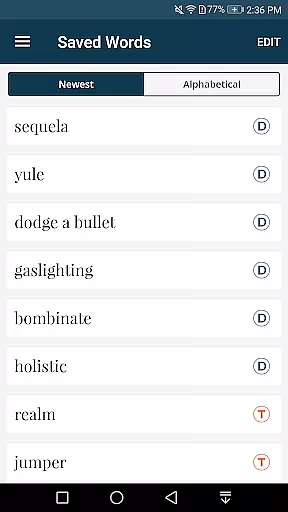
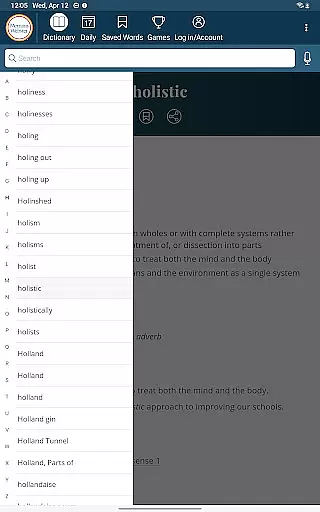
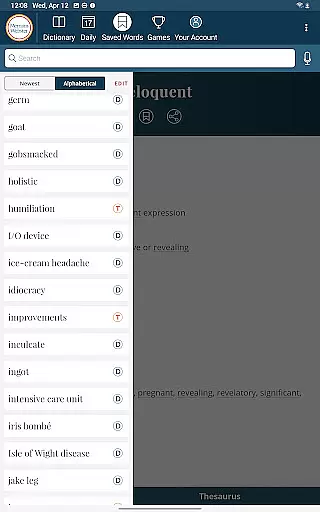
For those who prefer personalized experiences, the app supports saving favorite words and maintaining search history. Premium content, including over 1,000 graphical illustrations and 15,000 additional entries, adds depth to the reference material. Optimized for tablets, Dictionary allows seamless navigation through a scrolling index, making it versatile for different device types.
When evaluating a digital dictionary, the comprehensiveness of its word database and the legitimacy of its content sources are paramount. The Merriam-Webster Dictionary app boasts an extensive collection of over 1000 graphical illustrations and more than 15,000 additional entries covering people and places, ensuring users have access to a vast repository of information.
The app's commitment to copyright authenticity is evident in its premium content offerings. Unlike other reference apps that may scrape data from questionable sources, this application provides verified and authoritative definitions, synonyms, and examples. With integrated thesaurus entries exceeding 200,000 word choices, each accompanied by usage examples, users can trust the accuracy and legitimacy of the linguistic information at their fingertips.
For users, this means having reliable access to continuously updated word references without worrying about outdated or pirated content. Whether you're a student, professional, or language enthusiast, the assurance of accessing authentic and expansive lexical data enhances both learning and practical application.
Format compatibility is crucial for any e-book or reference application, as it determines how well the app integrates with various devices and operating systems. The Merriam-Webster Dictionary app excels in this area by offering seamless functionality across different Android devices, including specific optimizations for tablets.
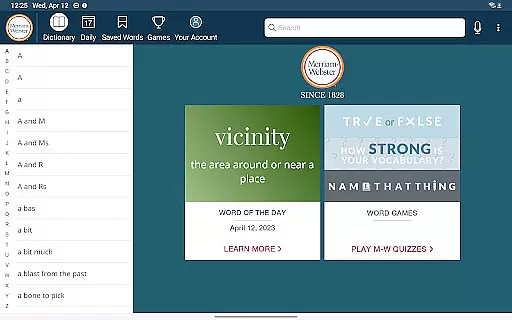
Users can browse the entire dictionary using a scrolling index on tablets, making full use of larger screens for an enhanced reading experience. Additionally, the app supports offline access to definitions and synonyms, although a connection is required for illustrations, audio pronunciations, and voice search features. This balance ensures that core functionalities remain accessible even without an internet connection.
With support for voice search, audio pronunciations voiced by real English speakers, and favorite word syncing across devices, the app delivers a versatile and user-friendly experience. These features collectively ensure that no matter what device you're using, the Merriam-Webster Dictionary app maintains consistent performance and usability.
Comprehensive word database
Offline access available
Vocabulary-building quizzes
Real speaker audio pronunciations
Integrated thesaurus with examples
Premium features locked behind paywall
Illustrations require internet connection
Limited free content compared to paid
No text-to-speech functionality
Some advanced tools need subscription

Guide for dōTERRA® Products
 3.60
3.60
A guide for the Court of Atonement spiritual healing process.
4.2
University of North Carolina Herbarium presents the flora of TN, AL, & MS.
4.5
Read popular romance books and web novels on the fantastic ebook reader
3.50
Werewolf novels & romance stories in audiobooks for book lovers! Werewolf storie
4.60
Learn Thai with 195,000+ entries, crisp Thai sounds, big text; works offline.
4.80
All in one Calibre libraries on your phones and tablets.
3.80
Daily rosary and gospel reflections for catholic
4.90
Follow complex state CCW permit laws and lawfully carry firearms in each state.
4.80
"When tweetle beetles fight, it's called a tweetle beetle battle."
4.90
Enjoy daily devotionals, Bible verses, audio courses, and more.
4.80
Read the KJV Bible with Strong’s offline: reading plans, audio Bibles, and more.
4.70
Watch real short episodes in just minutes— addictive, you won't be able to stop!
4.70
Words spoken by native English speakers and full definitions.
4.60
Bible Spiritual Companion
4.40
A wonderful reader for good time spend.
4.20
CleverBook Pro makes the popular guide for the game even better!
4.00
Read Trending Romance Stories
4.00
The Psalms for singing
4.0


User Reviews