
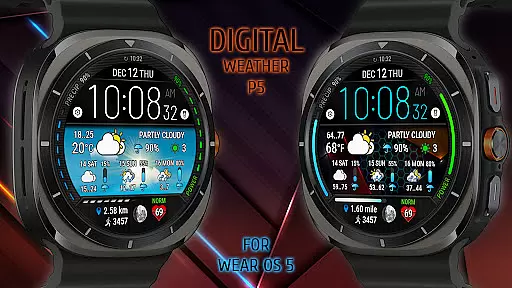
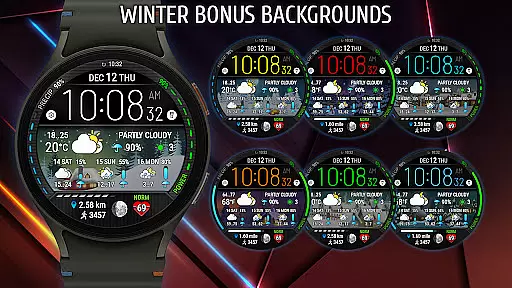
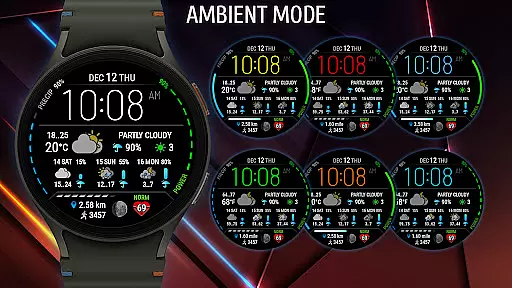
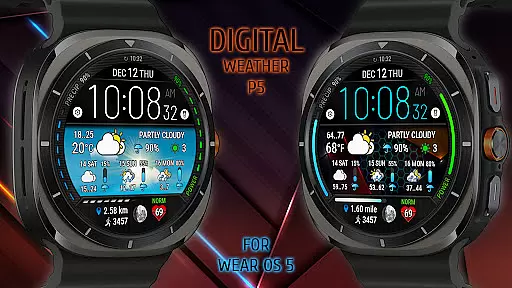
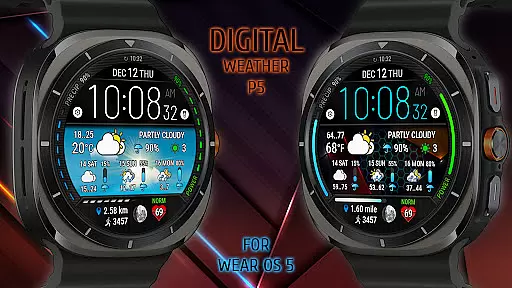
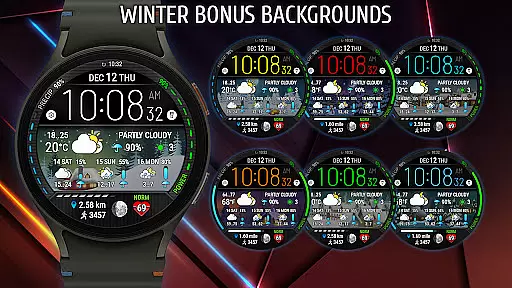
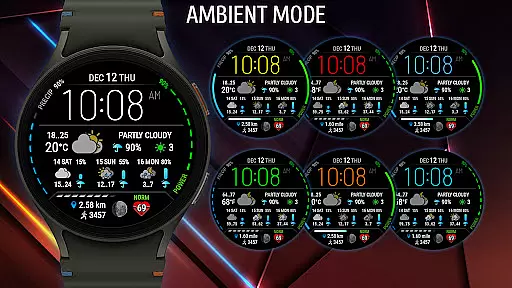
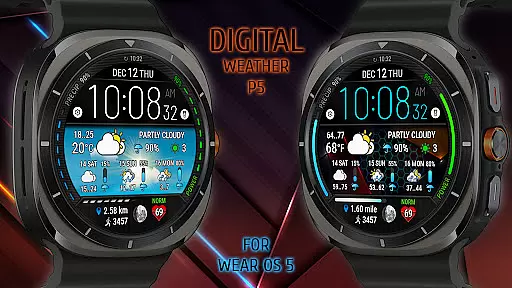
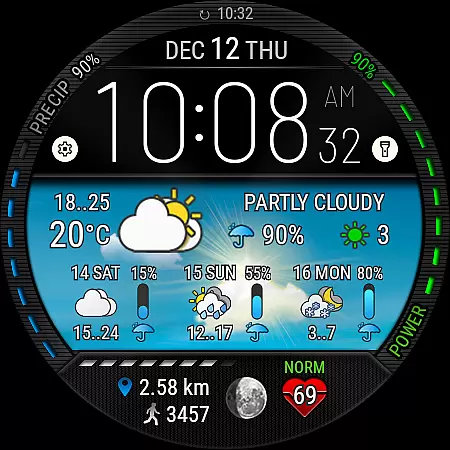
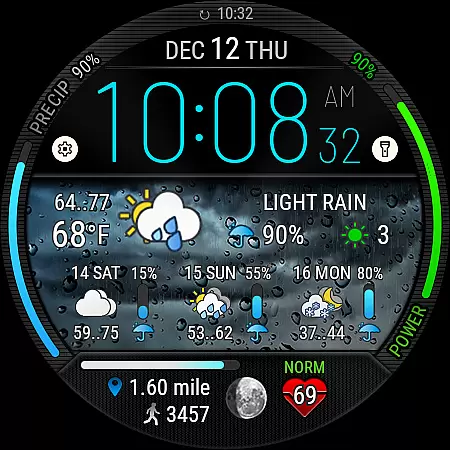
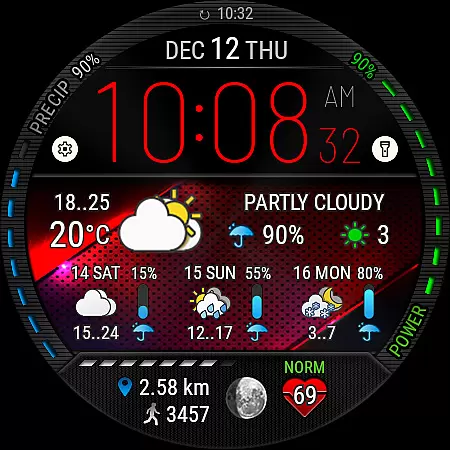
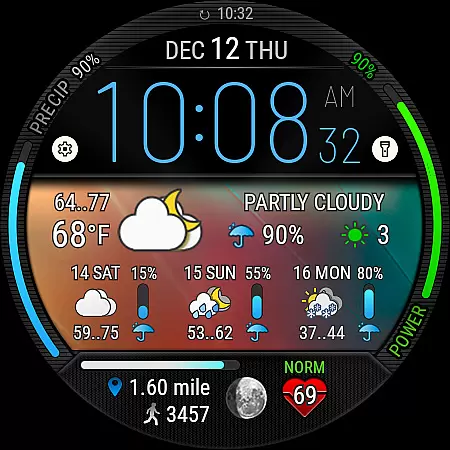
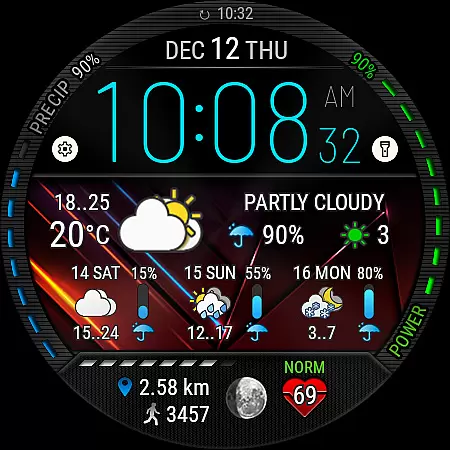
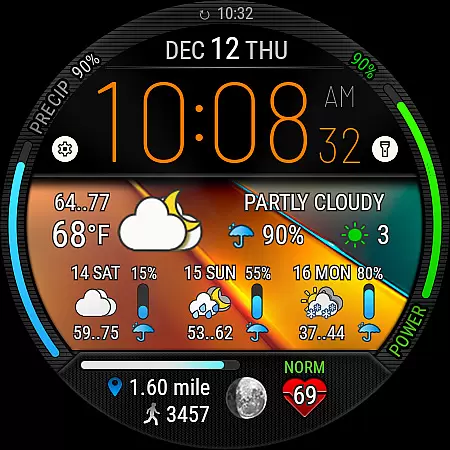
Digital Weather Watch face P5 is a feature-rich watch face designed exclusively for Wear OS 5 (API 34+) devices, including Samsung Galaxy Watch 7 and Ultra. This advanced timepiece not only displays digital time but also provides users with a comprehensive 3-day weather forecast, current weather conditions, and moon phase information.
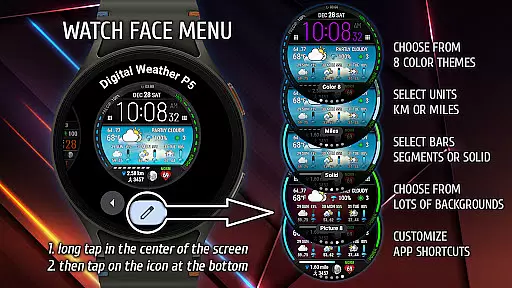
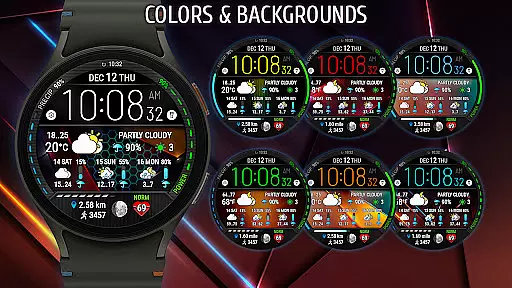
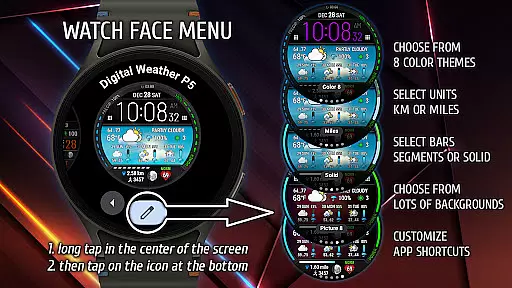
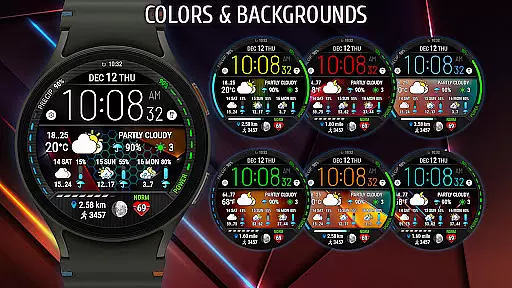
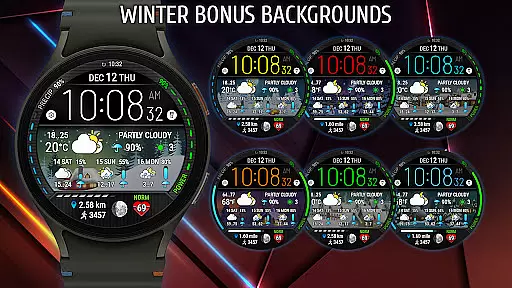
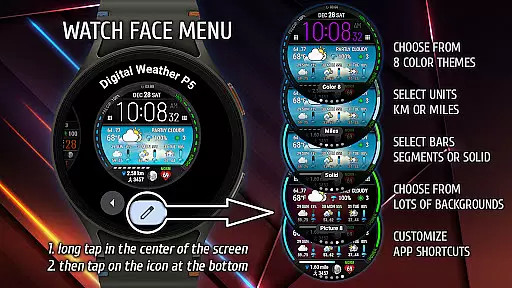
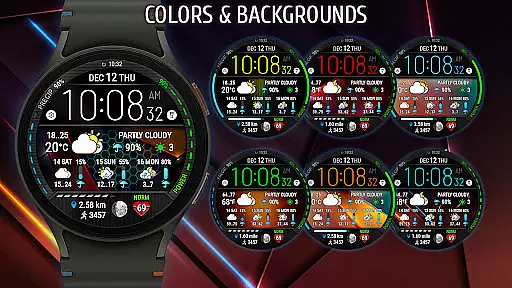
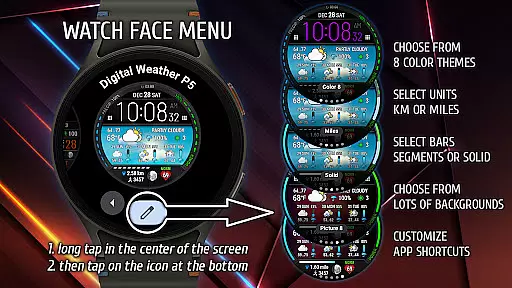
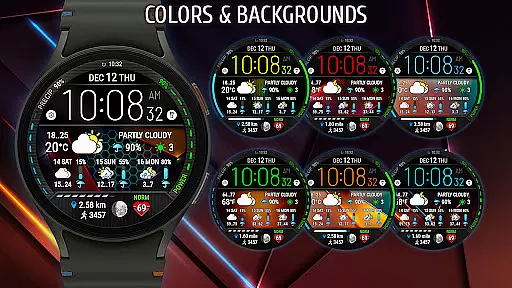
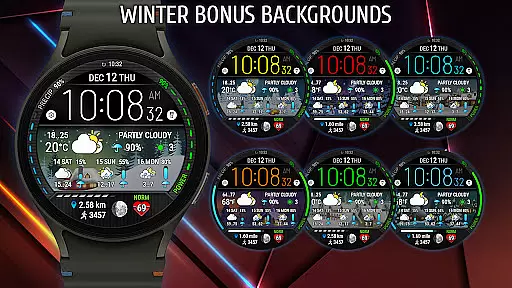
With its customizable interface, users can choose from 8 distinct color themes and 16 background options, including an exclusive Winter bonus pack. The watch face also tracks essential health metrics such as heart rate, steps, and distance traveled, making it a perfect companion for fitness enthusiasts. Its compatibility with the latest Wear OS version ensures optimal performance and access to cutting-edge features.
This innovative watch face stands out with its diverse customization options. Users can personalize their experience by selecting preferred units of measurement for distance (km or miles) and customizing visual elements like battery charge indicators and step progress scales in either segmented or solid fill styles.
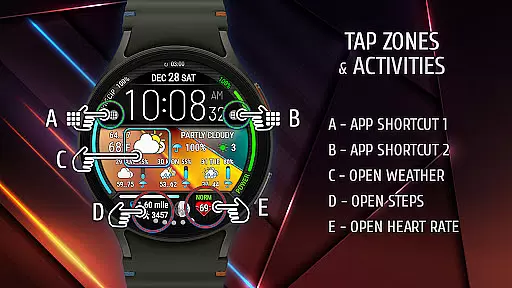
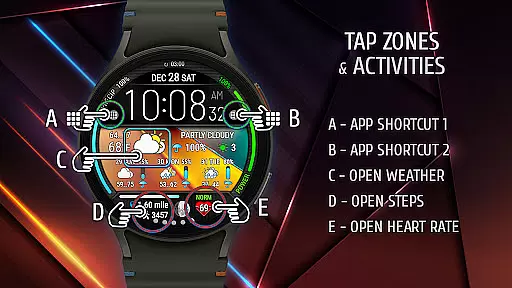
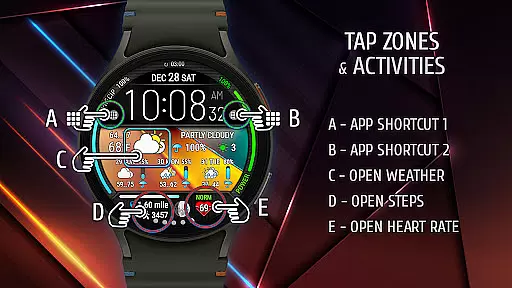
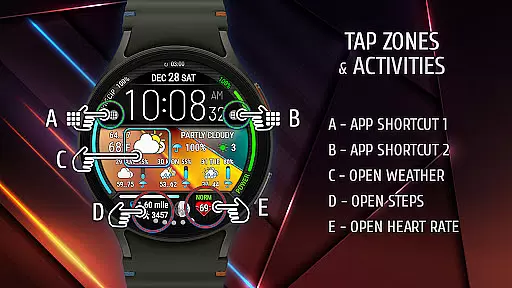
The inclusion of two app shortcut areas allows quick access to frequently used applications, enhancing overall usability. With backgrounds that adapt to current weather conditions and a default theme that reflects real-time meteorological states, Digital Weather Watch face P5 offers both functionality and aesthetic appeal. Powered by reliable sources like The Weather Channel, it ensures accurate and up-to-date weather information.
When it comes to weather applications, the accuracy of forecasts and credibility of data sources are paramount. Digital Weather Watch face P5 ensures users receive reliable weather information directly on their Wear OS 5 devices. The app pulls data from The Weather Channel or other system weather sources, which are known for their precision and reliability.
The watch face displays not only the current weather but also a comprehensive 3-day forecast. This feature allows users to plan their activities with confidence, knowing they have trustworthy weather predictions at a glance. Additionally, the inclusion of moon phases caters to those who rely on this information for various purposes, such as photography or fishing.
By integrating seamlessly with Samsung Galaxy Watch 7 and Samsung Galaxy Watch Ultra, Digital Weather Watch face P5 guarantees that users are always informed about upcoming weather conditions. This level of detail and commitment to accurate forecasting enhances user experience significantly.
Digital Weather Watch face P5 offers an extensive temporal and spatial forecast range, setting it apart in the realm of weather applications. With its ability to display a 3-day weather outlook alongside real-time updates, the app provides both immediate and extended weather insights. This dual approach ensures users can prepare for short-term changes while also planning for future events.
The spatial aspect is equally impressive, as the watch face adapts to show relevant weather information based on the user's location. Whether you're traveling or staying local, the app delivers pertinent forecasts tailored to your geographical area. Furthermore, the default background dynamically reflects the current weather state, adding a visual layer to the forecast presentation.
For individuals who require detailed environmental data, such as heart rate, steps, and distance traveled, the app consolidates these metrics into one cohesive interface. By doing so, Digital Weather Watch face P5 creates a holistic view of personal and atmospheric conditions, empowering users to make informed decisions throughout their day.
Highly customizable
Accurate weather data
Modern design
Health tracking
Active social media
Limited device support
No iOS compatibility
Premium features
Complex settings
Battery usage

Nuts Weather, your ideal choice for knowing weather forecast & weather radar
 4.70
4.70
Get the ad-free version of the highly rated WeatherBug app for accurate weather!
4.50
An unofficial app version of the National Weather Service (Weather.gov)
3.90
Live weather forecast for your everyday life
4.60
Track rainfall totals with ease using our rain gauge app. Accurate rain tracker.
4.50
Global weather forecast, powered by layered radar & hourly weather updates
4.10
Powerful US and worldwide earthquake feed with earthquake alerts and maps.
4.60
Local weather forecast app, your personal 7*24 local weather forecast assistant.
4.90
Live NOAA weather app to track storm, rain, wind, lightning & real local updates
4.20
A professional, comprehensive and accurate weather forecast app
4.90
Weather - Local weather forecast, weather daily & hourly, weather radar
4.80
Local Weather provides accurate and current hourly and daily forecasts.
4.80
Accurate Thermometer: indoor & outdoor temperature, humidity, pressure, and wind
4.50
Room Temperature Thermometer meter shows indoor, outdoor temperature, humidity.
4.40
Weather forecast & live radar map
4.20
Accurate Local Weather Forecast, let you easily understand the nearby weather!
4.20
Your Reliable Weather Companion
4.10
Magnetic Compass meets smart tech: Get directions and weather alerts seamlessly
3.30
Retro TV-style digital watch face with weather, heart rate, steps & events!
4.0


User Reviews