
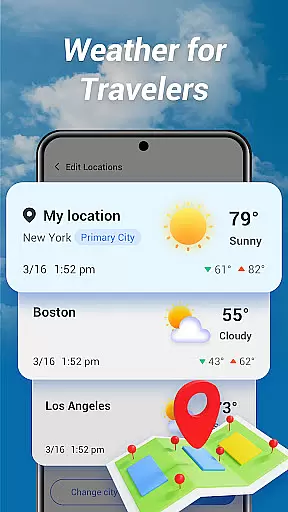
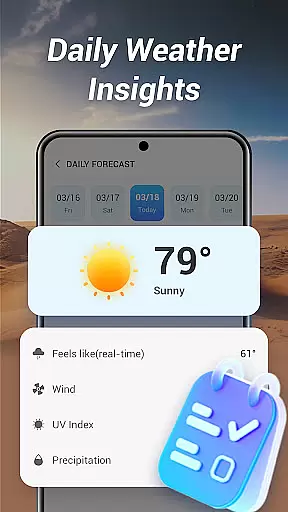
Good Weather is a comprehensive weather application designed to provide users with real-time weather forecasts and live radar maps. The app covers both local and global weather, ensuring you stay prepared no matter where you are. With features like layered live radar and air quality indicators, it offers detailed insights into current weather conditions.
The app stands out with its user-friendly design and clarity-focused interface. Whether you need hourly updates or daily summaries, Good Weather delivers essential data without overwhelming users. Its intuitive tools make it perfect for travelers and individuals managing day-to-day plans under variable weather conditions.
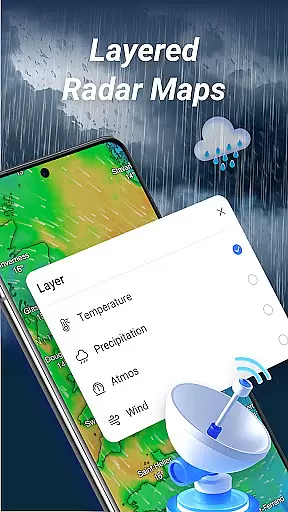
Good Weather boasts an array of advanced features tailored to meet diverse user needs. One standout feature is the layered live radar, which allows users to track rain, wind, and storms through detailed maps. Users can switch between different layers such as temperature, humidity, and pressure for deeper analysis.
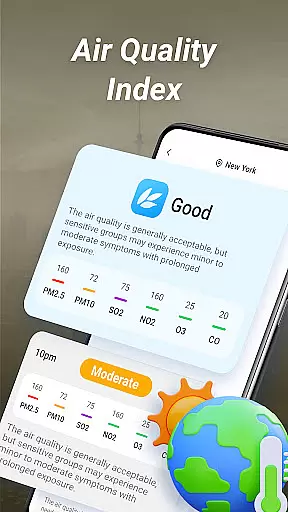
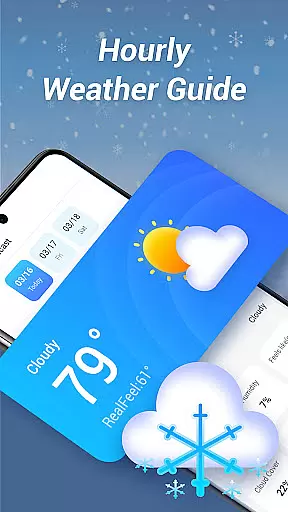
In addition to the radar, the app provides real-time air quality index (AQI) updates and customizable weather alerts. These ensure that users receive timely notifications about significant weather changes. Furthermore, the hourly forecast feature gives precise updates on various parameters like temperature, wind speed, humidity, and cloud cover, making planning seamless and reliable.
Forecast accuracy and data credibility are the cornerstones of Good Weather, ensuring users receive reliable information for planning their day or travels. The app aggregates real-time weather forecasts from multiple trusted sources, cross-verifying data to provide consistent updates.
Through its layered live radar feature, Good Weather tracks rain, wind, and storms with precision. Users can switch between temperature, humidity, and pressure layers, gaining deeper insights into current and upcoming weather patterns. This multi-dimensional approach enhances the reliability of the forecast.
Additionally, the app provides air quality index (AQI) updates and weather alerts, empowering users with critical local data. Whether it's preparing for a storm or monitoring air quality, Good Weather ensures that every piece of information is both accurate and actionable.
Good Weather excels in delivering extensive temporal and spatial forecast ranges, catering to both immediate and long-term planning needs. Its hourly weather forecast feature offers detailed updates on temperature, wind speed, humidity, and cloud cover, ensuring users stay informed throughout the day.
The app supports global weather tracking, allowing users to access real-time climate updates not only for their current location but also for worldwide destinations. This makes it an invaluable tool for travelers who need dependable weather information across different time zones.
With its clean interface and reliable data presentation, Good Weather simplifies complex meteorological details into clear, concise summaries. Whether planning a local outing or an international trip, users can rely on the appu2019s comprehensive coverage and intuitive design to make well-informed decisions.
User-friendly interface
Accurate real-time data
Comprehensive weather details
Customizable alerts
Global coverage
Limited free features
Occasional ads
High battery usage
Subscription cost
Complex settings

The Weather Network TV App - Your weather when it really matters
 2.90
2.90
Accurate Thermometer: indoor & outdoor temperature, humidity, pressure, and wind
4.50
Arrive safely! Travel weather forecasts for your entire trip at time of arrival.
3.60
Live weather radar, widgets & forecasts. Track rain, storms & temperature.
4.20
Live Alabama weather from James Spann—forecasts, radar, alerts, Spanncams.
4.70
My Aurora Forecast is the app for Northern Lights and Aurora Borealis alerts.
4.60
Local Weather provides accurate and current hourly and daily forecasts.
4.80
Aviation weather made simple. Visual decoder for METAR & TAF
4.90
Weather watch face for Wear OS 5
4.40
Hourly and daily weather forecast, current condition, temperature, UV and more!
4.70
Live weather forecast for your everyday life
4.60
Industry leading whitetail movement predictor & hunting app.
4.60
Weather radar map, storm tracker, local forecast, live rain alerts & daily news.
4.60
Accurate Weather App: various widgets, real-time storm radar, hurricane tracker.
4.50
Hyperlocal Forecasts, Live Radar, Severe Weather alerts & Homescreen Widgets
4.30
Stay ahead of the weather with Daily Weather
4.10
Determine Best Hunting Times for any date, any location.
2.50
A tool that provides real-time and 5-day weather info.
4.5
Dynamic weather watch face with glass effect, bold time & 7 complications.
4.1


User Reviews