
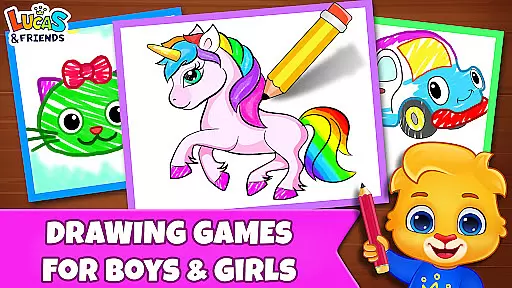
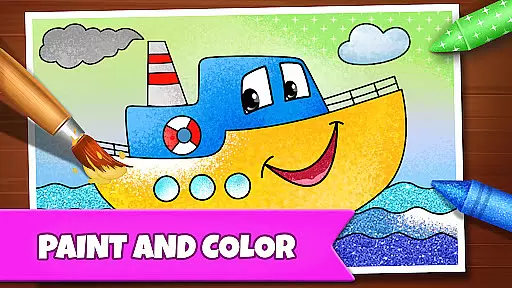
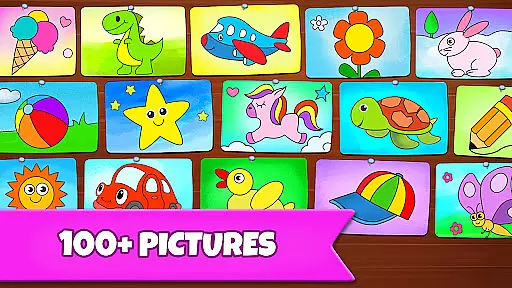
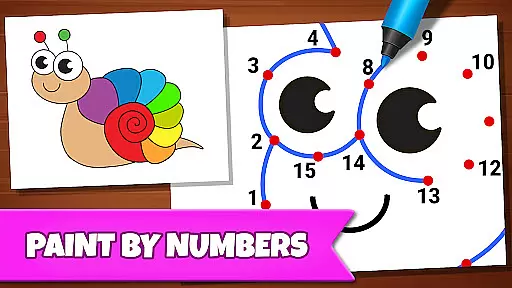
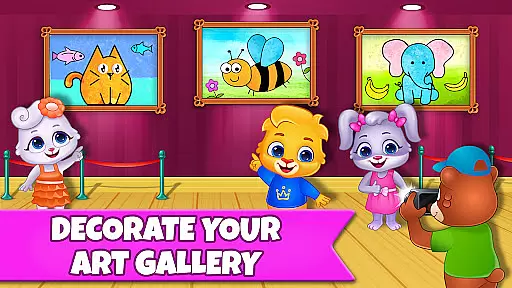
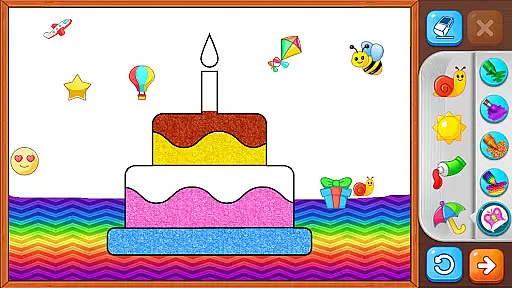
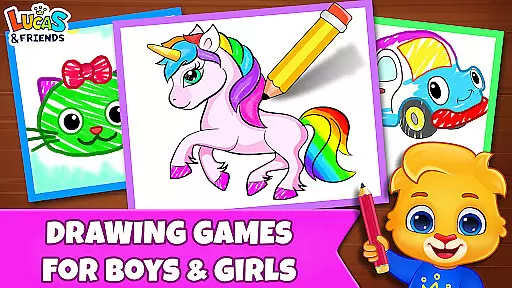
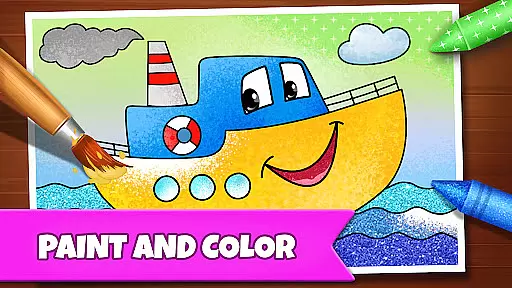
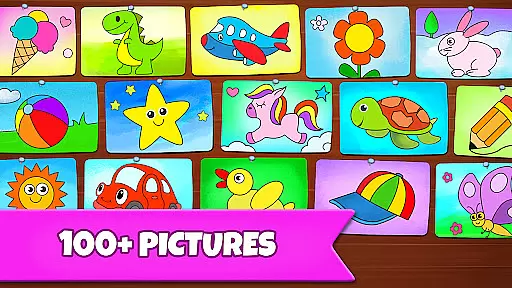
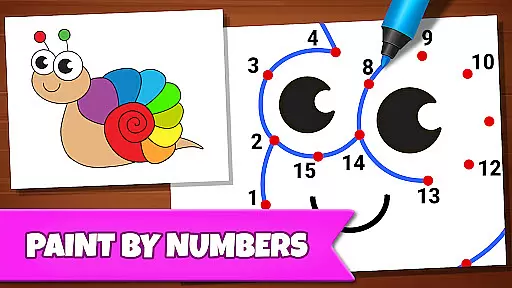
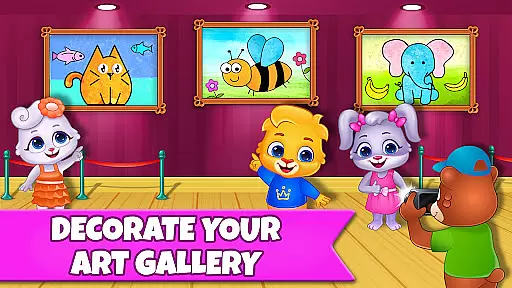
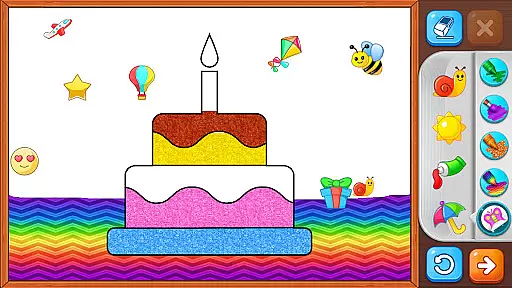
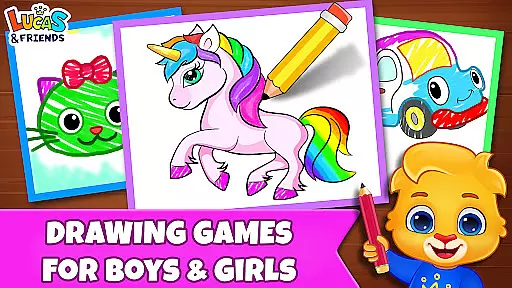
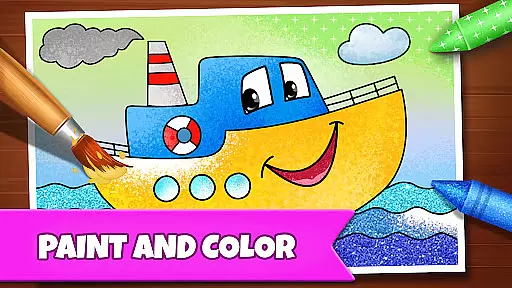
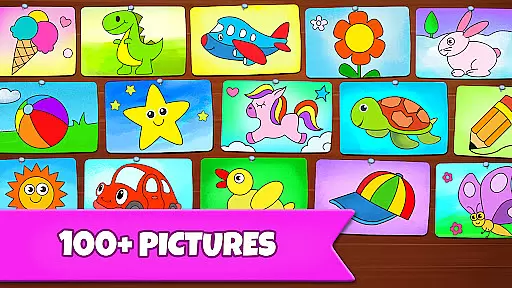
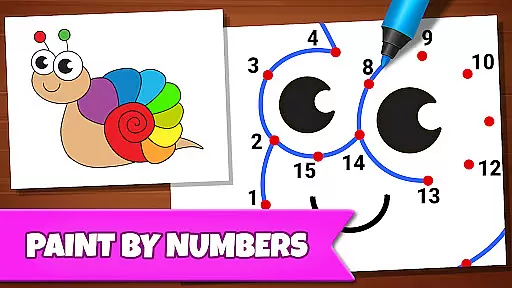
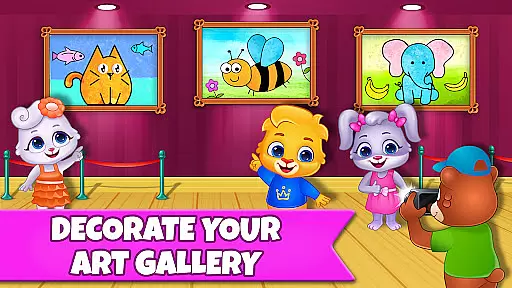
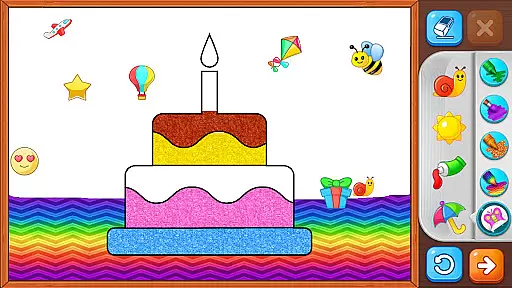
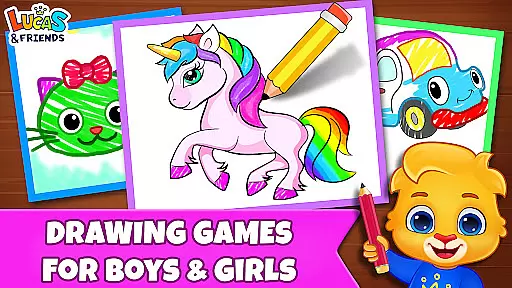
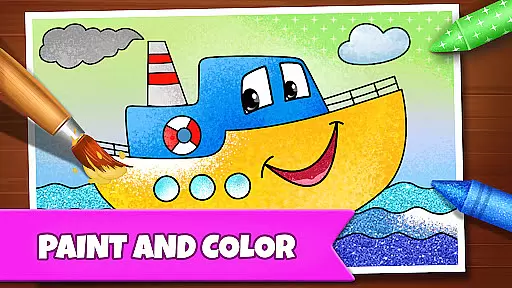
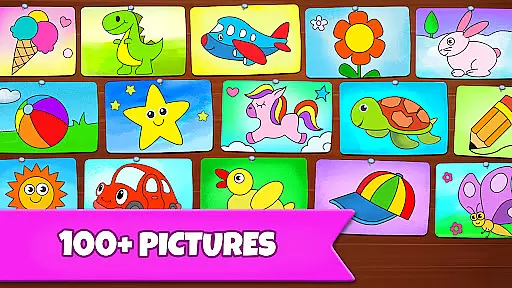
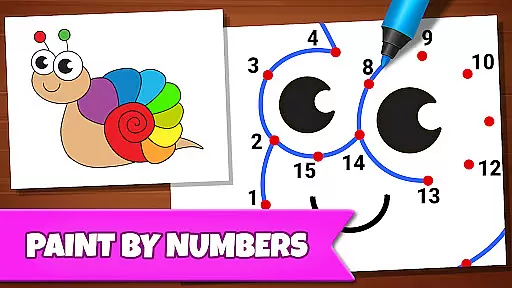
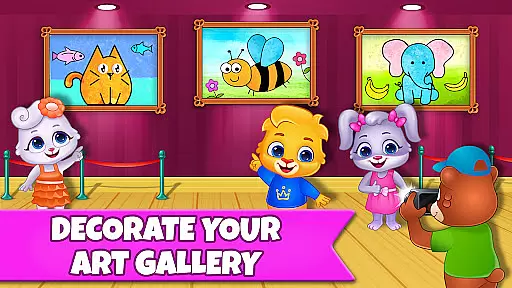
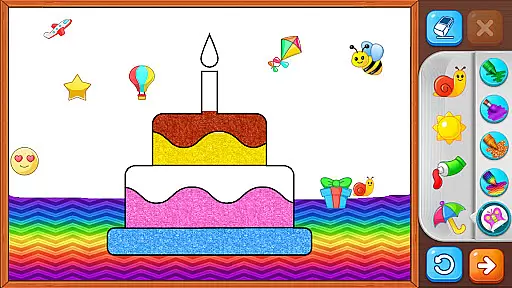
Drawing Games: Draw & Color is an educational app designed to engage children in creative learning through various drawing and coloring activities. The app offers multiple modes such as Learn to Draw, Auto Draw, Connect & Color, Connect the Dots, Memory Drawing, and Glow Paint, each crafted to teach kids different skills including shape recognition, number familiarity, and memory enhancement.
Children can express their emotions and build confidence by engaging in painting and coloring activities tailored for different age groups. Toddlers enjoy simple drawing and tracing, while preschoolers and kindergartners benefit from memory and coloring games. With no in-app purchases or ads, this app provides a safe and uninterrupted learning environment, making it an ideal choice for parents seeking both fun and education for their kids.
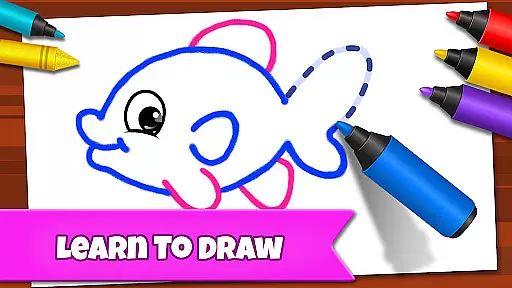
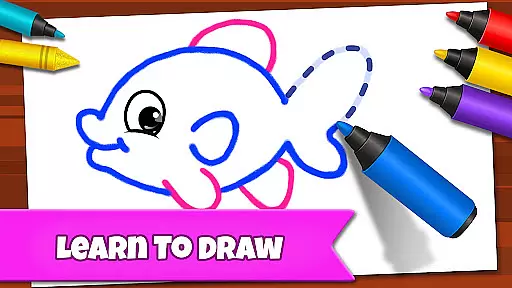
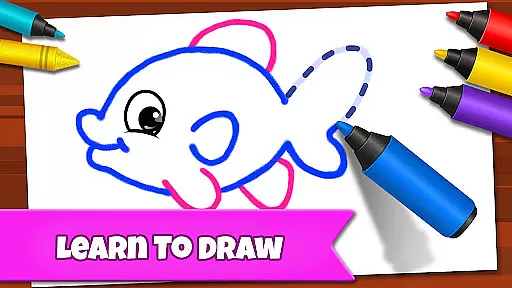
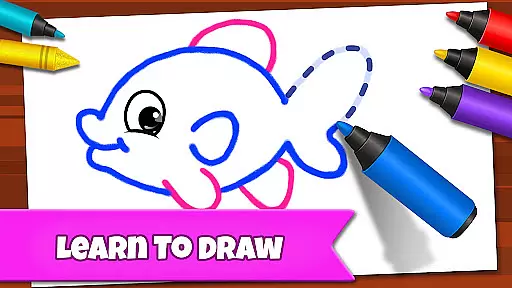
The app boasts a variety of features that cater to young learners' artistic and cognitive development. Learn to Draw guides children step-by-step in creating pictures, enhancing their ability to follow instructions and improve fine motor skills. Auto Draw offers toddlers an entertaining way to watch paintings come to life, stimulating their visual creativity.
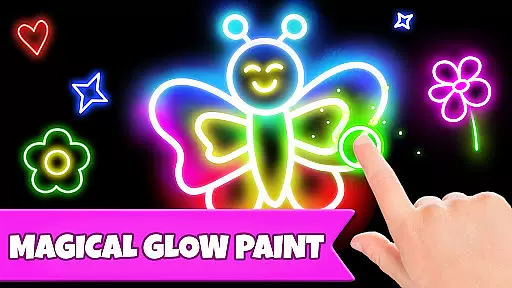
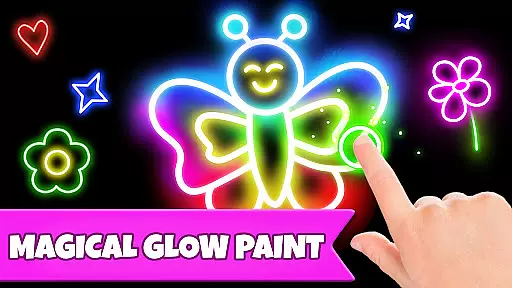
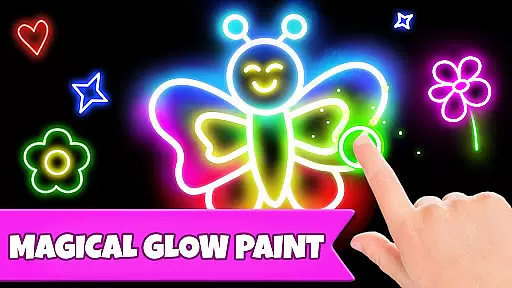
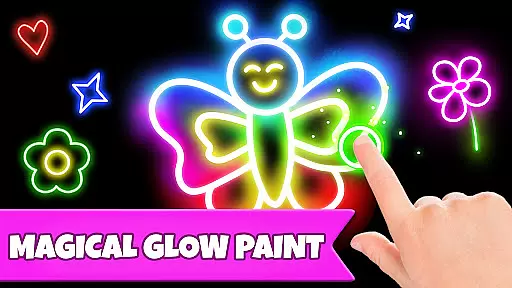
Connect & Color and Connect the Dots modes merge play with learning, allowing kids to complete images by connecting dots, which reinforces their understanding of sequences and patterns. Memory Drawing challenges children to replicate lines from memory, sharpening their recall abilities. Additionally, Glow Paint provides a vibrant platform for free expression using glowing colors, ensuring hours of entertainment and learning without any additional costs or distractions.
In educational apps, content authority and curriculum alignment are crucial for ensuring that children receive accurate and relevant learning experiences. Drawing Games: Draw & Color provides a robust framework where each activity is designed to teach specific skills such as shapes, numbers, and picture recognition.
The app's Learn to Draw mode breaks down complex images into simple steps, allowing kids to understand the process of drawing while aligning with fundamental art education principles. This methodical approach ensures that young learners grasp essential concepts through guided practice.
Furthermore, the diverse modes like Connect the Dots and Memory Drawing offer exercises that reinforce cognitive skills and memory retention, which are key components of early childhood curricula. By integrating these elements seamlessly, the app supports both structured learning and creative exploration.
Parents can trust that their children are engaging with content that not only entertains but also adheres to recognized educational standards, providing a balanced and enriching experience without any hidden costs or distractions.
Gamification in learning transforms traditional educational methods into interactive and enjoyable experiences. Drawing Games: Draw & Color excels in this area by incorporating various game-like features that captivate childrenu2019s attention and motivate them to learn continuously.
One standout feature is the Auto Draw mode, which allows toddlers to watch paintings come to life automatically. This not only sparks curiosity but also encourages repeated engagement as they see immediate results of their actions, reinforcing positive learning behaviors.
The inclusion of Glow Paint adds an element of excitement and novelty, making the learning process feel more like play. Kids can experiment with glowing colors, fostering creativity and experimentation within a safe digital environment.
Moreover, the absence of in-app purchases and ads ensures uninterrupted focus on learning. By blending entertainment with education so effectively, Drawing Games creates an immersive platform where children eagerly participate in activities that enhance their artistic abilities and cognitive development simultaneously.
User-friendly interface
Educational and fun
Safe for kids
Variety of modes
Free to use
Limited advanced features
No social sharing
Basic graphics
Offline only
Few parental controls

Monkey Preschool Fix-It is an early learning game for ages 2 to 5.
 4.40
4.40
Learn and practice multiplication and division
4.2
Spark your little ones’ imagination!
3.80
Creating emotional connections
4.1
Play the fun princess party game for kids with Cocobi the little dinosaurs.
4.10
Educational game for children about emergency and other service vehicles
3.80
Build your own BRIO railway!
4.30
Amazing learning and educational games for children of all ages.
4.70
Create, customize & explore your Toca Boca story! Endless fun & creativity await
4.30
Tons of kids safety games, cartoons, and stories are included in one kids app!
4.70
Learn numbers, letters, and shapes playing toddler balloon pop games ►NoAds◄
4.60
Amazing toddler coloring games for 2+. Enjoy painting games
4.60
Stack the States® 2 makes learning US geography fun!
4.50
Tracing, phonics & spelling games for toddlers, preschool & kindergarten kids!
4.50
Fun baby games for kids. Play baby piano, musical instruments & nursery rhymes.
4.50
Kids letter tracing technique, which is the first step in learning how to write.
4.30
Math Games For Kids To Learn Addition, Subtraction, Multiplication and Division.
4.30
OG Trail - Lets you play the classic Oregon Trail simulation game on Android
4.20
Games, music, crafts and coloring with cats
4.10


User Reviews