
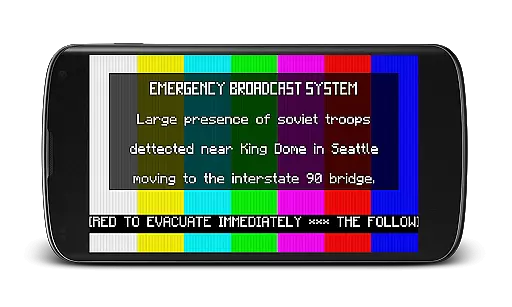
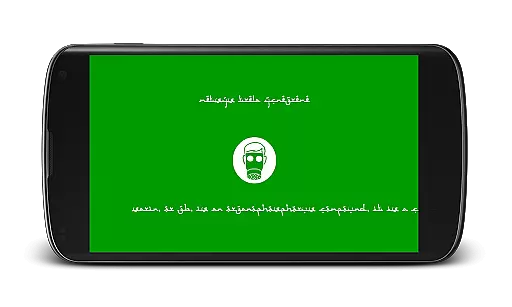
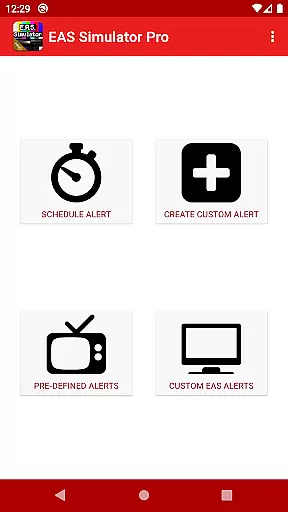
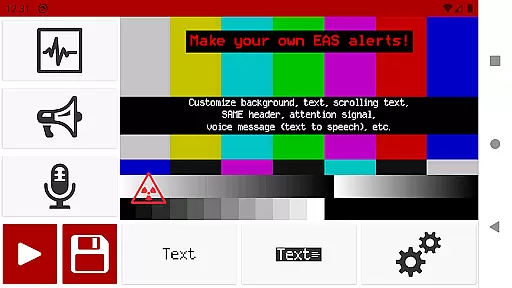
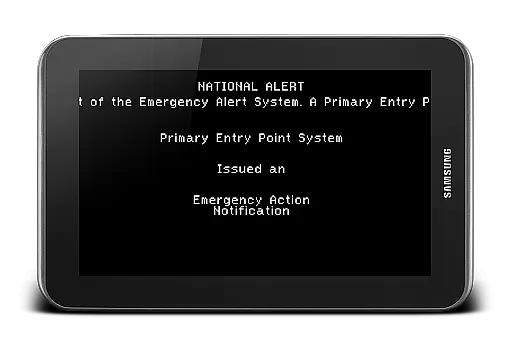
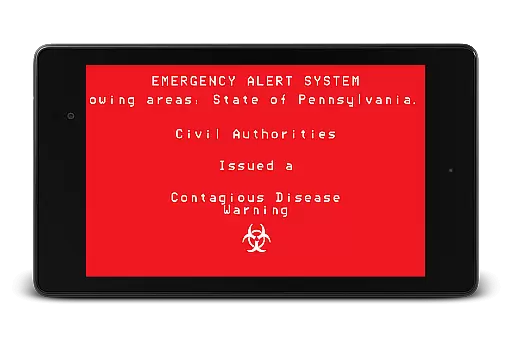
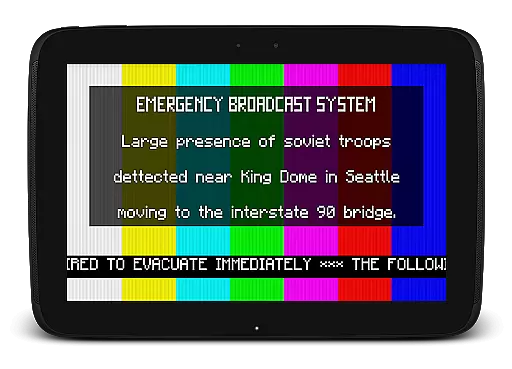
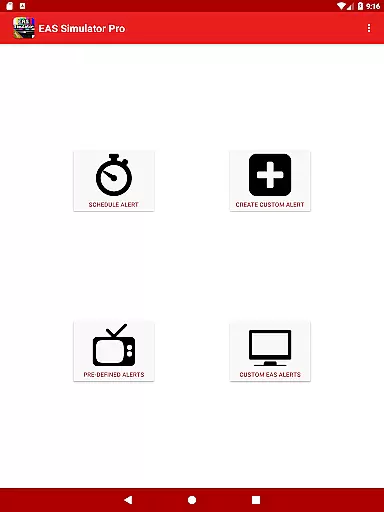
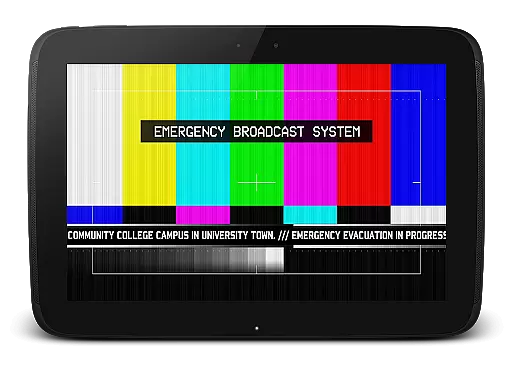
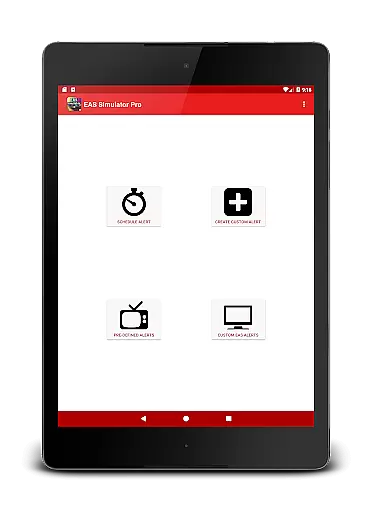
EAS Simulator Pro is an innovative entertainment app that allows users to create and experience realistic Emergency Alert System (EAS) simulations on their Android devices. The app offers a comprehensive suite of features for crafting detailed emergency scenarios, ranging from natural disasters to fictional apocalyptic events. With its robust alert editor, users can design custom alerts with various visual and audio elements, including SAME headers, attention signals, scrolling texts, and voice messages generated through the device's Text-to-Speech engine.
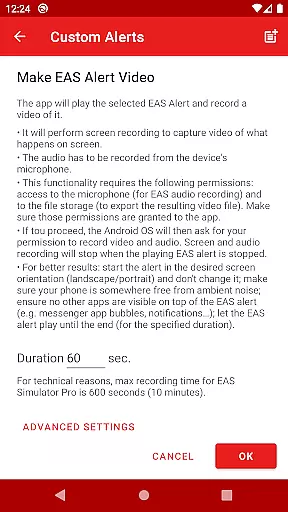
One of the standout features of EAS Simulator Pro is its ability to schedule alerts to play at specific times, even when the device is locked. This makes it ideal for emergency drills, role-playing exercises, or creative pranks. The app also supports video conversion of alerts using screen recording and microphone audio, enabling users to share their creations with others. Whether you're interested in simulating real-life emergencies like flash floods and tornadoes or exploring thrilling fictional scenarios such as zombie pandemics, this app provides an immersive and educational experience.
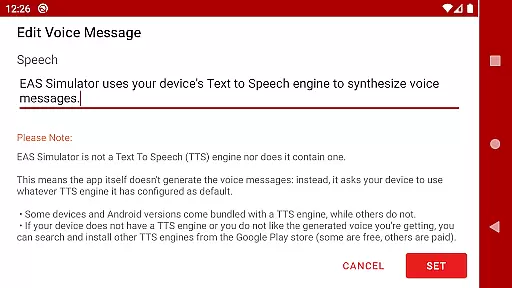
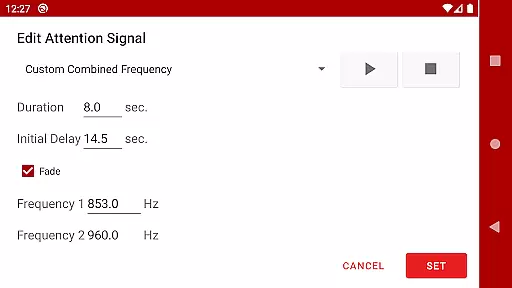
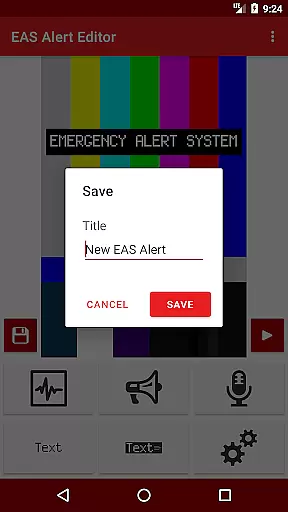
EAS Simulator Pro stands out with its extensive feature set tailored for creating lifelike emergency alerts. The app includes full access to an advanced Emergency Alert System editor, allowing users to craft unlimited custom alerts with backgrounds similar to those used in TV broadcasts, static or blinking texts, and news-ticker-like scrolling messages. It also incorporates SAME headers, attention signals, and end-of-message sounds to enhance realism. Additionally, the app leverages the device's Text-to-Speech engine to generate voice messages, providing an authentic auditory experience.
Another remarkable aspect is the scheduling functionality, which lets users set alerts to trigger automatically at designated times. This feature proves particularly useful for conducting drills or orchestrating surprise simulations. Moreover, the app facilitates exporting and importing alerts as files, ensuring easy backup and sharing across devices. Users can convert these alerts into videos, capturing both visual and audio components for a more dynamic presentation. With pre-loaded scenarios covering actual historical events and imaginative fictional crises, EAS Simulator Pro caters to diverse interests while maintaining high standards of quality and user engagement.
In the realm of digital entertainment, content variety and freshness are paramount to maintaining user engagement. EAS Simulator Pro excels in this area by offering a diverse array of pre-defined alerts that cater to both real-life scenarios and thrilling fictional situations. From simulating natural disasters like flash floods and tornadoes to enacting apocalyptic events such as nuclear attacks and zombie pandemics, the app provides an extensive selection designed to captivate users' imaginations.
Moreover, EAS Simulator Pro allows for the creation and customization of unique Emergency Alert System messages, ensuring that content remains fresh and personalized. Users can craft their own alerts with features like scrolling texts, SAME headers, attention signals, and voice messages generated through the device's Text to Speech engine. This level of personalization not only enhances replay value but also encourages creativity among its users.
The application is regularly updated with new content, addressing known issues and introducing additional functionalities. For instance, recent updates have resolved scheduling conflicts on newer Android versions, allowing alerts to play automatically when the device is idle. Such commitment to improvement guarantees that EAS Simulator Pro continues to deliver novel experiences, keeping its audience engaged over time.
User engagement duration and retention are critical metrics for evaluating the success of entertainment applications. EAS Simulator Pro achieves impressive results in these areas by providing tools that encourage prolonged interaction. The app's ability to schedule alerts at specific timesu2014even if the device is lockedu2014creates anticipation and prompts users to return to the app, thus increasing session lengths.
Furthermore, the inclusion of export/import functionality for EAS alerts fosters a community-driven approach to content sharing. By enabling users to back up their creations or share them with friends who own either the Demo or Pro version, EAS Simulator Pro cultivates a sense of belonging and collaboration. This social aspect not only boosts user retention but also expands the appu2019s reach organically as more people become involved in creating and exchanging custom alerts.
Additionally, the app's realistic simulation capabilities contribute significantly to user immersion. With authentic backgrounds, static or blinking texts, news-ticker-like scrolling messages, and genuine alert sounds, EAS Simulator Pro delivers an experience that closely mirrors actual emergency broadcasts. This authenticity keeps users invested in the platform, leading to longer engagement periods and higher overall satisfaction.
User-friendly interface
Highly customizable alerts
Realistic simulation options
Comprehensive scheduling capabilities
Export/import functionality
No iOS version available
Dependent on device TTS
Limited free version
Occasional compatibility issues
Requires storage space

Disney Stickers: Zootopia 2
 4.5
4.5
Create melty bead designs by numbers, photos or your imagination
4.40
With the credits you earn play more games
2.90
Scan sets, track your builds, and enjoy intuitive digital instructions.
4.70
Stories that spark in seconds.
4.80
Experience the video editing experience brought by our intuitive interface
4.10
Raise Christmas Magic with daily missions, magical scanners, and kindness.
4.3
Binaural Brainwave Doses for Every Imaginable Mood
3.60
Companion app for Elden Ring to track quests, bosses, progress and more.
4.70
Open-source, fast, simple and powerful IPTV app
4.90
Pathfinder 2e initiative tracker with bestiary, HP, reaction, conditions, etc
4.80
Original short dramas with diverse genres for a rich viewing experience!
4.80
Create, chat & bond with AI souls who truly listen.
4.50
A companion app for the game Elite Dangerous
4.10
Watch New Episodes & Live TV
3.80
Air Horn - Siren Sounds Prank, Fun way to wake up your Friends and Family
4.3
Simulation of Dashboard / Touch Screen for Tesla. (Works without actual Tesla).
4.1
Music visualizer and party effects for your Nanoleaf devices
4.3
Journey to the world’s oldest rainforest and meet its Indigenous Custodians.
4.4


User Reviews