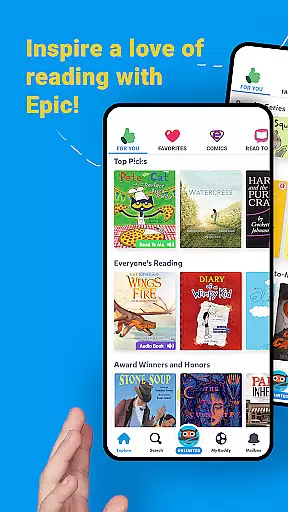
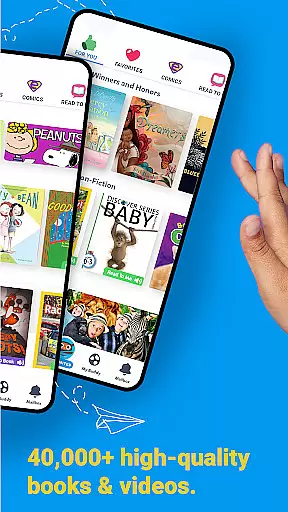
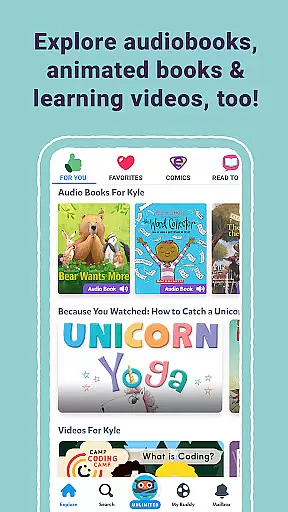
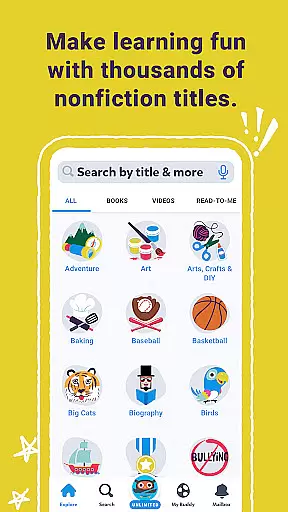
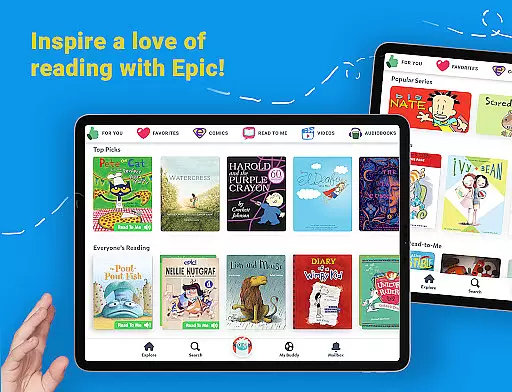
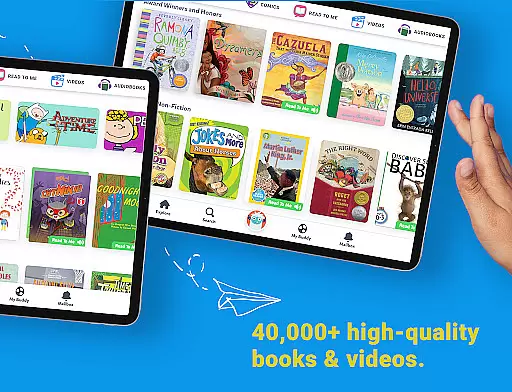
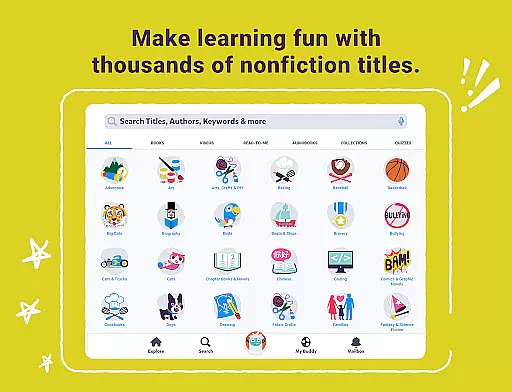
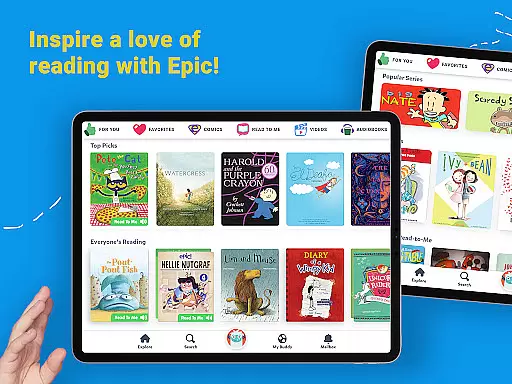
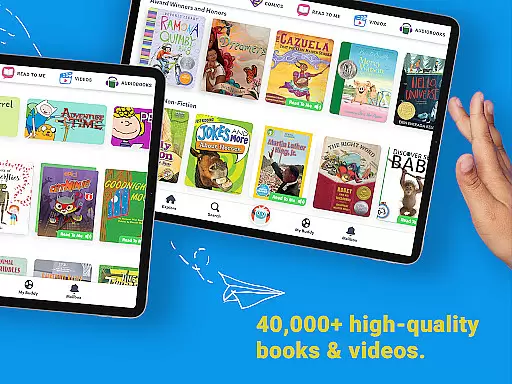
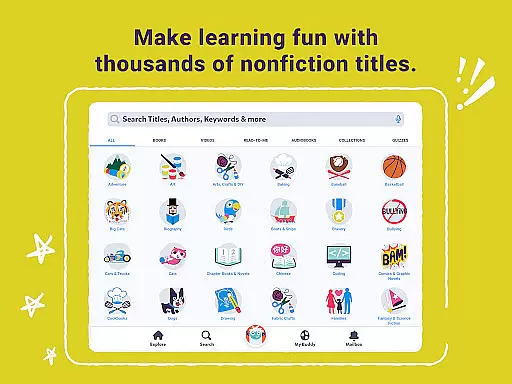
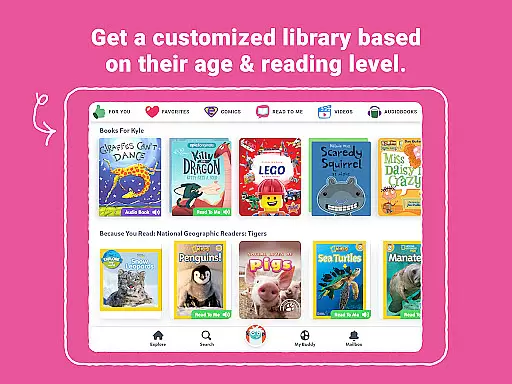
Epic is a leading digital library application designed specifically for children, offering an extensive collection of over 40,000 books, audiobooks, and educational videos. This interactive reading platform is crafted to foster curiosity and enhance reading confidence among young learners by providing them with instant access to a diverse range of engaging content.
Available on all Apple devices, Epic supports offline reading and features a multilingual library that includes English, Spanish, French, and Chinese options. The app incorporates innovative learning tools such as Reading Buddies, quizzes, and a vocabulary-building dictionary, making it an invaluable resource for both educational and recreational reading.
The subscription-based service offers personalized reading experiences for up to four child profiles while providing parents with progress tracking through a comprehensive dashboard. Additionally, educators can utilize the free school-day version, which includes specialized ELA tools and multilingual support, enhancing classroom learning experiences.
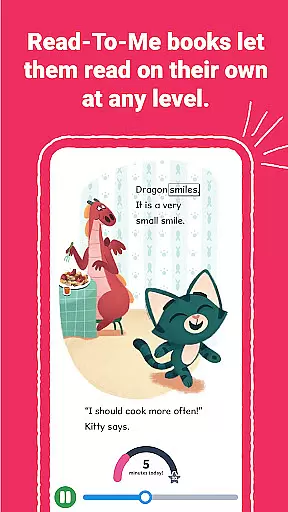
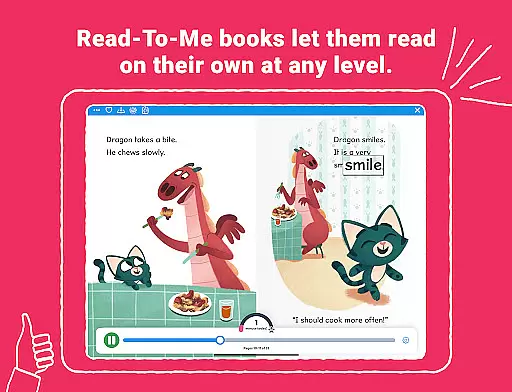
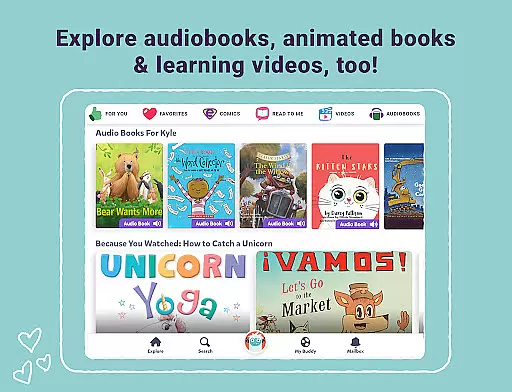
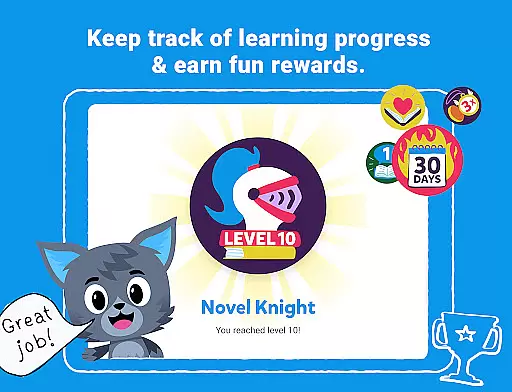
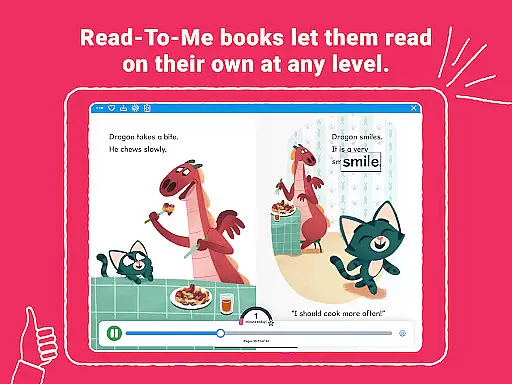
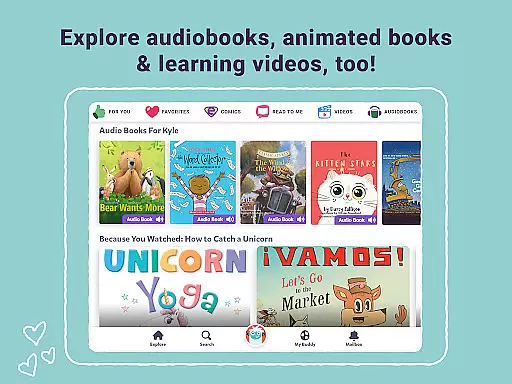
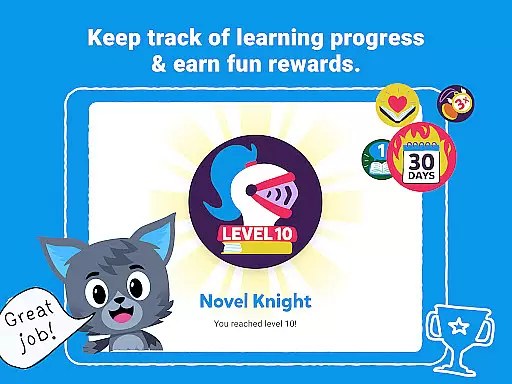
Epic distinguishes itself through its comprehensive collection of interactive reading materials, including Read-To-Me books, audiobooks, and traditional ebooks enhanced with professional narration, music, and sound effects. The app's unique reward system featuring badges and quizzes helps maintain children's engagement while promoting skill development.
The platform's multilingual capabilities cater to diverse linguistic backgrounds, while its advanced filtering options allow educators to search content by AR levels, DRA, and other educational metrics. The inclusion of Spotlight Words and audio-enabled Dictionary Lookup provides valuable vocabulary-building opportunities.
Epic's robust parental controls and educator tools include detailed progress reports, assignment capabilities, and 24/7 access to the full library through the premium School Plus subscription. These features create a comprehensive ecosystem that supports both home-based learning and classroom education.
In the realm of digital learning, content accuracy and authority are paramount, especially for an educational platform like Epic. With a library boasting over 40,000 books, audiobooks, and learning videos, ensuring that each resource is credible and authoritative is crucial for fostering an effective learning environment.
Epic achieves this by curating content from trusted publishers and authors, providing materials that range from traditional eBooks to interactive Read-To-Me books. This vast collection not only captivates young readers' imaginations but also assures parents and educators of the quality and reliability of the content their children engage with.
Furthermore, Epic incorporates ELA Tools allowing educators to filter titles by established reading metrics such as AR, DRA, and F&P, aligning selections with educational standards. The inclusion of quizzes and a Dictionary Lookup feature further supports skill-building and accurate knowledge acquisition among its users.
The platform's recognition in reputable media outlets and endorsements from educational experts underscore the trust placed in Epic's commitment to content accuracy and authority, making it a reliable companion in nurturing children's reading skills and curiosity.
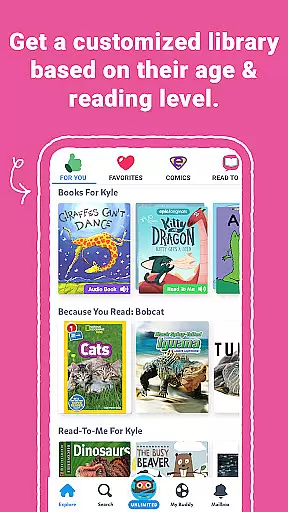
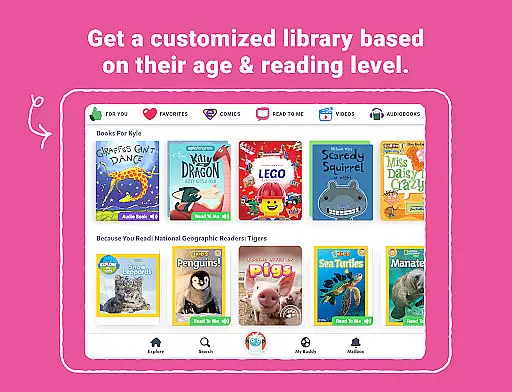
Personalized learning paths represent a cornerstone of effective education technology, adapting to individual learners' needs and interests. Epic excels in this area by offering a personalized reading experience through up to four child profiles, enabling each user to explore content aligned with their unique preferences and reading levels.
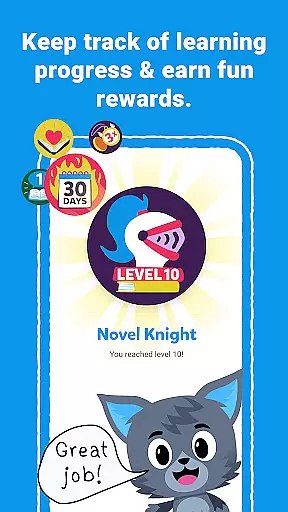
This customization extends to Epicu2019s engaging features such as Reading Buddies, badges, and quizzes, which motivate children to read more while learning at their own pace. Spotlight Words and audio-enabled Dictionary Lookup further tailor the experience by teaching vocabulary and pronunciation specific to each child's encounters within the app.
For educators, Epic School enhances personalized learning by facilitating easy assignment and sharing of books, complemented by tracking tools for monitoring daily and weekly reading progress. This ensures that every student receives guidance tailored to their personal growth trajectory.
With multilingual support and varied reading formats, Epic makes personalized learning inclusive and accessible, empowering children from different backgrounds to learn effectively in a manner that suits them best.
User-friendly interface
Extensive content library
Multilingual support
Offline reading capability
Educational tool integration
Paid subscription model
Limited free trial period
Device compatibility restrictions
Internet required for updates
Advanced features need premium access

Grazing Risk Monitoring Service
 4.2
4.2
Learning the ancient Viking language made simple
4.70
Explore myths and gods across cultures with in-depth insights and stories.
5.00
Pickleball guide complete with illustrated Pickleball drills and helpful info
4.3
Master the NRP with 700+ questions, rationales, and updated NREMT scenarios.
3.00
A collection of favorite stories from Daniel Tiger's Neighborhood
2.00
Professional Award-Winning Astronomy Star Map App With Telescope Control
4.40
The best way to study for your amateur radio license exam.
4.90
Make your own game and world. Draw and animate characters
3.70
Hebrew Vocab
4.90
Discover Your Place in the Universe
4.70
Learn Words Daily in Just Minutes - Boost Your Language Skills Fast!
4.60
A fast and fun way to learn guitar - works with any guitar.
4.60
THE ESTABLISHED "GO TO" ARMY BOARD PREPARATION APP!
4.30
The "Go To" app for Airmen studying for promotion to SSgt and TSgt
4.30
Your guide to thousands of satellites and spacecraft in orbit around Earth!
3.90
An animated storybook app to help ease your child through toilet training.
3.70
Your best partner for learning Japanese words. Based on a best-selling textbook.
2.80
Hasbro’s classic CANDY LAND game is now a gorgeous interactive storybook app.
2.30


User Reviews