


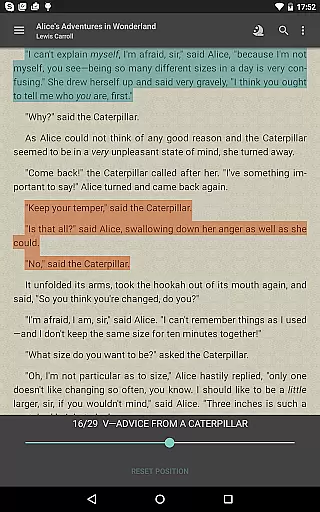
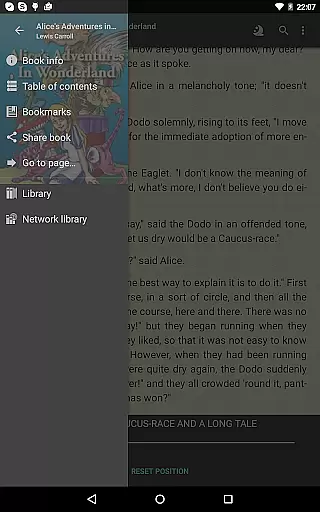
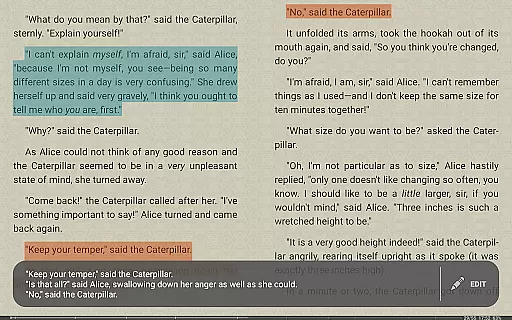

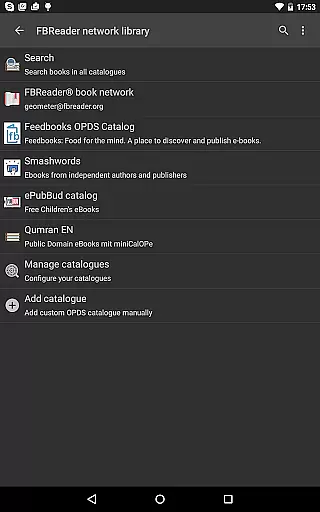
FBReader Premium is a comprehensive ebook reader designed for avid readers who demand flexibility and advanced features. This paid version offers an exceptional reading experience across various devices, including LCD and e-ink screens. With support for numerous ebook formats like ePub, PDF, Kindle azw3, and more, it ensures compatibility with virtually any digital book library.
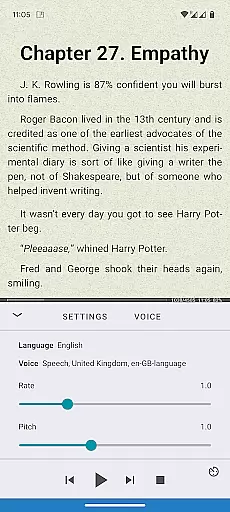
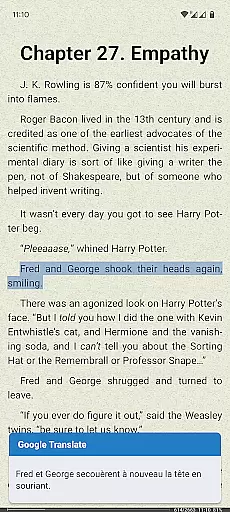
The application stands out with its premium features such as text-to-speech functionality, instant translation via Google Translate or DeepL, and built-in support for PDFs and comic books. FBReader Premium also provides smart reading tools including quick dictionary lookups and optional cloud sync for seamless access to your library from multiple devices.
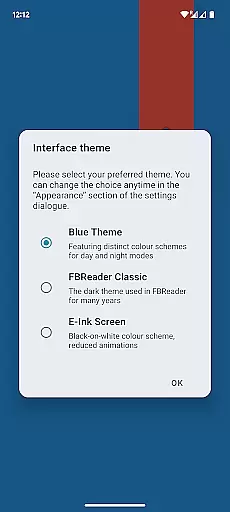
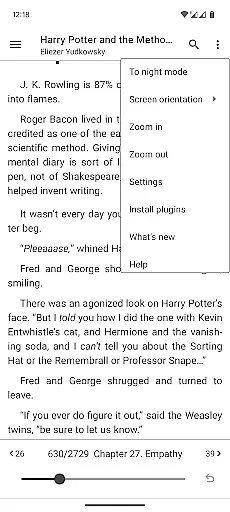
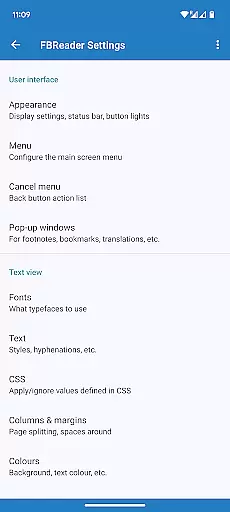
Highly customizable options allow users to tailor their reading experience by adjusting themes, fonts, and gestures. Whether you're reading in daylight or at night, FBReader Premium adapts to your environment. Its extensive language support makes it an ideal choice for international readers, offering localization in 34 languages and hyphenation patterns for 24 languages.
FBReader Premium boasts an array of sophisticated features that cater to the modern reader's needs. One standout capability is its advanced text-to-speech function, which utilizes Android's technology to read aloud your favorite books. The integration with Google Translate and DeepL allows for instant translation, breaking down language barriers seamlessly.
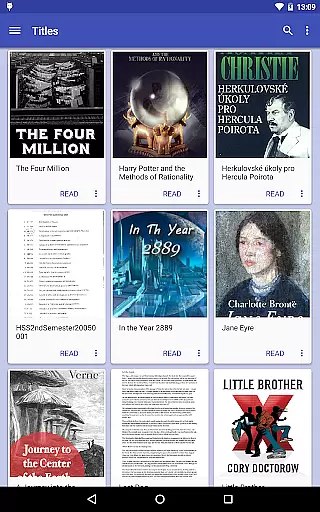
The app supports a wide range of ebook formats including ePub, PDF, and Kindle azw3, ensuring that users can access their entire digital library without compatibility issues. Smart reading tools enhance the experience further; quick dictionary lookups are available through preferred dictionary apps, while cloud sync powered by Google Drive keeps your library and reading positions up-to-date across devices.
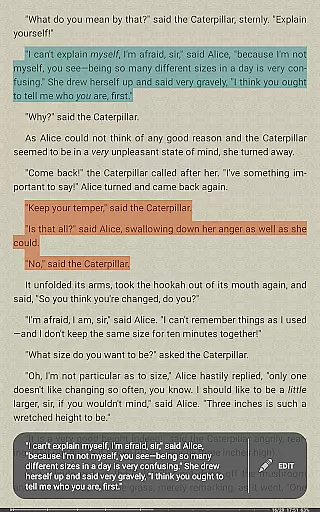
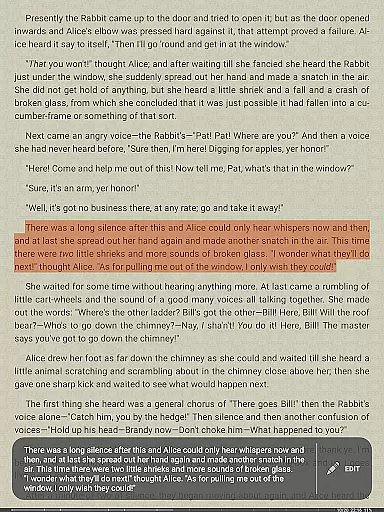
Customization is at the heart of FBReader Premium's design. Users can personalize their interface with custom fonts and backgrounds, switch between day and night themes, and adjust brightness with simple swipes. Extensive layout settings and gesture controls provide a tailored reading experience. Additionally, the built-in browser facilitates easy access to online catalogs and OPDS stores, making book discovery effortless.
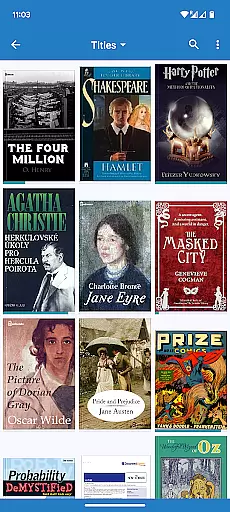
FBReader Premium offers an extensive e-book library that supports a wide range of formats including ePub, PDF, Kindle azw3, fb2(.zip), CBZ/CBR, DOC, RTF, HTML, and TXT. This ensures that readers have access to almost any ebook they wish to read.
The application is designed to open DRM-free books as well as titles protected with Readium LCP, guaranteeing the authenticity and legality of the content available in its library. Users can be confident that they are accessing a vast repository of genuine literary works.
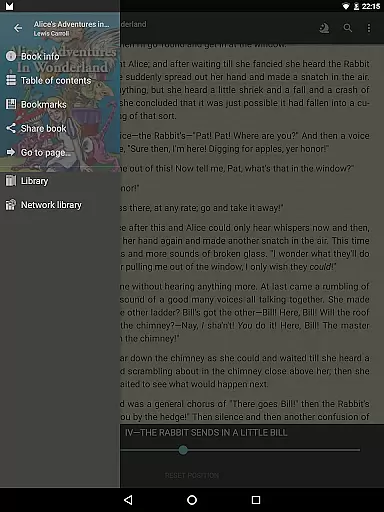
With built-in support for various formats and compatibility with online catalogs and OPDS stores through its browser, FBReader Premium provides easy access to a multitude of reading materials. Whether you're looking for popular novels or niche texts, this app has got you covered.
One of the standout features of FBReader Premium is its broad format compatibility. It reads almost any ebook format, making it an ideal choice for readers who switch between different devices and sources. From standard text formats like DOC and RTF to specialized ebook formats such as ePub3 and comic books, the app handles them all seamlessly.
In addition to supporting common file types, FBReader also includes advanced options such as opening DRM-protected content using Readium LCP. This level of format compatibility ensures that no matter where your digital library comes from, FBReader can manage it efficiently.
Moreover, users benefit from customizable settings that allow personalization of their reading experience according to their preferences. With adjustable layouts and gesture controls tailored for both LCD and e-ink screens, FBReader Premium delivers a versatile and comfortable reading session every time.
Extensive format support
Advanced customization options
Text-to-speech functionality
Instant translation services
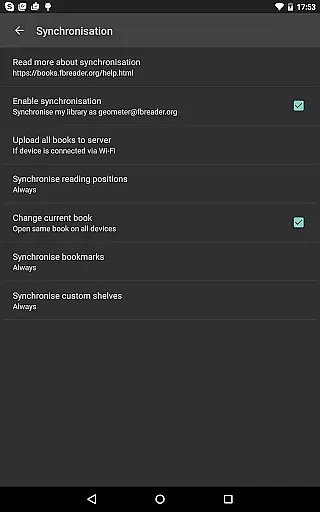
Cloud synchronization feature
Paid version only
No DRM support for all platforms
Limited free features
Requires Google account for sync
Interface may overwhelm new users

The Psalms for singing
 4.0
4.0
Read aloud texts, audiobooks, PDFs or any eBook with text to speech AI audio
4.60
Scan. Price. Grade.
4.60
Manage collectibles, survey and treasure maps in Elder Scrolls Online.
4.40
Zerobooks Light Novel Reader by GOLDENAGATO
4.20
Learn Thai with 195,000+ entries, crisp Thai sounds, big text; works offline.
4.80
The Original & Authentic Crystals, Gemstones, Rocks & Minerals Encyclopedia.
4.60
Holy Bible with verses and audio for studying and prayer
4.30
World's most comprehensive dictionary app: 13 languages, all online or offline!
4.80
Read books PDF, EPUB, WORD, KINDLE, MOBI! Your ebook reader among reading apps.
4.80
Enjoy daily devotionals, Bible verses, audio courses, and more.
4.80
Werewolf novels & romance stories in audiobooks for book lovers! Werewolf storie
4.60
Build family tree & discover DNA, family history heritage, origins and ancestors
4.60
Read the romance stories on the go. Take my breath away, The Spoiled Girl
4.30
Essential Technical Rescue Field Operations Guide 6, the Industry Standard Guide
4.20
A wonderful reader for good time spend.
4.20
Prime novels await! Fantasy & Romance on JoyRead. Immersive reads!
4.20
A story reading app: Read stories, novels and books, or write your own.
3.90
Enjoy your favorite books
3.50


User Reviews