
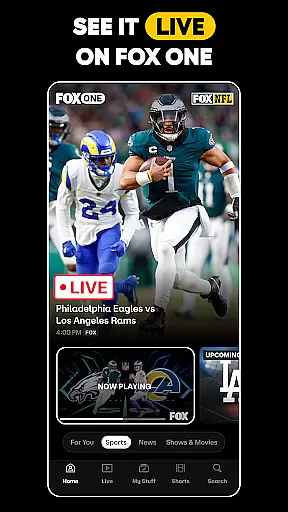
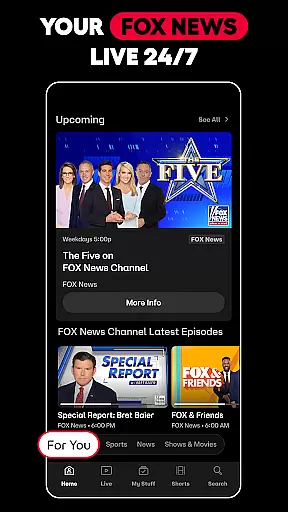

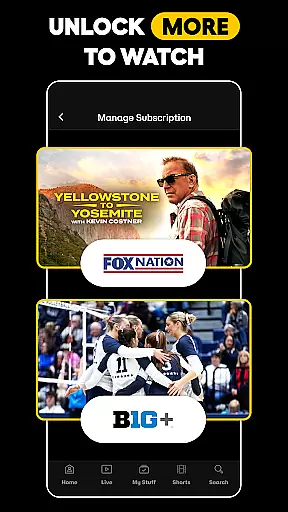
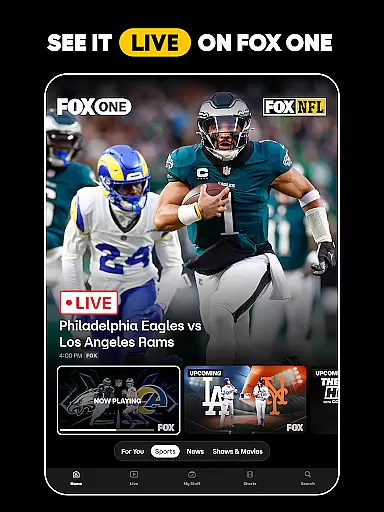
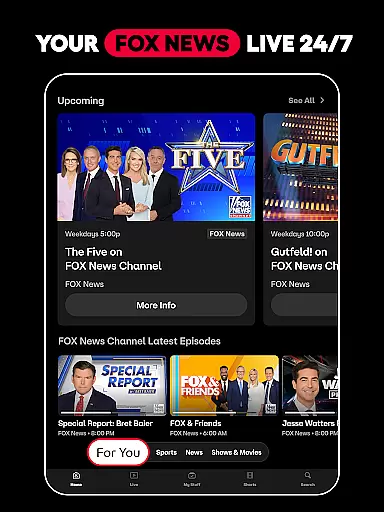


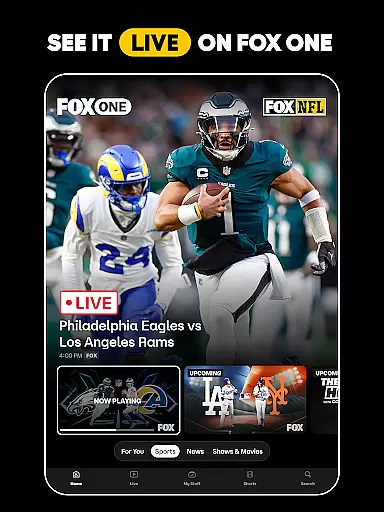
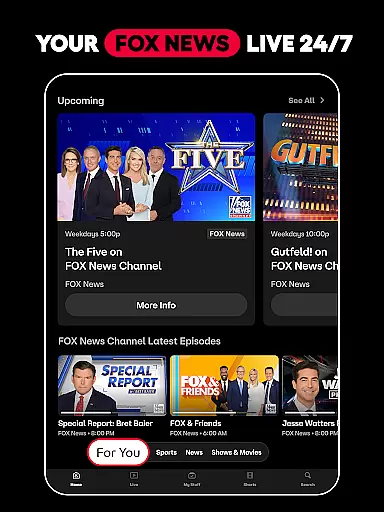



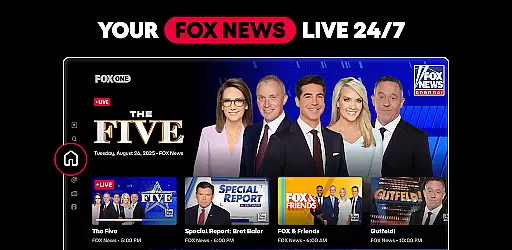


FOX One is a comprehensive streaming application that brings together live sports, news, and entertainment content in one place. The app offers users the ability to watch their favorite FOX series, live NFL showdowns, MLB games, and breaking news from FOX News—all in real-time. With features like personalized content recommendations, unlimited DVR storage, and multi-view options for select devices, FOX One ensures you never miss a moment of your favorite programming. Whether you're a sports fanatic, news junkie, or entertainment enthusiast, this app provides a seamless experience tailored to your interests.
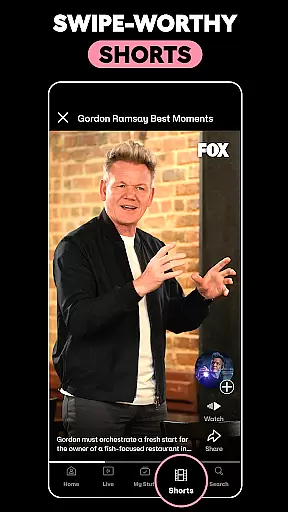
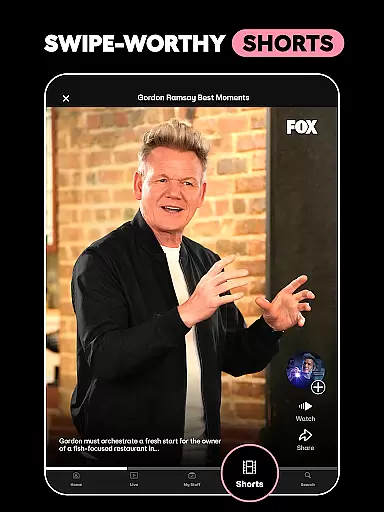
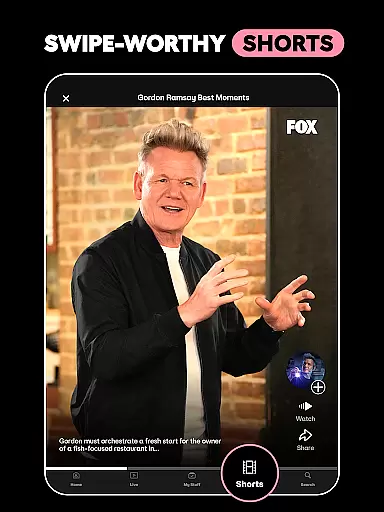
The platform stands out with its swipe-worthy shorts, delivering trending sports stories and jaw-dropping moments in bite-sized clips. It also includes access to FOX Sports, FOX News, and FOX Entertainment libraries, allowing users to enjoy everything from classic shows like The Simpsons to live coverage of major sporting events. Available on both mobile and Android TV, FOX One delivers crisp 4K visuals for select events, making it an ideal choice for those who demand premium image quality on the big screen.
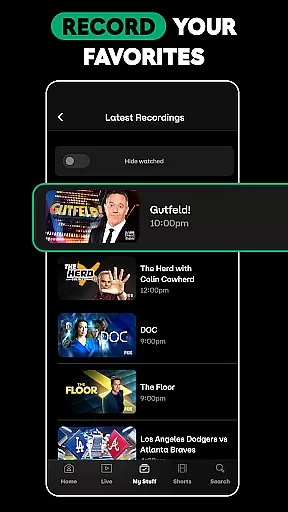
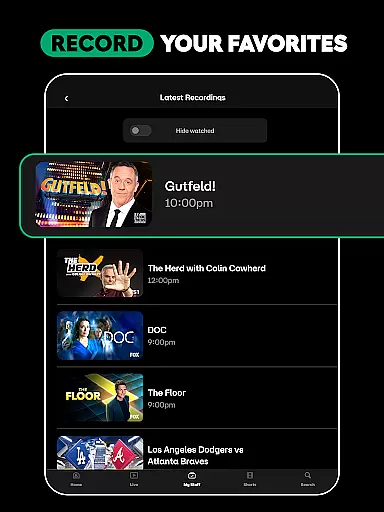
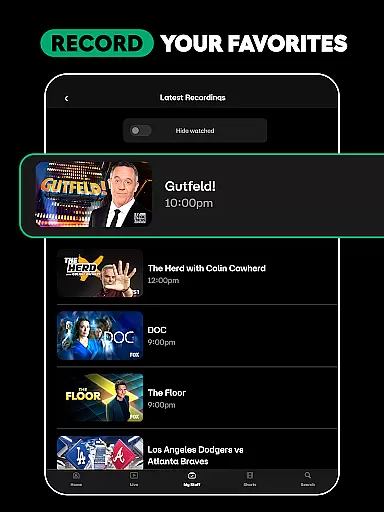
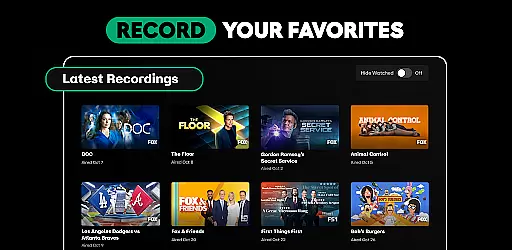
FOX One distinguishes itself through its robust feature set designed to enhance user engagement and convenience. One of its standout capabilities is the Multiview option, which allows users to watch up to four curated streams simultaneously—perfect for keeping track of multiple games or events at once. This feature is complemented by customizable audio settings, giving viewers control over their auditory experience. Additionally, the app's unlimited DVR functionality enables users to record their favorite leagues, teams, and shows without worrying about storage limits.
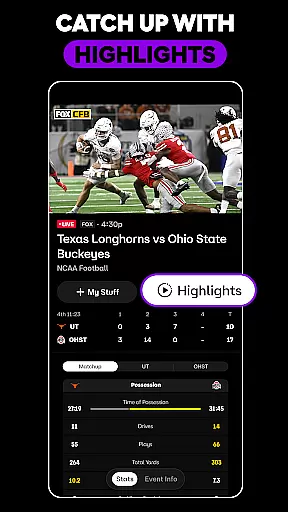
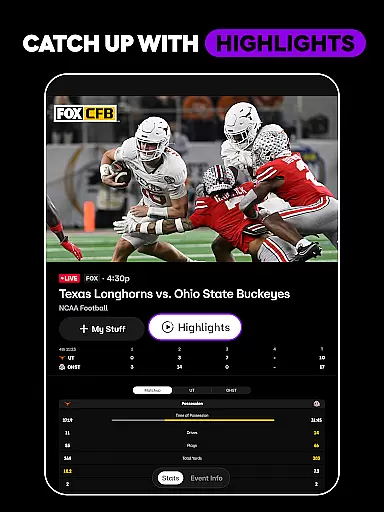
Personalization is another key aspect of FOX One's offering. The app serves up relevant live and on-demand content directly on the home screen, reducing aimless scrolling and ensuring users find what they want quickly. For those who value flexibility, the catch-up feature lets viewers jump into live broadcasts after viewing highlights, while the ability to hide scores ensures no spoilers. Finally, FOX One extends its reach beyond traditional programming by including short-form content that captures trending sports moments and news updates, all tailored to individual preferences.
FOX One stands out in the Entertainment category by offering an impressive range of content that caters to diverse interests. The app provides live sports, breaking news, and popular TV series, ensuring there's always something new and engaging for users. With FOX Sports, FOX News, and FOX Entertainment integrated into one platform, subscribers can enjoy NFL games, MLB matches, and favorite shows like The Simpsons without switching between multiple apps.
The freshness of content is maintained through real-time updates and live streams. Whether it's a football game or the latest news bulletin, FOX One delivers ultra-fast streams directly to your device. This immediacy ensures that users stay informed and entertained with the most current events as they happen. Additionally, personalized recommendations on the home screen help viewers discover trending sports stories, news highlights, and TV clips tailored just for them.
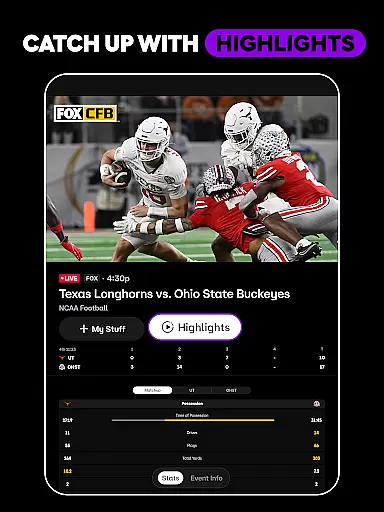
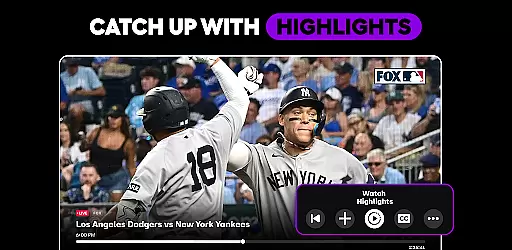
For those who fear missing out on key moments, FOX One offers a unique feature to catch up with highlights from select programming. This allows users to bypass spoilers while still staying updated with their favorite teams or shows. Moreover, swipe-worthy shorts provide bite-sized entertainment pieces that keep audiences engaged throughout the day. Such features collectively ensure that FOX One remains a dynamic source of varied and fresh content.
User engagement duration and retention are critical factors for any entertainment app, and FOX One excels in these areas through its comprehensive offerings. By providing 24/7 access to live streams of major sporting events, news coverage, and beloved TV series, the app encourages prolonged usage sessions. Fans can immerse themselves in hours of uninterrupted content, whether they're watching a live NFL game or catching up on episodes of Gordon Ramsayu2019s Secret Service.
To further enhance user retention, FOX One includes features such as Multiview and 4K streaming for select events and devices. Multiview allows users to watch up to four curated streams simultaneously, catering to those who don't want to miss multiple games or events happening at once. Meanwhile, 4K resolution brings premium image quality to the biggest TV actions, making every viewing experience crisp and clear. These advanced functionalities not only increase session lengths but also encourage repeat visits due to their high-quality delivery.
Retention is also bolstered by the ability to record favorite leagues, teams, and shows with no storage limits. Users can build a personal library of recordings to enjoy at their convenience, ensuring they remain connected to the app even when live events aren't occurring. Personalized content discovery and alerts about upcoming shows or breaking news keep users coming back, fostering long-term loyalty to FOX One as their go-to entertainment hub.
User-friendly interface
Live and on-demand content
Unlimited DVR storage
Multi-view options
Personalized recommendations
Limited 4K availability
Some features device-specific
Requires stable internet
Premium subscription needed
Ads in free version

Tarot & Oracle Card Readings
 4.50
4.50
Rain and lightning effects for your Philips Hue lights
4.30
Disney Stickers: Zootopia 2
4.0
EVP Recorder / Voice Recorder for ghost hunting, to communicate with ghosts.
4.4
Fool your friends & Family with Fake ultrasound test report
3.60
Control your AWTRIX 3 easily
4.5
Hand-drawn, cartoon OC creator - original character creator
4.70
Watch TV shows, movies, and stream Live TV channels without a subscription!
3.80
Scary prank camera & on face app: Shoot videos, selfies with spiders & scorpions
4.60
Open-source, fast, simple and powerful IPTV app
4.90
Pathfinder 2e initiative tracker with bestiary, HP, reaction, conditions, etc
4.80
Stories that spark in seconds.
4.80
Original short dramas with diverse genres for a rich viewing experience!
4.80
Stream Online TV - Watch Live IPTV Playlist & Channel with Built-In Player
4.50
Heroclix search units with multi filter , team builder, collection manager.
4.40
Catch the latest episodes of The Voice or live stream NFL games with The NBC App
4.20
VR 360 Cinema Player is the ultimate VR player for playing videos on mobile
3.50
Create your Songs. Cover Maker with any Voice, Song Generator
3.30
Journey to the world’s oldest rainforest and meet its Indigenous Custodians.
4.4


User Reviews