
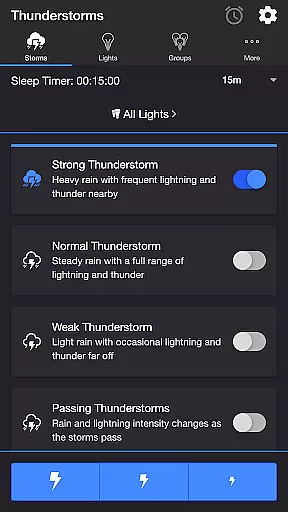
Thunderstorm for Hue is an entertainment app that creates immersive thunderstorm experiences using Philips Hue smart lighting. The app simulates various storm intensities from weak to strong, complete with synchronized light effects and soundscapes.
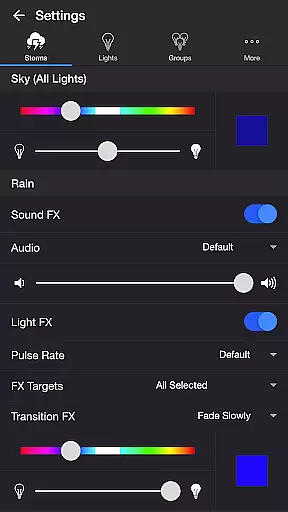
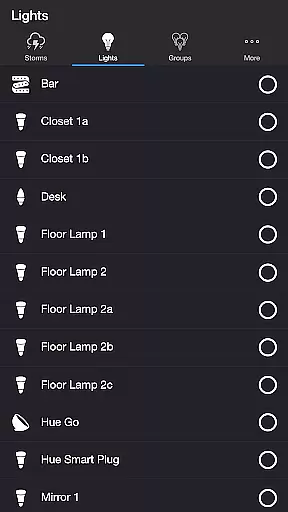
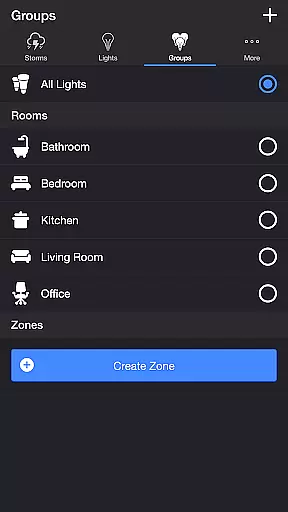
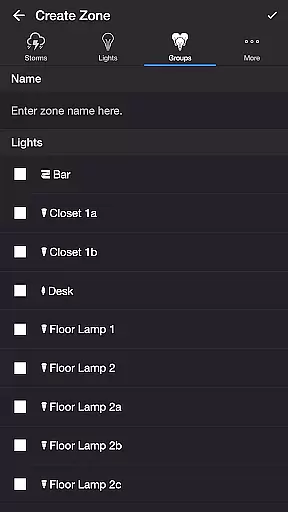
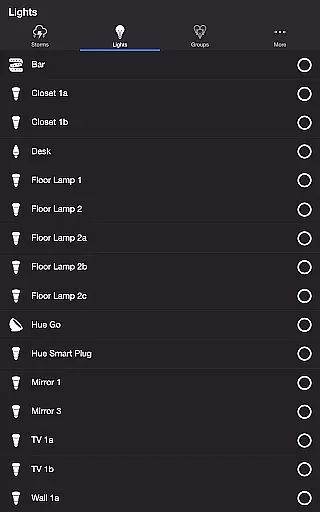
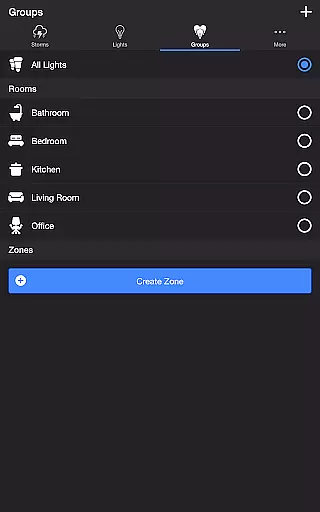
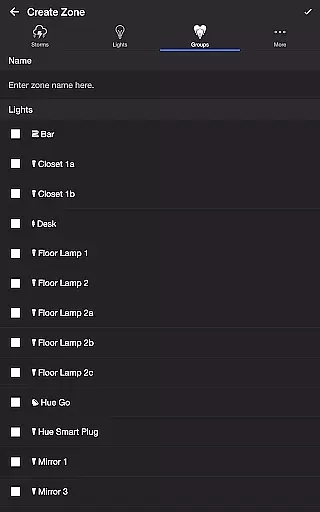
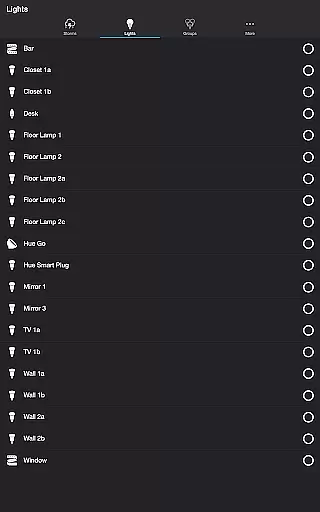
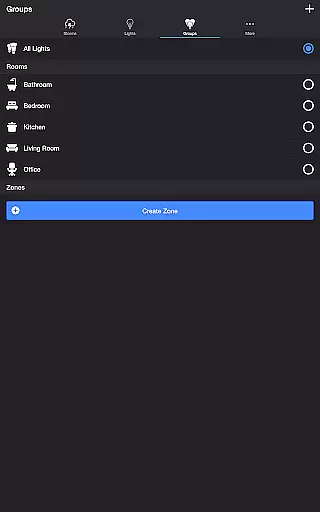
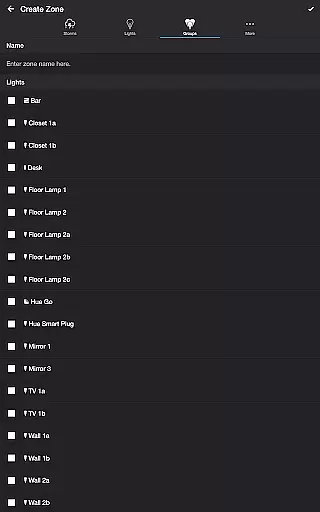
Users can customize every aspect of their storm experience through detailed settings for rain, lightning, and thunder effects. The application supports both individual lights and groups/zones, making it suitable for creating atmosphere in any room or throughout the entire home.
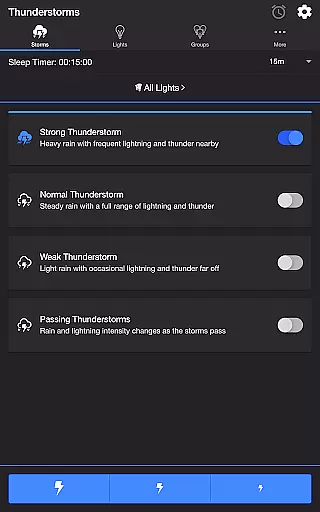
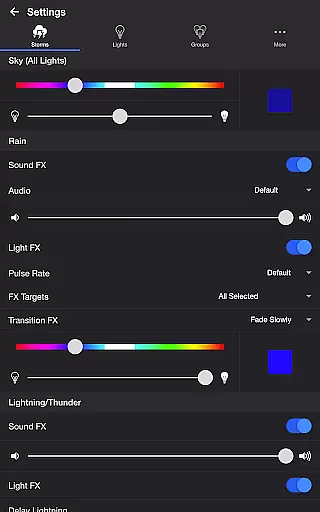
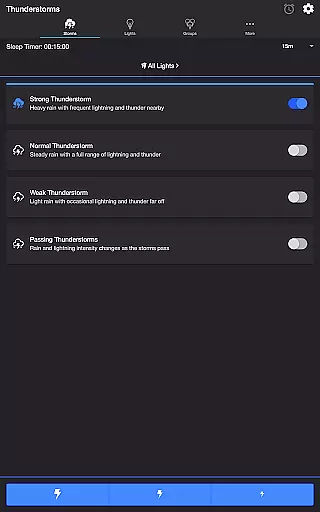
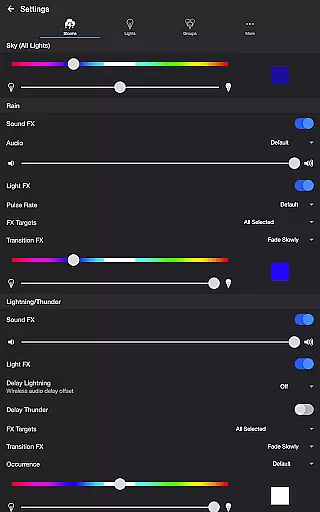
The app offers four distinct thunderstorm intensity levels - Strong, Normal, Weak, and Passing Thunderstorms - each with unique light and sound patterns. Users can precisely control the base sky color, brightness, and transition effects for different weather elements.
Advanced customization options include separate controls for rain and lightning effects, background ambient sounds, and timing settings. The app supports Bluetooth speaker connections and Chromecast devices, while offering professional features like wireless audio delay compensation and automated recurring cycles.
Thunderstorm for Hue offers a diverse range of content that caters to different user preferences. The app provides four distinct thunderstorm intensities, from Weak to Strong, each with unique light and sound effects that simulate real storm conditions.
The application's content is not static; it changes dynamically based on the selected storm type. For example, Passing Thunderstorms mode allows users to experience varying storm strengths over time, ensuring that the experience remains fresh and engaging.
Users can customize their experience further by adjusting settings such as rain sound effects, lightning occurrence, and background sounds. This level of personalization ensures that each session can be tailored to individual tastes, providing a fresh experience every time.
One of the key features of Thunderstorm for Hue is its ability to maintain user engagement through extended sessions. With options like Sleep Timer, users can set the app to run for a desired period, gradually fading out audio at the end, which encourages longer usage without abrupt interruptions.
The app's detailed customization options contribute to user retention. By allowing users to fine-tune every aspect of their storm experience, from rain pulse rates to lightning transition effects, it creates a personalized environment that users are more likely to return to.
Moreover, the integration with Philips Hue lights and support for Bluetooth speakers or Chromecast devices enhances the overall experience, making it more immersive. These features collectively help in maintaining high user engagement levels and improving retention rates.
Highly customizable storm effects
Realistic synchronized light-sound
Comprehensive setting options
Supports multiple smart devices
Automated scheduling features
Requires Hue Bridge device
Complex for beginners
Premium feature cost
Limited to Philips Hue
Device compatibility issues

Simulation of Dashboard / Touch Screen for Tesla. (Works without actual Tesla).
 4.5
4.5
Stream Movies & TV Series: Original Shows, Family Movies & New Releases Weekly
4.60
Music visualizer and party effects for Hue
3.90
Underrated short-drama gems that hit hard and keep your heart hooked.
4.50
5 funny and lovely ponies waiting for you to style them!
4.80
Christmas Globe: Transform your Wear OS device into a festive timekeeper!
4.0
Start EVP/Spirit Box tonight: real EMF, offline, recording. One-time purchase.
4.10
Hand-drawn, cartoon OC creator - original character creator
4.70
Bold original series & hit movies that don't hold back.
4.40
Live TV, sports & holiday movies — stream on phone, tablet & TV
4.60
Direct access to the most complete Guitar Tab Archive in Spanish: LaCuerda.net
4.60
Your Avatar, Endless Fun
4.60
Chat with AI characters! Anime, games, roleplay & more.
4.50
Series,Películas y Telenovelas
4.50
Play games. Earn real rewards. Cash out in 3hours via PayPal or gift cards.
4.40
Heroclix search units with multi filter , team builder, collection manager.
4.40
Best of icon for christmas
4.30
Collaboration with popular VTubers
4.4
Control your AWTRIX 3 easily
4.5


User Reviews