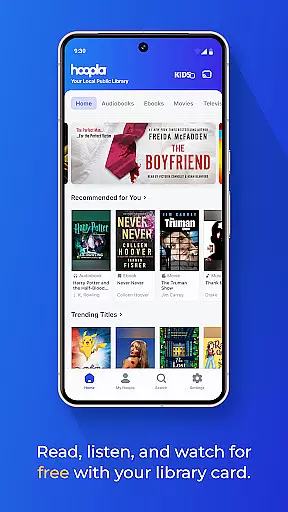
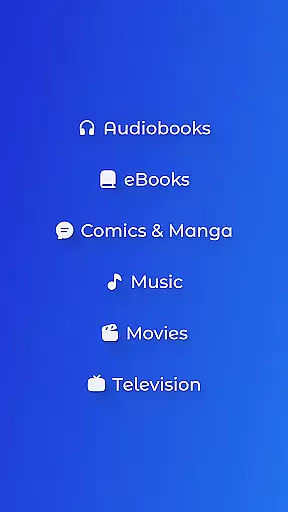
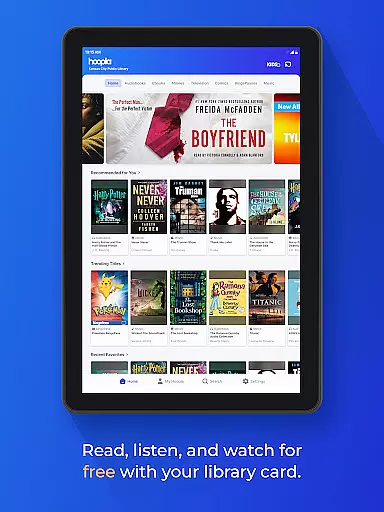
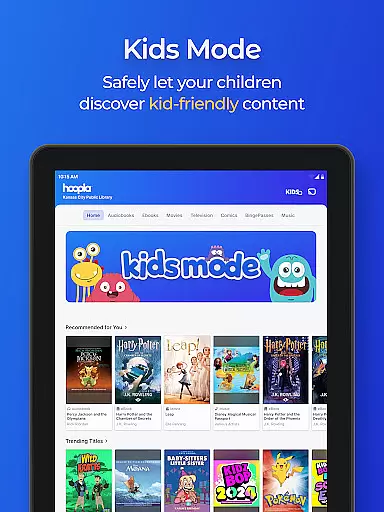
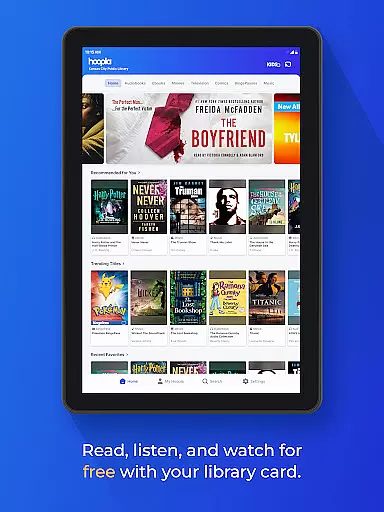
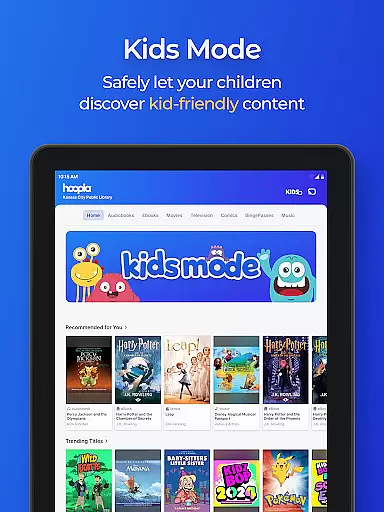
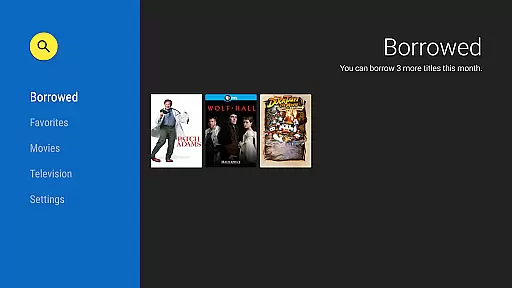
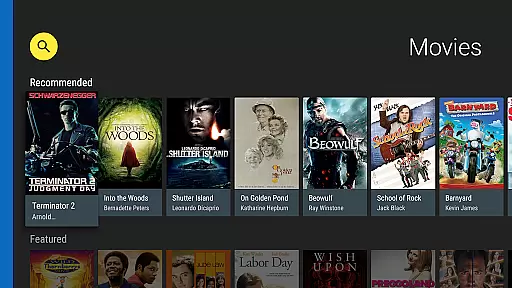
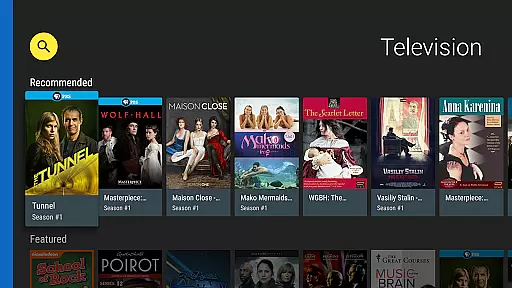
Hoopla Digital is a comprehensive digital media platform that provides users with access to over 1.5 million titles across various formats including eBooks, audiobooks, comics, movies, music, and more. The service stands out by offering all this content without ads or late fees, relying solely on library cards from participating libraries for access.
One of the key features of Hoopla Digital is its diverse content library which caters to all age groups and interests. Whether you're looking for best-selling novels, educational audiobooks, blockbuster movies, or niche music genres, Hoopla has something for everyone. Additionally, innovative features like BingePass and ActionView enhance user engagement by providing unlimited access to entire collections and an immersive panel-by-panel reading experience for comics and manga.
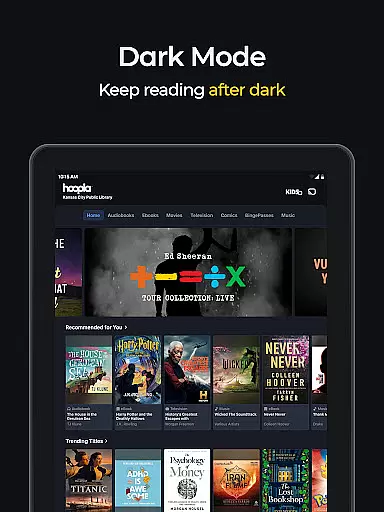
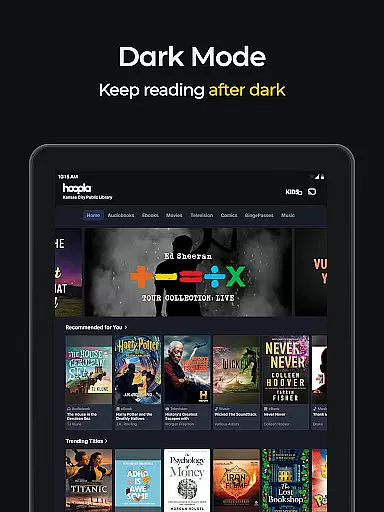
The app's practicality shines through its seamless cross-device functionality and accessibility options such as Dark Mode, making it suitable for use anytime and anywhere. With both streaming and downloading capabilities, Hoopla ensures users can enjoy their favorite content even without an internet connection, perfect for travelers or those with limited connectivity.
Hoopla Digital distinguishes itself through several notable features designed to enrich the user experience. First and foremost is its extensive and varied content library, which includes everything from popular eBooks and audiobooks to comics, graphic novels, and music albums. This diversity ensures that there's always something available to suit every mood and interest.
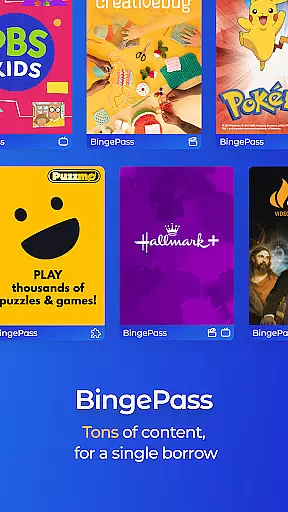
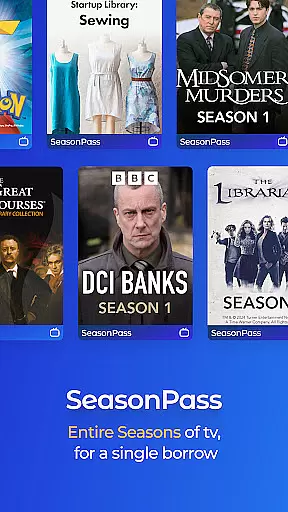
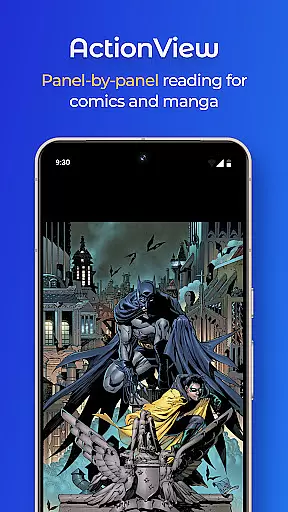
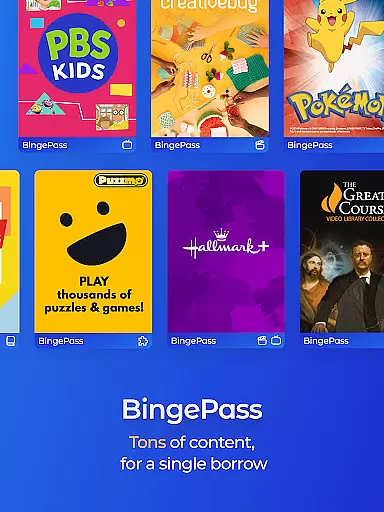
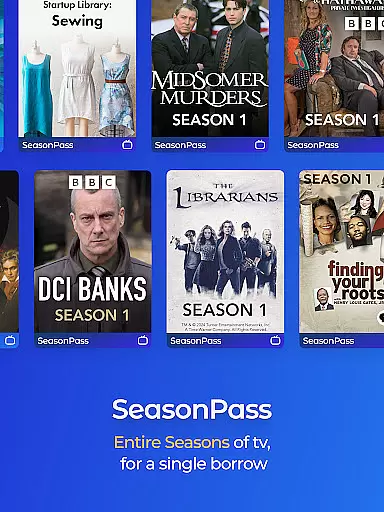
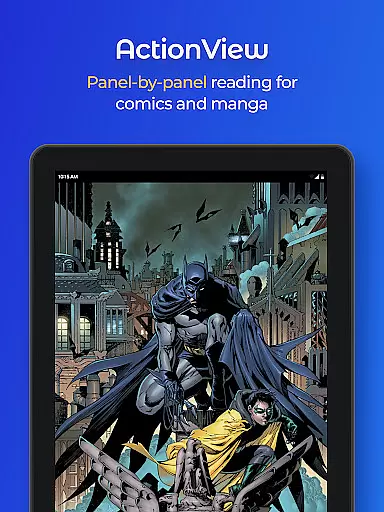
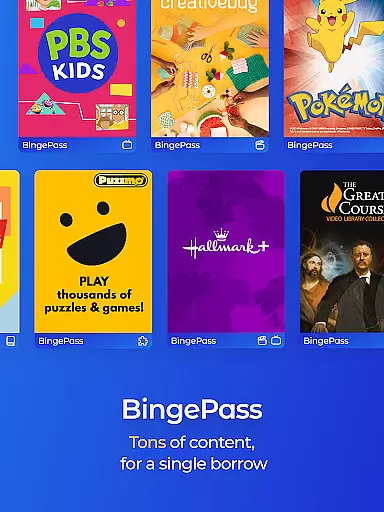
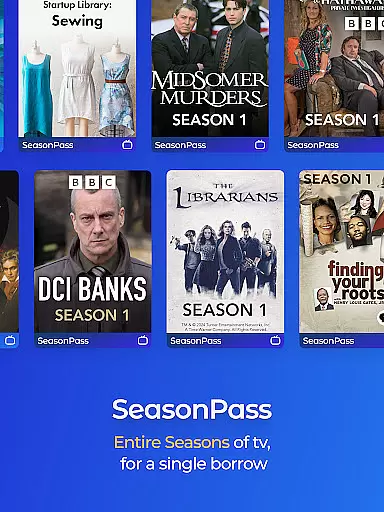
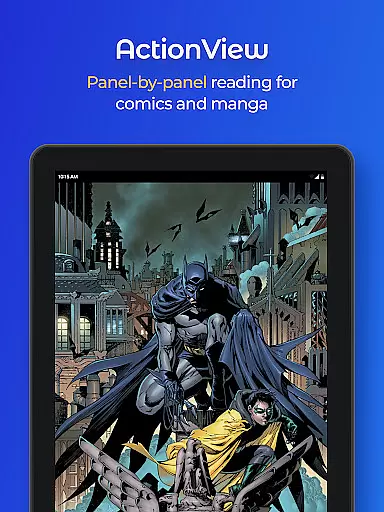
A unique aspect of Hoopla is its BingePass and SeasonPass feature, allowing users to borrow entire collections of content with just one checkout. This is particularly beneficial for binge-watching TV series or exploring extensive comic book collections. Moreover, Hoopla's ActionView technology revolutionizes the way users read comics and manga by presenting them in a dynamic panel-by-panel format, enhancing storytelling immersion.
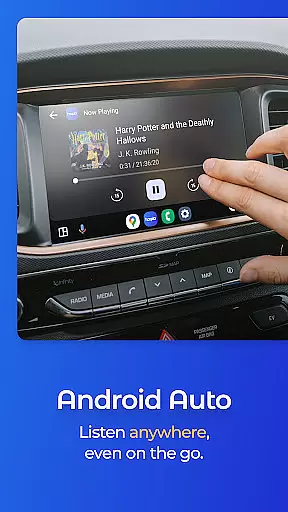
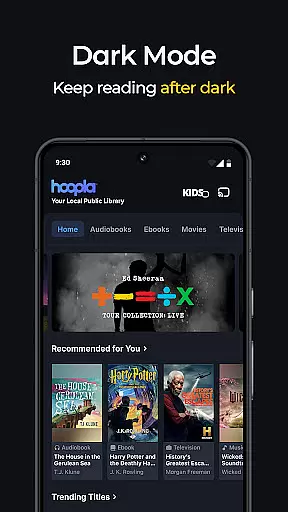
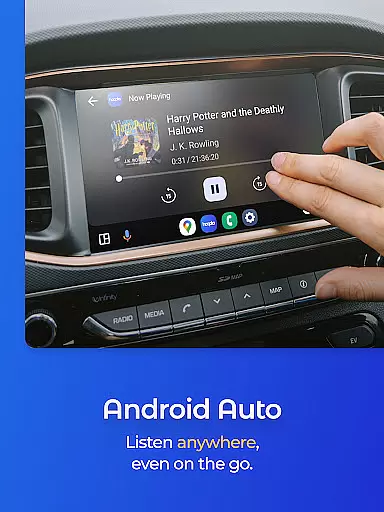
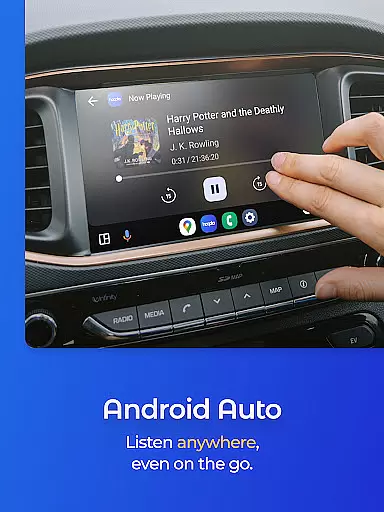
Practical features such as Android Auto compatibility and easy switching between devices further elevate the app's usability. Users can enjoy hands-free entertainment during commutes or sync their progress across multiple devices effortlessly. The inclusion of a Dark Mode also demonstrates Hoopla's commitment to user comfort, especially during nighttime reading sessions.
Hoopla Digital offers an extensive e-book library with over 1.5 million titles, ensuring users have access to a vast array of reading materials. This includes everything from gripping mysteries and thought-provoking non-fiction to heartwarming romance and captivating historical tales.
The platform takes pride in celebrating diversity by offering titles that resonate with readers from all walks of life. Each e-book is carefully selected to cater to varied interests and preferences, making it a one-stop destination for all your reading needs.
Copyright authenticity is at the core of Hoopla's e-book collection. Users can rest assured that every title available on the platform is legitimate, with proper licensing and authorization from publishers and authors. This commitment to copyright compliance ensures a trustworthy and legal reading experience.
With new content added daily and no subscription required, Hoopla Digital provides unparalleled access to a growing library of e-books through participating libraries. All you need is your library card to explore this rich collection of authentic and diverse reading materials.
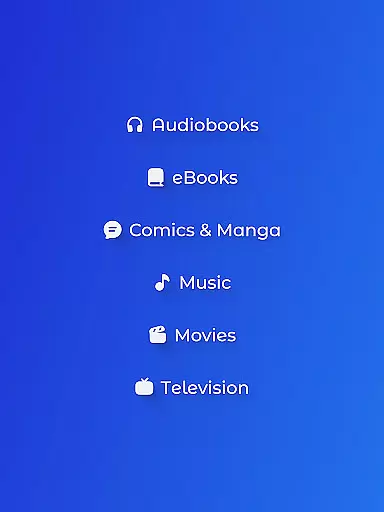
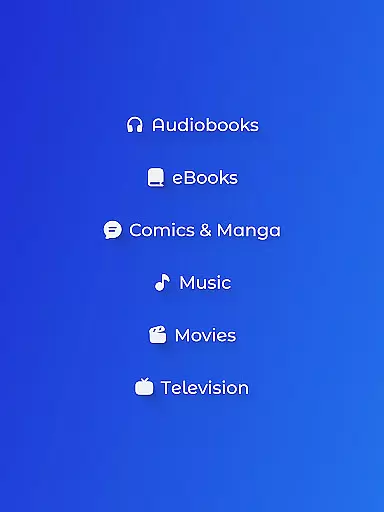
Hoopla Digital excels in format compatibility, allowing users to enjoy content in various formats including audiobooks, eBooks, comics, graphic novels, manga, magazines, music, movies, and TV shows. This versatility ensures that users can access their preferred content type without any hassle.
The app supports seamless streaming or downloading of titles, providing flexibility for users to enjoy content online or offline. Whether you're commuting, traveling, or simply relaxing at home, Hoopla ensures uninterrupted access to your favorite books and media.
In addition to supporting multiple content formats, Hoopla also offers innovative features like ActionView reading technology for comics and manga. This feature enhances the reading experience by presenting content in a panel-by-panel format, bringing stories to life with dynamic visuals.
Furthermore, Hoopla's cross-platform synchronization allows users to switch between devices effortlessly while maintaining their place in a book or playlist. With such comprehensive format compatibility and user-friendly features, Hoopla Digital stands out as a versatile digital entertainment platform.
User-friendly interface
Extensive content library
No ads or late fees
Offline access available
Cross-device syncing
Library card required
Limited to participating libraries
Content availability varies
Occasional technical issues
Download limits per month

Sea tide predictions for all coastal U.S. locations.
 4.0
4.0
Track your Star Wars book collection across Canon & Legends
4.80
Discover Stars and Planets: Live Map Shows Current Constellations in Full Detail
4.70
Manage collectibles, survey and treasure maps in Elder Scrolls Online.
4.40
Zerobooks Light Novel Reader by GOLDENAGATO
4.20
Daily rosary and gospel reflections for catholic
4.90
Discover, track, and share your reading with friends & our community of readers
4.60
Build family tree & discover DNA, family history heritage, origins and ancestors
4.60
A Comprehensive Restoration of Sacred Scripture
4.50
A lightweight reader for comics and mangas files (.cbr, .cbz, .cbt, .pdf, ...)
4.80
World's most comprehensive dictionary app: 13 languages, all online or offline!
4.80
Read unlimited novels, audiobooks, stories & Unlock ebooks, fanfiction and more!
4.70
Crowd-sourced listing of businesses with anti-gun signs, and pro-2a alternatives
4.60
Bible Spiritual Companion
4.40
Daily Bible app: King James Version with verses and audio for studying&prayer
4.40
KJV Bible works offline with Audio, Hebrew & Greek lexicon (concordance) & more!
4.20
“There was one last piece of cake. My little sister said ‘Me too!’”
4.00
Unlock more features in Lithium and show your support. Expand for details.
4.00
Fast loot guide for ARC Raiders. Simple tips, stats, maps, and item details.
4.2


User Reviews