
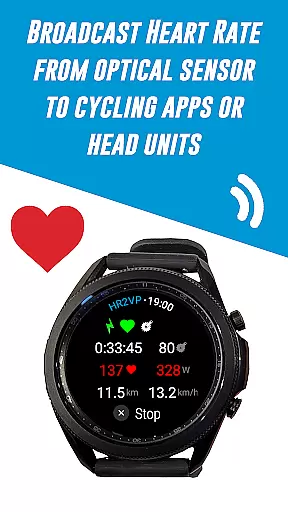
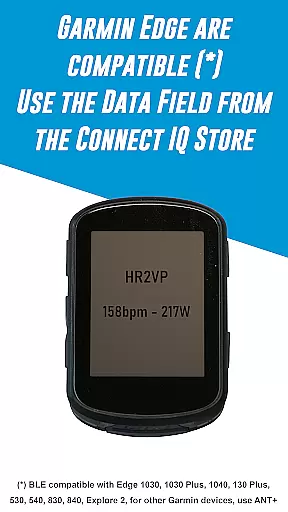
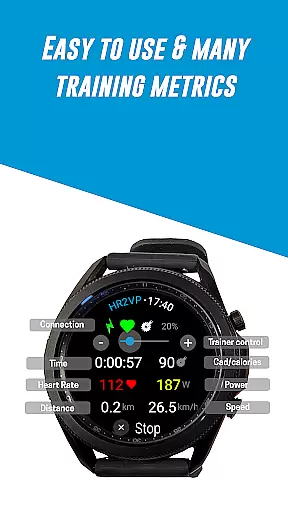
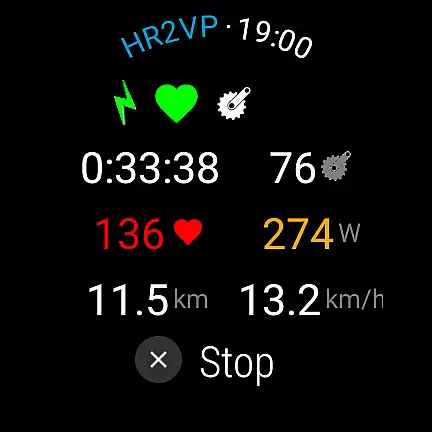
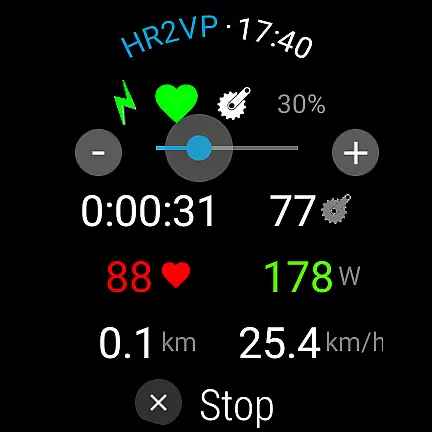
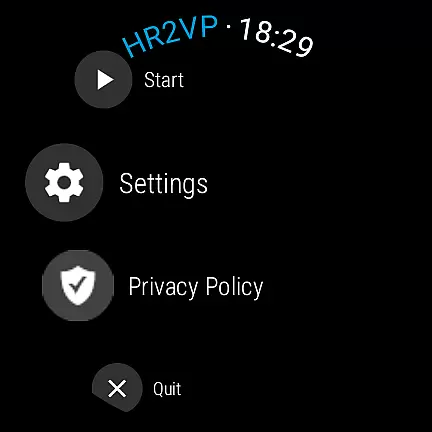
HR2VP Watch Bike Computer is a cutting-edge fitness application designed to transform your Wear OS watch into a powerful heart rate monitor and cycling tracker. This app allows cyclists to connect their smartwatches with bike computers or indoor training platforms, broadcasting vital stats like heart rate and power over Bluetooth Low Energy or ANT+. Whether you're training indoors with apps like Zwift or riding outdoors with a Garmin Edge device, HR2VP ensures accurate performance tracking.
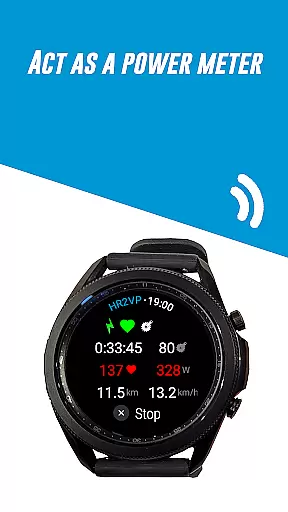
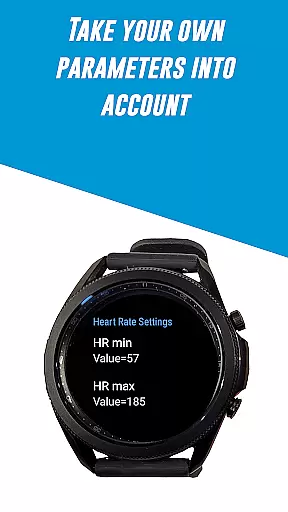
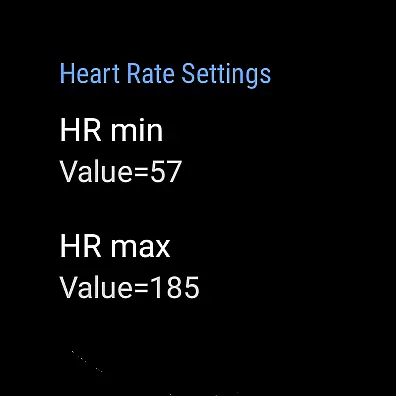
The app's standout feature is its ability to compute power metrics based on heart rate data collected via the watch’s optical sensor or an external chest strap. By integrating personalized parameters such as FTP, resting heart rate, and maximum heart rate, it provides enhanced accuracy for workout analysis. Additionally, users can upload their ride data directly to Strava, making post-ride reviews more insightful and engaging.
HR2VP Watch Bike Computer offers a comprehensive suite of features tailored for both amateur and professional cyclists. One of its primary capabilities is functioning as a BLE heart rate monitor, utilizing the built-in optical sensor of Wear OS watches to measure and broadcast heart rates during workouts. This functionality eliminates the need for additional hardware, streamlining the user experience.
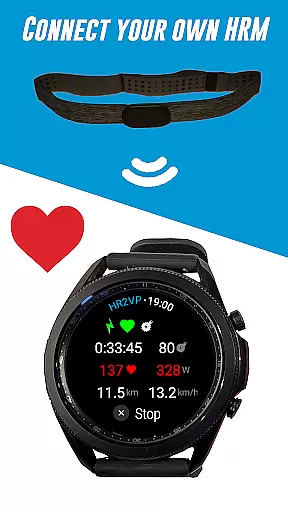
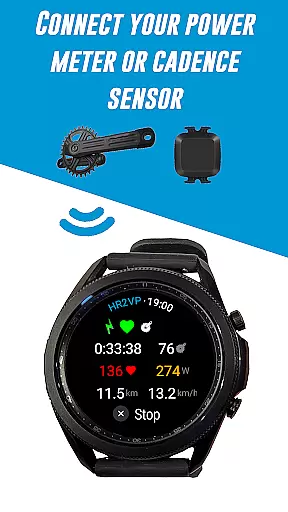
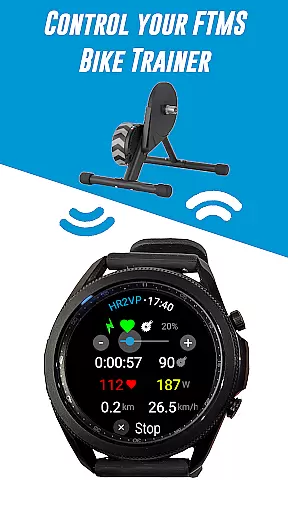
Another remarkable feature is its compatibility with various third-party devices. Users can connect their own sensors—such as power meters, cadence sensors, and heart rate monitors—to gather extensive training metrics. The app also supports advanced functionalities like FTMS bike trainers, controllable via the rotating bezel. Furthermore, HR2VP includes an innovative algorithm that estimates power output based on heart rate, offering valuable insights into calorie expenditure and overall fitness levels.
For those invested in detailed performance tracking, HR2VP facilitates seamless integration with popular platforms like Strava. By automatically uploading rides complete with power data, athletes can visualize their routes and analyze performance trends over time. These robust features collectively enhance training efficiency and provide a holistic view of athletic progress.
Personalized planning in fitness applications refers to the ability to create tailored workout strategies based on individual user data. This feature is crucial as it adapts training intensity and goals according to personal metrics, ensuring optimal results.
HR2VP Watch Bike Computer offers personalized planning by utilizing advanced algorithms that compute power output based on heart rate. The app takes into account individual parameters such as Functional Threshold Power (FTP), resting heart rate, and maximum heart rate to provide accurate and customized training metrics.
Users benefit from this feature by receiving real-time feedback during their rides, allowing them to adjust their effort and achieve specific fitness objectives. This personalized approach not only enhances performance but also helps prevent overtraining and injuries.
The true value of personalized planning in HR2VP lies in its ability to transform generic workouts into targeted training sessions. By leveraging the built-in optical sensor or a connected chest strap, users can monitor their physiological responses and optimize their cycling experience for better overall fitness outcomes.
Progress visualization is an essential component of fitness apps, providing users with graphical representations of their achievements and milestones. This feature motivates users by offering tangible evidence of improvement over time.
In HR2VP Watch Bike Computer, progress visualization is implemented through detailed metrics and analytics. Users can track various parameters such as power output, calories burned, and heart rate trends. These insights are displayed in easy-to-understand charts and graphs within the app interface.
The advantage of progress visualization is the enhanced engagement it fosters among users. By clearly illustrating advancements and areas needing improvement, individuals can set realistic goals and celebrate small victories along their fitness journey.
Moreover, HR2VP's integration with platforms like Strava allows cyclists to visualize their rides on maps, adding another layer of achievement tracking. This comprehensive approach to progress visualization ensures that users remain committed and inspired to reach new heights in their cycling endeavors.
User-friendly interface
Accurate heart rate monitoring
Wide device compatibility
Advanced power calculation
Seamless Strava integration
Occasional connectivity issues
Dependent on phone for ANT+
Limited short interval accuracy
Requires battery optimization
Premium version needed for full features

Your plan in your pocket 24/7
 3.00
3.00
Live Heart Rate Pro - Real Time Heart & Workout Data For Wear OS & Bluetooth BLE
3.20
sobriety counter app to help and motivate people to stop drinking alcohol.
4.90
The app helps you address digestive symptoms based on the Fast Tract Diet.
3.50
Using Recognise™ has been shown to reduce pain, and improve performance.
4.2
Load the bar with this barbell & plate calculator. It's leg day, not brain day!
4.70
Find Paid Clinical Trials In Your Area
3.70
Memory, mind & logic exercises. Puzzle games, IQ & brain test for kids & adults
4.50
Your portable blood pressure tracker. Record, monitor, and analyze BP anytime.
4.30
Get lasting results with Chair Yoga, Wall Pilates, and Walking workouts!
4.60
The Official Blood Type Diet® App - know your categorized foods anytime.
4.50
Pilates, Calisthenics, Yoga
4.50
Raccoon AI Calorie Counter. Intermittent Fasting & Timer. Macro, Carb, Protein
4.50
Download MadMuscles to start your positive body transformation!
4.30
Pack of 66 calming lullabies for smooth fall asleep and relaxation
4.10
Your Health Has Met Its App (℠)
3.90
Understand your body’s most meaningful messages and transform your health.
3.90
Control your sleep in real-time wearing Garmin device
3.60
Enjoy the Gluten Free living with the best app. SCAN the barcodes & SEARCH.
3.60


User Reviews