
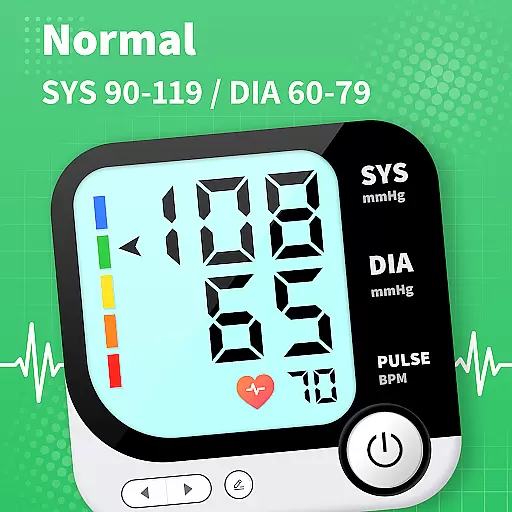
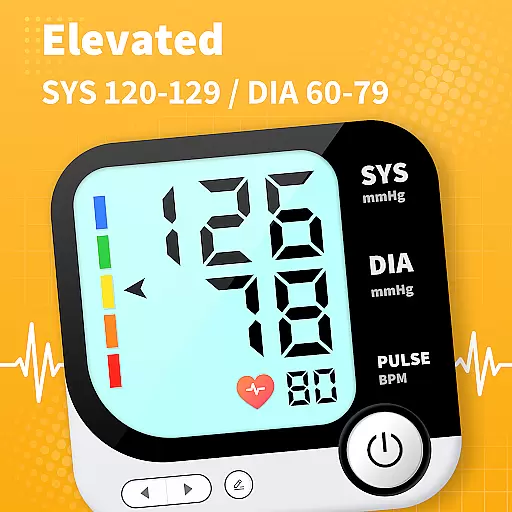
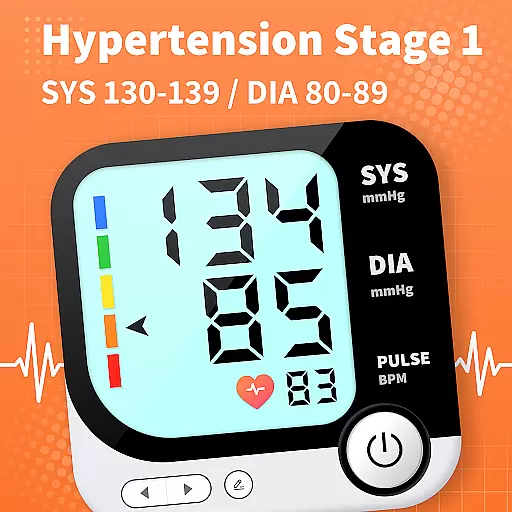
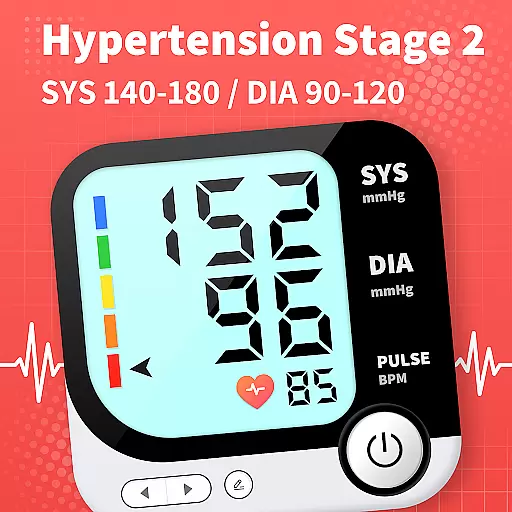
Blood Pressure App is a comprehensive health tracking tool designed to help users monitor their blood pressure trends and access reliable BP information. The app provides evidence-based explanations and lifestyle guidance to support long-term cardiovascular health.
With its extensive scientific knowledge base, the app helps users accurately identify blood pressure ranges and track subtle changes related to lifestyle improvements. It allows monitoring under various conditions like lying down, sitting, or before and after meals, optimizing treatment plans.
The app also enables remote sharing of BP trends with family or healthcare providers, enhancing medical consultations. With practical tips and seamless integration across Android devices, it empowers users to take control of their health effectively.
Blood Pressure App offers a rich set of features tailored for effective blood pressure management. Its curated knowledge library provides clear, science-backed explanations addressing common BP concerns.
The app supports detailed tracking of BP trends, helping users detect subtle fluctuations correlated with lifestyle changes. It facilitates condition-specific monitoring, such as positional changes or meal-related variations, ensuring optimized treatment strategies.
Additionally, the app allows exporting health data for medical consultations and includes practical lifestyle tips. This combination of tracking, analysis, and professional support makes it an invaluable tool for managing cardiovascular health.
Personalized planning in the Blood Pressure App involves creating tailored strategies to manage and monitor blood pressure effectively. This feature leverages user data to generate customized plans that adapt to individual health profiles.
The app utilizes a comprehensive analysis of your tracked BP trends, offering personalized recommendations based on evidence from scientific literature. These insights help users understand how different conditions, such as lying down or sitting, affect their blood pressure levels.
Users benefit from clear guidance on lifestyle adjustments that can positively impact their cardiovascular health. By identifying subtle changes correlated with these improvements, the app supports long-term management of blood pressure.
This personalized approach empowers users to optimize their treatment plans and interventions, ensuring they receive the most effective support for maintaining healthy blood pressure levels.
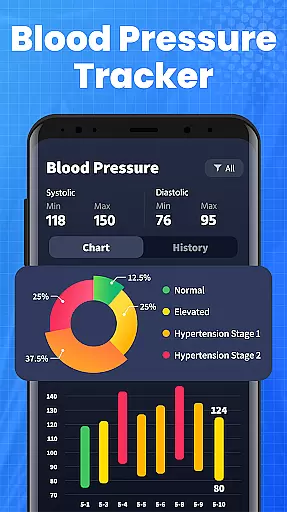
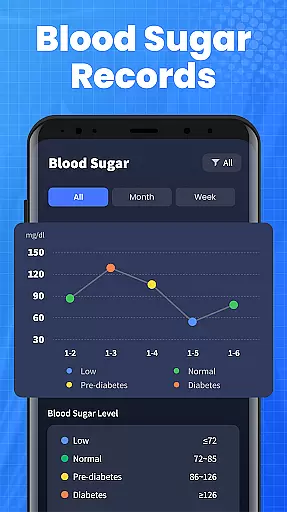
Progress visualization in the Blood Pressure App provides users with an intuitive way to track their blood pressure trends over time. This feature transforms raw data into easy-to-understand charts and graphs, highlighting key metrics and milestones.
By presenting BP readings in a visual format, users can easily detect patterns and fluctuations in their blood pressure levels. The app's visualization tools are designed to make it simple to interpret complex health data, aiding in better decision-making.
With the ability to export health data, users can share their progress with healthcare providers, enhancing medical consultations. This ensures that users get the most out of every appointment by providing clear, actionable insights.
Ultimately, progress visualization not only helps in monitoring but also motivates users by showcasing tangible improvements in their blood pressure management journey.
User-friendly interface
Comprehensive BP tracking
Evidence-based insights
Remote data sharing
Cross-device compatibility
No direct BP measurement
Not for emergencies
Limited health guidance
Requires manual input
Dependent on user consistency

Your plan in your pocket 24/7
 3.00
3.00
For Absolute Novices to Strength Training. Simple. Effective.
4.40
Easy reconstitution calc for mixing peptides and creating protocols
4.70
Meditation app, head space app provides calm music to help you meditate & sleep
5.00
Pupillary distance PD with camera quick and easy, checking glasses frames on you
3.70
Walk. Earn: Get rewarded for every step! Walk, move, and earn real rewards.
4.70
Pilates, Calisthenics, Yoga
4.50
Your Health Assistant
3.90
Workouts for everyone
4.70
a fun app full of surprises :)
4.70
The simplest way to track your 21 Day Program containers, exercises, and water.
4.50
Looking to take control of your health? Our psychology-based programs can help.
4.10
Pedometer that gives you sweatcoins for steps. It pays to walk!
4.10
Histamine intolerance, low FODMAP diet and irritable bowel syndrome (IBS)
4.00
Enjoy the Gluten Free living with the best app. SCAN the barcodes & SEARCH.
3.60
GloryFit is a companion app for the smart bracelet.
3.60
The Sleep Miracle Sound Machine: Soothes baby to sleep with a gentle "Shhh"
3.00
Insanity blocks of intense physical activity, short breaks of 30 seconds.
4.0
Using Recognise™ has been shown to reduce pain and improve performance
4.1


User Reviews