
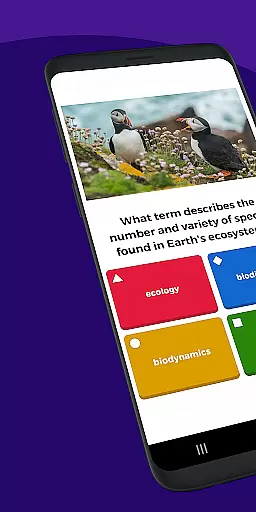


Kahoot! Play & Create Quizzes is an educational app that allows users to engage in quiz-based games, create their own quizzes, and facilitate learning across various environments. The app supports multiple languages including English, Spanish, French, German, Italian, Brazilian Portuguese, and Norwegian, making it accessible to a global audience.
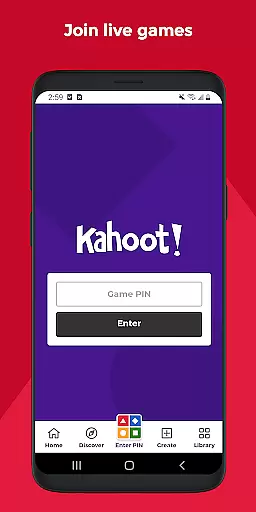
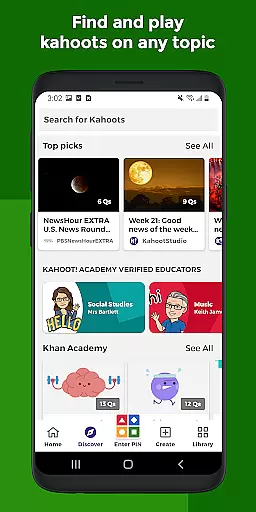
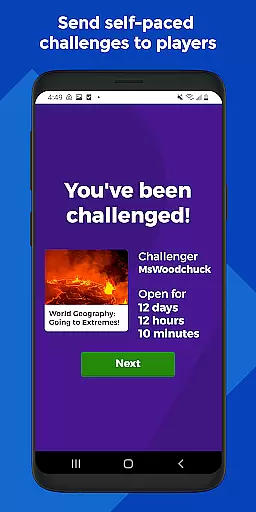
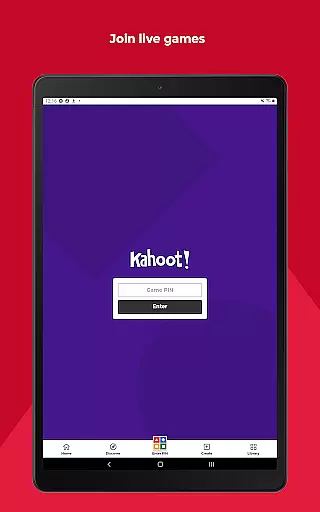
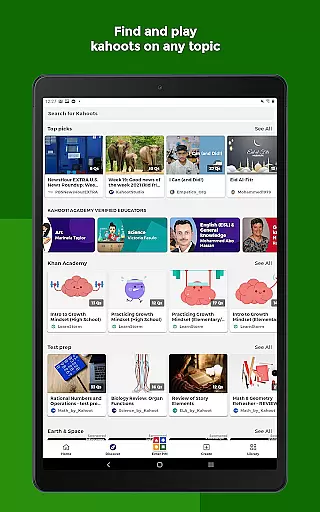
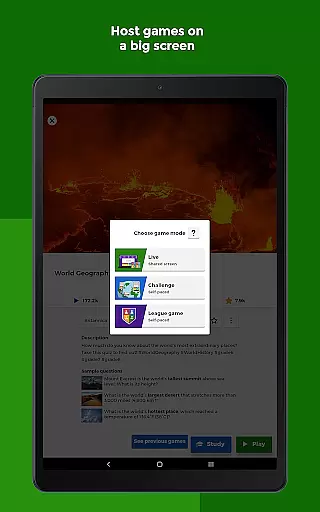
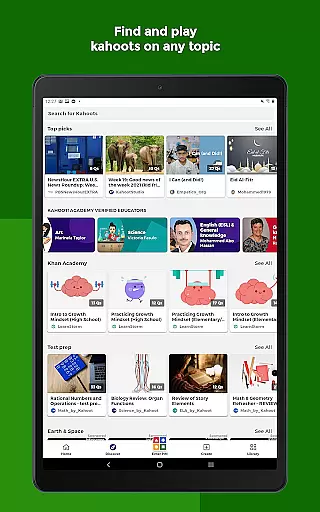
With Kahoot!, students can study using unlimited free flashcards and other smart study modes, join live kahoots either in class or virtually, and complete self-paced challenges. Teachers can search among millions of ready-to-play kahoots, create or edit their own quizzes quickly, and assess learning outcomes with detailed reports. Families and friends can enjoy interactive quizzes on any topic suitable for all ages, while company employees can use the app for e-learning, presentations, events, and more.
This versatile app brings the magic of learning to students, teachers, office professionals, trivia enthusiasts, and lifelong learners, enhancing engagement and knowledge retention through fun and competitive activities.
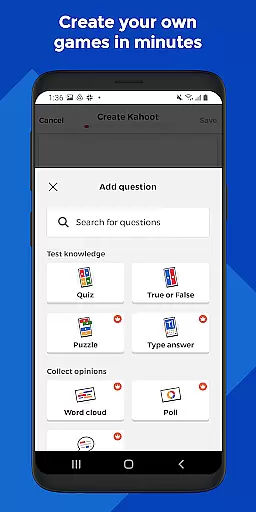
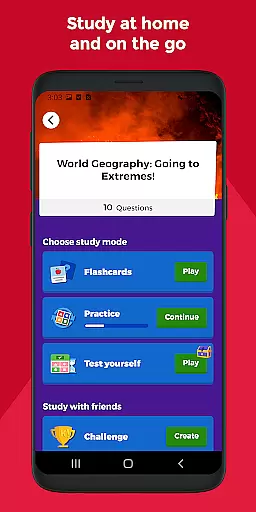
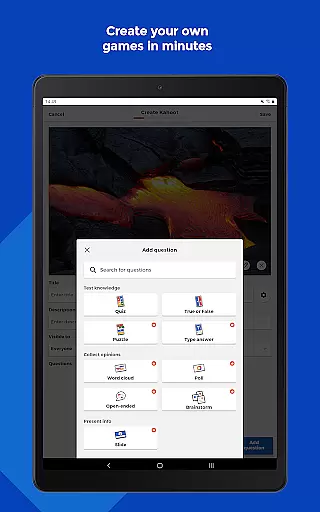
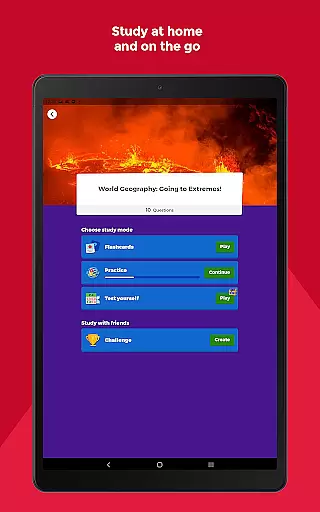
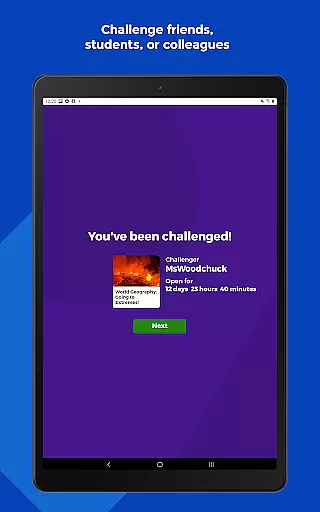
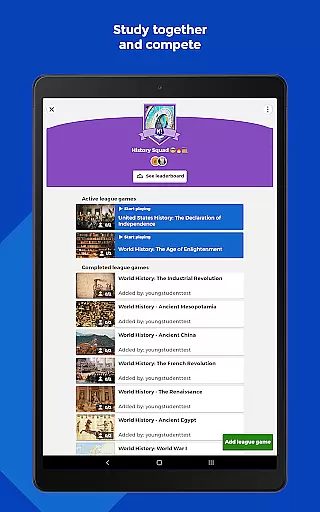
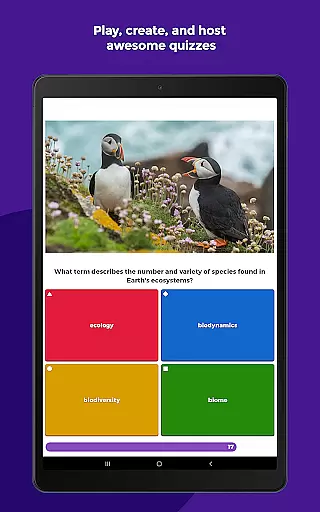
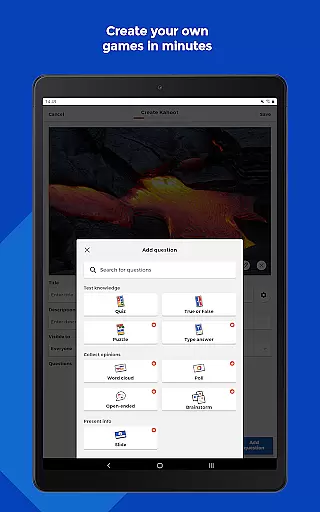
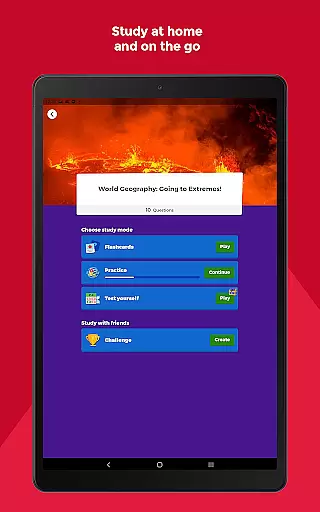
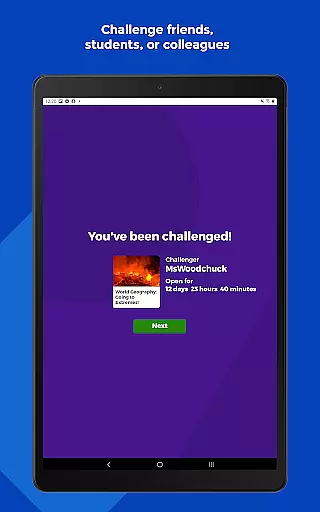
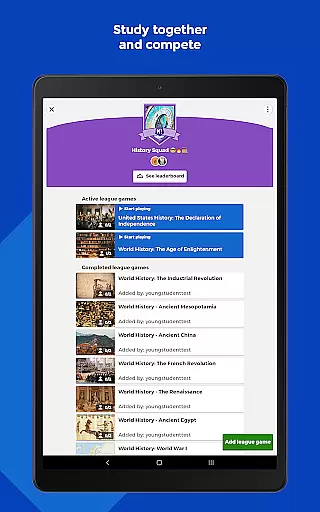
Kahoot! offers a wide array of features designed to enhance the learning experience. Students can benefit from unlimited free flashcards and various study modes, allowing them to study at home or on the go. They can also compete with friends in study leagues and challenge others with custom-made quizzes. The app enables users to create their own kahoots, incorporating images or videos to make the quizzes more engaging.
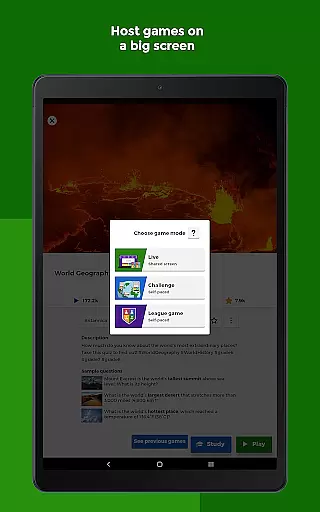
For teachers, Kahoot! provides access to millions of ready-to-play quizzes on any topic. They can create or edit quizzes within minutes, combining different question types to boost engagement. Teachers can host live quizzes in class or virtually for distance learning and assign self-paced challenges for content review. Detailed reports help in assessing learning outcomes effectively.
Business users can leverage Kahoot! for e-learning, presentations, events, and other professional settings. The app includes features like polls and word cloud questions to encourage audience participation. Hosting live quizzes in person or during virtual meetings, assigning self-paced challenges, and assessing progress with reports are some of the key functionalities available to business users.
In the realm of educational applications, content accuracy and authority are paramount. Kahoot! Play & Create Quizzes ensures this by providing millions of ready-to-play quizzes crafted by educators and subject matter experts worldwide. The app allows teachers to either choose from these existing quizzes or create their own, ensuring that the learning material is both accurate and authoritative.
Furthermore, Kahoot! supports a variety of question types including polls, open-ended questions, and puzzles which enrich the learning experience while maintaining educational integrity. Teachers and students can rely on the platform's vast resources for studying various subjects, thus making it an invaluable tool in both classroom and remote learning environments.
The app also offers premium features that include access to an extensive image library and advanced question types. These features not only enhance the presentation of the educational content but also ensure that the information delivered is authentic and engaging. With Kahoot!, users are guaranteed a high standard of educational content that is both reliable and beneficial for learners of all ages.
Kahoot! Play & Create Quizzes stands out by offering personalized learning paths tailored to individual needs. Students can utilize unlimited free flashcards and other smart study modes to reinforce their knowledge at their own pace. This flexibility allows learners to focus on areas where they need improvement, thereby creating a customized learning journey.
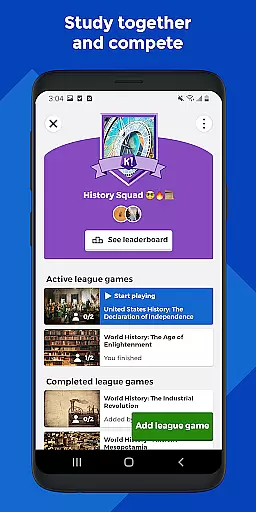
Moreover, the ability to join live kahoots or complete self-paced challenges adds another layer of personalization. Whether participating in class or virtually, students can engage with content that matches their current understanding and progress. They can also compete in study leagues, challenging friends with quizzes they have found or created themselves.
For educators, the app provides tools to assess learning outcomes through detailed reports. Teachers can assign student-paced challenges and track progress, ensuring each learner receives the attention needed to succeed. By combining these features, Kahoot! delivers a dynamic and personalized educational experience that caters to diverse learning styles and preferences.
User-friendly interface
Multi-language support
Versatile quiz creation
Engaging study modes
Detailed progress reports
Premium features require subscription
Limited advanced features in free version
Internet connection necessary
Some features tailored mainly for educational settings
Occasional performance issues

Turn scrolling hours into improving your knowledge, communication, intelligence
 4.50
4.50
A magical world of fun, building, and learning with Mickey Mouse and more!
4.20
The Only Official DVSA Theory Test Kit App
4.50
The official CCM Glossary app, including 700+ terms and definitions.
2.90
Pass your FAA written with flying colors - Study Buddy can help.
4.30
Quiz App to help case managers studying for CCMC Certification, 200+ Questions
3.40
THE ESTABLISHED "GO TO" ARMY BOARD PREPARATION APP!
4.30
School Communication
4.30
A fast and fun way to learn guitar - works with any guitar.
4.60
Explore myths and gods across cultures with in-depth insights and stories.
5.00
Experience the sky, planet earth and the solar system like never before
4.90
Learn Japanese in an immersive educational game set in Japan!
4.90
Discover Your Place in the Universe
4.70
Stack the States makes learning about the 50 states fun!
4.70
The Fighter Verses Bible memory system helps you memorize God's Word.
4.50
The FE Clock is a way to track sun & moon around the circle of the earth.
4.30
An aviator’s preparation, study and test tool for FAA Knowledge Exams.
3.80
Grazing Risk Monitoring Service
4.0
Pickleball guide complete with illustrated Pickleball drills and helpful info
4.1


User Reviews