
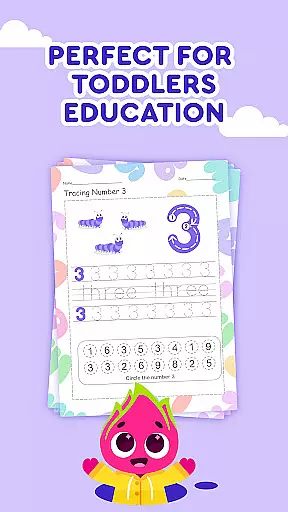
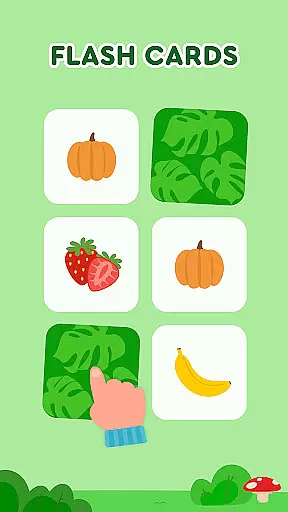

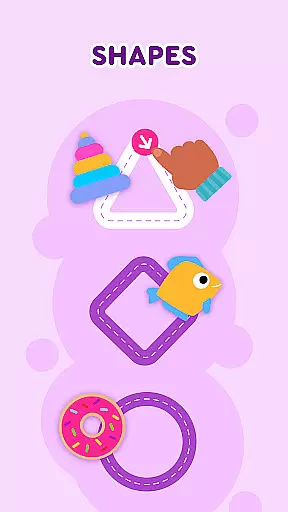
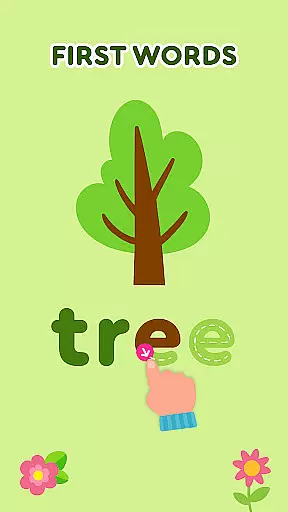
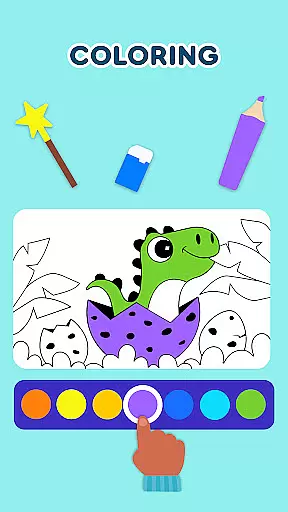
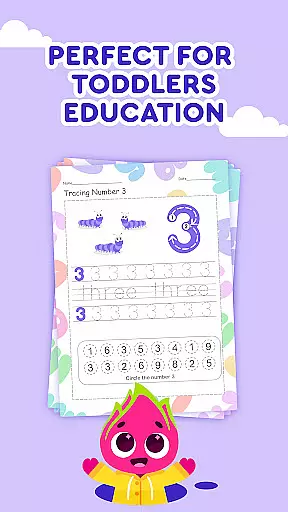
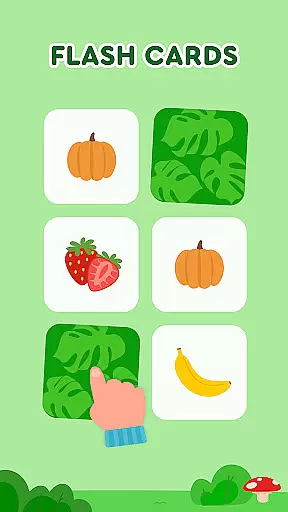

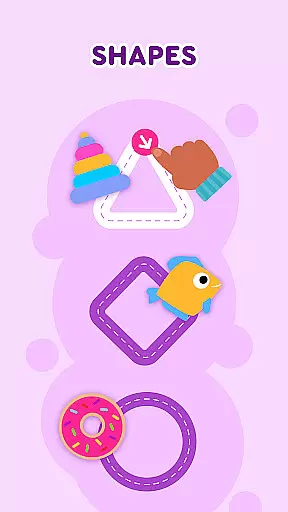
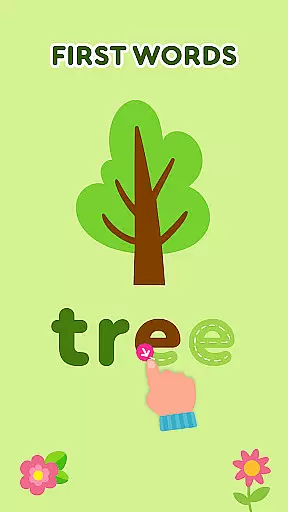
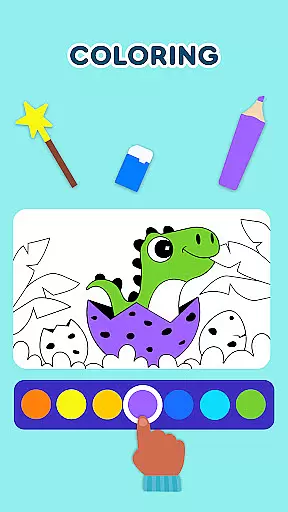
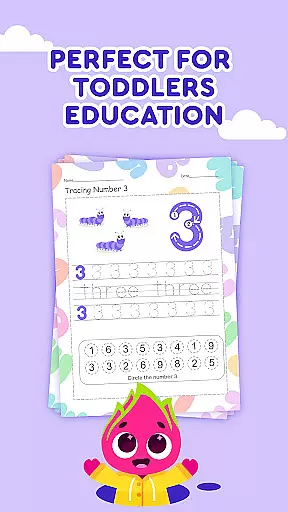
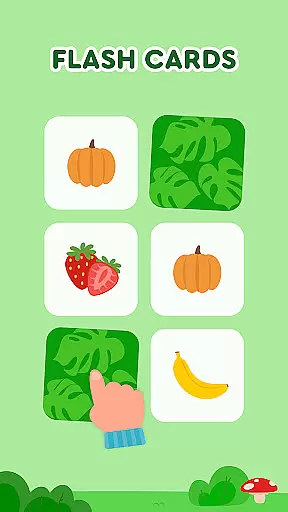


Keiki Learning Games for Kids is an educational app designed to make learning enjoyable and interactive for toddlers and preschoolers. The app offers a variety of activities including ABC games, math games, color and shape recognition, and puzzles that are crafted by child education experts. With its focus on fun and safety, it provides an ad-free environment where children can sing along to educational songs and learn fundamental concepts such as letters, numbers, and phonics.
Beyond basic learning, Keiki supports cognitive development through memory games and problem-solving puzzles. The difficulty levels are adjustable, ensuring that each child's experience is tailored to their individual pace. Whether it's through cooking games or harvesting fruits and vegetables, kids will find the process engaging and rewarding. This comprehensive approach makes Keiki an ideal tool for early childhood education, helping to build foundational skills in a playful setting.
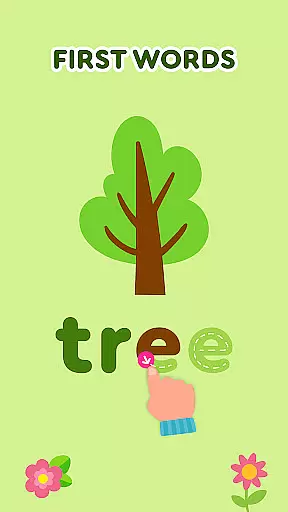
Keiki Learning Games for Kids stands out with its diverse range of educational activities. It includes interactive ABC puzzles and tracing games that help toddlers recognize and write letters. The app also features classic jigsaw puzzles with adjustable difficulty, promoting cognitive skills and problem-solving abilities. Additionally, the Spin & Turn puzzles challenge children to think spatially as they rotate pieces to complete pictures.
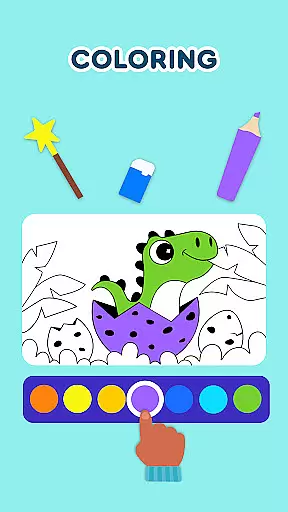
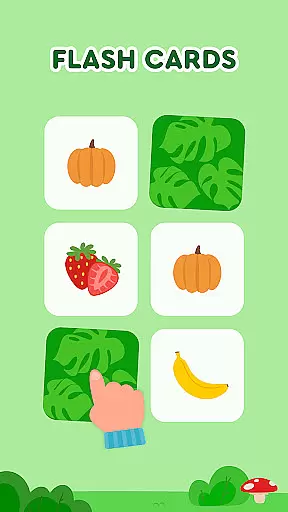
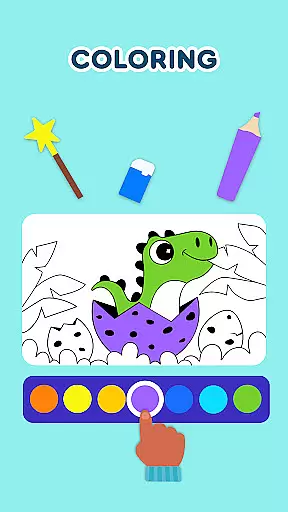
Memory games within the app cover various topics like the alphabet, animals, and colors, with adjustable difficulty to maintain engagement. The Catch It game teaches color recognition and fine motor skills by having children collect escaping bugs and animals. Moreover, spelling games introduce word formation, while Color Fish helps in teaching colors through object-based learning. Each feature is designed to be both entertaining and educational, providing a balanced approach to screen time for young learners.
In the realm of educational gaming, content authority and curriculum alignment are paramount for ensuring that learning is both effective and credible. Keiki Learning games for Kids takes this responsibility seriously by developing its suite of ABC games, toddler puzzles, and math games under the guidance of child education experts. This ensures that each game not only captivates the attention of young learners but also adheres to recognized educational standards.
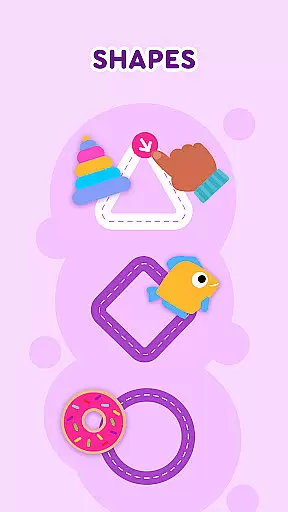
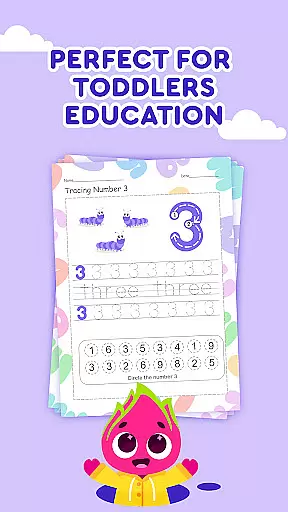
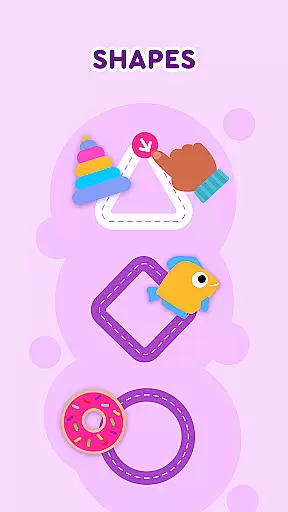
The application's offerings span a diverse range of activities including letter recognition, basic phonics, writing big and small letters, and understanding numbers, colors, and shapes. These preschool learning games are meticulously crafted to align with early childhood education curricula. By integrating seamlessly into the learning journey of children aged 3-5 years, Keiki supports foundational skills development in reading, writing, and arithmetic.
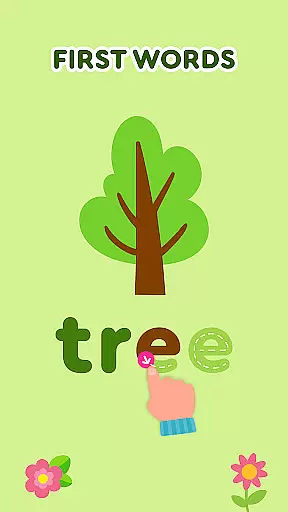
Parents and educators can trust that Keiki's selection of games such as 'Tracing ABC Letters' and 'Spelling ABC Baby Games' provide more than mere entertainment. They are designed to reinforce classroom teachings and support home learning environments. The app's dedication to curriculum-aligned content means that every playful interaction contributes meaningfully towards a childu2019s educational growth.
Keiki Learning games for Kids excels in gamification-learning integration, transforming traditional educational content into engaging experiences that captivate young minds. Through a blend of fun songs, interactive cartoons, and school games for kids, the app creates an immersive environment where learning feels like play. This approach not only sustains children's interest but also enhances their retention of key concepts through active participation.
Among its features, Keiki includes memory games, color recognition challenges, and puzzle-solving activities that are carefully designed to stimulate cognitive development while maintaining an element of enjoyment. For instance, 'Memory Cards' and 'Catch It!' games encourage memory recall and fine motor skills within entertaining formats that keep children engaged. Such methods exemplify how Keiki embeds educational objectives within gameplay mechanics.
Furthermore, by incorporating different difficulty levels and adjustable settings across its suite of games, Keiki ensures that each child's learning experience is personalized yet challenging enough to promote growth. Whether itu2019s through singing along with funny songs or mastering the art of matching shapes and colors, Keiki makes certain that every activity contributes positively to a childu2019s developmental milestones. In doing so, it bridges the gap between education and entertainment effectively.
User-friendly interface
Educational content
Ad-free environment
Variety of games
Adjustable difficulty
Limited to preschool level
No multiplayer options
Some features may require updates
Graphics could be more modern
In-app purchases available

Monkey Preschool Fix-It is an early learning game for ages 2 to 5.
 4.40
4.40
Join the pirate math adventure!
3.60
Play the fun princess party game for kids with Cocobi the little dinosaurs.
4.10
Educational game for children about emergency and other service vehicles
3.80
Learn numbers, letters, and shapes playing toddler balloon pop games ►NoAds◄
4.60
Explore Dopples World, build your avatar life & create endless stories!
4.70
Join Rus and his friends to save Pear Island!
4.1
Fun phonics & alphabet tracing game for toddlers, preschool & kindergarten kids!
4.60
Play safe educational games & learn with Daniel Tiger, Wild Kratts & more
4.40
Design dreamhouses and dress up creatively in the ultimate role-playing game!
4.70
Explore, create, and play with Hello Kitty and all her friends!
4.60
A cube building game for small (and large) builders.
4.40
Build your own BRIO railway!
4.30
Explore Fantasy Land, get to know the world and create stories!
4.30
Imagine, build and ride your own Rollercoaster!
3.90
Dress up, Makeover, and Party! Design a Wonder World!
3.90
A world to build at the tip of your fingers!
3.80
Find the hidden Numberblocks, add them together and see what happens.
3.50
Fun step-by-step drawing & coloring app to learn and create art!
4.2


User Reviews