
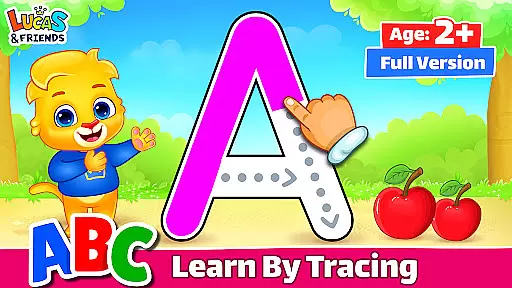
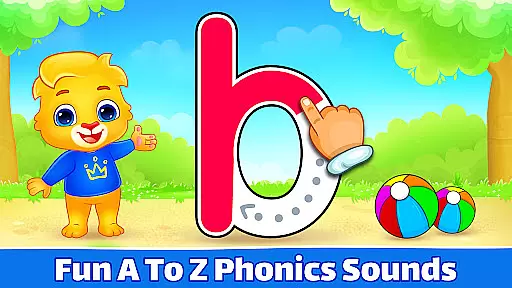
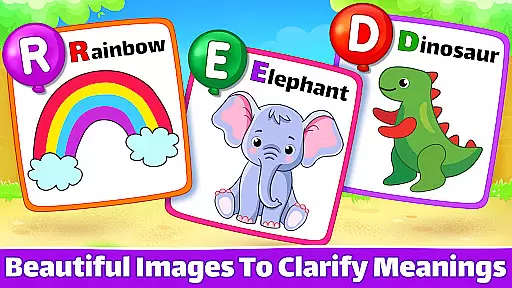
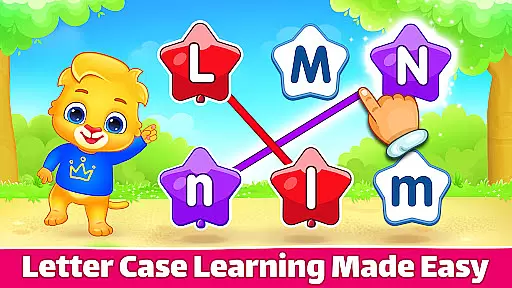
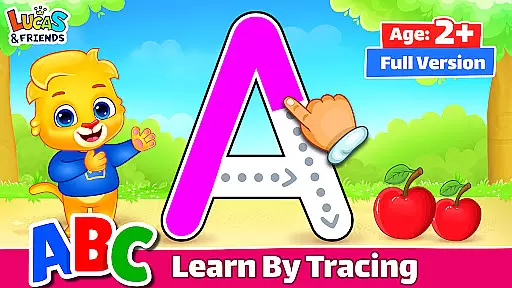
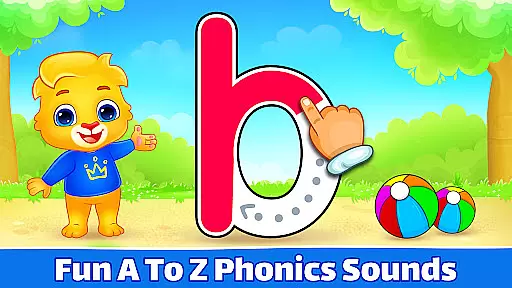
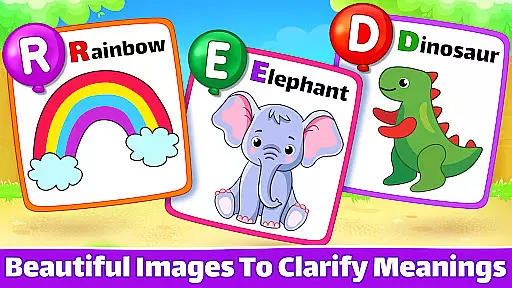
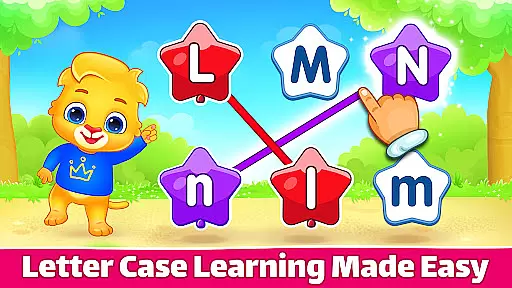
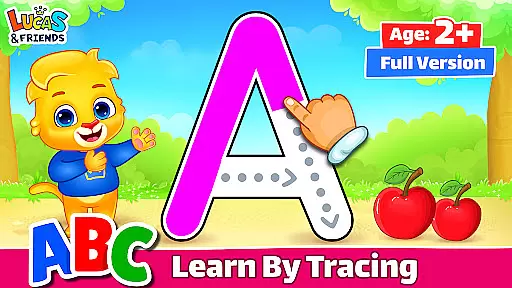
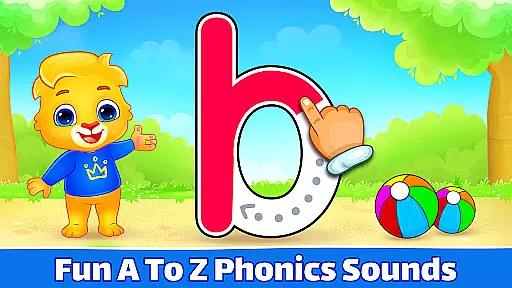
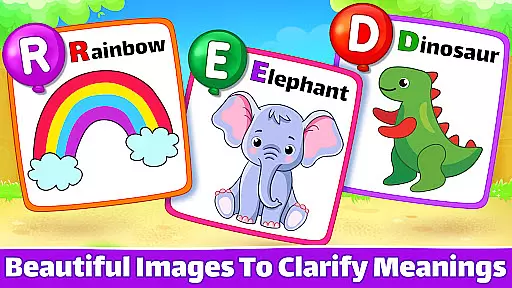
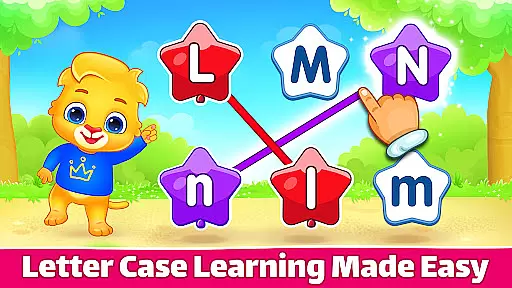
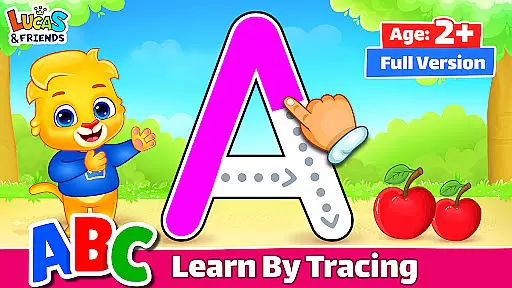
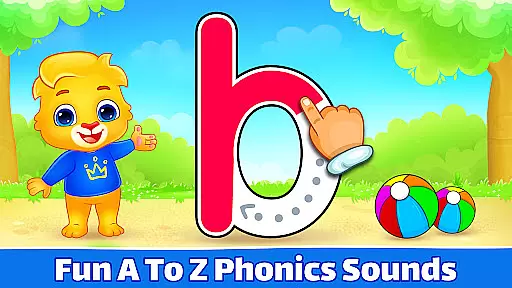
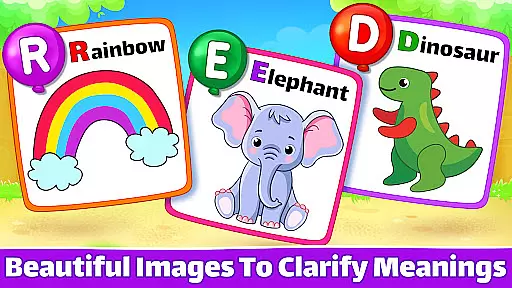
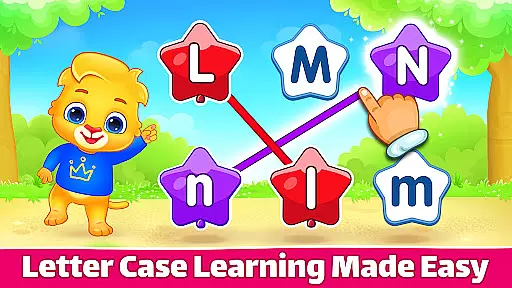
ABC Kids - Tracing & Phonics is an educational app designed to help toddlers and young children learn phonics and trace letters of the alphabet. The app offers a series of engaging tracing games that assist kids in recognizing letter shapes, associating them with phonic sounds, and applying their knowledge in matching exercises. With both uppercase and lowercase letters to trace and match, children can enjoy learning English while collecting virtual stickers and toys as rewards.
Beyond its child-friendly design, ABC Kids also considers adult participation. It features a smart interface that keeps toddlers focused on learning without accidental exits, while adults can access settings, engage Teacher Mode, review report cards, or toggle between tracing and phonics games to enhance the learning experience. The app is completely free from in-app purchases and third-party advertisements, ensuring uninterrupted educational fun for both kids and adults.
ABC Kids offers a comprehensive set of features tailored to early education. One of its core functionalities is the ABC tracing games, which allow children to trace both uppercase and lowercase letters using their fingers. This hands-on approach helps reinforce letter recognition and fine motor skills. Additionally, the app includes phonics pairing and letter matching activities that strengthen the association between written letters and their corresponding sounds.
The app's intelligent interface ensures that children remain engaged with minimal distractions. By tucking away menu commands and other potential interruptions, it allows kids to focus solely on their phonics and letter-learning tasks. Furthermore, the app provides parents and educators with tools such as Teacher Mode, report cards, and customizable game options to facilitate better learning outcomes. With no third-party ads or in-app purchases, ABC Kids delivers a seamless and safe learning environment for preschoolers.
When it comes to educational apps for children, content authority and curriculum alignment are crucial factors that determine the app's effectiveness. ABC Kids - Tracing & Phonics stands out in this aspect by offering a comprehensive learning experience tailored specifically for toddlers, preschoolers, and kindergartners.
The app provides a series of tracing games designed to help kids recognize letter shapes and associate them with phonetic sounds. This method aligns well with early childhood education curricula that emphasize phonics as a foundational skill for reading and writing. By following the arrows with their fingers, children can trace both uppercase and lowercase letters, reinforcing their alphabet knowledge through interactive play.
ABC Kids goes beyond simple letter recognition by incorporating fun matching exercises that put the child's alphabet knowledge to practical use. The inclusion of features such as phonics pairing and letter matching ensures that the app addresses multiple aspects of language learning, making it a valuable tool for early literacy development.
Parents can trust that the content provided is age-appropriate and pedagogically sound, as the app is designed to facilitate learning without distractions. With no third-party ads or in-app purchases, ABC Kids creates a focused learning environment where children can develop essential skills at their own pace.
Gamification has become an integral part of modern educational tools, especially when targeting young learners. ABC Kids - Tracing & Phonics excels in integrating gamification elements with its core educational content, creating an engaging and effective learning experience for children.
The app employs a reward system where kids can collect stickers and toys upon completing tracing games. This feature taps into the natural motivation of children to complete tasks when there's a tangible reward at the end, encouraging them to practice their letter tracing and phonics skills more frequently and consistently.
Another innovative aspect of ABC Kids is its smart interface that keeps toddlers focused on the task at hand. By tucking away menu commands and other potential distractions, the app ensures that children remain engaged with the educational content without accidentally exiting the game. This seamless integration of gameplay mechanics with learning objectives helps maintain the child's attention span and interest level.
Designed with adult participation in mind, the app also offers features such as Teacher Mode and report cards. These tools allow parents and educators to monitor progress and adjust settings to better facilitate learning. The combination of these gamification elements with robust educational content results in an app that not only teaches but also inspires a love for learning in young children.
User-friendly interface
No in-app purchases
Educational content
Engaging rewards system
Parental controls available
Limited to alphabet learning
No advanced phonics training
Graphics may feel basic
Repetitive for older kids
Offline use not highlighted

Wind down, relax and snuggle up with your favourite Blocks characters.
 3.30
3.30
Puzzles, Cats and Programming
4.80
Create stories and build your own virtual world for your avatar!
3.00
Tracing, phonics & spelling games for toddlers, preschool & kindergarten kids!
4.50
Enjoy the fun kid's hospital play game with Cocobi, the little dinosaurs!
4.00
Fun educational game: Learn, imagine, create, draw and color!
4.20
Where Little Healers can Make a Big Difference!
4.00
Enjoy coloring with wide variety of 1000+ coloring games for kids & drawing game
4.50
A fan of cute games? Try animal games & take care of fluffy virtual pets!
4.20
Explore Dopples World, build your avatar life & create endless stories!
4.70
Amazing learning and educational games for children of all ages.
4.70
Stack the States® 2 makes learning US geography fun!
4.50
Kids math games, abc games for kids 4-5 years old. Kindergarten learning games
4.50
A cube building game for small (and large) builders.
4.40
The kids phonics and reading app that's helped millions of kids learn to read
4.00
Cure the patients to create your hospital story!
3.90
Play the fun healthy habits game for kids with Cocobi the little dinosaurs.
3.40
Absorbing, highly visual, effective learning of multiplication, division
4.5
Little Explorer – Garage, Kitchen and Bathroom
4.2


User Reviews