
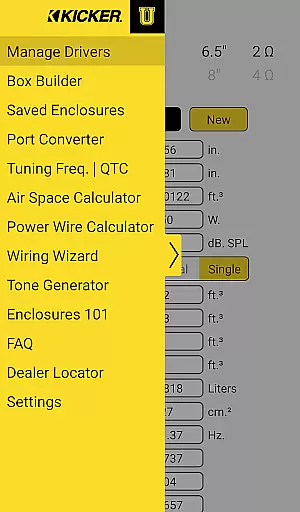
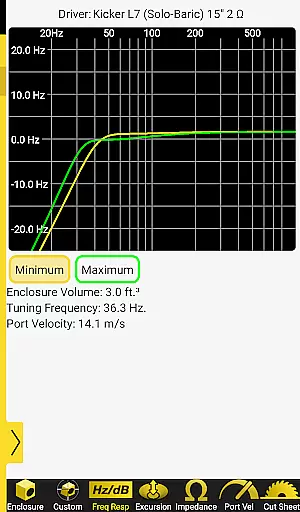
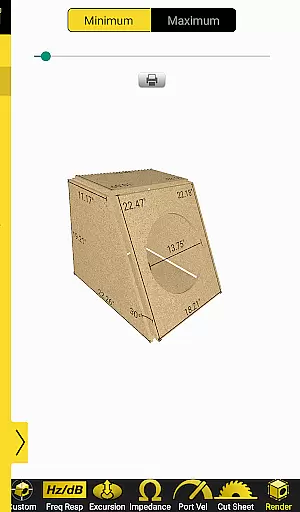
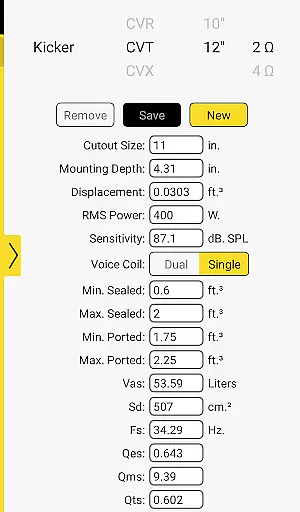
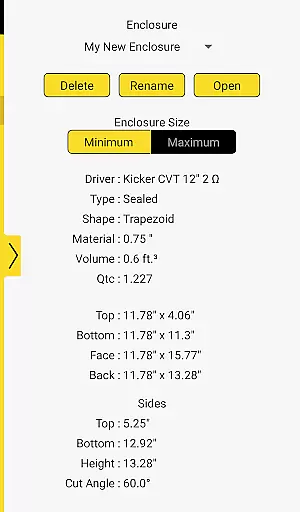
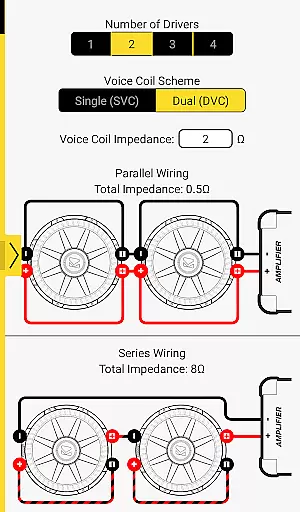
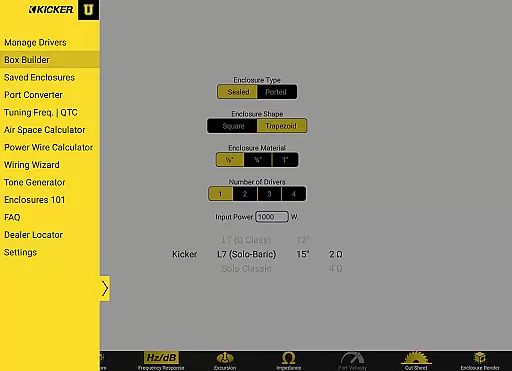
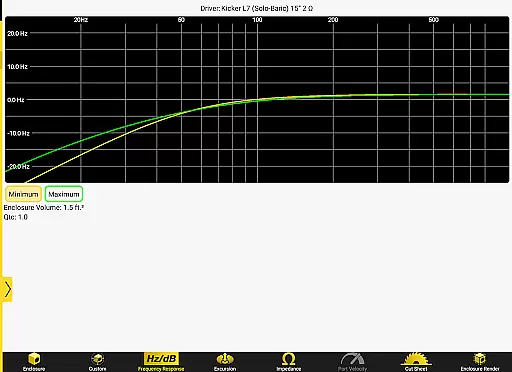

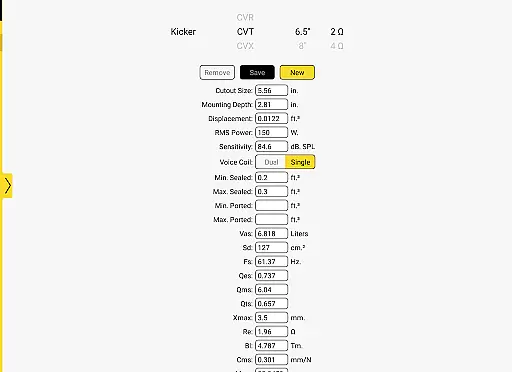

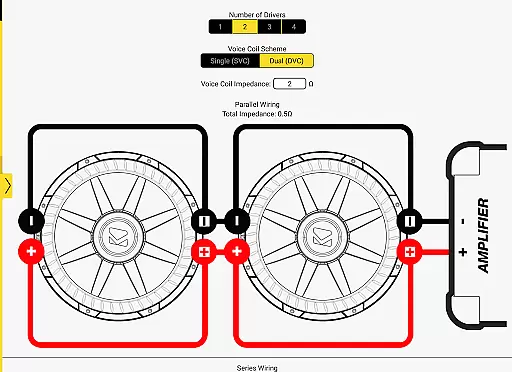
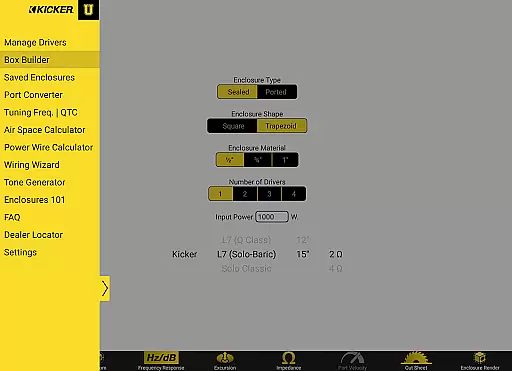
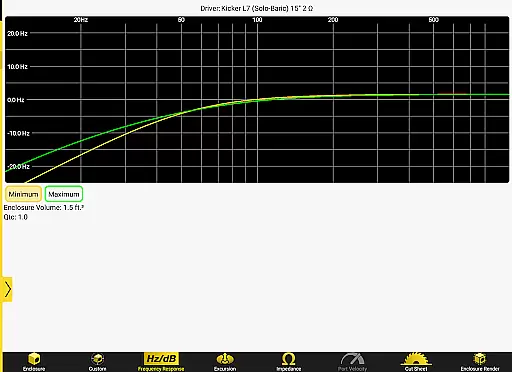
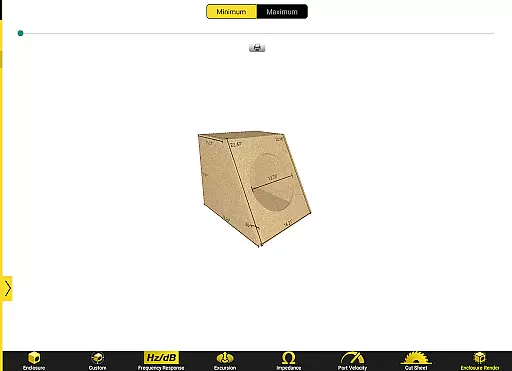
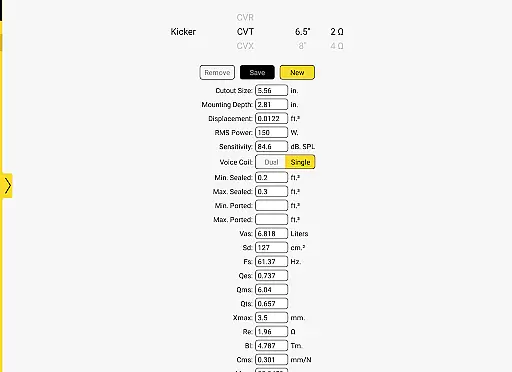
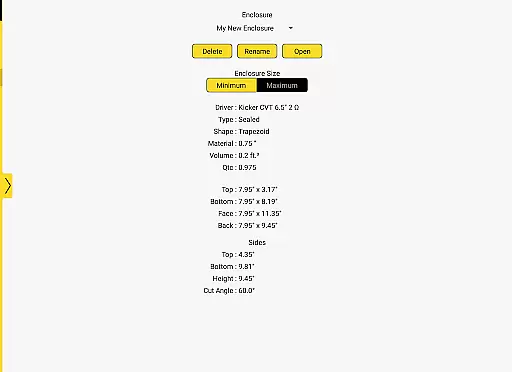
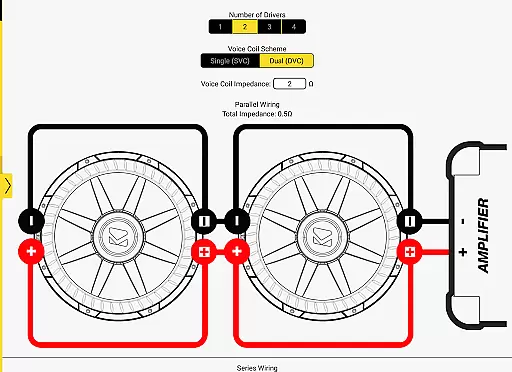
Kicker U is an educational application designed specifically for mobile-audio enthusiasts and professionals. This app serves as a comprehensive toolbox, providing users with essential knowledge and resources to design and build custom audio enclosures. With features like port dimension calculators, tuning frequency tools, and the ability to upload Thiele-Small parameters, it offers precise solutions for optimizing subwoofer installations.
Whether you are a beginner or an experienced installer, Kicker U supports various skill levels by offering detailed guidance through each step of the installation process. The app's intuitive interface allows users to save specific driver parameters, making it easier to create perfectly tuned boxes for any audio setup. This makes Kicker U an invaluable resource for achieving professional-grade audio performance in vehicles.
Kicker U stands out with its specialized set of features tailored for audio enclosure design and subwoofer optimization. One of the key highlights is the inclusion of advanced calculators that help determine optimal port dimensions and tuning frequencies. These tools ensure accurate acoustics, which is crucial for achieving the desired sound quality in car audio systems.
In addition to the calculators, Kicker U provides the functionality to upload and store Thiele-Small parameters. This feature enables users to customize their audio setups based on specific driver characteristics, ensuring compatibility and peak performance. The app also integrates network permissions for social sharing and locating authorized dealers, enhancing user convenience and connectivity within the audio community.
Kicker U offers a comprehensive approach to mobile-audio installation, covering various aspects of subwoofer setup and customization. This app is designed for audio enthusiasts who want to deepen their understanding of audio systems while having practical tools at their disposal.
With features like enclosure design assistance, wiring guidance, and calculators for port dimensions and tuning frequencies, the app ensures that users have access to all essential elements of audio installation. The ability to upload and save Thiele-Small parameters adds another layer of personalization, allowing users to create custom boxes tailored to their specific drivers.
The inclusion of network permissions for Facebook and dealer locators further enhances the user experience by connecting them with a community of like-minded individuals and helping them find local dealers. This broad coverage of lifestyle categories makes Kicker U an indispensable tool for anyone passionate about car audio.
When it comes to installing and customizing audio equipment, having reliable and expert-verified information is crucial. Kicker U stands out by providing content that is both authentic and credible, ensuring users can trust the guidance they receive within the app.
Each feature, from the detailed calculators to the wiring assistance, is backed by KICKER's reputation as an industry leader in car audio solutions. This lends significant weight to the authenticity of the content provided, giving users confidence in their installation and design choices.
Additionally, the app's connection to a network of dealers and its integration with platforms like Facebook reinforce its credibility. Users can interact with experts and enthusiasts alike, creating a trustworthy environment where they can learn and share knowledge about mobile audio systems.
User-friendly interface
Advanced calculation tools
Customizable audio solutions
Save and upload driver data
Integrated dealer locator
Limited to audio applications
Requires technical knowledge
No offline functionality
Few visual aids
Specific to certain devices

Get roadside help, discounts, travel tools & more — AAA is with you everywhere.
 4.80
4.80
Unique informative Dial with Live Moon Phase at a glance!
3.60
Earn points with every purchase with Moe Rewards.
4.20
Big bold hybrid watch face with 30 colors, 5 fonts & 5 complications.
4.2
Discounts, savings, and rewards
4.20
Your home in your hand
3.80
Crochet made easy: step-by-step tutorials, beginner patterns & projects
4.60
Creativity and savings for kids, beginners and experts in arts and crafts
3.50
Share opinions, get paid cash
4.30
Kasa Smart is your portal to your TP-LINK Smart Home.
4.70
Made To Order Faves
4.70
Unique "Isometric" style digital watch face for Wear OS
4.50
Redecor your home with Home AI interior design, room planner and home designer.
4.50
Chat, meet genuine singles in your area. Real connections start with being real.
4.30
This is a simple and highly functional alarm clock "Smart Alarm" paid version.
4.20
An Eerie Musical Trigger Toy for Spirits to Play with!
3.50
View over 160,000 line dance stepsheets from the CopperKnob website.
3.30
A watch face with transparency and fluid visuals inspired by liquid glass design
4.3
Celebrate the holidays with Advent Calendar: daily surprises and festive fun!
4.5


User Reviews