
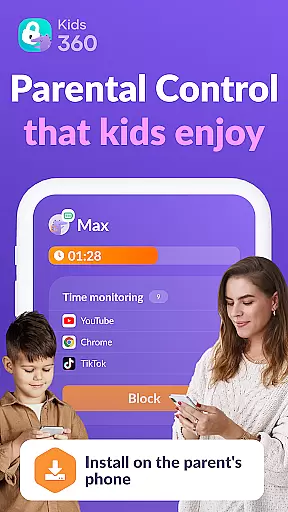

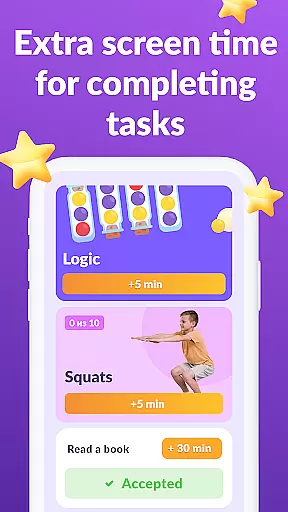


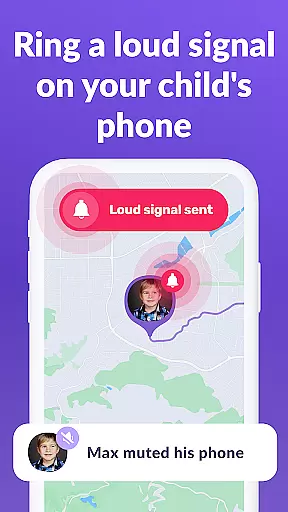
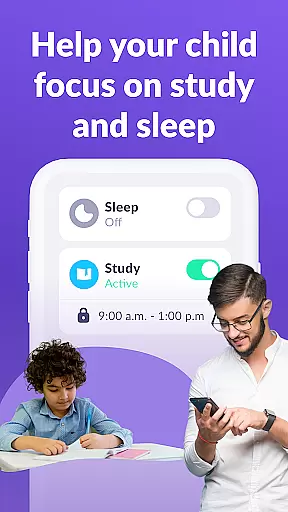
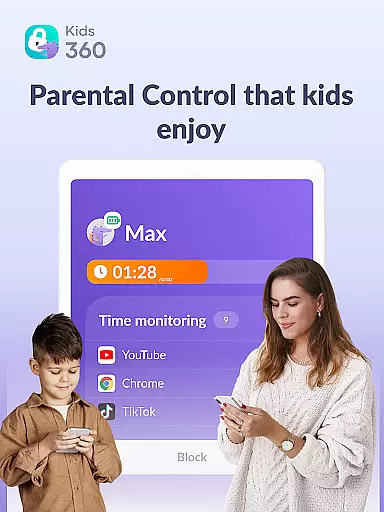




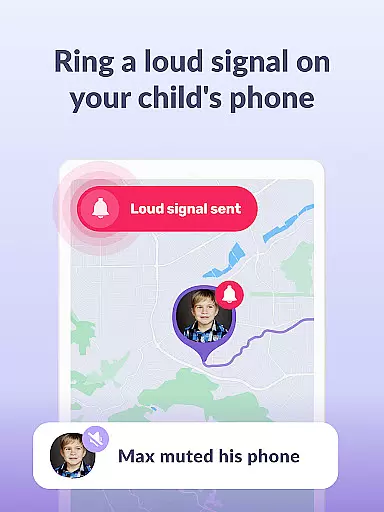
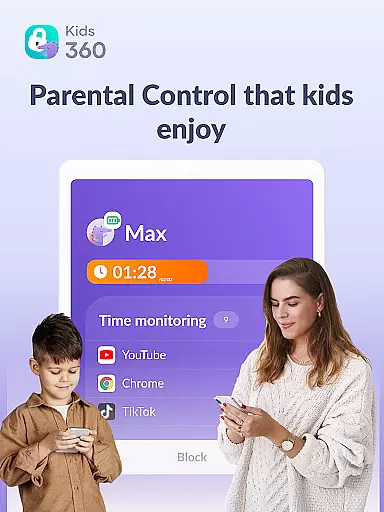




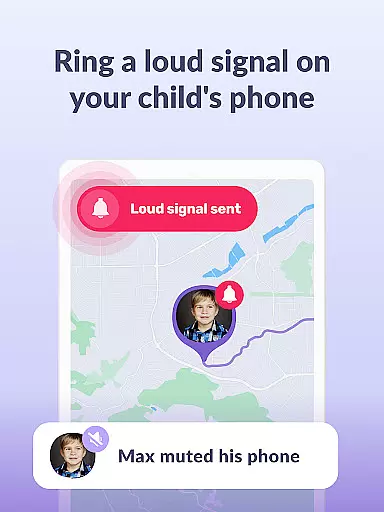
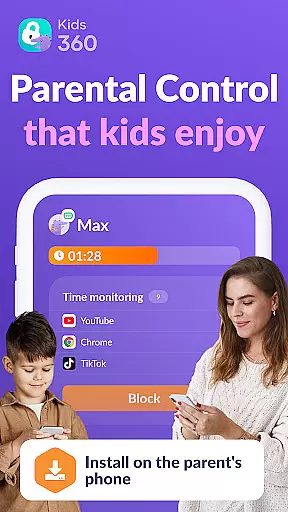

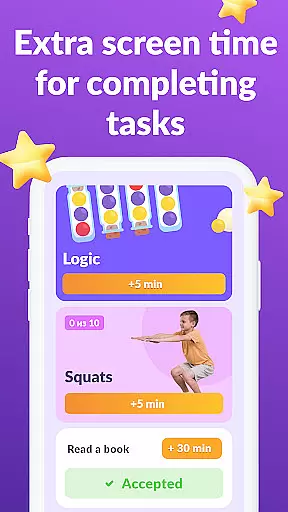


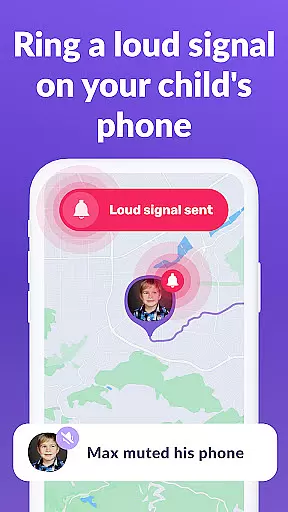
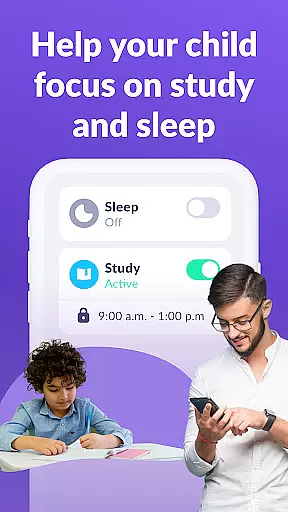
Kids360 is a comprehensive parental control application designed to help parents manage their children's device usage effectively. The app offers essential features like screen time management, app blocking, and GPS tracking, ensuring a safe digital environment for kids. By setting specific time limits on apps and games, parents can maintain a healthy balance between study and leisure time.
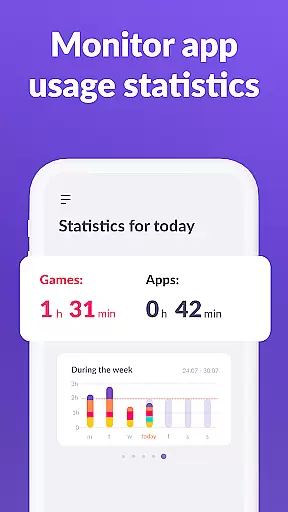
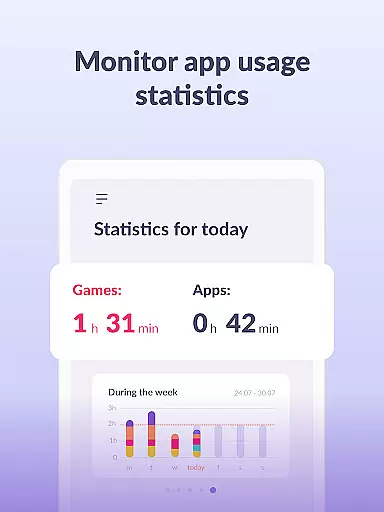
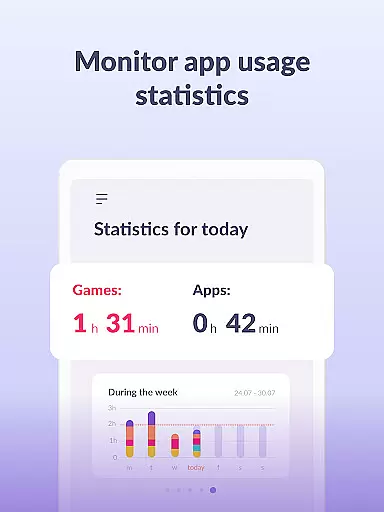
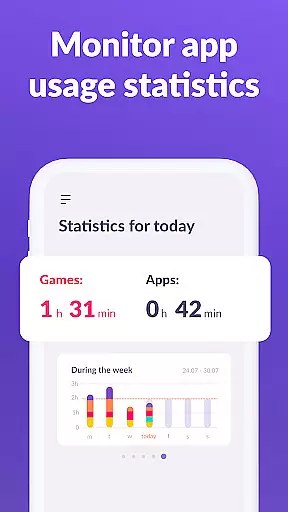
Beyond basic monitoring, Kids360 provides detailed usage statistics, giving parents insights into which apps their children use most frequently. This helps identify potential distractions and address them proactively. With its child lock feature and kid-friendly mode, the app ensures that only approved applications are accessible during designated hours. Parents can also stay connected through essential communication apps that remain unaffected by restrictions.
The true value of Kids360 lies in its ability to create a structured digital routine for children while maintaining open lines of communication between parents and kids. By combining these powerful monitoring tools with educational resources, the app promotes responsible device usage and helps families establish healthy tech habits.
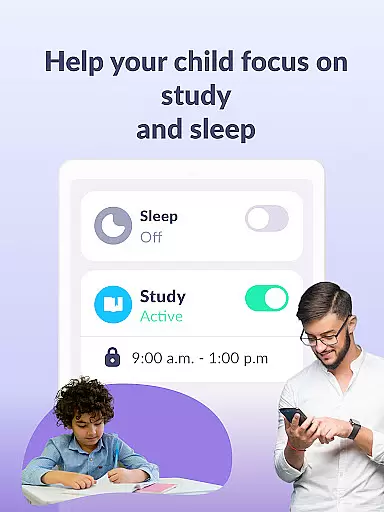
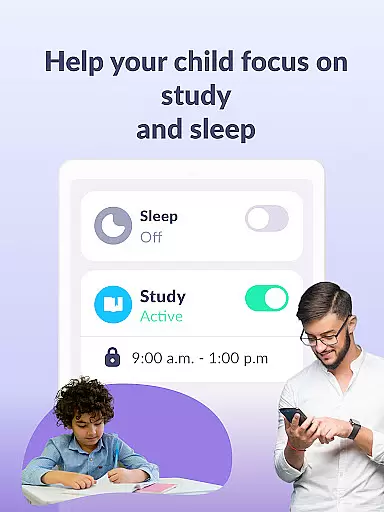
Kids360 stands out with its robust set of parental control features designed to give parents complete oversight of their children's device activities. The app's screen time limiter allows precise control over daily usage, automatically locking distracting apps after allocated time periods expire. Its intelligent scheduling system enables parents to create customized routines for school hours, bedtime, and study sessions.
One of the app's key innovations is its comprehensive usage statistics dashboard. Parents can view detailed reports showing which apps their children use, how long they spend on each, and when they access them. This data-driven approach helps identify patterns and make informed decisions about device usage. The app also includes a unique 'always available' feature that keeps essential communication channels open while restricting entertainment apps.
What sets Kids360 apart from other parental control apps is its commitment to transparency and security. The application cannot be installed secretly and requires explicit consent from both parties. All collected data is stored securely, complying with GDPR regulations, ensuring maximum privacy protection for families using the service.
When it comes to parenting apps, the credibility of content and expert validation are crucial factors. Kids360 takes these responsibilities seriously by providing features that are designed with both safety and developmental benefits in mind. The app's functionalities, such as screen time management and app usage limiting, are grounded in well-established child psychology principles.
The app doesn't just offer arbitrary controls; each feature is crafted based on expert recommendations. For instance, setting usage schedules aligns with advice from child development specialists who emphasize the importance of structured routines. By allowing parents to monitor and manage their children's device usage, Kids360 ensures that screen time translates into quality time.
Parents can trust that the guidance provided by Kids360 is informed by professionals in the field. This includes insights into which apps are educational versus purely entertaining, empowering parents to make informed decisions about their child's digital environment. With clear statistics on app usage, caregivers can engage in meaningful discussions with their kids about healthy technology habits.
Growth tracking accuracy is a pivotal aspect of any parenting tool, and Kids360 excels in this domain. The app provides precise monitoring of a child's digital activities, giving parents an accurate picture of their screen time and app usage patterns. This data-driven approach allows for effective management of the childu2019s technological growth and development.
Kids360 employs advanced tracking mechanisms to ensure reliable data collection. Parents can access detailed reports on how much time their children spend on specific apps and games, broken down into comprehensive statistics. These insights enable caregivers to identify potential areas of concern, such as excessive gaming or social media use, and address them proactively.
Moreover, the app supports parents in fostering healthier tech habits among children by setting measurable goals. With real-time updates and alerts, caregivers can adjust screen time limits dynamically, ensuring that the childu2019s digital consumption remains within recommended boundaries. This level of precision not only aids in regulating device usage but also promotes balanced lifestyle choices.
User-friendly interface
Comprehensive monitoring tools
Customizable time schedules
Secure data storage
24/7 customer support
Requires dual installation
Paid subscription needed
Limited free features
Complex setup process
Device compatibility issues

Block apps, set screen time limits, and customize usage schedules
 4.50
4.50
All-In-One Pregnancy Tracker, Your Baby's Milestones, Growth Stages & Parenting
4.70
Parental Control including Screen time control, GPS tracking, App/Game blocker.
3.90
Family GPS locator app — child location tracker. GPS kids tracker, family safety
4.70
Pregnancy and baby formula tips for moms, plus Enfamil coupons & cash back
4.10
A simple way to track your baby’s breastfeeding, diaper changes, sleep patterns.
4.90
Babysitting video camera - Turn your two phones or tablets into a single nanny.
4.40
Screen Time, App and Web Block & Monitoring, Location Tracker
3.60
Advanced baby tracking, expert sleep help & parenting support for every stage.
4.80
3D Baby size, Fruit comparisons, Smart Checklist, Trending Names & Training.
4.90
Track your pregnancy & your baby's growth in 3D. Get support from our community
4.60
Track your pregnancy, kick & contraction counter, baby & mom's heartrate monitor
4.60
The Most Trusted Co-Parenting App.
4.60
Find unique + popular baby names for your little peanut.
4.30
FamilyMode helps you manage your family’s digital lives—at home or on the go.
4.30
Educational resource for parents to inspire creativity in their children.
4.00
Save money on diapers. Get the Pampers Rewards app.
3.90
A Coloring for the Whole Family! Discover the Joy of Family Love Through Colors!
3.60
Track pregnancy health and wellness with pregnant tracker from healthcare advice
4.5


User Reviews