
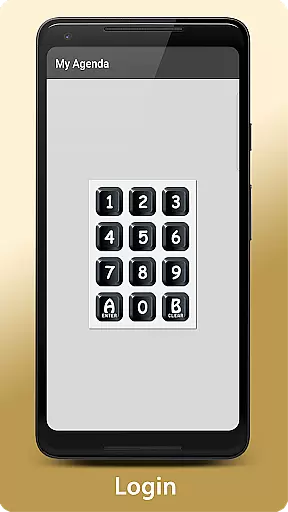
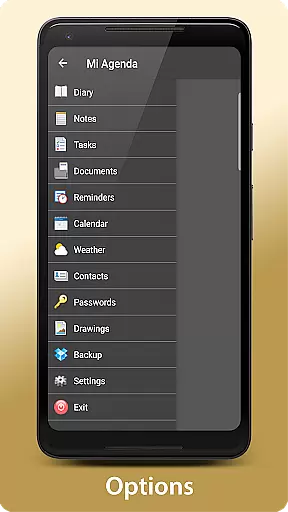
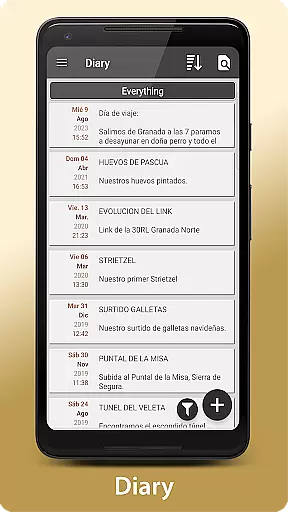
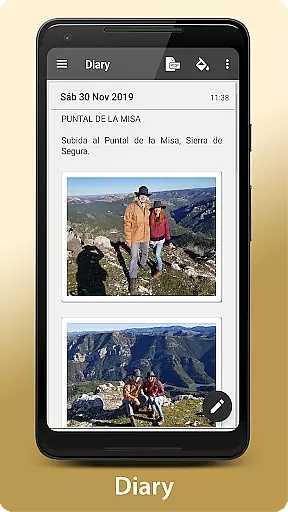
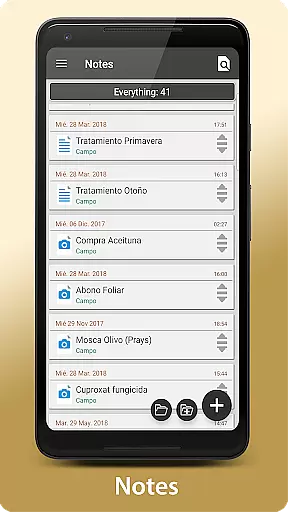
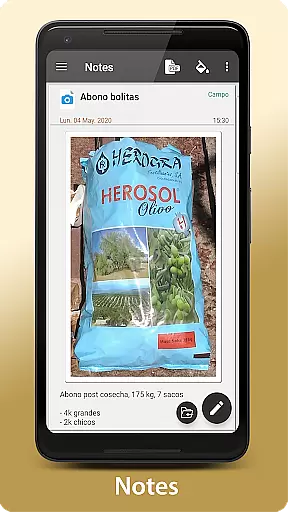
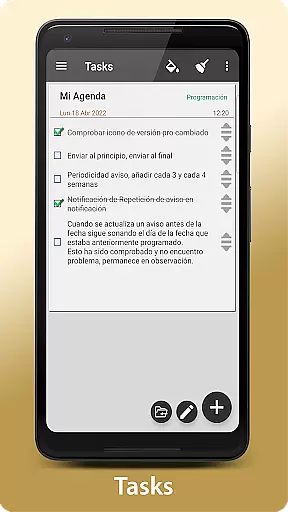
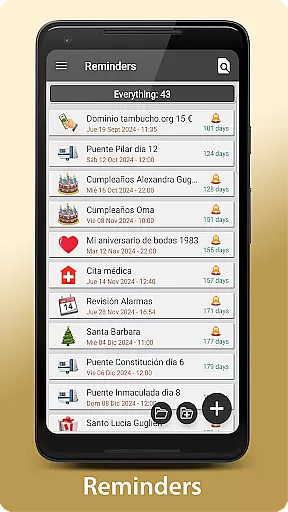
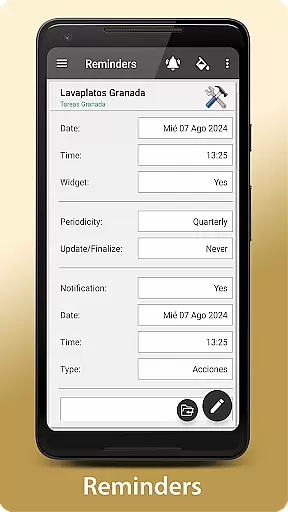
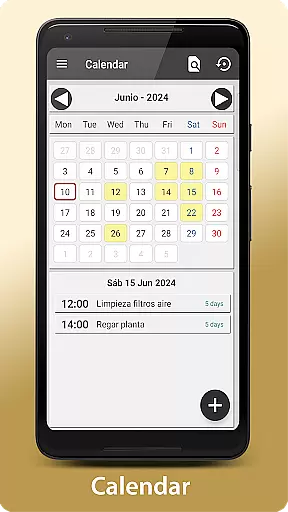
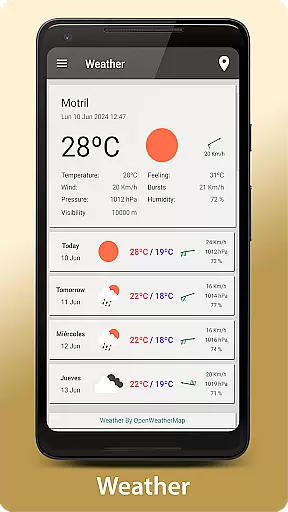
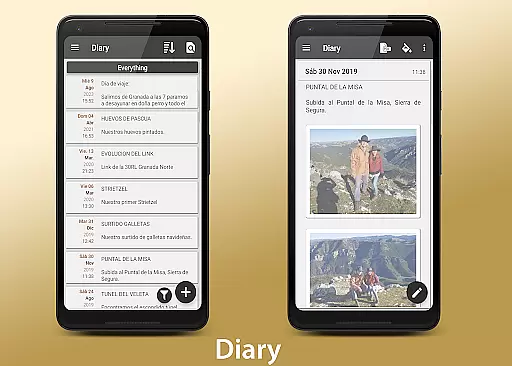
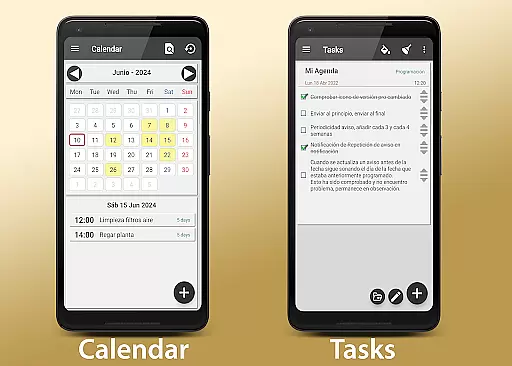
My Agenda Pro is a comprehensive lifestyle management app designed to streamline your daily tasks and keep important information organized. This all-in-one personal assistant allows you to maintain a visual diary with text, photos, and voice notes, ensuring that no detail is overlooked. With personalized task lists, reminders, and calendar views, users can efficiently manage their schedules while staying informed about the weather for better planning.
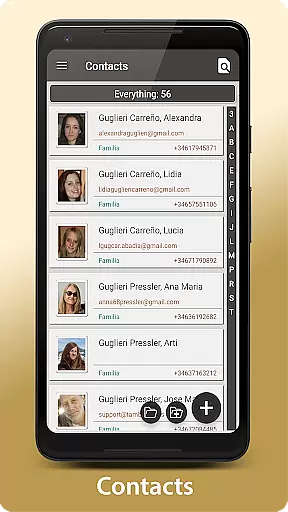
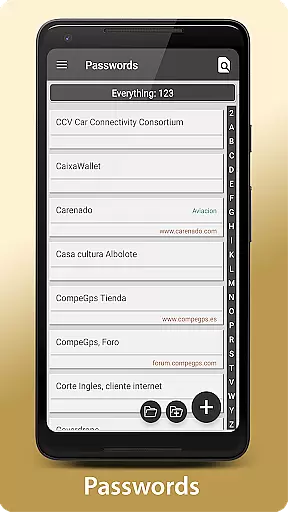
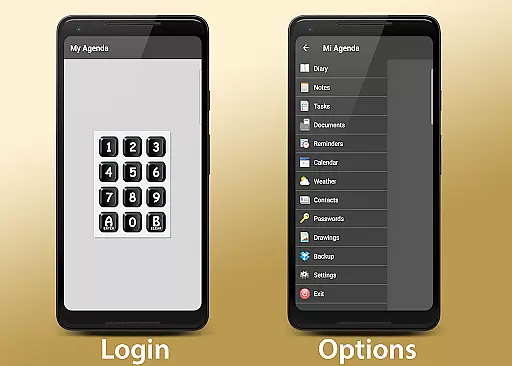
The app goes beyond basic organization by offering secure storage for contacts and passwords through encryption, accessible with a single touch or fingerprint authentication. Creativity is encouraged with freehand drawing and note-taking features, while automatic backups ensure data safety via Dropbox, Drive, Email, WhatsApp, and more. Custom widgets bring essential reminders directly to your home screen, providing quick access to critical information.
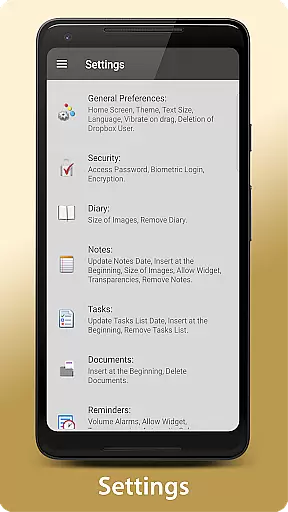
Whether you're looking to organize work projects, plan personal activities, or simply keep track of thoughts and ideas, My Agenda Pro provides the flexibility and security needed to tailor the experience to individual preferences. Its robust feature set makes it an invaluable tool for anyone seeking to maintain control over their day-to-day life.
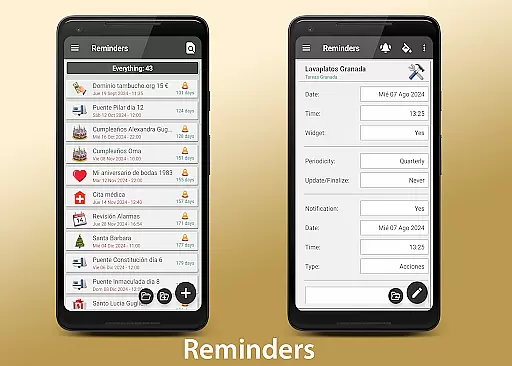
My Agenda Pro stands out with its rich array of features designed to enhance productivity and organization. The app's visual diary allows users to capture thoughts and special moments using various media types including text, photos, and voice notes. Personalized task management enables the creation of detailed lists with deadlines and customizable notifications, viewable in either calendar or list formats for optimal organization.
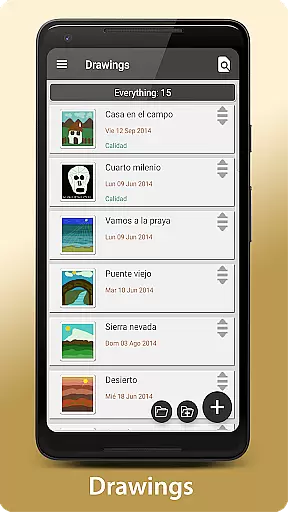
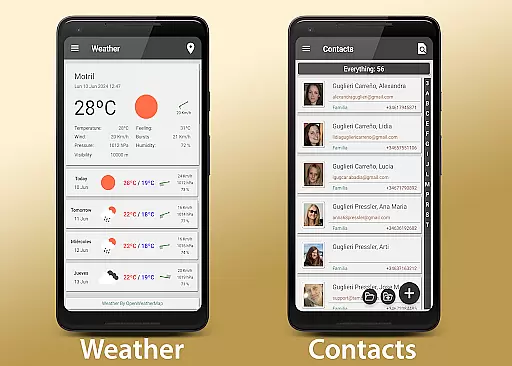
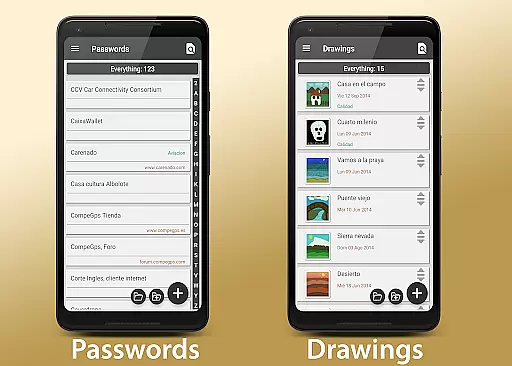
Security is a top priority, with encrypted storage for sensitive information like contacts and passwords, protected by password or fingerprint authentication. The inclusion of a 15-day weather forecast for any location helps users plan activities effectively. Creative expression is supported through freehand drawing and sketching tools, allowing users to unleash their imagination within the app.
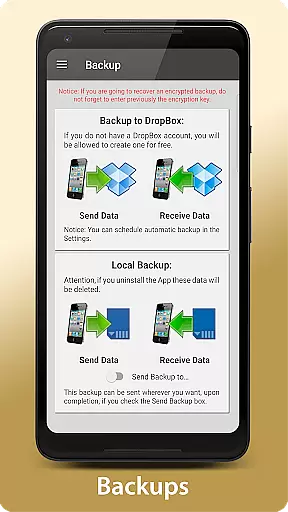
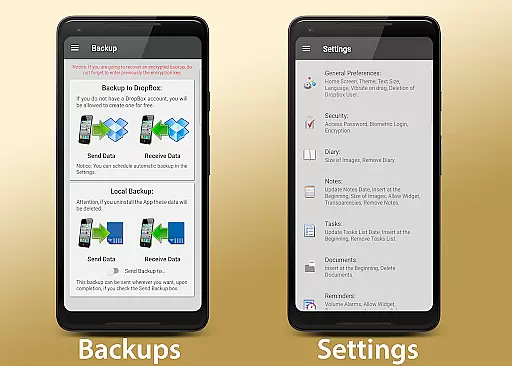
Automatic backup functionality ensures data integrity by synchronizing with Dropbox and offering manual backup options across multiple platforms such as Drive, Email, and WhatsApp. Customizable widgets provide at-a-glance access to key reminders and notes directly from the home screen. These features collectively offer a versatile and secure solution for managing both personal and professional aspects of life.
My Agenda Pro offers extensive lifestyle category coverage, ensuring that users can manage various aspects of their daily lives within a single app. From maintaining a visual diary with text, photos, and voice notes to keeping track of tasks and reminders, it consolidates numerous functionalities that cater to diverse personal management needs.
The app goes beyond just task management by integrating weather forecasts for up to 15 days, which aids in planning activities more effectively. This feature is particularly useful for individuals who need to prepare for weather changes or plan outdoor events.
Additionally, the inclusion of secure storage for contacts and passwords demonstrates My Agenda Pro's commitment to covering essential lifestyle elements. By providing an encrypted repository for sensitive information, the app ensures that users have quick and secure access to important data whenever needed.
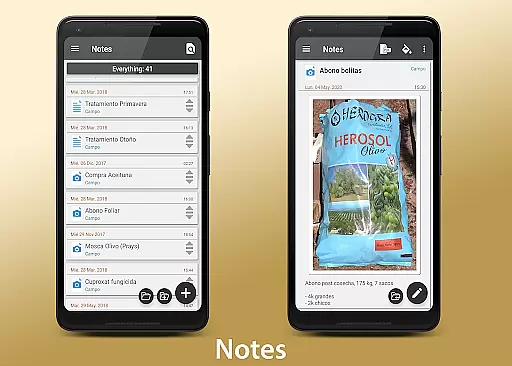
When it comes to content authenticity and expert credibility, My Agenda Pro stands out by offering features that are designed with user trust in mind. The app allows users to create and store notes, sketches, and drawings, all of which contribute to a genuine and personalized user experience. This level of personalization assures users that the content they create is authentic and tailored specifically to their needs.
Moreover, the automatic backup functionality enhances the reliability of the content stored within the app. By synchronizing data with Dropbox and offering manual backup options through various platforms like Drive, Email, and WhatsApp, My Agenda Pro ensures that user-generated content is preserved accurately and can be recovered easily if needed.
Lastly, the app provides robust customer support, inviting users to reach out via the Developer Email for assistance. This direct line to the development team not only underscores the credibility of the app but also reassures users that there is expert backing available to address any concerns or issues they might encounter.
User-friendly interface
Comprehensive feature set
Secure data encryption
Versatile customization options
Reliable automatic backups
Premium version costs
Occasional bugs reported
Steep learning curve
Limited free storage
Heavy on device resources

Digital watch face design. Modern looking, hi-res & battery friendly.
 4.00
4.00
Take Hobby Lobby with you wherever you go!
3.40
Easily manage your child's playtime, spending messaging and more.
3.50
Discover the "To Be a Christian" App: Your Guide to Deepening Faith!
5.00
Discounts, savings, and rewards
4.20
Your home in your hand
3.80
Futuristic watchface inspired by Back to the Future: sleek, retro, timeless
4.2
The Wyze app is your gateway to a smarter life and a safer home.
4.40
Earn money for every survey and game you play, and get real rewards every time
4.50
Get roadside help, discounts, travel tools & more — AAA is with you everywhere.
4.80
A unique and customizable watch face which rotates its layout every minute.
4.80
Made To Order Faves
4.70
Colorful minimal digital watch face for Wear OS
4.60
A smart Siddur with halachic times
4.50
PARAVOX 4 is a professional ITC paranormal research application.
4.50
Smart controls for your Ember Smart Mugs
4.10
Spiritus Ghost Box is an Audio and Visual ITC tool for paranormal research.
4.00
Big bold weather watch face with dynamic backgrounds and 3 complications
4.3
A uniquely designed isometric digital watch face made for Wear OS
4.2


User Reviews