
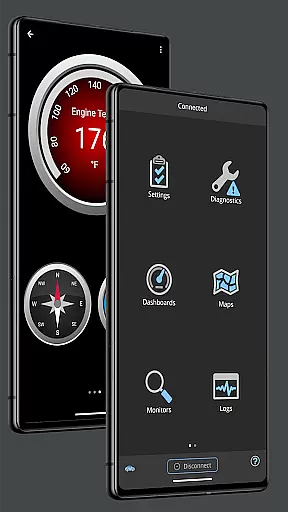
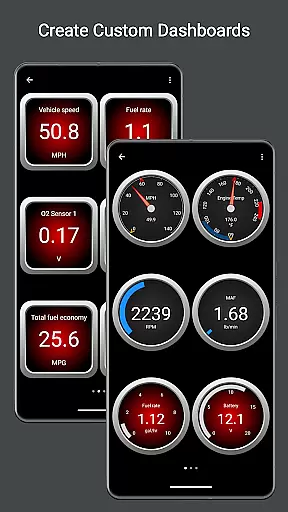
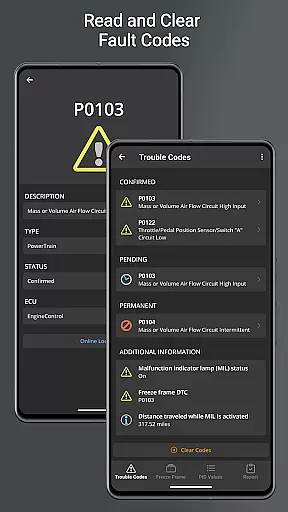
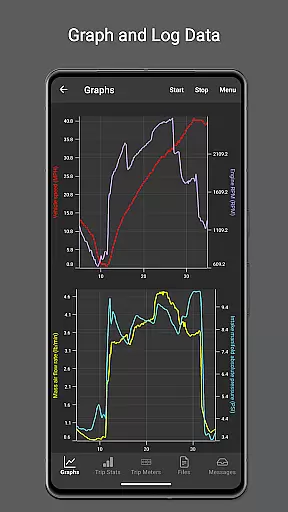
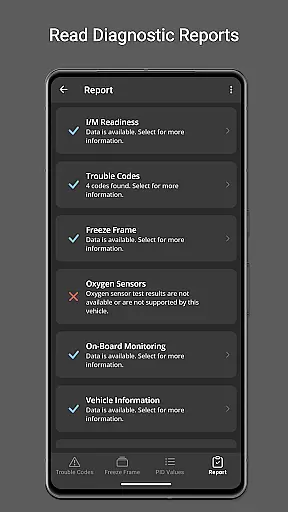
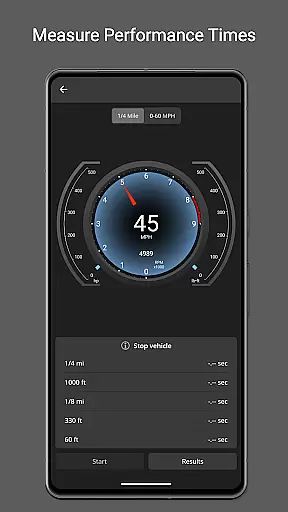
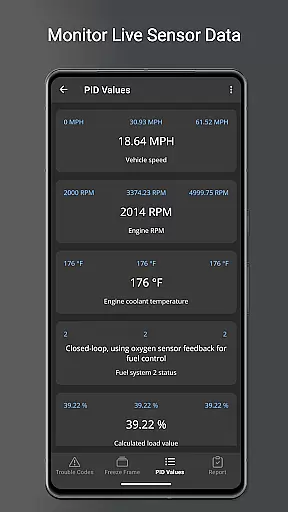
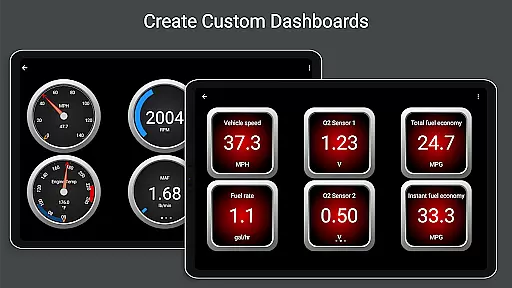
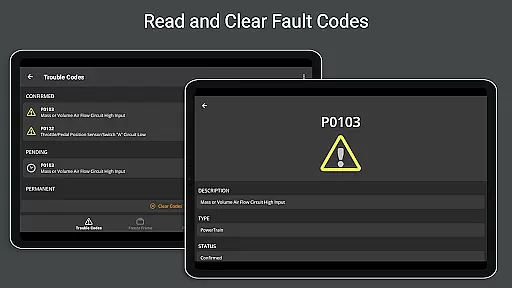
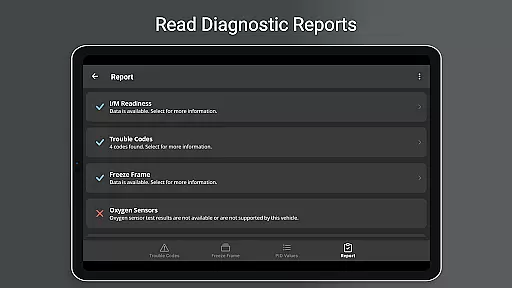
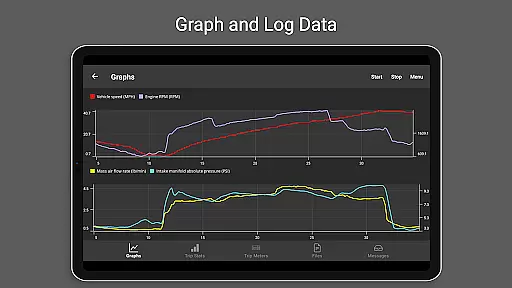
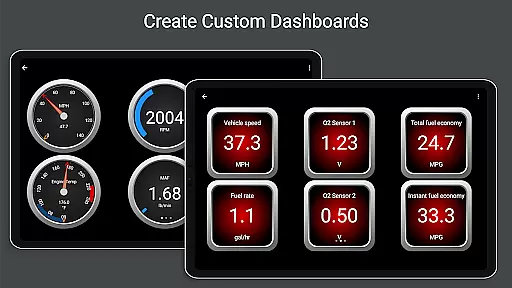
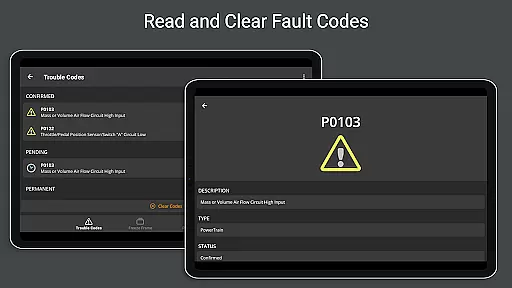
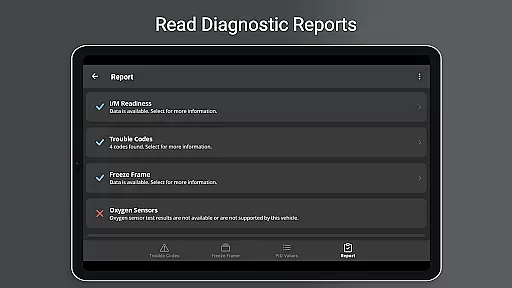
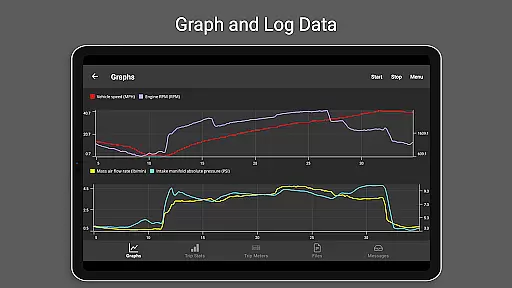
OBD Fusion is a comprehensive vehicle diagnostics tool designed for Android users, enabling direct access to OBD2 vehicle data through a compatible scan tool. The app provides professional-grade features including the ability to read and clear diagnostic trouble codes, estimate fuel economy, and monitor real-time vehicle sensor data. Its customizable dashboard and graphing capabilities make it suitable for both automotive professionals and everyday drivers seeking to maintain optimal vehicle performance.
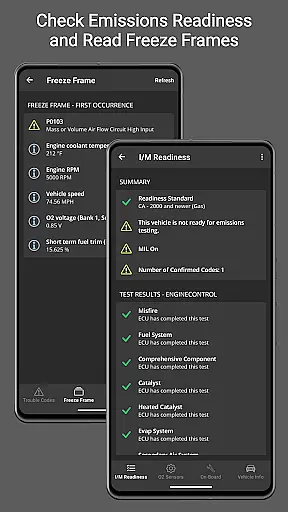
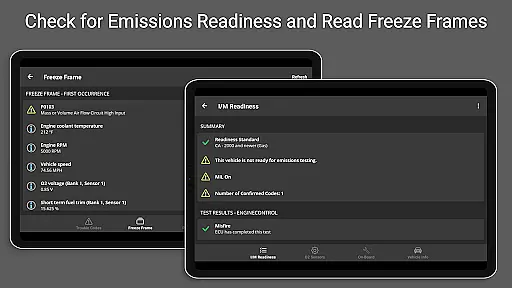
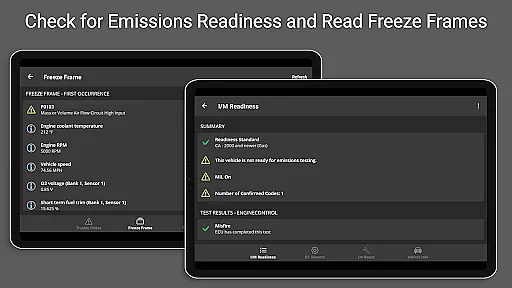
One of the standout features of OBD Fusion is its adaptability to various user needs. Whether you're diagnosing engine issues with detailed diagnostic reports or tracking fuel usage during daily commutes, the app offers practical tools for every scenario. With support for multiple connection types such as Bluetooth, USB, and Wi-Fi, OBD Fusion ensures seamless integration with a wide range of devices and vehicles. This flexibility, combined with advanced functionalities like oxygen sensor tests and emission readiness checks, makes it an invaluable resource for monitoring vehicle health and efficiency.
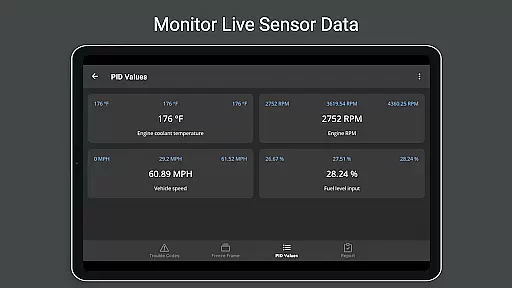
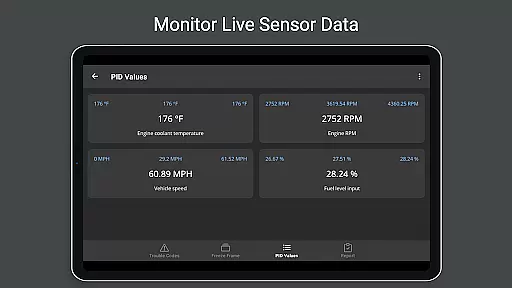
OBD Fusion stands out in the Communication category due to its extensive feature set tailored for vehicle diagnostics. The app supports over 150 standard and enhanced Parameter IDs (PIDs), allowing users to access critical vehicle metrics such as engine torque, turbo boost pressure, and air-to-fuel ratios. These capabilities are complemented by real-time graphing and customizable dashboards, which enable users to visualize data according to their preferences.
In addition to its robust diagnostic tools, OBD Fusion includes specialized functions like fuel economy calculations, trip meter tracking, and freeze frame data capture. Users can log data into CSV format for further analysis in spreadsheet applications, while built-in fault code definitions help interpret diagnostic results accurately. The inclusion of Android Auto support (excluding dashboard gauges) and multi-language options enhances accessibility, making this app a versatile choice for global users who require reliable vehicle communication solutions.
Real-time messaging speed and reliability are crucial for effective vehicle diagnostics. OBD Fusion excels in this area by providing instant feedback on your vehicle's status.
The application connects seamlessly with OBD-II and EOBD compliant vehicles, ensuring that diagnostic trouble codes and check engine lights are read and cleared without delay. This immediacy allows users to address vehicle issues promptly.
Furthermore, the app supports multiple communication methods including Bluetooth, Bluetooth LE, USB, and Wi-Fi adapters. This versatility ensures that data transmission remains swift and stable regardless of the connection type used.
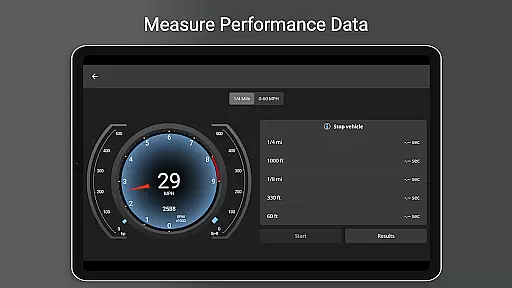
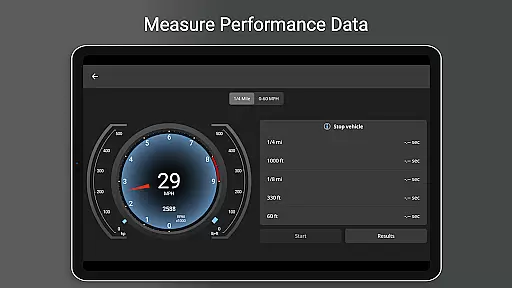
With real-time dashboard display and graphing features, users can monitor their vehicle's performance metrics as they happen. This reliable flow of information is essential for both professional mechanics and car enthusiasts who demand accurate and timely data.
Media sharing support in OBD Fusion enhances the user experience by allowing easy export and sharing of diagnostic data. This feature is particularly beneficial for users who need to share detailed vehicle reports with mechanics or keep records for personal use.
The app enables logging of data to CSV format which can be exported and viewed in any spreadsheet application. This functionality not only facilitates media sharing but also provides a convenient way to analyze trends over time using external tools.
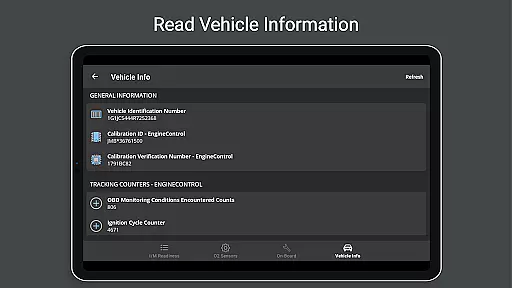
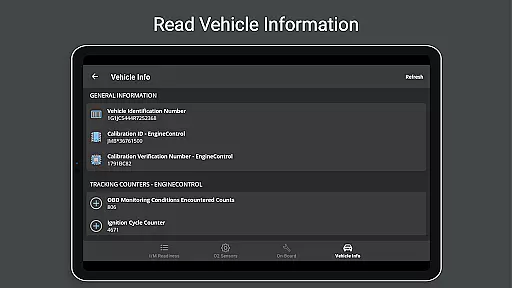
In addition to data logs, OBD Fusion offers a full diagnostic report that can be stored locally and emailed directly from the app. This comprehensive report includes all relevant vehicle information, making it easier for recipients to understand the context and specifics of any issues identified.
By supporting various units such as English, Imperial, and Metric systems, the app ensures compatibility across different regions and user preferences when sharing media. This adaptability makes OBD Fusion an indispensable tool for anyone involved in vehicle maintenance and diagnostics.
User-friendly interface
Comprehensive diagnostic tools
Customizable dashboard options
Supports multiple connection types
Real-time data visualization
Requires compatible scan tool
Limited Android Auto functionality
Potential connectivity issues with cheap adapters
Advanced features may overwhelm beginners
Additional cost for enhanced PIDs

Tether to Windows, OS X, Linux PCs or Android tablets. No root. No tether fees.
 3.90
3.90
At select facilities, you now have an easy way to video visit your loved ones!
3.30
This app enables the phone to receive and send FT8 traffic!
3.80
Fast Dialer & Contact Manager with Caller ID and Spam Protection
4.00
Messages is Private SMS Messenger 2023 with text message, instant messaging.
4.00
2nd Phone Number Line for Anonymous Texting, Calling, and Picture Messages
4.30
Fun, free app that lets kids video call and message family and close friends.
3.80
Threema is the messenger with the most consistent focus on security and privacy.
4.00
Fast internet with AI, Adblock & VPN. Browse on a safe, incognito web browser.
4.70
We’re taking the yada yada out of wireless—now we’ve taken it out of your app.
4.70
Experience real private browsing without tracking, surveillance, or censorship.
4.50
Block spam calls & scam - no more annoying calls with the call blocker function
4.30
Chill zone on your phone: relax with fun reels & hype shorts!
4.20
Send SMS and chat messages easily with a fast text messaging app for Android.
4.10
Federated instant messaging for your mobile device (Jabber, XMPP, Snikket)
4.10
Telegram is a messaging app with a focus on speed and security.
4.00
Message and video call your family and friends in HD!
3.80
Fast, Simple And Secure Application That Provides SMBv3 Server On Your Device
3.30
Enables Plus features of Quick Search.
4.1


User Reviews