
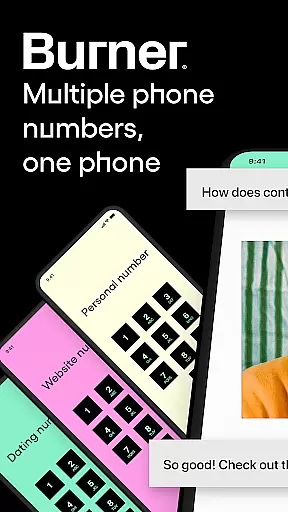

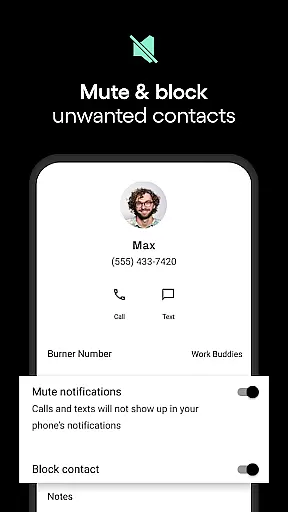

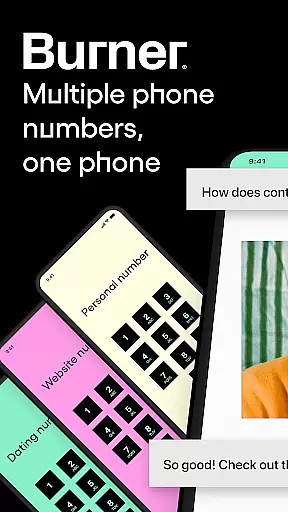


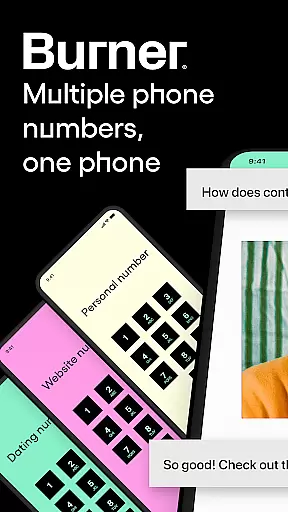

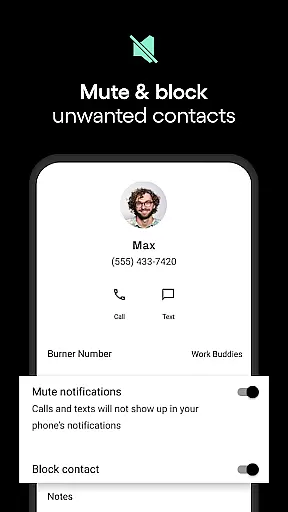

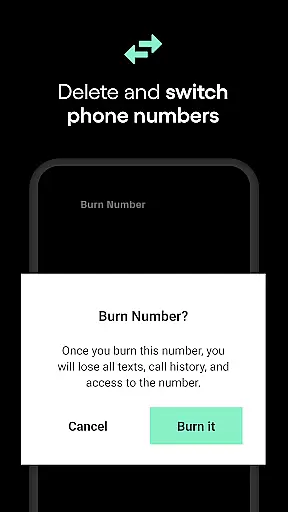
Burner is a leading virtual privacy solution that allows users to take control of their phone numbers and browsing activities. The app provides disposable phone numbers for private communications, eliminating the need for multiple SIM cards or eSIMs. With features like unlimited SMS and calls over Wi-Fi or mobile data, spam-blocking, and number deletion, Burner ensures your personal information remains confidential.
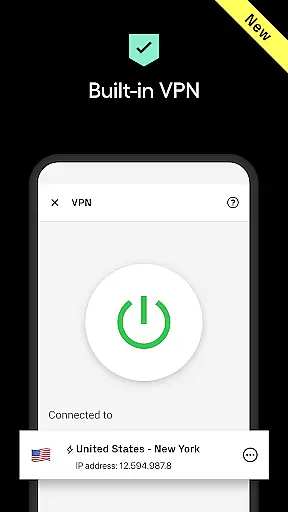
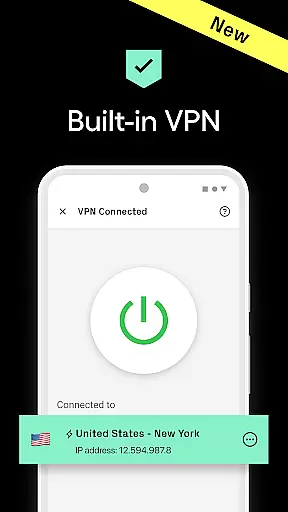
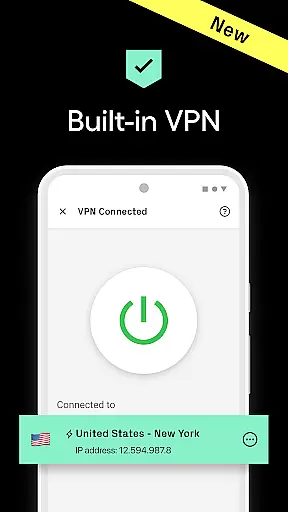
Users can create temporary phone numbers for specific occasions, set Do Not Disturb periods, and utilize auto-reply functions for seamless communication. Premium features include an advanced VPN service for anonymous browsing, AI voicemail sorting, and enhanced call quality. Recognized by TIME Magazine as a Top 50 App, Burner offers essential tools for maintaining privacy in a connected world.
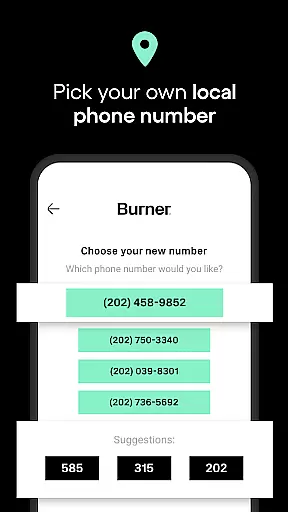
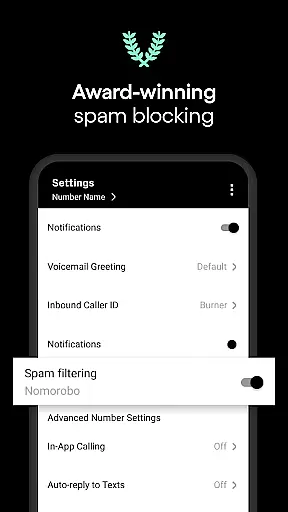
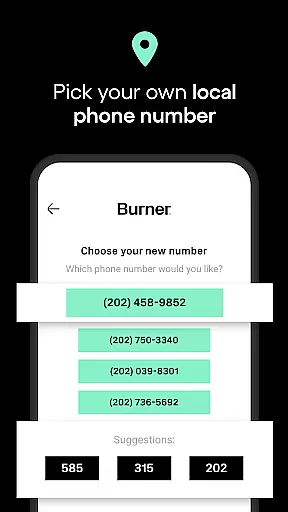
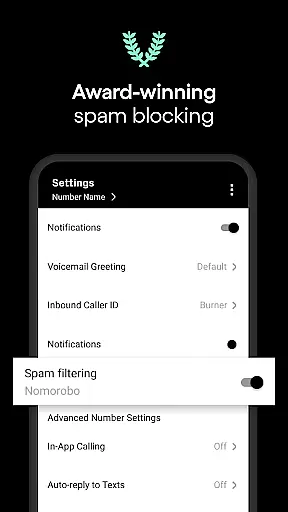
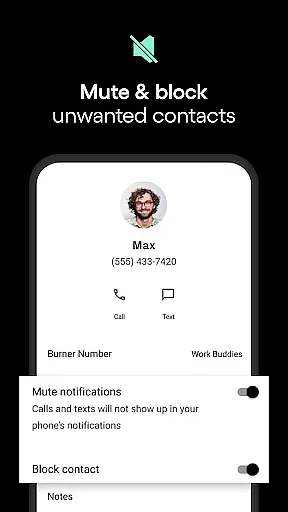
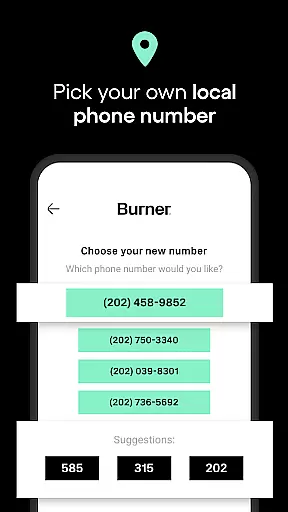
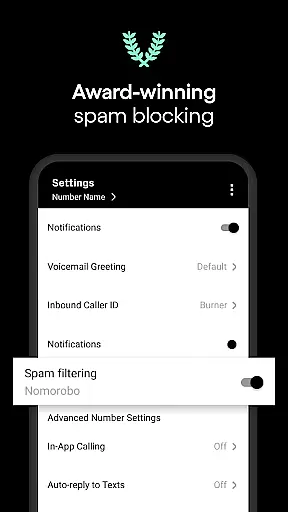
Burner stands out with its comprehensive suite of privacy-focused features. The app allows users to generate area code-specific disposable numbers, send unlimited messages, and make calls without revealing their real phone number. Its award-winning spam-blocking technology protects against unwanted communications, while color-coded inboxes help organize conversations efficiently.
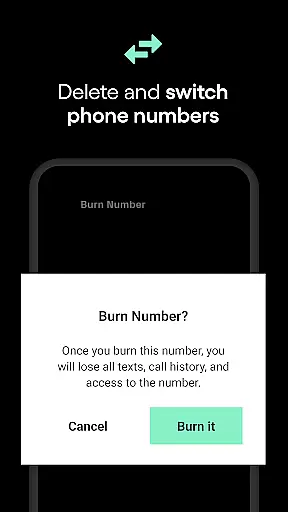
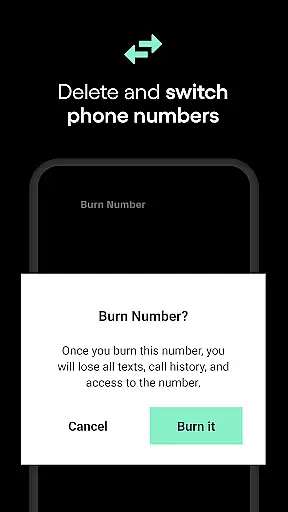
The app's Do Not Disturb feature lets users establish quiet hours, and the ability to 'burn' numbers ensures no digital trace is left behind. Additional functionalities include auto-replies, voicemail services, and optional premium features like a no-logs VPN. These robust capabilities make Burner an indispensable tool for anyone seeking to maintain boundaries and protect their personal information.
In today's fast-paced digital world, the speed and reliability of real-time messaging are crucial for effective communication. Burner excels in this area by providing users with the ability to send and receive unlimited SMS messages and calls as long as they have a Wi-Fi connection or mobile data. This ensures that you're always connected, without worrying about delays or message failures.
Burner's infrastructure is designed to offer seamless communication experiences. Whether you're coordinating with team members, staying in touch with family, or managing customer relations, the app guarantees that your messages are delivered instantly and reliably. This immediacy not only enhances personal interactions but also supports professional efficiency.
Moreover, the app's robust architecture supports essential features like voicemail functionality and auto-replies. These features ensure that even when you're unavailable, your communication lines remain open, allowing others to leave messages or receive automatic responses. Such comprehensive support for real-time messaging empowers users to maintain constant and reliable connections.
The true value of Burner's real-time messaging lies in its capacity to provide peace of mind. Knowing that your communications are secure, private, and consistently reliable allows you to focus on what truly matters. With Burner, you can trust that your conversations will proceed without interruptions, safeguarding both your time and privacy.
In an era where sharing multimedia content is integral to communication, Burner stands out by offering extensive media sharing support. Users can effortlessly exchange various types of media files, enhancing their interaction beyond plain text messages. Whether it's photos, videos, or documents, Burner ensures that your shared content reaches its destination swiftly and securely.
The platform's compatibility with multiple file formats makes it versatile for different user needs. From sending high-resolution images to sharing important PDF documents, Burner accommodates diverse media types without compromising on quality or speed. This flexibility is vital for users who rely on rich media to convey their messages effectively.
Burner further enriches media sharing through its premium features, such as video messages for private video chats. These enhanced communication tools allow users to engage more dynamically and personally, adding depth to their interactions. Additionally, the integration of a no-logs VPN ensures that your media sharing remains private and untraceable, reinforcing Burner's commitment to user privacy.
Ultimately, Burner's media sharing capabilities empower users to communicate more vividly and efficiently. By supporting a wide array of media formats and ensuring secure exchanges, Burner facilitates richer, more meaningful conversations. This positions the app as an indispensable tool for anyone looking to elevate their communication experience while maintaining utmost privacy.
Enhanced privacy protection
User-friendly interface
Flexible number management
Comprehensive communication tools
Trusted brand reputation
Limited to US and Canada
No emergency services support
Premium features require subscription
Trial period limitations
Area code availability varies

Fast and simple walkie talkie app
 4.20
4.20
Official NDI app: turn your phone into a professional live-streaming IP camera.
3.20
HD Video Meeting app is a fast & unlimited video conferencing app across world.
4.30
RemoteHams.com Android RCForb Client Pre-Release
4.30
Call & Text Anywhere With A Canadian Number.
3.60
A softphone app with seamless SIP calling and an intuitive VoIP dialer
3.50
Threema is the messenger with the most consistent focus on security and privacy.
4.00
Manage your mobile phone plan, check unlimited 5g data usage and track rewards
4.50
SMS Messenger is a lightning-fast messaging app.
4.20
We’re taking the yada yada out of wireless—now we’ve taken it out of your app.
4.70
Messenger, an MMS & SMS messages app with Blockers, Driving mode & Private box
4.60
The ultimate productivity solution for all your email communication needs.
4.40
Fast and mini browser with Ad Blocker,Video Downloader and Video Player
4.40
Chill zone on your phone: relax with fun reels & hype shorts!
4.20
Google's fast and secure browser
4.10
Messages: Fast, simple SMS app with scheduling and smart features.
4.00
This app enables the phone to receive and send FT8 traffic!
3.80
At select facilities, you now have an easy way to video visit your loved ones!
3.30
Watchgram for Telegram: Experience seamless Telegram messaging on your watch
1.80


User Reviews