
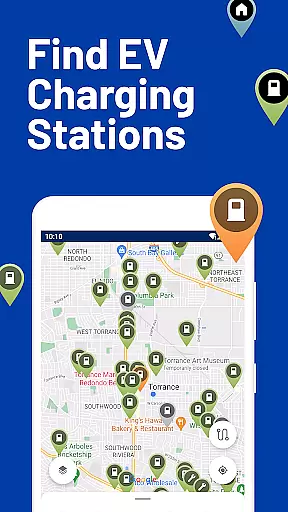
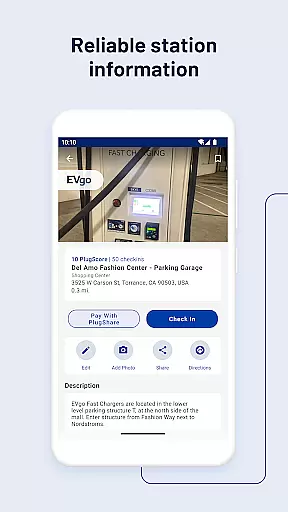
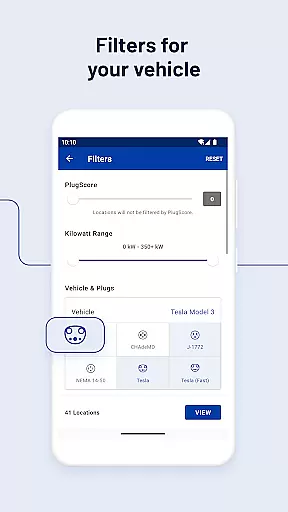
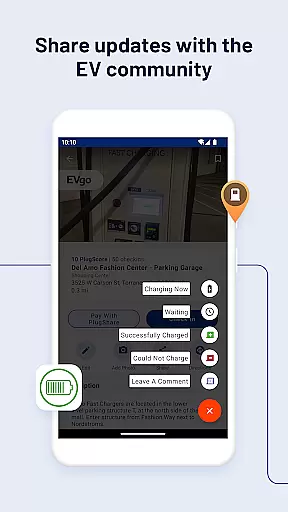
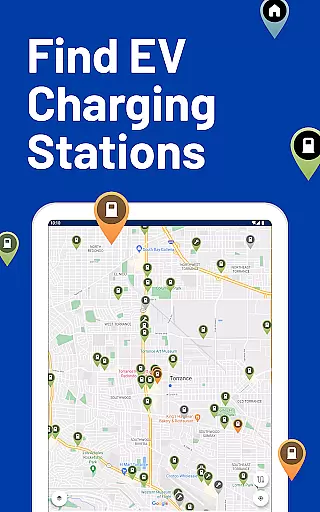
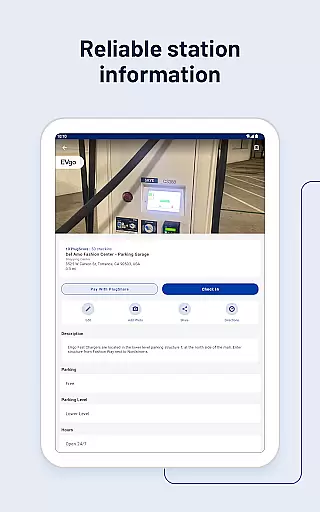
PlugShare is the world's largest EV driver community, offering an extensive map of electric vehicle charging stations across North America, Europe, and beyond. With detailed station information for every major EV charging network, users can filter by plug type, charging speed, and provider.
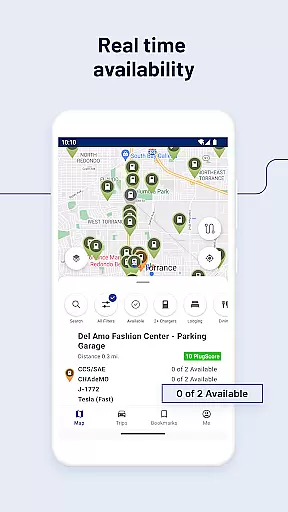
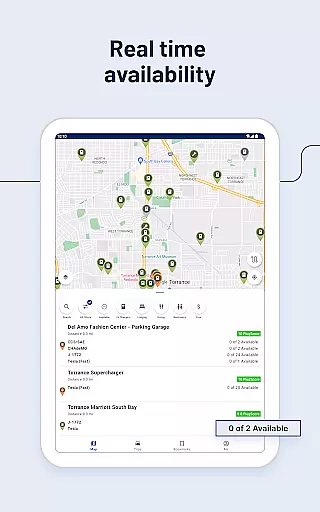
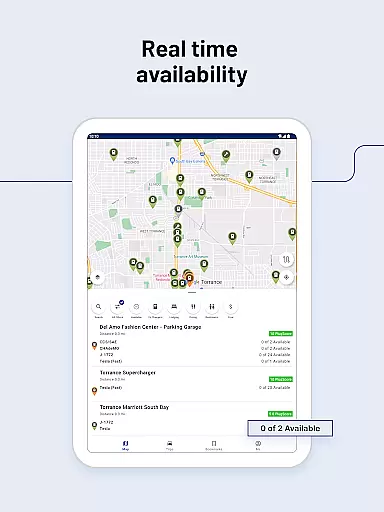
The app provides real-time data on station functionality and availability, supports payment through its platform at participating locations, and integrates with navigation apps for seamless travel. Whether you drive a Tesla Model 3 or a Hyundai Kona Electric, PlugShare helps you locate compatible chargers and optimize your charging experience.
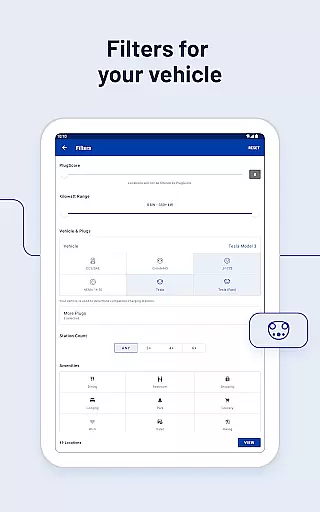
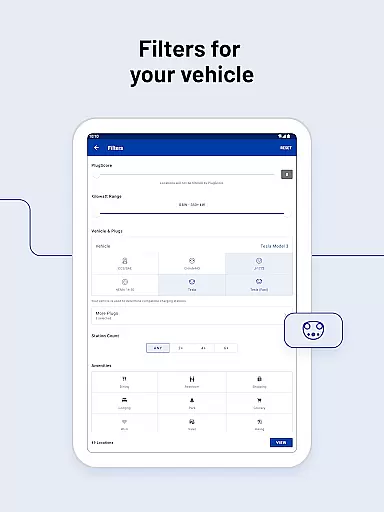
PlugShare stands out with its comprehensive filtering options, allowing users to find charging stations by connector type, speed, and nearby amenities. The app includes a vast database covering networks like ChargePoint, Tesla Superchargers, and Electrify America.
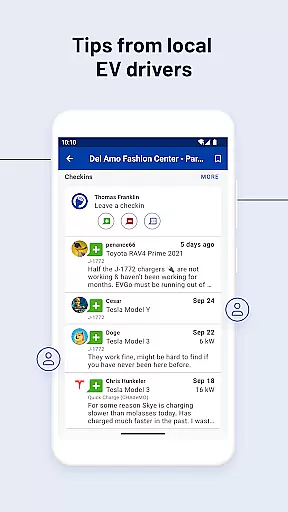
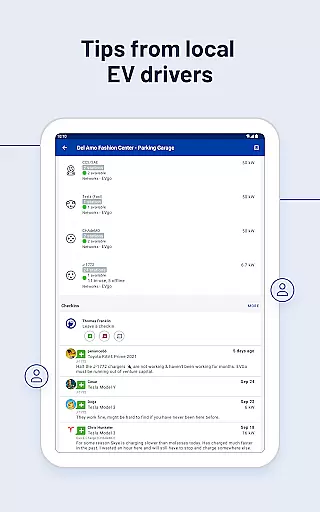
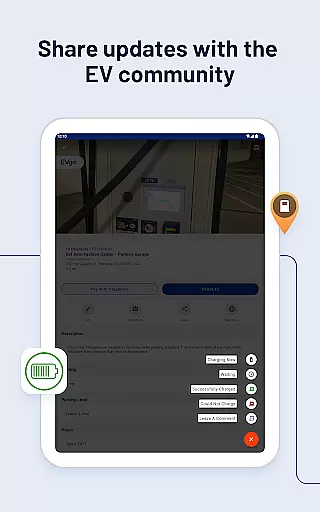
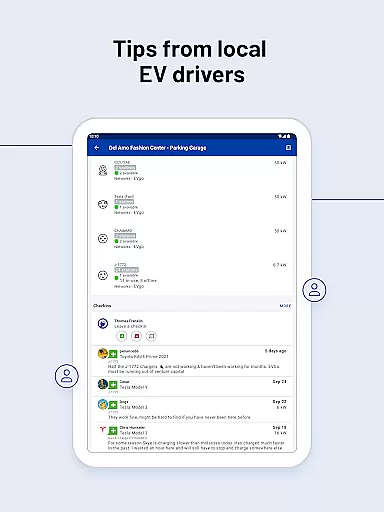
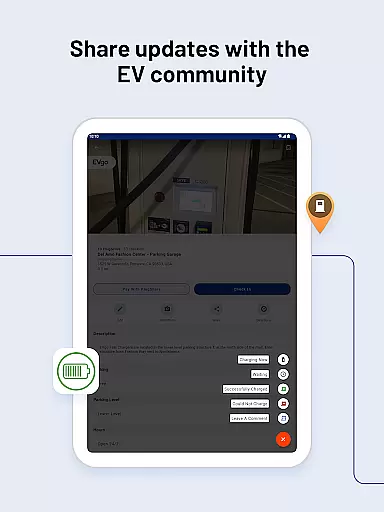
Unique features include Pay with PlugShare for streamlined transactions, Android Auto compatibility for in-car use, and notifications about newly installed chargers near you. These tools empower drivers to efficiently manage their charging needs while contributing valuable insights to the EV community.
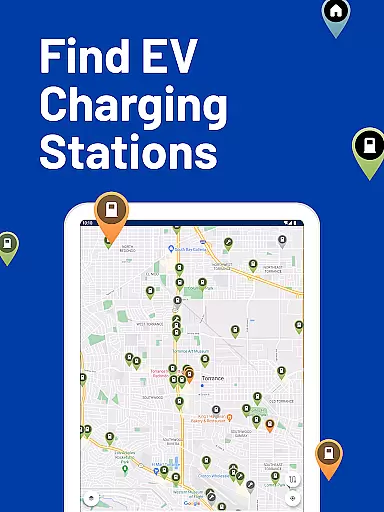
Map accuracy is crucial for electric vehicle (EV) drivers who rely on precise location data to find charging stations. PlugShare excels in this area by offering the most accurate EV and Tesla charging station map available. The platform aggregates data from multiple sources, including real-time contributions from its vast community of EV drivers.
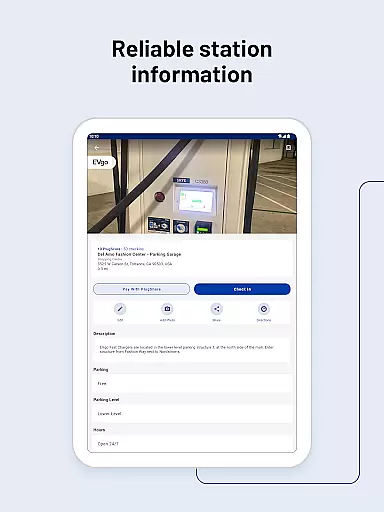
The map's accuracy is further enhanced by detailed station information provided for every major EV charging network across North America, Europe, and much of the rest of the world. Drivers can filter the PlugShare map by plug type, such as CHAdeMO and SAE/CCS, as well as by charging speed, ensuring they locate the most suitable stations for their specific needs.
PlugShare users benefit from the platform's commitment to precision, which helps them make informed decisions about where and when to charge their vehicles. This level of detail not only saves time but also reduces range anxiety, making long-distance travel more feasible and convenient for EV owners.
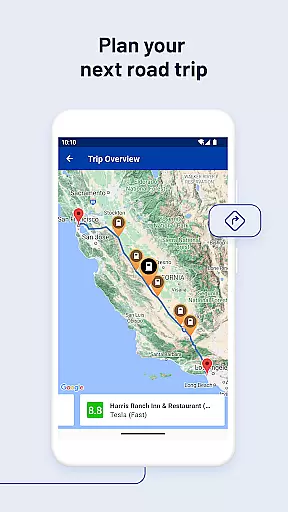
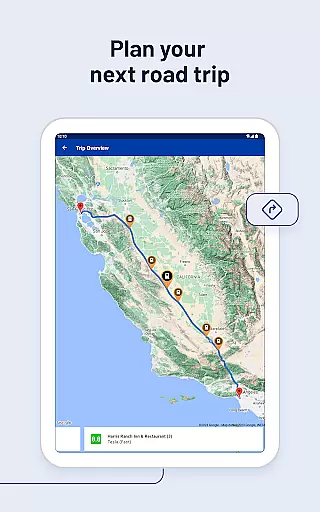
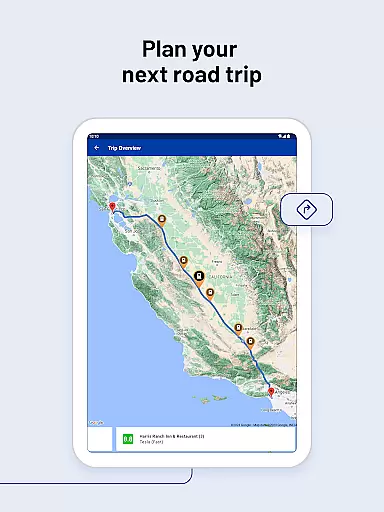
Effective route planning is essential for EV drivers to optimize their travel time and ensure they have access to charging stations along their journey. PlugShare supports this need by enabling drivers to filter for connector types, charging speeds, and nearby amenities like food or bathrooms, thus allowing for comprehensive trip preparation.
The app provides real-time functionality checks and current availability statuses of charging stations, which are critical for reliable route planning. Users can link to their favorite navigation apps to receive directions to their selected chargers, streamlining the process of incorporating charging stops into their travel plans.
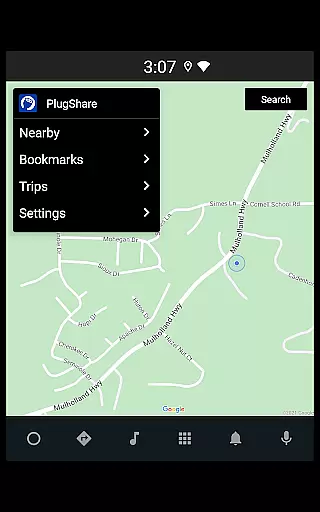
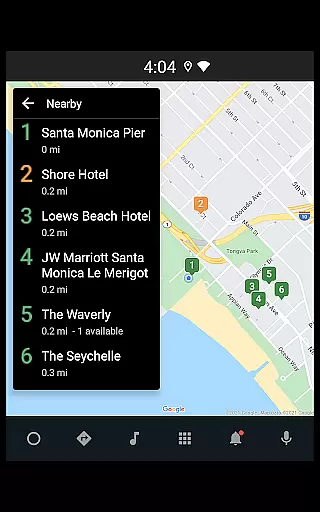
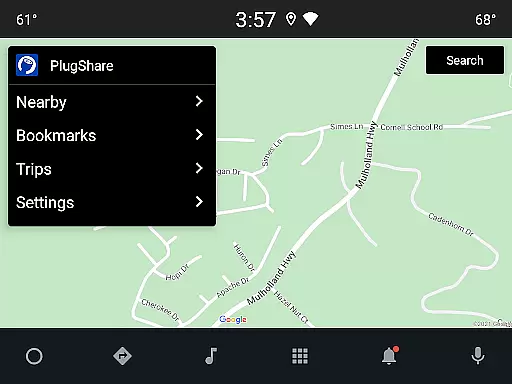
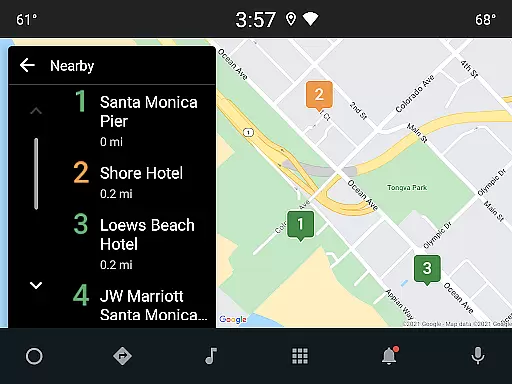
By integrating with Android Auto, PlugShare allows drivers to browse nearby charging locations, bookmarked sites, and planned trips directly from their vehicle's built-in display. This seamless integration enhances the driving experience, providing peace of mind that charging options are always within reach during journeys.
User-friendly interface
Extensive charger database
Real-time availability updates
Pay with PlugShare feature
Active EV community support
Occasional data inaccuracies
Limited rural coverage
Premium subscription costs
Ad-heavy free version
Payment not universally accepted

GPX Viewer PRO shows tracks, routes and waypoints from gpx and kml files.
 4.60
4.60
Find shortest way and save energy . Distance and area calculator.
4.70
Get directions, Maps, GPS navigation & GPS Maps using GPS App
4.10
Maps, Driving Directions & GPS navigation using directions app & GPS App
4.30
Navigate via GPS Maps of GPS Voice Navigation, driving directions to find routes
3.60
Get route, find shortest path, near by places and weather update
3.90
Park in Chicago, NYC, Boston, SF, Houston & more!
4.70
Neshan: map & navigation app with 20M+ monthly active users
4.50
Get there with the Waymo Driver — The World’s Most Experienced Driver™
4.90
Navigate MTA, NJ Transit, MBTA, SEPTA, BART, MARTA, CTA & 900+ cities
4.60
Explore with GPS Navigation with GPS offline, voice GPS, speed camera radar
4.60
America’s largest public fast charging network, with over 500 charging stations.
4.50
Simple & easy to use a compass app. Get accurate directions.
4.20
Lets explore the world's famous places by using Live Cams, GPS & Satellite View.
4.20
Number locator, real connection map
4.10
Navigation, weather, offline maps & tools for smarter, safer travel planning.
4.00
NJ TRANSIT information and ticketing at your fingertips
3.70
Turn your tablet or Android powered unit into a full blow Android Auto headunit.
2.30
Fully offline 1:50k New Zealand topographical map North Island
4.4


User Reviews